

Blades protect skin and cut close even with 3-day stubble
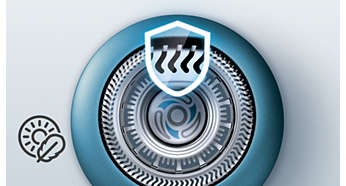
Our updated cutting system has skin protection technology, designed to only cut hair not skin. V shaped blades guide the skin away from the blades for a close smooth shave - even on 3-day stubble.
Replacement reminder
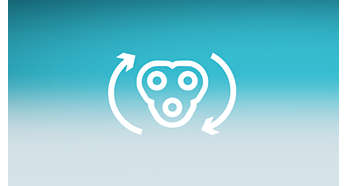
The latest Philips shavers have an inbuilt replacement reminder in the form of a shaving unit symbol. This symbol will light up and indicate you when to replace shaving heads.
Easy to replace shaving heads
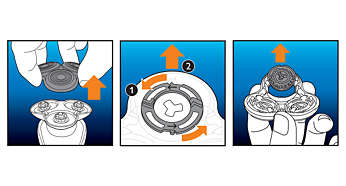
1. Open the shaver by pressing the "release" button; 2. Remove the retainer by turning the lock counterclockwise; 3. Take out the old shaving heads and carefully insert replacements; check that the heads align exactly in the setting; 4. Replace the retainer and secure it by turning the lock clockwise; 5. When you close the shaving head properly, you will hear it click into place.
Reset your shaver after replacing shaving heads
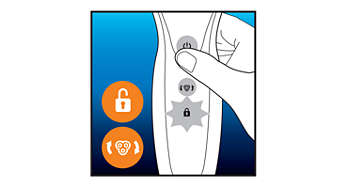
After replacing shaving heads, you can reset the replacement reminder by pressing the on/off button for more than 7 seconds. Otherwise, replacement trigger will turn off automatically after 9 successive shaves.
Reset your shaver to new
To get back to 100% performance, replace your shaving heads every 2 years.
Technical Specifications
Shaving heads
Cleaning