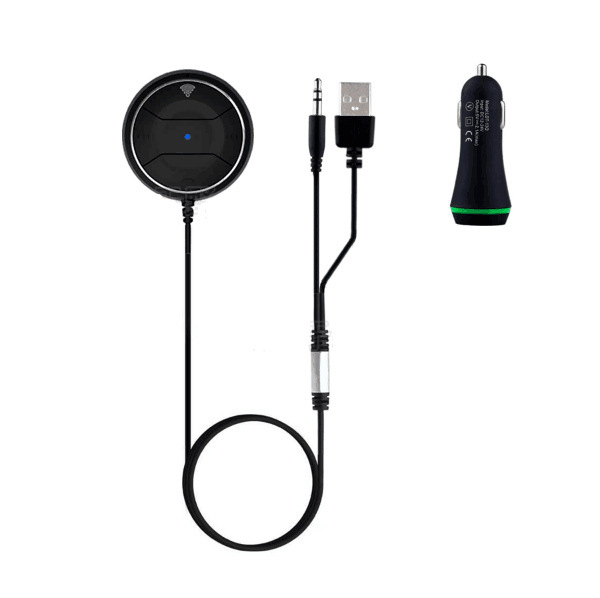
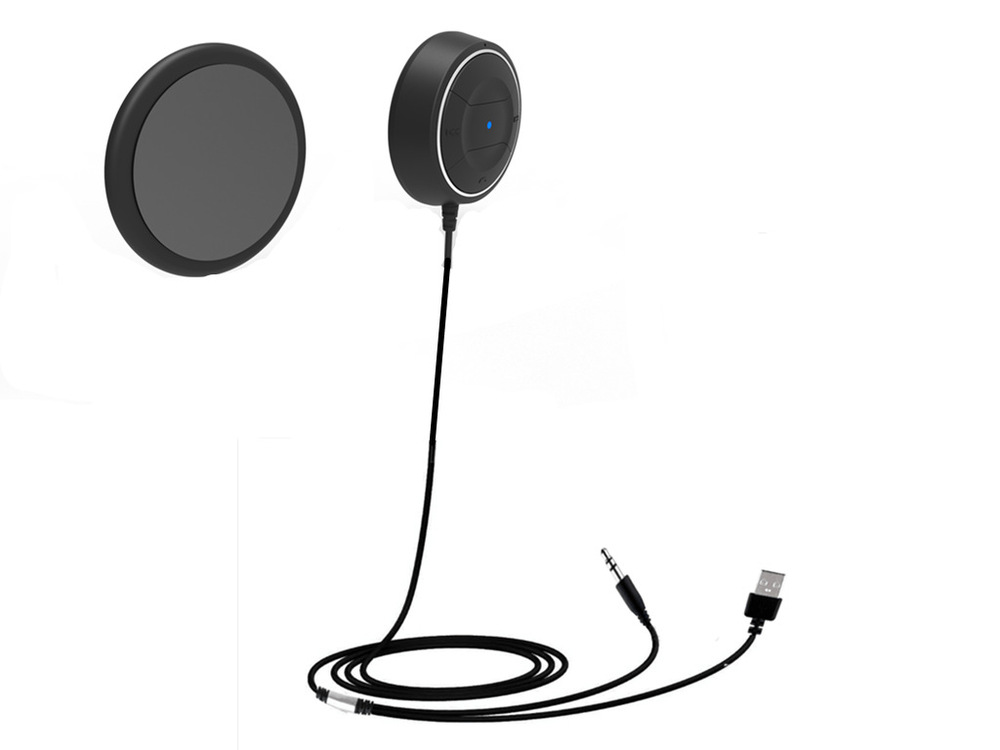
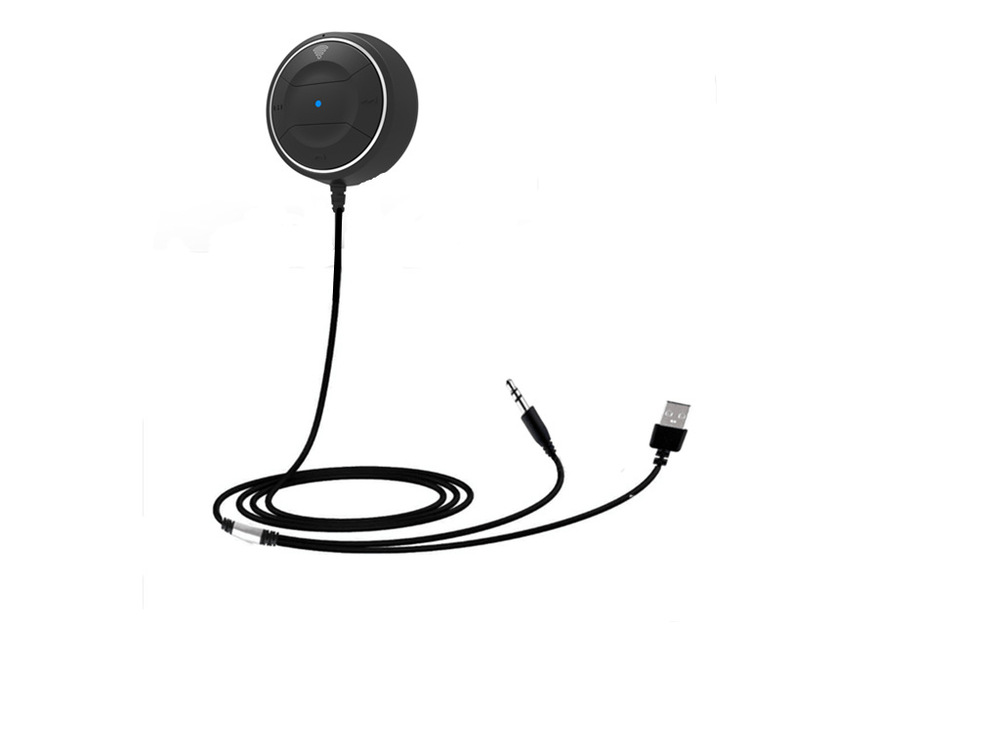
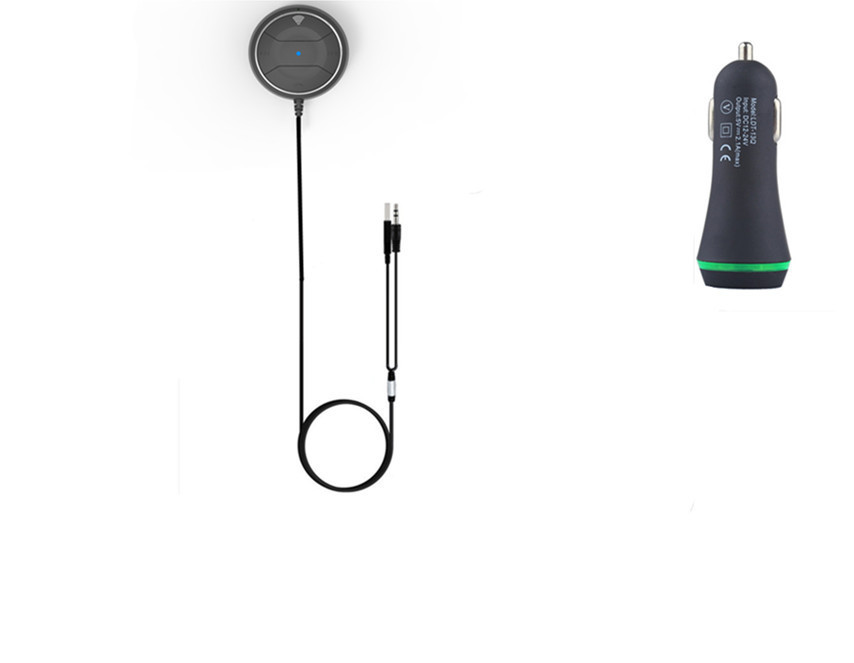
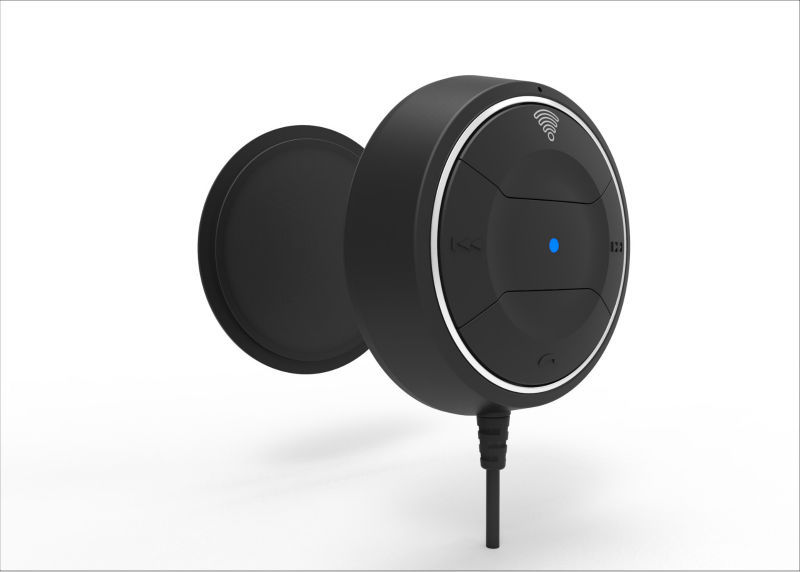
High quality Bluetooth 4.0 Car Kit Hands-free Speakerphone Clip Music Receiver with 3.5mm audio jack + Dual USB 2.1A car charger
Product Feature
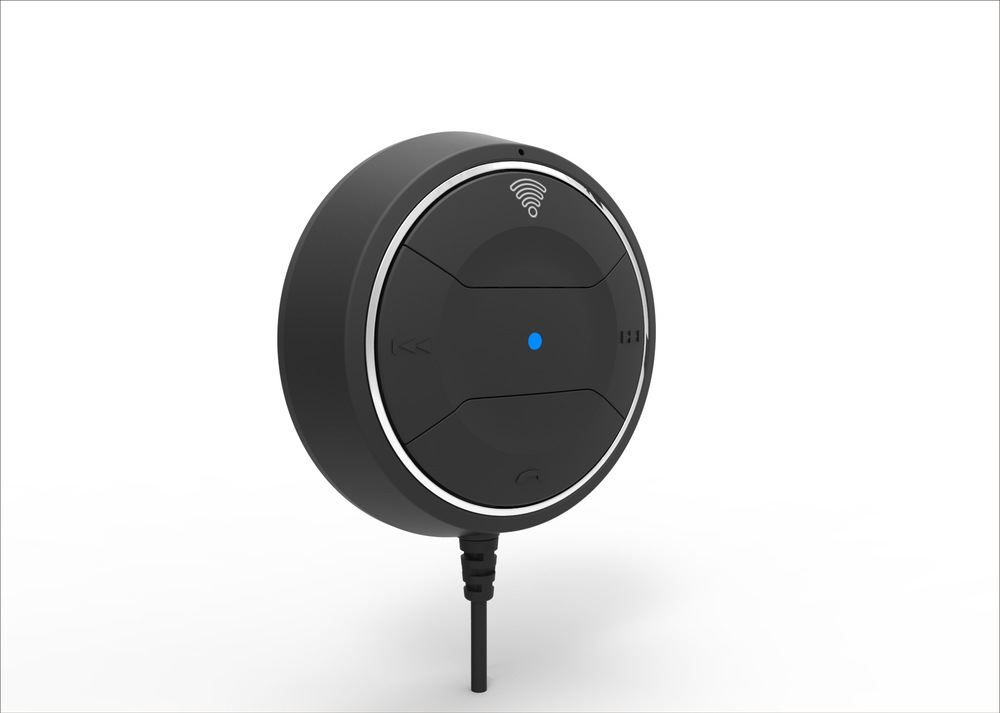
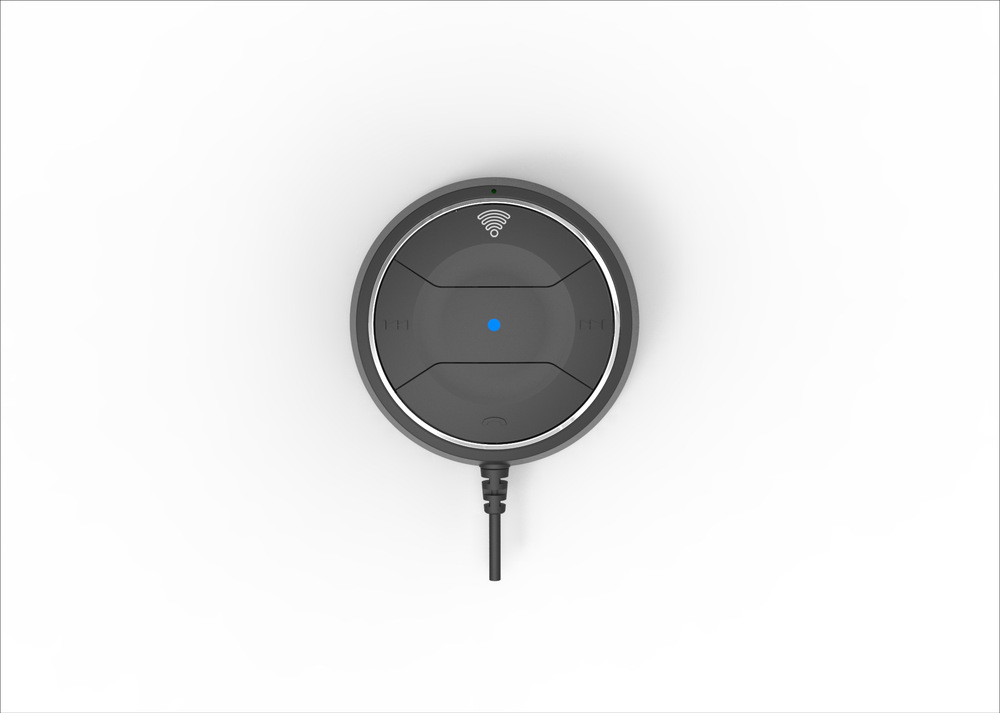
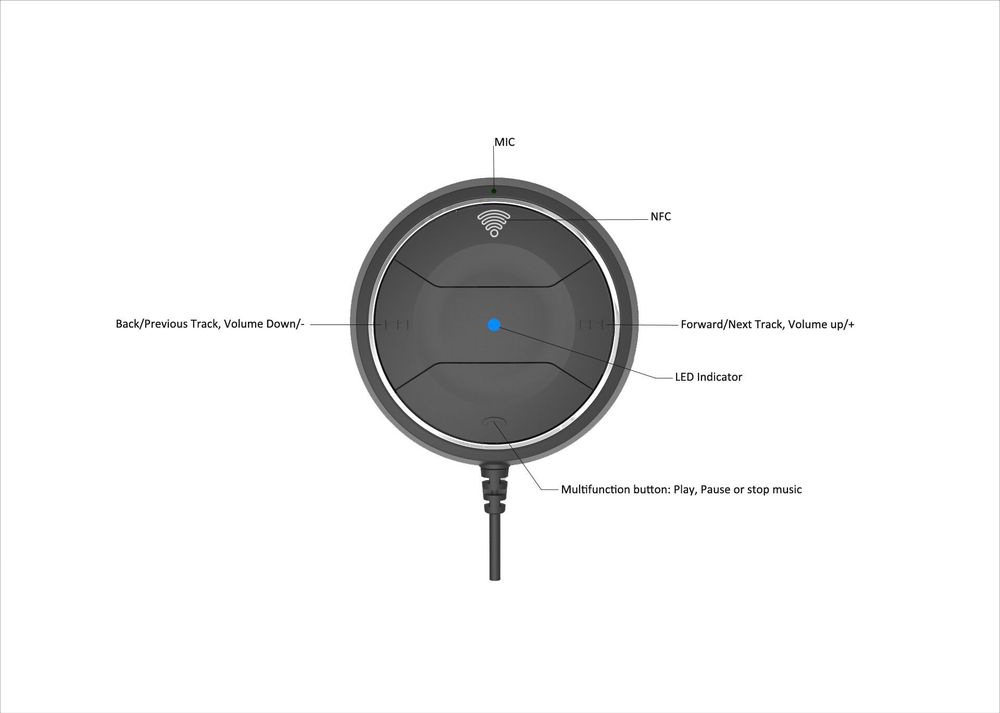
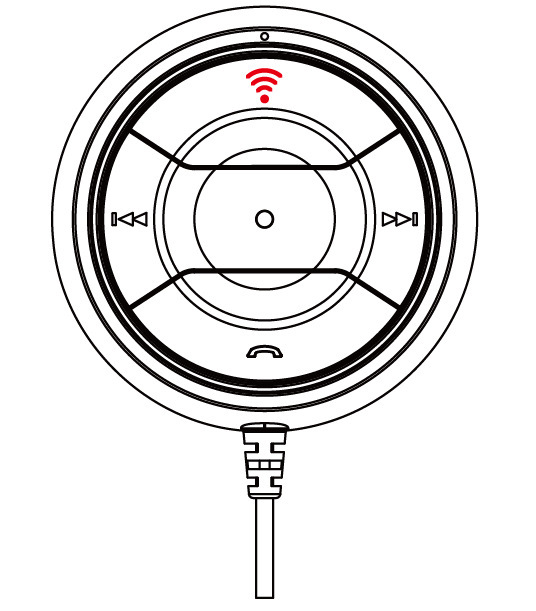
Multifunction button: Play, Pause or stop music
LED Indicator
Forward/Next Track, Volume up/+
Back/Previous Track, Volume Down/-
MIC
NFC
Pairing your Bluetooth Hands-free car kit
•Connect the JRBC01 with speaker by 3.5mm audio cable.
Bluetooth Pairing
•In power off mode, press and hold the multifunction key for 3seconds until LED flashes between Red and Blue alternately.
•Pair with your device via “searching/add new Bluetooth device” on the media device. If a PIN code prompts, enter:”0000”.
NFC pairing
•Switch on the JRBC01 by press multifunction button for 3 seconds
Enable NFC on your mobile phone
•Slide your phone very slowly from top to bottom across the shown area of the right side of the JRBC01 until you hear a beep and a confirmation message comes up on your mobile phone.
Music operation
• Play/Pause: Press once on the multifunction button
• Next song: Press once on “Next” button
• Previous song : Press once on “Previous” button
• Volume up: Press and hold on “Up” button. When a maximum volume, there will be one "BEEP"
• Volume down: Press and hold on “Down” button. When a minimum volume, there will be one "BEEP"
Phone Operation
• Answer a call - On Incoming call, Press once the multifunction button once
• End a call - While in a call, Press once the multifunction button once
• Refuse a call - On Incoming call, Press and hold the multifunction button for 2 seconds
• Redial the last number - Redial by pressing the MFB twice when the phone is paired
• Switch the two call ,press the “multifunction”2 times
• MIC Mute function-press the “Next and previous” button once at the same time
Specifications
Bluetooth version: 4.0
Transmission distance :> 10m
Unit size: 45mm*10mm
Weight:100g
ACCESSORIES
User manual*1
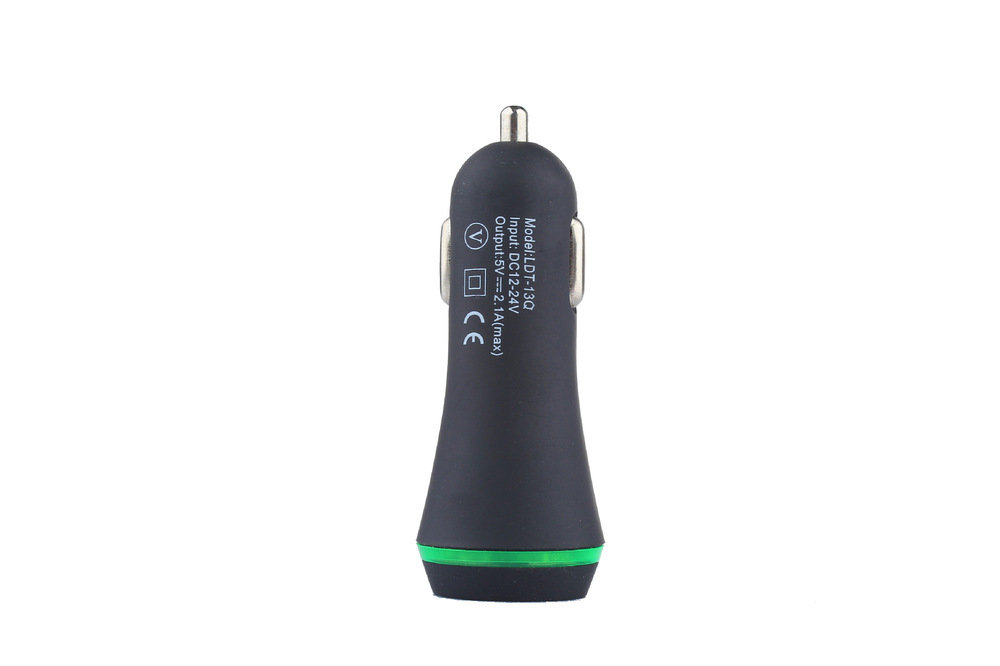
Dual USB 2.1A car charger *1
Output: 3.5mm audio jack