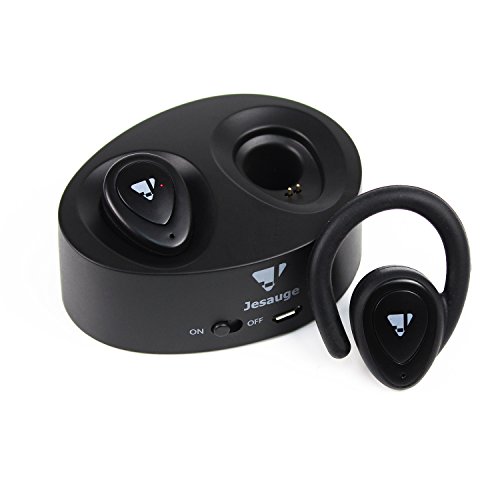
Studio : Jesauge Publisher : Jesauge Binding : Wireless Phone Accessory Product Description
How to Use Jesauge Wireless Bluetooth Earbuds:
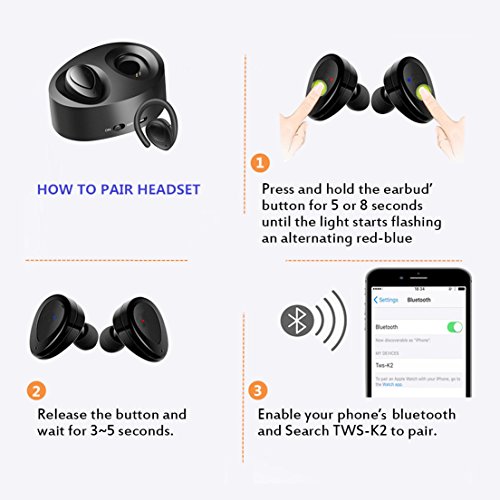
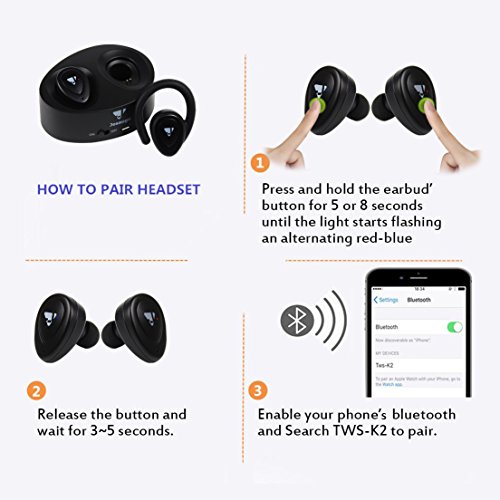
1:Press and hold the earbud' button for 5 or 8 seconds until the light starts flashing an alternating red-blue.
2: Release the button and wait for 3~5 seconds.
3: Enable your phone's bluetooth and Search TWS-K2 to pair.
Power Off/On
Press and hold the earbud's button until the earbud Led light flash red/ red-blue.
How to set the language
1: Press the earbud' key to power on;
2: Quick clicks the earbud' key for twice, then the voice speaking will change into English voice speaking.
Specific:
1. Model Number: TWS-K2
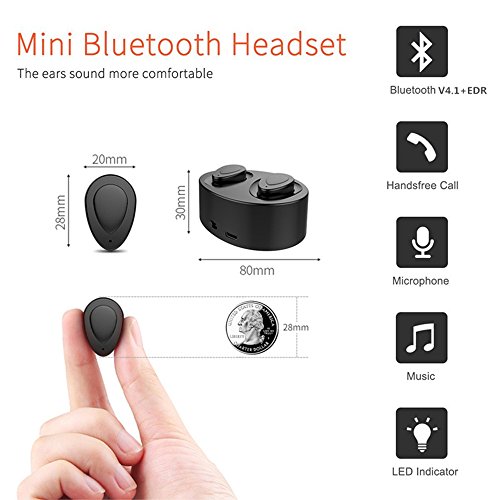
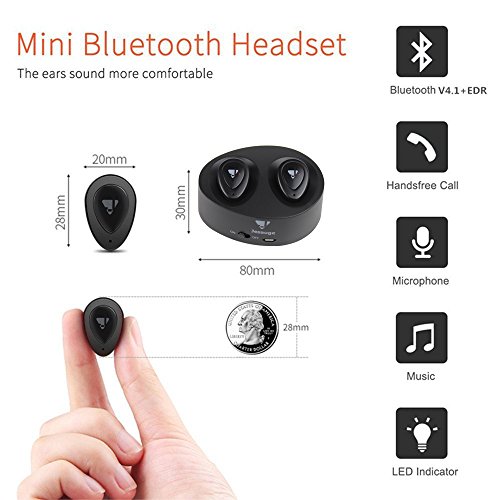
2. Bluetooth Version: V4.1 EDR
3. Earbuds Size: 28 X 20 X 28 mm
4. Earbuds weight: 4g * 2
5. Stand By: 40Hrs
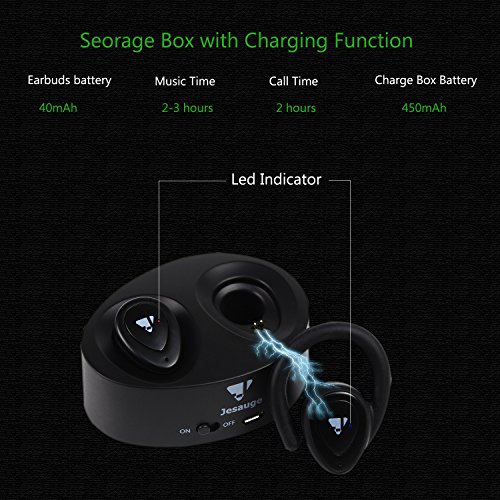
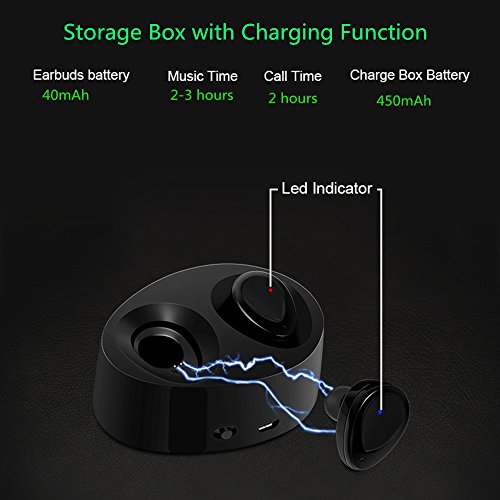
6. Music Play Time: 2.5-3Hrs
7. Calling Time: 2Hrs
8. Charging Box Capacity: 450mAh (approximate self-charge3~5 times)
9. Charging Case: 80*60*30mm
Package Included:
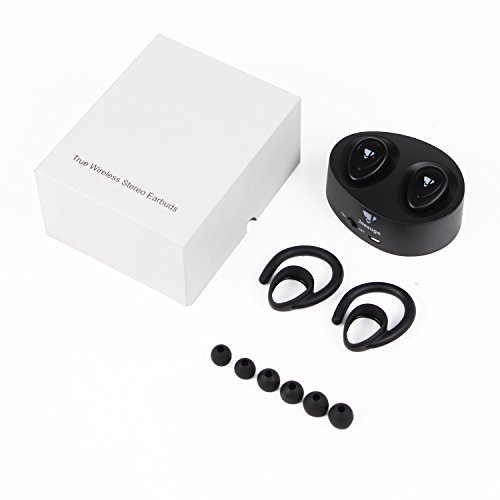
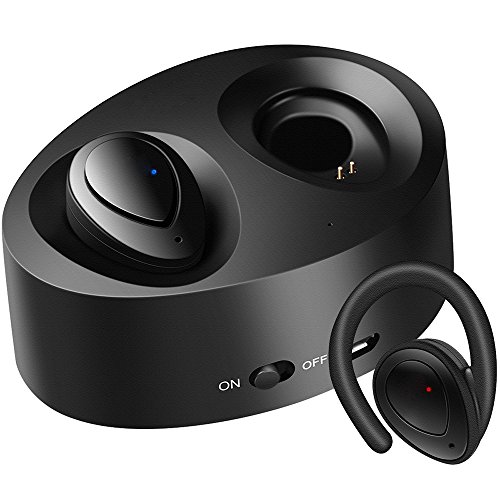
2 X Wireless Earbuds
3 x Spare Ear Tips
1 Set x Ear Hooks
1 X USB Charging Cable
1 X Instruction Manual
We provide 12-month warranty and friendly customer service.ANY ISSUES PLEASE CONTACT US FIRSTLY.
0
|