
Item Descriptions:
color:
Silver color
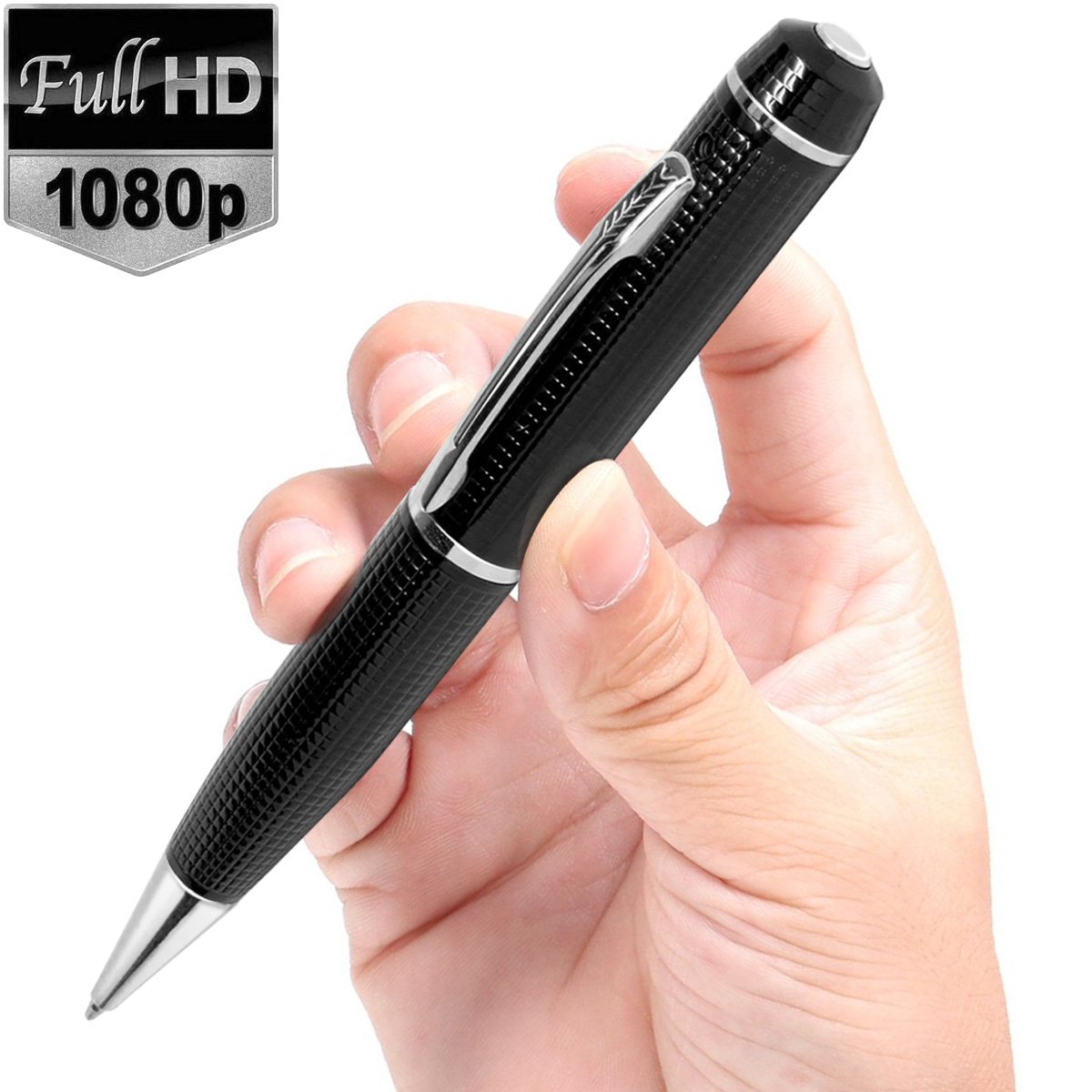
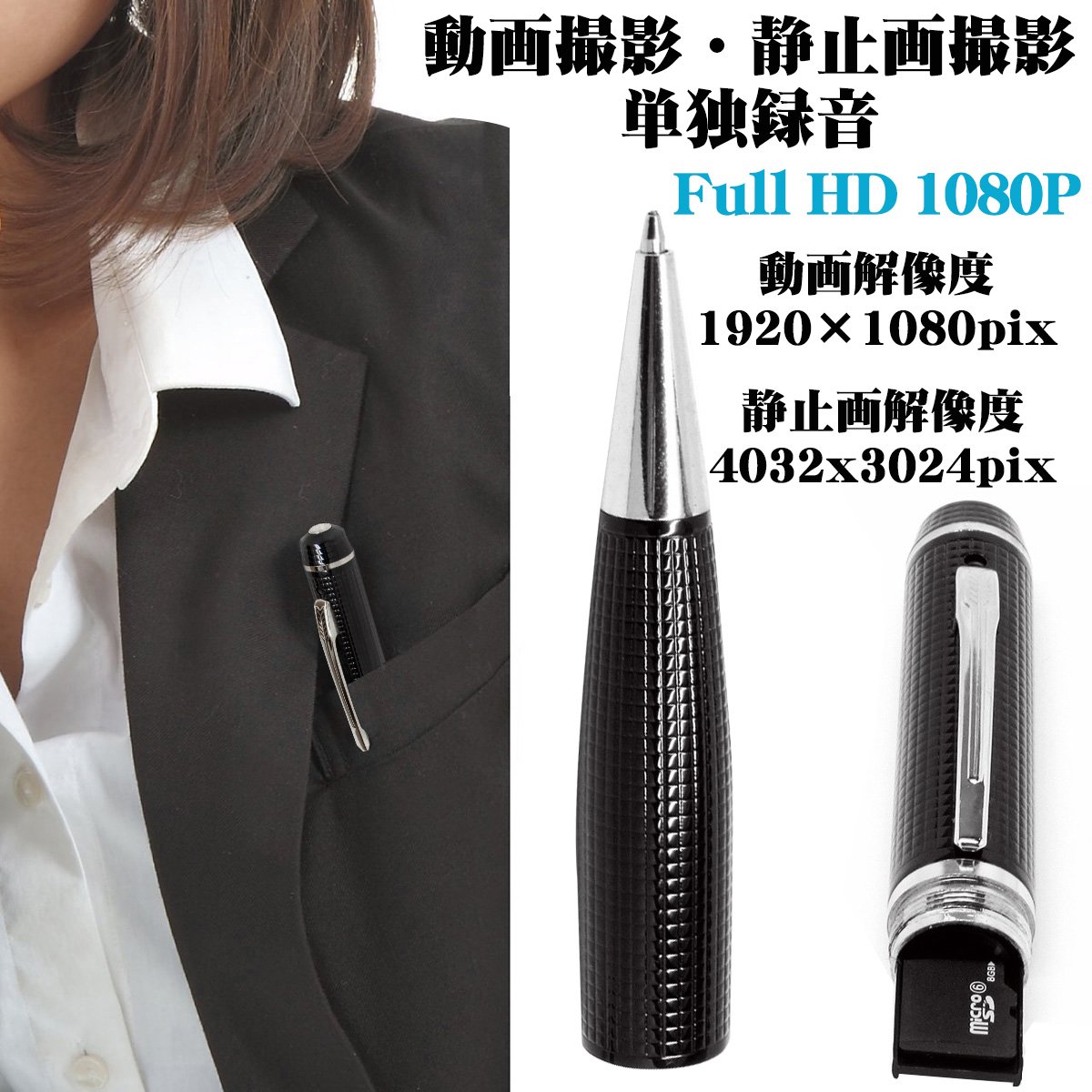
Because of the small size of the pen model, it is convenient to carry, it has a luxurious design, it can be used in various business scenes such as suit breast pocket,
In addition, you can use it as soon as it arrives that customization function that you can fine-tune your favorite shooting method and arrived.
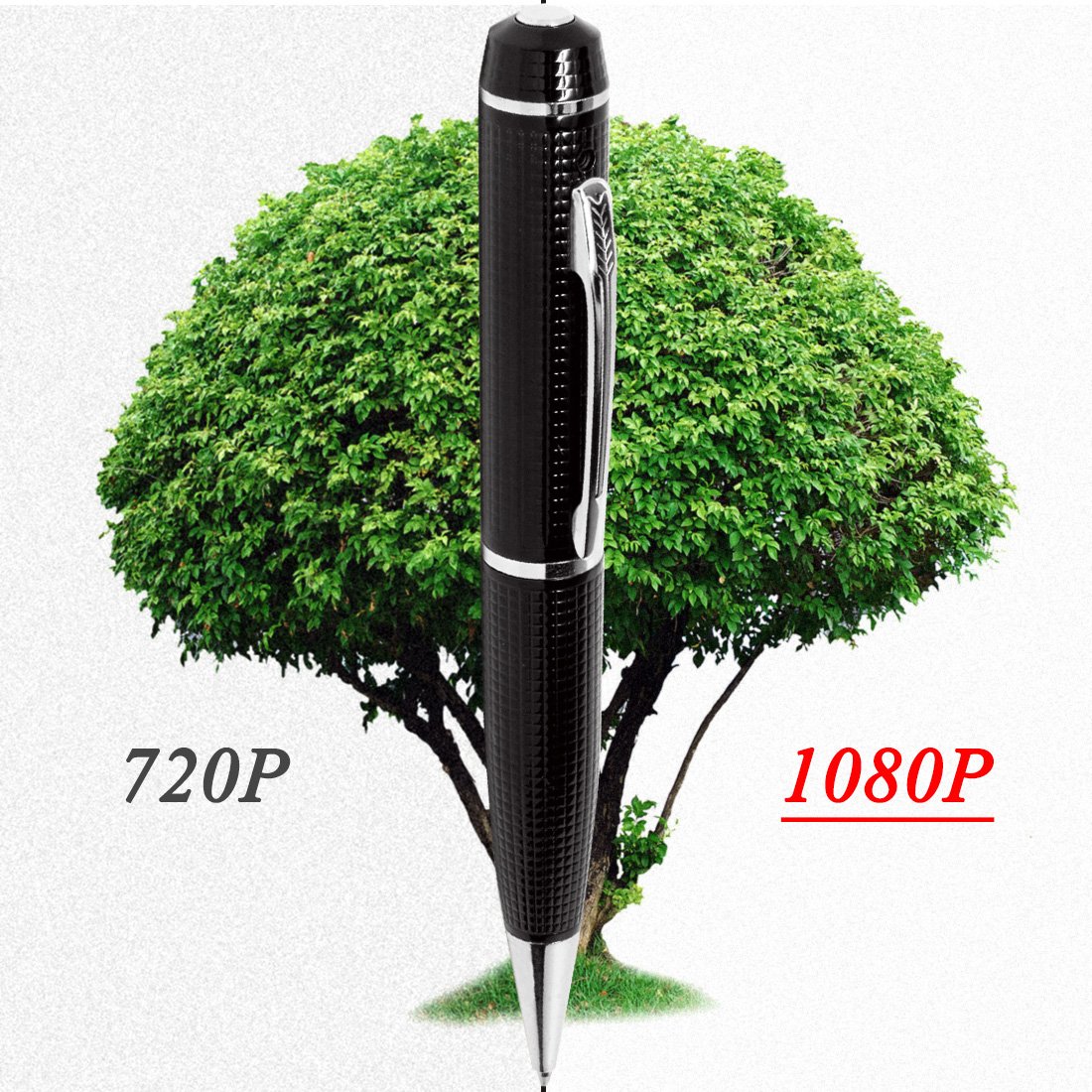
● Movie size realizes high-quality recording of full HD 1080P, ● Easy to use even people who are not good at operating the machine.
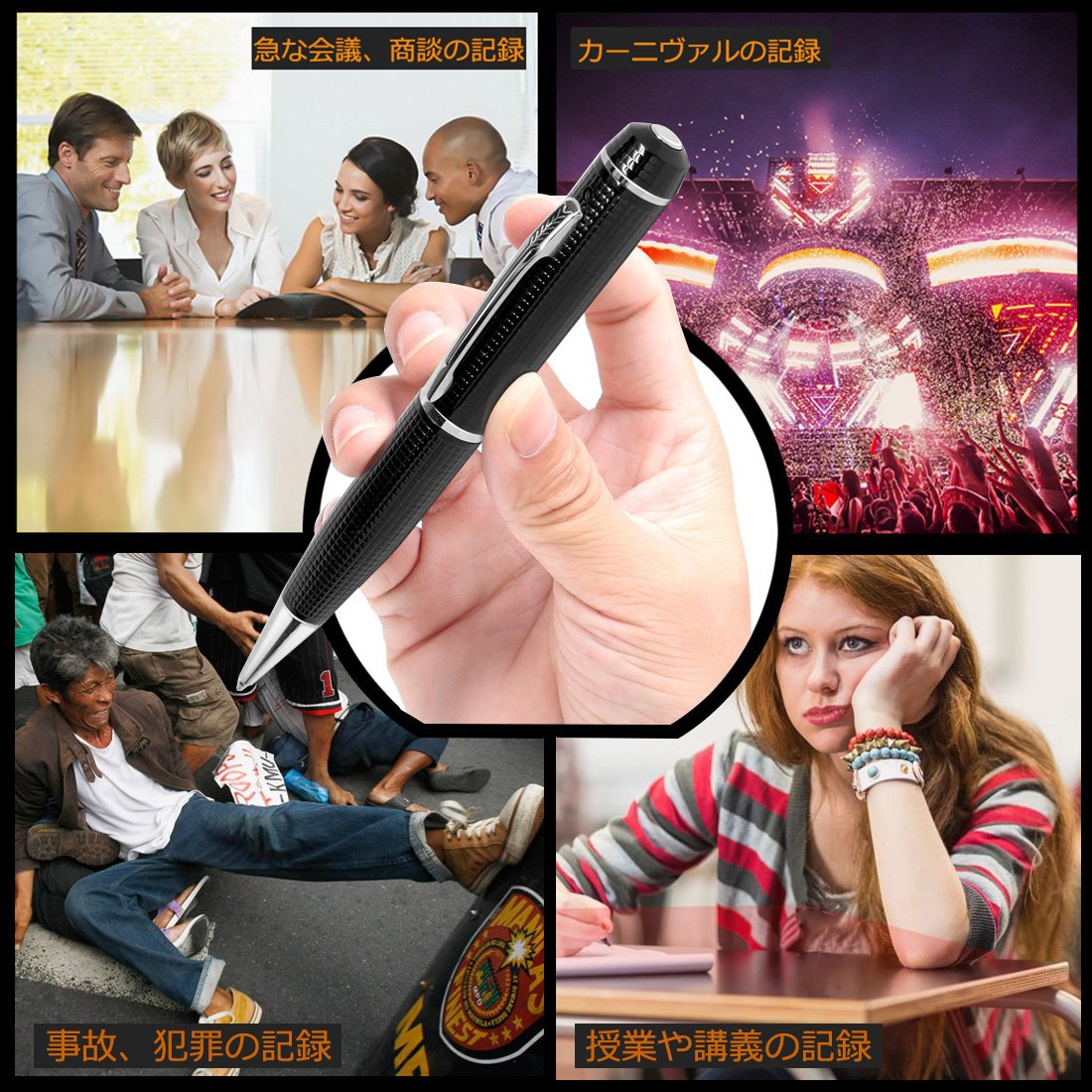
● Spy items in movies are reality, dream spy items that also use professional detectives.
● Evidence collecting items to protect yourself in daily life such as stalkers and suspicious people, DV damage etc.
Introduction
This instrument has a built-in lithium battery, please use it before charging for the first time before charging.
Caution:
Even when not using the product, the battery may be exhausted.
Please check the presence or absence of the remaining battery in use, if the battery becomes low, if the TF card is full, the yellow / blue lamp blinks quickly, then switch to direct protection status.
Recorded files are already saved.
Please charge this equipment at this time.
Product specification
Video format: AVI
Video code: M-JPEG
Video Resolution: 1920 * 1080 P
Still image resolution: 4032 x 3024 P
Video frame rate: 30 fps
Image format: JPG
Video Proportion: 16: 9
Built-in microphone: New high-performance microphone
Charging voltage: DC-5V
Interface type: USB 2.0
Save support: SD card 4 GB to 32 GB compatible
Battery type: High capacity polymer lithium battery
Media player: Operating system included, or mainstream audio / video media player
Supported OS: Windows 10 / 8.1 / 8/7 / Windows me / 2000 / xp / 2003 / vista; Mac OS; Linux
【Easy operation】
To operate, long press and short press the head part, turn on, shoot with the auto recording function and with the recording off lamp function.
Recording:
After the microSD card is inserted, in the recording mode, long press the power button, the yellow / blue lamp lights up at the same time approximately 2 seconds, then when the blue lamp blinks three times, the recording can start automatically
recording:
After the microSD card is inserted, in the recording mode, long press the power button, the yellow / blue lamp lights up at the same time approximately 2 seconds, then when the yellow lamp flashes three times and then it disappears, the recording can start automatically
photography:
After the microSD card is inserted, when the yellow lamp lights up in the photo mode, press the power button for a short time (if you press and hold the power button for a long time, it will be recording), if the blue lamp flashes once,
I took a picture of it.
Playback
When this device is inserted in the USB interface of the PC, the PC pops up the mobile disk icon after a few seconds.
When the yellow lamp flashes, the USB facility is recognized and data can be transmitted.
(The attached USB cable is only charging the device, you can play it).
Presentation:
a. If you can not recognize the PC after connecting the device to the PC or do not pop up the mobile icon even after 30 seconds, reset this device and insert it again.
b Recommend using the card reader of the microSD card to directly read and play the video file.
When directly reproducing the video file stored in the internal memory of this recording device by USB connection, there is a possibility that the data quantity is excessive, the transmission speed is slow, and the reproduction can not be performed smoothly.
If the microSD card is not recognized, format it.
Time correction setting
When connecting to a PC, open the "time" folder that can be used as a U disk, set the time format according to the method at 2016.01.01 00: 00: 00, and set the time format between year, month, day and hour, minute, second
Divide by space.
Then save it.
The time set for the video file became the same as the set time.
Note: After the time setting is good, it will surely come into force after starting the machine again.
reset:
This device can be reset to this device if it becomes freeze, button invalid, it can not be used normally, and so on.
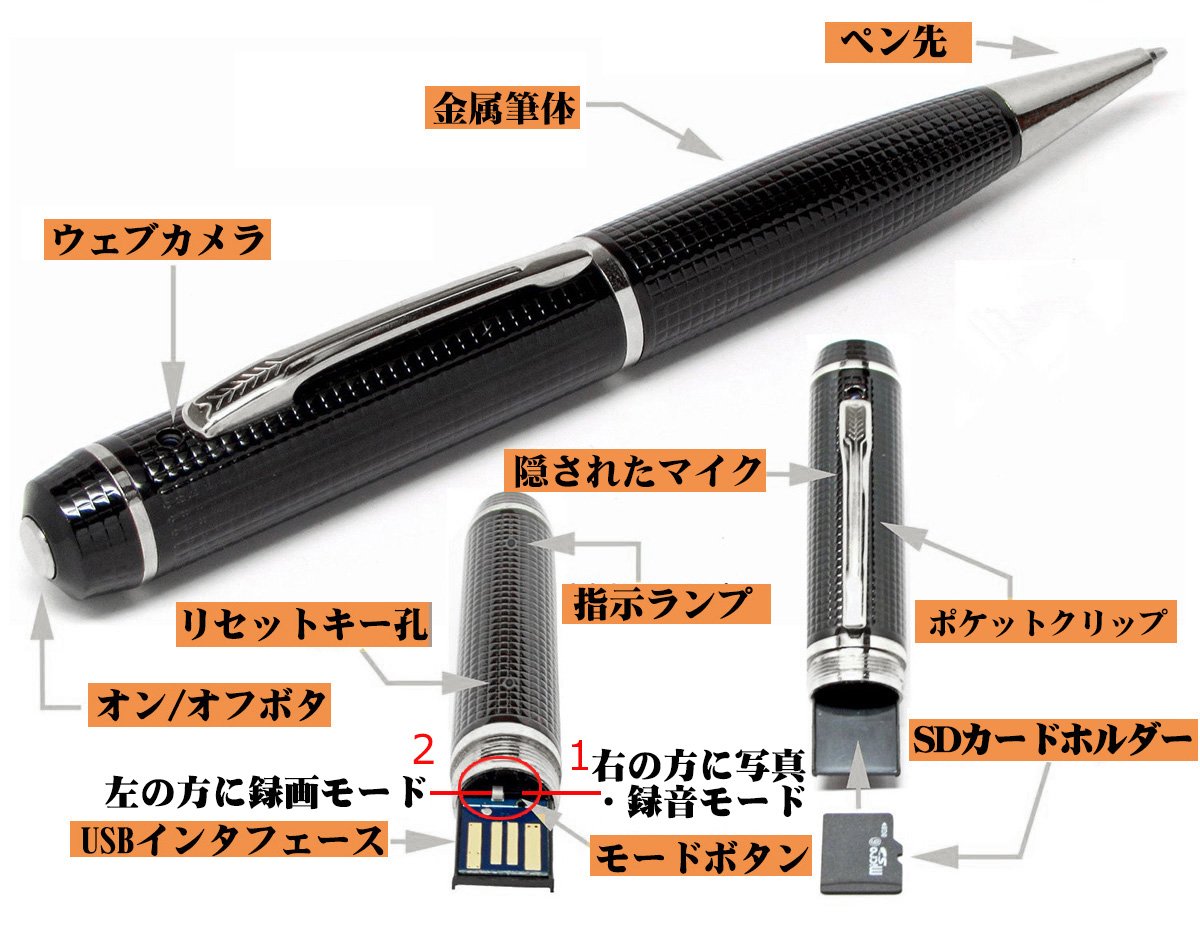
Please insert it in the reset hole with a kind of pin, reset it if the indication lamp is annihilated.
After resetting, it can be used normally.
Mode switching
First, switch the mode according to need,
The left side of 2 is the recording mode.
The right side of 1 is the photo · recording mode.
Switch off (
FF)
The mode button shifted to "2" on the left, in the recording function mode
(Switch the mode button to "1" on the right side (
FF) can not be done)
, Press and hold the head button for about 3 seconds, turn on the switch when the blue / yellow lamp blinks three times at the same time,
About inserting microSD card
Insert the metal terminal of the microSD card at the back of the SD card holder of the product.
Please pull out when you take out.
If microSD card is not inserted, malfunction may occur, please turn on this product when inserting microSD card.
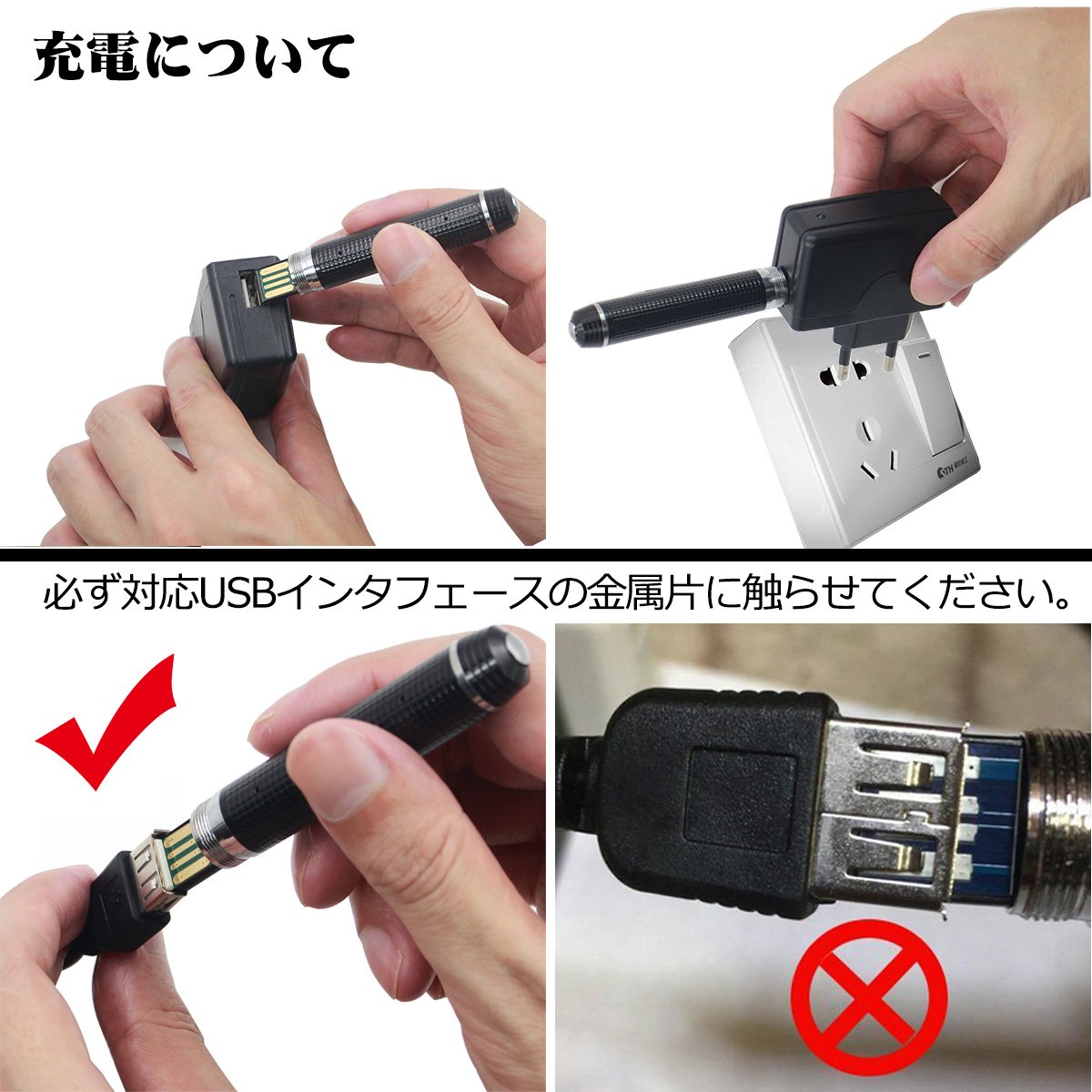
About the USB terminal of the product body,
Connect to PC, charge to connection with AC adapter,
Charging with attached charging USB cable, etc.,
Metal piece of the USB terminal of the main unit always touches the metal piece of the corresponding USB interface
set content
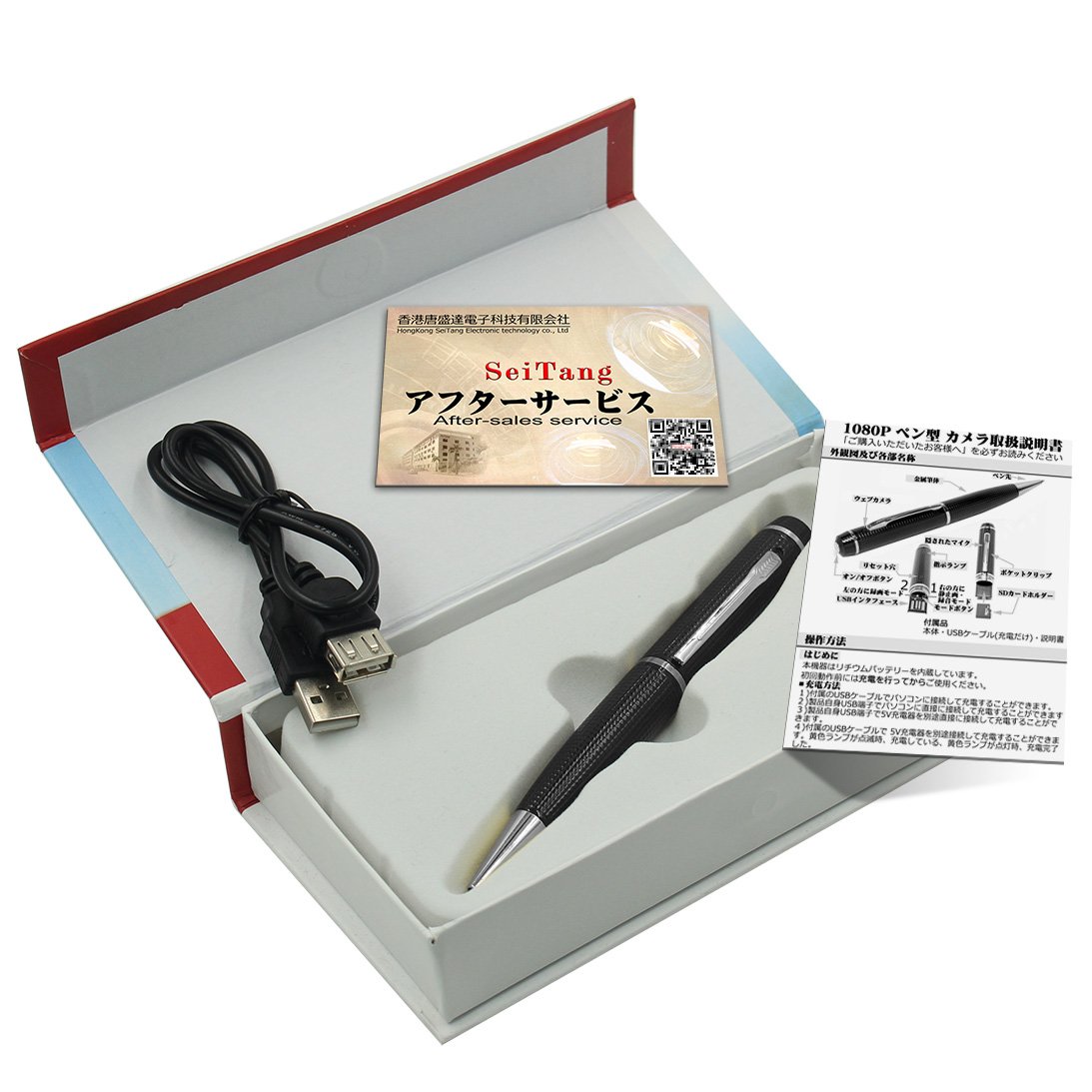
1. Product body 2. USB cable (charging) 3. Operation manual 4. Service card
The ability to write a pen character
You can put out the core of the pen that rotated the pen tip, you can return the pen's core that rotated the pen tip in the reverse direction.
Discharge ink of the core of the pen, replace the core of the pen, pull out the pen tip, change the core of the same pen.
Cleanliness requirement:
Do not use the lens and other parts in excessive environmental conditions because it may adhere to dust and affect shooting.
Features:
- Please enter model number Confirm this is compatible:
- 【Product function】 This product can be used as video (movie and sound) & single recording & camera (picture) & ballpoint pen with just one product, operation is long press and short press of the head part.
- 【High Resolution】 You can shoot movies at the highest level of still image 4032 x 3024 pix, movie resolution 1920 x 1080 pixels 30 fps with pen type camera.
- 【Realistic appearance】 Due to the small size of pen type model, it is convenient to carry, design with luxury, you can use it in various business scenes such as suit breast pocket.
- 【Easy operation】 Operation is long pressing and short press of the head part, turn on, secure with photographing function and with recording lamp off function.
- In addition to this, it also covers a wide range of other functions such as a customization function that you can fine-tune your favorite shooting method, a large capacity 32GB built-in memory that you can use immediately on that day, ultra-fast file transfer that is light and stressful
Product information:
Shipping Weight: 99 g
Package Dimensions: 3.20 x 8.79 x 17.20 cm
SHIPPING METHOD
Delivered directly from Japan by Japan Post. It will take 3 to 5 business days to prepare the order for shipping. We guarantee careful packing and safe shipping.Please note that in some cases additional import or VAT charges may incur and have to be borne by the client.
1. Japanpost registered mail
Shipment by Japanpost Registered Mail (Standard). Trackable any time with tracking number. Insurance is not available. Delivery time usually is between 1-3 weeks from the date of dispatch. Some items are not eligible for Standard Shipping.
2. Qxpress Standard
Shipment by Qxpress standard service. Trackable at any time with tracking number. Registered and insured up to a value of item price and shipping fees.Delivery time is usually between 5-10 business days from the date of dispatch.
3. EMS
Shipment by Expedited Mail Service. Trackable at any time with tracking number. Registered and insured up to a value of $200 and usually delivered in 2-6 business day from the date of dispatch.

| Japanpost registered mail | Qexpress | EMS | |
|---|---|---|---|
| Shipping Method | Japanpost Registered Mail (Standard) | Standard Qexpress | EMS (Expedited Mail Service) |
| Trackable | Yes | Yes | Yes |
| Insured | N/A | Yes (Up to item price and shipping fees) | Yes (Up to $200.00) |
| Asia | 1-3 weeks | 5-10 days | 2-5 days |
| Oceania; North America; Central America and the Middle East | 2-4 weeks | 6-14 days | 2-6 days |
| Europe | 2-4 weeks | 6-16 days | 3-8 days |
| South America and Africa | 2-4 weeks | 10-18 days | 4-8 days |
NOTICE:
- For overseas delivery, please be aware that damage to the outer box can be seen.
- If you would like to avoid as much damage as possible, please choose the EMS shipping method.
"According to Qoo10 guide line,overseas shipping fees will be charged to you extra if you choose Qxpress standard shipping.We recommend you to compare the total price of your purchase with EMS."
