
Original KONNWE KW590 Featuring the unique patented One-Click I/M Readiness Key, TFT color display and built-in speaker. The KONNWE KW590 is truly the ultimate in ease and affordability, enabling users to verify repairs, road test, check State, Emission Monitor Status and solve basic engine and drive ability problems. It is work better than AUTEL AL319 or ELM327
KONNWE KW590 Functions & Features:
1. Features the unique patented One-Click I/M Readiness Key for quick State Emissions readiness check and drive cycle verification
1. Features the unique patented One-Click I/M Readiness Key for quick State Emissions readiness check and drive cycle verification
2. Bright color coded LEDs and built in speaker provide both visual and audible indication for readiness verification
3. Retrieves generic (P0, P2, P3, and U0), manufacturer specific (P1, P3, and U1) codes, and pending codes
4. Easily determines the cause of the Malfunction Indicator Light( MIL)
5. Turns off Malfunction Indicator Light (MIL), clears codes and resets monitors
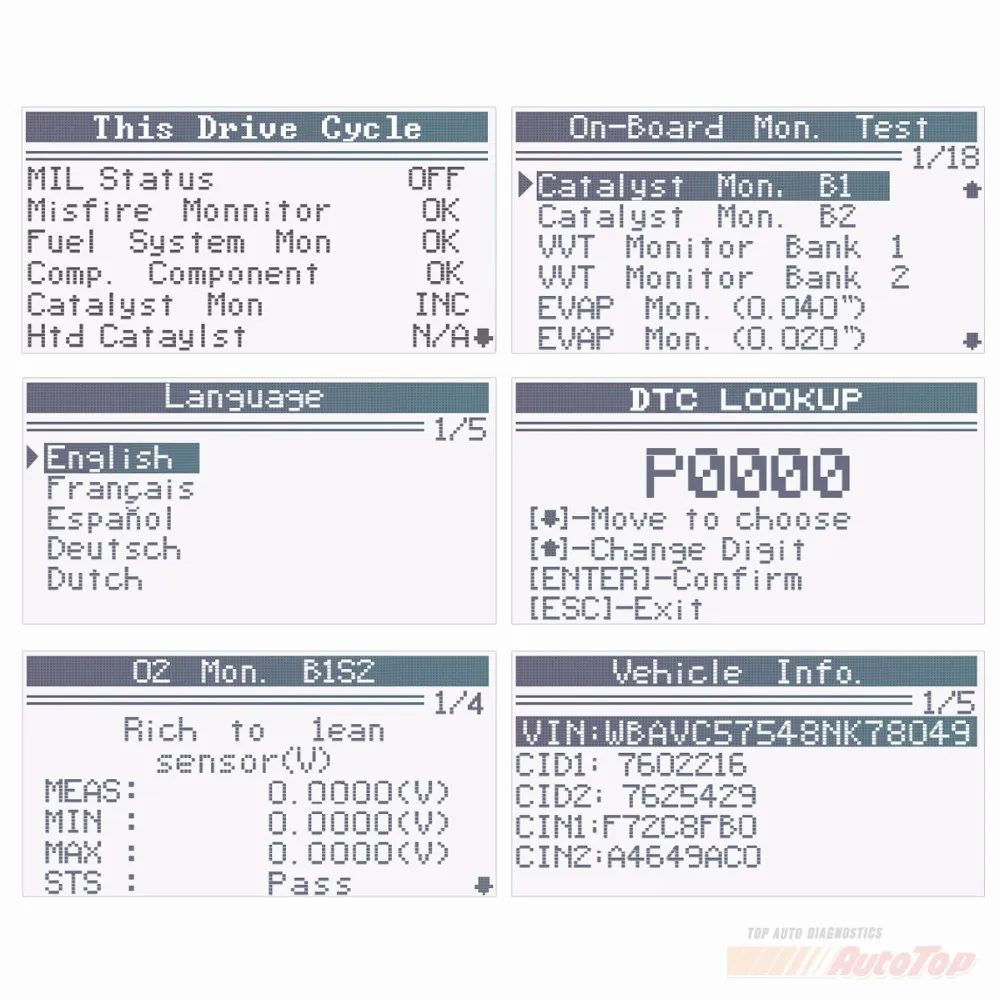
6. Displays DTC definitions on the TFT color screen
7. Views freeze frame data
8. Displays monitor and I/M readiness status (emissions)
9. Reads live PCM datastream
10. Retrieves vehicle information(VIN, CIN and CVN)
11. Multilingual menu and DTC definitions
12. Extremely easy to use and highly reliable
13. Internet updateable and upgradeable
13. Support printed via PC
OBD2 Car Diagnostic-Tool KONNWE KW590 Support Car Makers
American Car makes: Works on obd2 car from 1996 to now
If you want to know whether your car is standard OBDII vehicles or not (fit for ELM327), please leave us message in this format, "Audi, a4, 2002, 2L ", we will reply you within 12 hours.
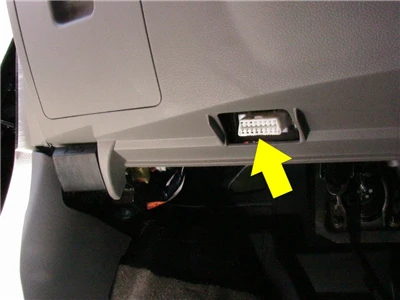
OBD2 Car Diagnostic-Tool KONNWE KW590 specification
How to Printed KONNWE KW590 ?
The Printed Date function allows printing out diagnostic date recored by the scan tool or customized test reports
To printd out retreved date , you need following tools :
1. Scan tool
2. A PC or laptop with USB ports
3. A USB cable
1.Downloading the applications from our website :www.itoscanner .com or our distributors site
2. Connect the Scanner to computer with the USB cable supplied
3. Run uplink .exe in you computer
4. Use the UP/down scroll button select printed date from main menu in the scan tool, and press the Ok button

How to Update KONNWE KW590 ?
1. Please plug the USB to you pc and connected the konnwei kw680 .Meanwhile press any button of KW680, you will see below pictures shows.
Notice: Please turn off anti-virus software when installing, otherwise it will not be able to install the driver properly

2. Please search this webiste www.itosaanner download this software ,you will see below pictures shows. and click checked update

3. Wait for the update process finished, the scanner KW680 will be ready to go! we will update to latest version before shipping out, normally there is no need to update for a long while.







1*OBD2 Car Diagnostic Tool KONNWE KW590
1* User's Manual in English
1* OBD2 Cable
1* USB Cable