Item Descriptions:
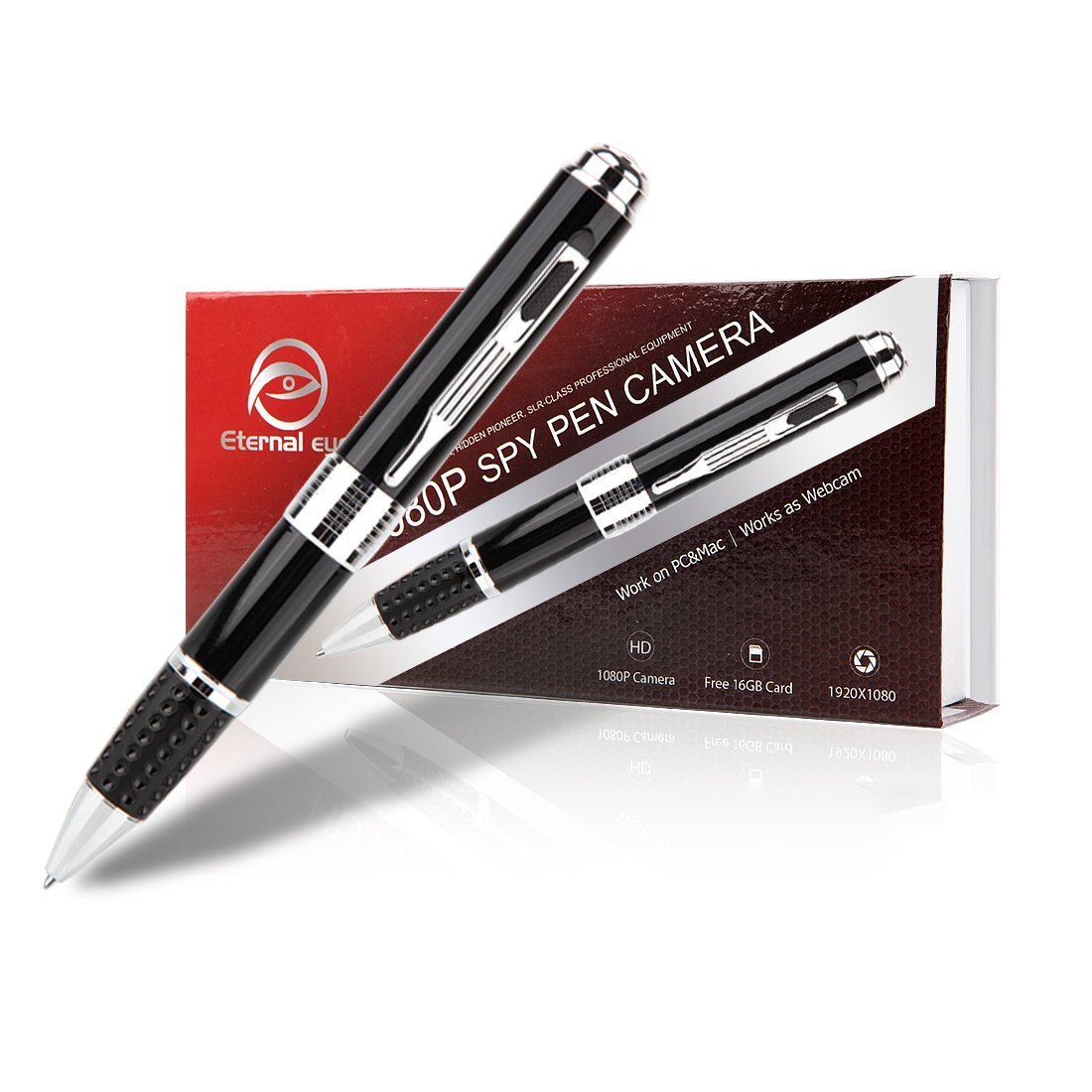
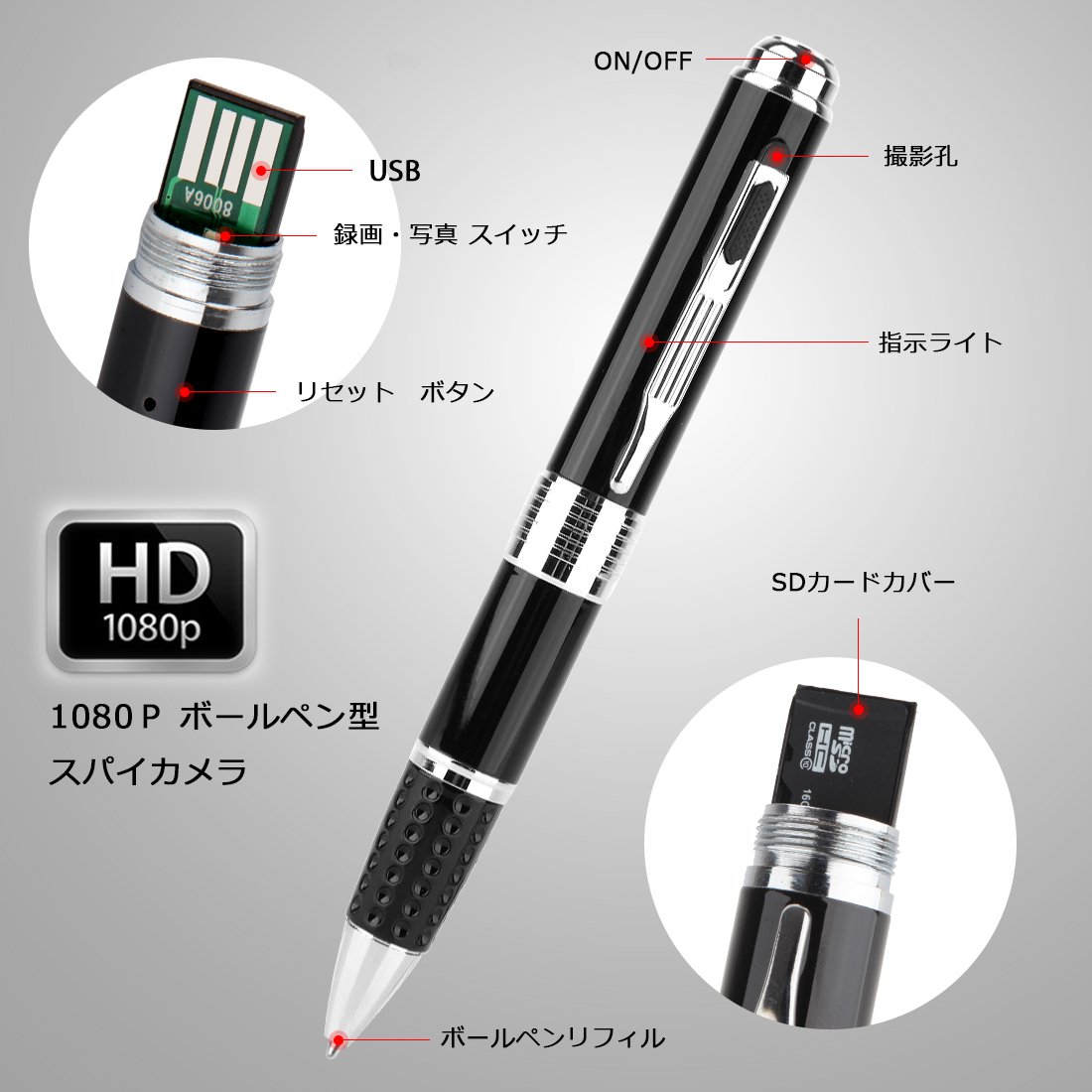
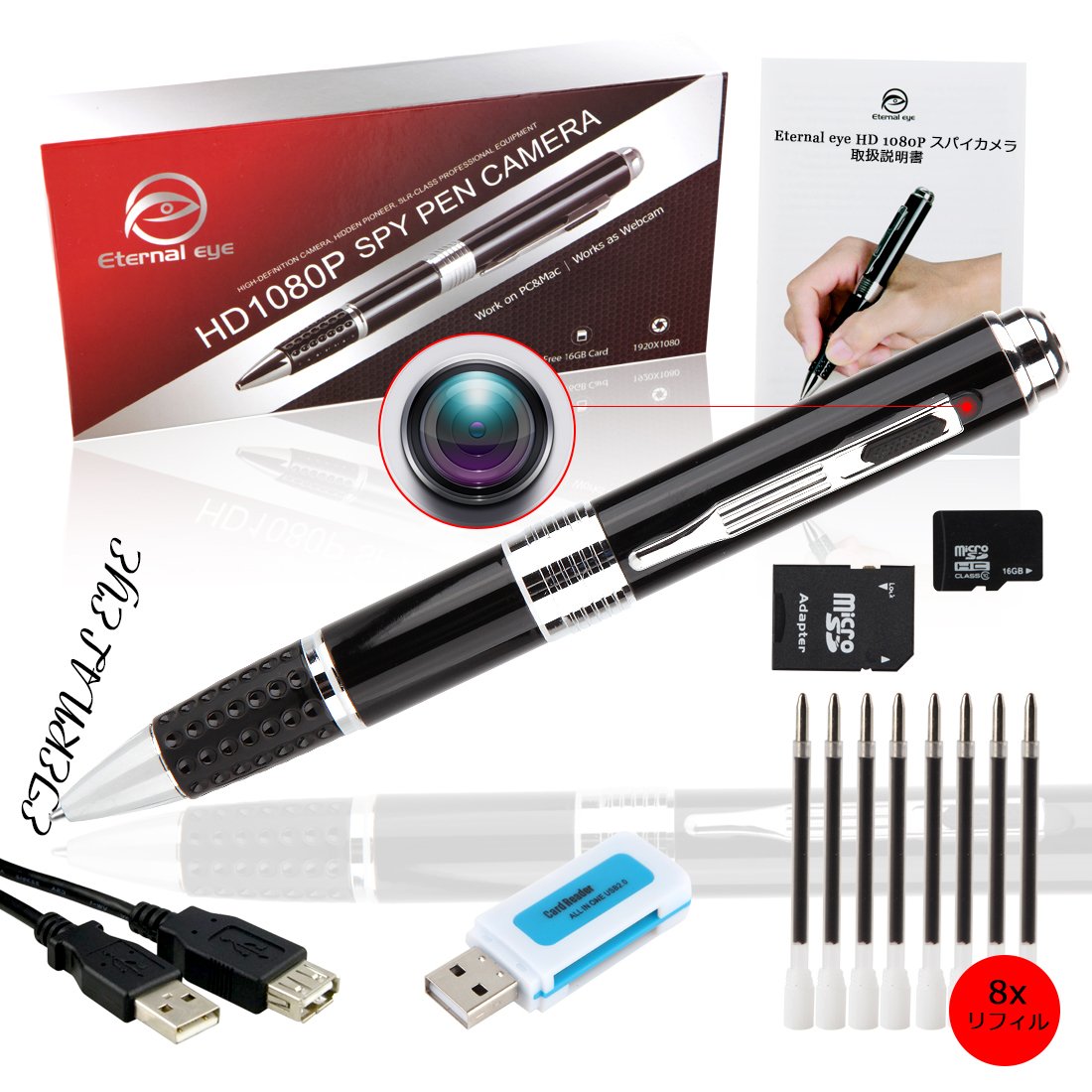
Eternal eye PB 2.0 ballpoint pen type camera
Body function:
Recording
Take a photo
recording
Motion detection
Writing
When used:
Event record
Security evidence shooting
Conference
lecture
spy
basic operation
1, Power on: If you press and hold the start button on the pen for about 2 seconds while the power is off, the yellow / blue lamp lights up at the same time.
When the TF card is detected, the blue lamp goes out, the yellow lamp lights up, and it enters the standby state.
If the TF card is not inserted or detected, the yellow / blue lamp blinks 6 times at the same time and then goes out and the pen type camera automatically turns off.
2, Power off: If you press and hold the start button for about 2 seconds during standby or operation, the lamp goes out and the power turns off.
If it does not operate for 60 seconds in the standby state, it will automatically turn off.
3, Shooting: Press the image mode selector switch to the right in the standby state to switch to shooting mode.
The yellow lamp lights up in the shooting mode standby mode and the blue lamp blinks once each time the start button is pressed for a short time to shoot a single picture and save it.
The resolution of the photo is 2560 × 1440.
4, Recording: Press the image mode selector switch to the left to switch to recording mode.
The yellow lamp lights up while waiting for recording mode, and when you press the start button for a short time, the yellow lamp goes out.
When the blue lamp blinks three times and then goes out, recording starts.
In record mode, when you press the start button for a short time, the yellow lamp lights up, saves the file and enters standby mode again.
If you press the start button again for a while, the yellow lamp goes off, the blue lamp blinks three times, and recording continues.
The recording resolution is 1920 × 1080, and the picture is saved every 5 minutes.
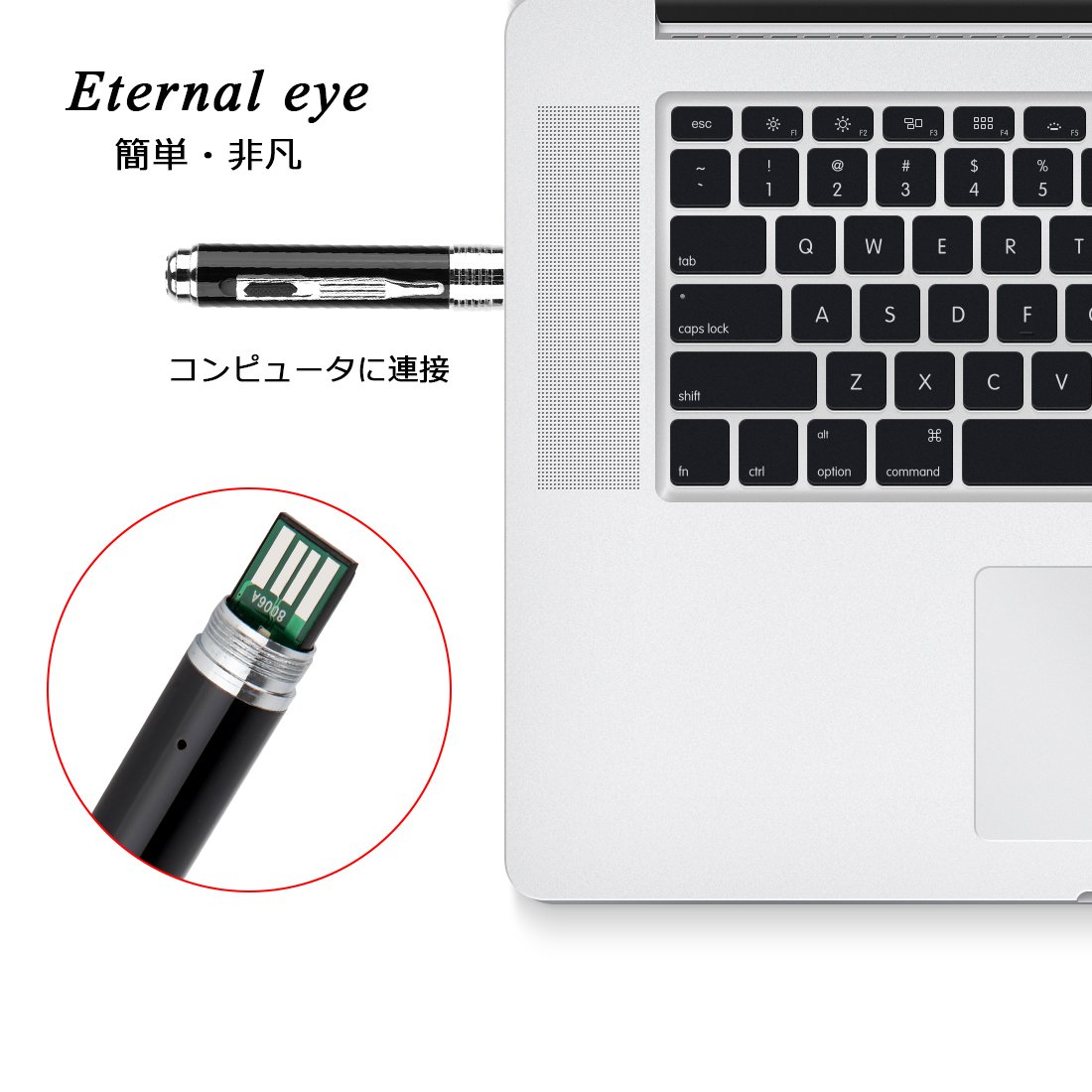
5, USB can be connected to the PC with the power off status.
In case
6, Reset: Insert a toothpick or nonmetallic needle into the reset hole and lightly press and hold the reset button for about 2 seconds, the reset is completed and the power turns off.
7, Charging method: Charging is done by USB connection of the PC and the main unit or by connecting the main unit and the power supply with the USB cable.
The yellow lamp blinks while charging.
When charging is completed, the yellow lamp lights up.
In case
8, date setting: The body has the function to display the recording time in the video.
After recording, connect the main unit to the PC and open the time file.
If you change the time data as it is and save it, you can display the correct date again when recording.
Product specification
Movie resolution: 1920 x 1080P HD
Recording format: AVI
Frame: 30 fps
Still image resolution: 2560 * 1440 P
Still image format: JPEG
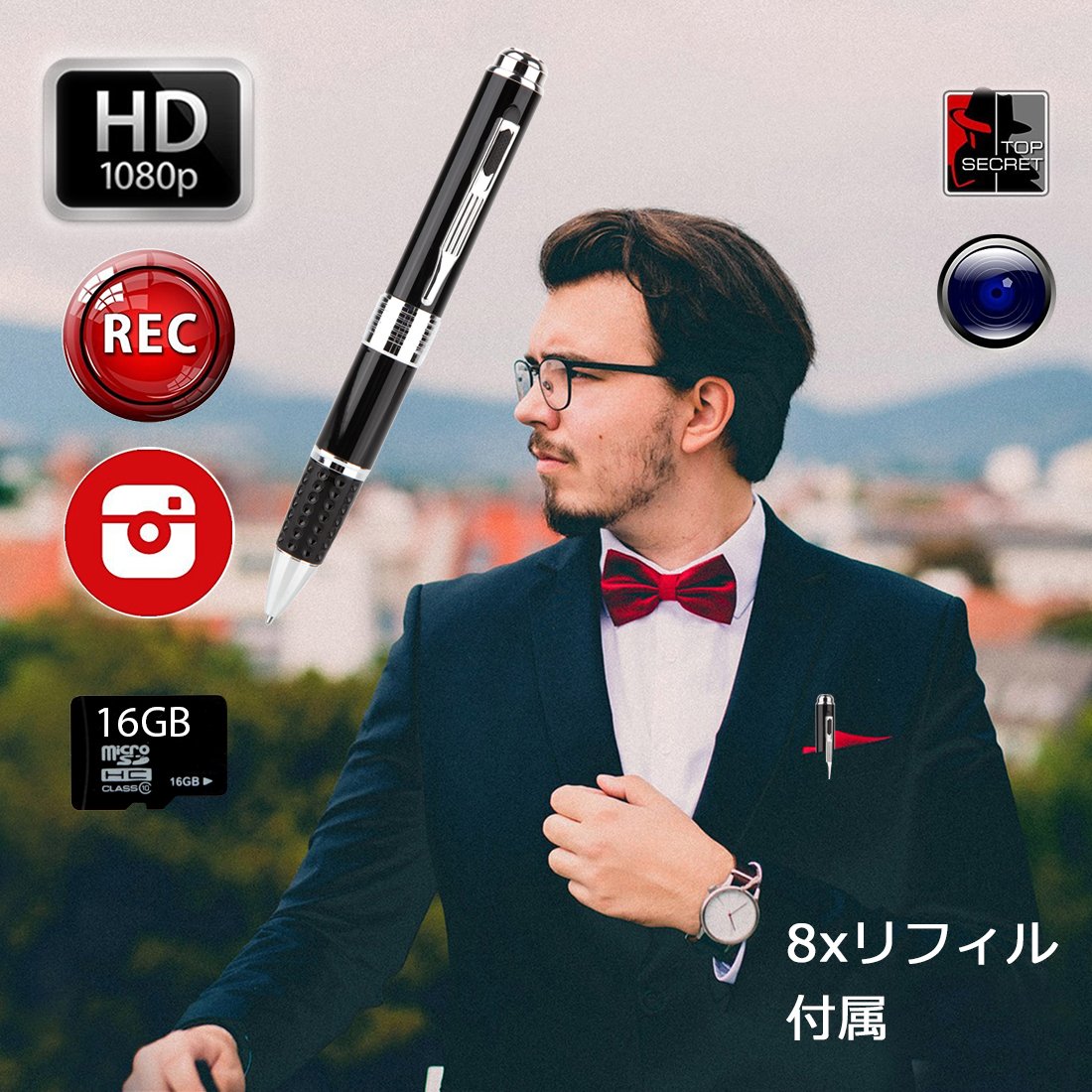
Capacity: Up to 32GB (16GB SD card included)
Charging time: 1-2 hours
Recordable time: about 90 minutes
PC system: Windows / Mac OS X
please note:
1. Before using the main unit, please read the attached instruction manual in detail.
2. This product can be used as an ordinary ballpoint pen.
3. Do not place it in water because it is an electronic product.
4. We will not provide product warranty support if we destroy the aircraft due to personal reasons.
5. Connect the computer or charge using the original USB cable of the product
FAQ:
1, I can not find the camera lens to do how to do
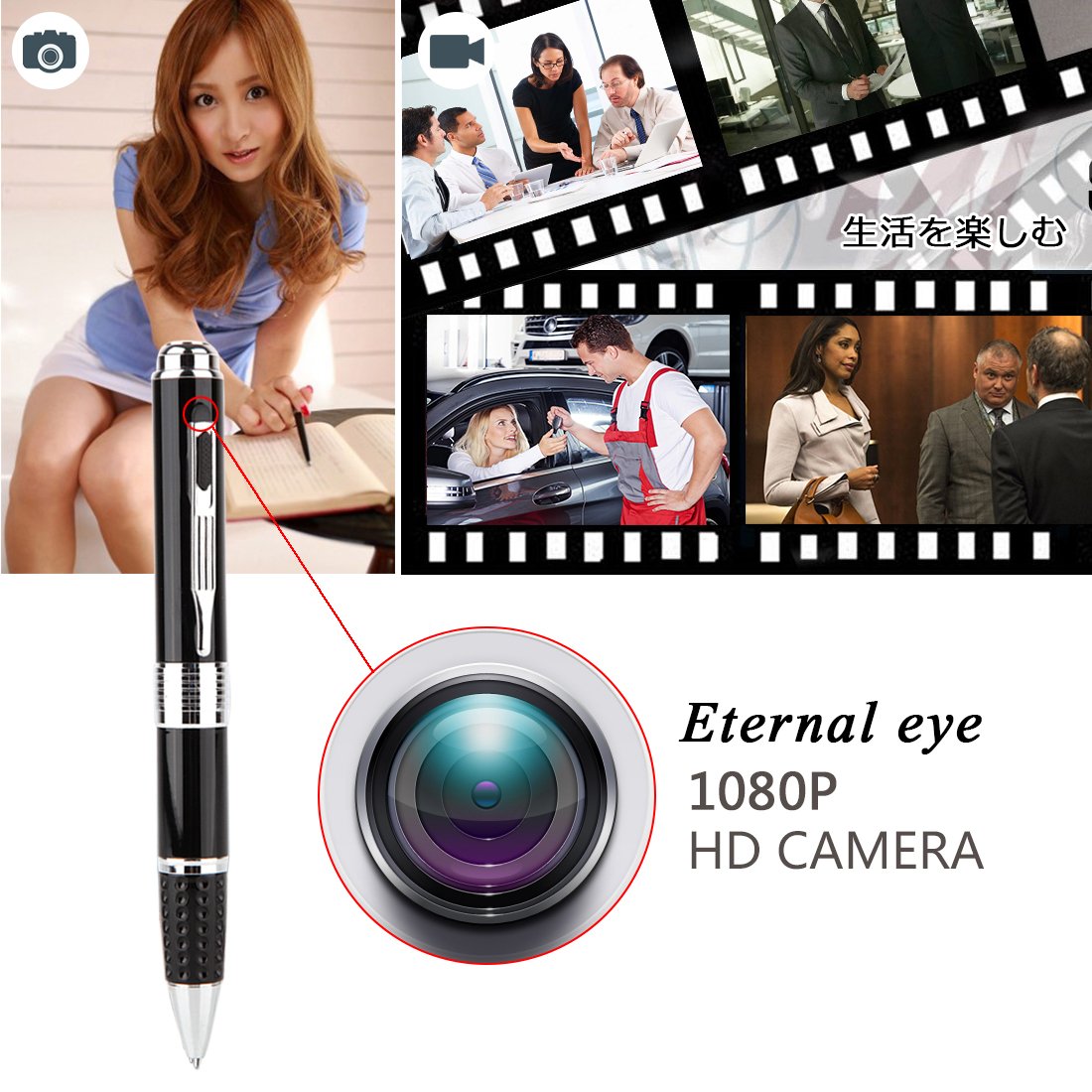
Answer: There is a lens cover outside the lens of the camera, and the lens cover can slide up and down
The default is the off state, you need to expose the lens, you can open the lens cover
2, the camera memory card was not loaded properly, how can you not use the camera to do
Answer: Please use USB cable to connect memory card in computer format, you can solve this problem
If that does not work, remove the memory card and connect it again to the proper place to solve the problem
3, How to connect a computer:
Answer: After connecting the computer with the USB cable and connecting the computer, you can display the file of the memory card.
4, How to change the watermark of time:
Answer: Open the text file with the memory card, change the date when the file is a date, then save the text file
5, how can not see the lens
Answer: There is a lens outside the lens that can move up and down, please move the lens cover to expose the lens
6, the camera can not shoot suddenly
Answer: Perhaps the camera crashed, use a small hard object to insert the reset key on the jack, find the button to hold more than 2 seconds, reset the camera
7, the computer does not recognize the camera
Answer: Although it may be a problem with the usb jack, please replace the usb jack using the usb cable connection, you can also use the camera's usb plug connection directly
8, how to exchange a pen core
Answer: Find the bottom of the pen to reveal the position of the ballpoint pen, it is the silver shell, then forcibly withdrawn, pull out after replacing the pen core, the exchange is completed, installed back
9, the product can use what type of adapter charging
Answer: Do not use other voltage range adapter, please use 5v 1a-2a USB power adapter to charge
10, You can not shoot videos
Answer: Please decide the state of the camera according to the light
After turning on the computer, the LED flashes six times automatically, it turns off automatically, identify the memory card not recognized, remove the memory card and reinsert it
11. The lens lid is not fixed.
Answer: We designed the lens cover can be moved up and down
If you do not need to shoot the video, it can block the lens and protect the lens from harm
12, the product led light is not bright, can not charge
Answer: This is an individual case, please contact us if you encounter such a situation, we can help you to exchange a new product, the new version of the v3.0 product is a problem
We resolved.
13, The camera system crashed.
Answer: In this case, reset the camera first, please contact us if you still want to reset after the problem is not solved
We can replace the new version of the product, the new version solved the use of individual camera in the system crash situation
14, Can the product support a 64 G memory card?
Answer: Yes, our new version of the product v 5.0 has already this new feature
Features:
- Please enter model number Confirm this is compatible:
- [Design] Overflowing luxury, because of the hidden design, no discomfort in weekday living!
- 【High Resolution】 The best still image resolution is 2560 * 1440 P, and the movie resolution 1920 * 1080 P, you can take clear videos!
- [Justice ballpoint pen] Event record, security evidence shooting etc.
- Let 's keep justice around you together with each customer!
- [Charging time] Approximately one hour (80% of electricity takes 0.5 hours) Recording / recording: About 90 minutes, it varies depending on the usage environment of the customer.
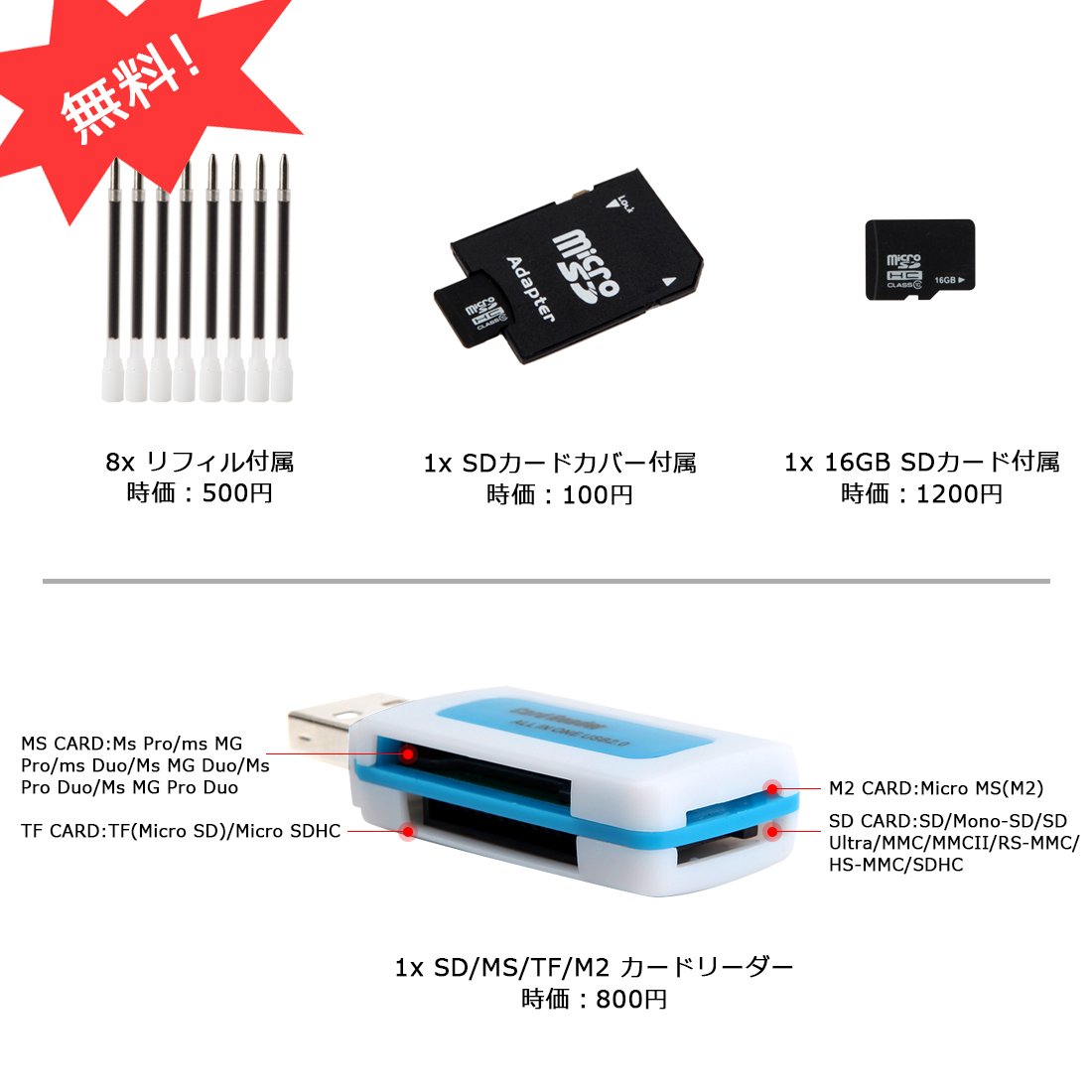
- 【Package · Warranty】 1x ballpoint type hidden camera body, 1x micro 16GB card, 8x exclusive refill, 1x multifunction card reader, 1x USB cable, 1x SD card cover, 1x operation manual.
- If 90 days warranty from the date of purchase is applied and there are uncertainties, please do not hesitate to contact us.
Product information:
Shipping Weight: 140 g
Package Dimensions: 3.20 x 8.61 x 18.01 cm
SHIPPING METHOD
Delivered directly from Japan by Japan Post. It will take 3 to 5 business days to prepare the order for shipping. We guarantee careful packing and safe shipping.Please note that in some cases additional import or VAT charges may incur and have to be borne by the client.
1. Japanpost registered mail
Shipment by Japanpost Registered Mail (Standard). Trackable any time with tracking number. Insurance is not available. Delivery time usually is between 1-3 weeks from the date of dispatch. Some items are not eligible for Standard Shipping.
2. Qxpress Standard
Shipment by Qxpress standard service. Trackable at any time with tracking number. Registered and insured up to a value of item price and shipping fees.Delivery time is usually between 5-10 business days from the date of dispatch.
3. EMS
Shipment by Expedited Mail Service. Trackable at any time with tracking number. Registered and insured up to a value of $200 and usually delivered in 2-6 business day from the date of dispatch.

| Japanpost registered mail | Qexpress | EMS | |
|---|---|---|---|
| Shipping Method | Japanpost Registered Mail (Standard) | Standard Qexpress | EMS (Expedited Mail Service) |
| Trackable | Yes | Yes | Yes |
| Insured | N/A | Yes (Up to item price and shipping fees) | Yes (Up to $200.00) |
| Asia | 1-3 weeks | 5-10 days | 2-5 days |
| Oceania; North America; Central America and the Middle East | 2-4 weeks | 6-14 days | 2-6 days |
| Europe | 2-4 weeks | 6-16 days | 3-8 days |
| South America and Africa | 2-4 weeks | 10-18 days | 4-8 days |
NOTICE:
- For overseas delivery, please be aware that damage to the outer box can be seen.
- If you would like to avoid as much damage as possible, please choose the EMS shipping method.
"According to Qoo10 guide line,overseas shipping fees will be charged to you extra if you choose Qxpress standard shipping.We recommend you to compare the total price of your purchase with EMS."
