Product Description
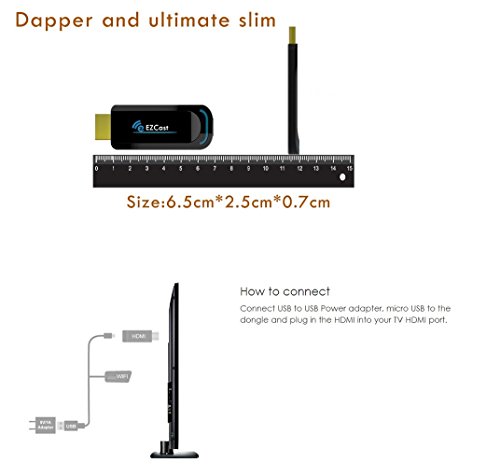
Please follow below steps to install EZCast Dongle: 1. Plug the WiFi cable into EZCast Dongle, and plug EZCast Dongle into your TV (Monitor or Projector) through DHMI Port
2. Connect EZCast Dongle with an external 5V/1A adapter
3. Switch to the correct HDMI source, then you should see the EZCast setup screen, the SSID and Password. Note: Get SSID and PSK (password) on screen
For iOS (iPhone/iPad) Device Airplay Mirroring 1. Establish WiFi connection for your iOS device and EZCast Dongle.
2. Swipe up on your iOS screen to turn on control menu
3. Click on "AirPlay - Mirroring", and then select EZCast. Your iOS device will start mirroring its screen to EZCast Dongle
EZCast App 1. Establish WiFi connect for your iOS device and EZCast Dongle.
2. Please download "EZCast" from App Store. Launch EZCast App, and then click the "Search" button
3. Select EZCast on device list
4. After establish connection, you may start to use all features of EZCast App, including EZChannel, Photo, and Music etc.
For Android Device 1. 2. Establish WiFi connect for your Android device and EZCast Dongle.
3. Please download "EZCast" from Google Play. Launch EZCast App, and then click the "Search" button
4. Select EZCast on the list
5. After establish connection, you may start to use all features, including EZChannel, and Photo etc. Click the "Menu".
6. You may use either "Mirror On/Off" and "EZMirror" to mirror your Android screen to EZCast.
For more setup tips(Connecting steps videos), please contact us through Amazon message. Feature
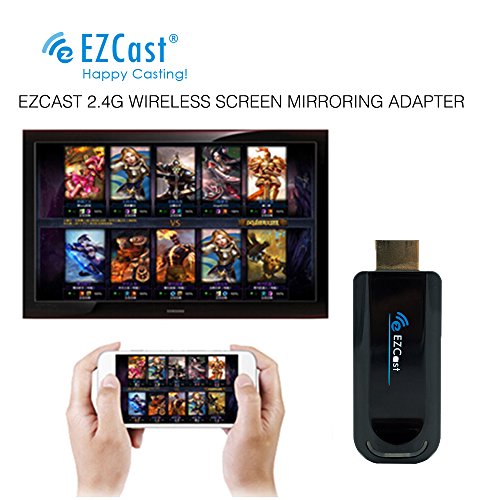
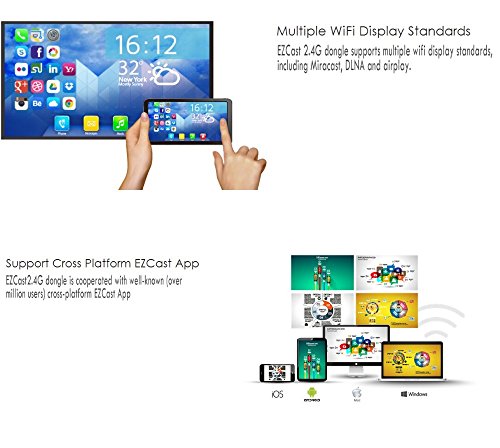
Support EZCast App (3 millions download), EZChannel App, DLNA, MiraCast, EZMirror, and YouTube
Compatible with Android, iOS, Mac, and Chrome OS. Mobile App and PC driver included, MiraCast, Airplay, WiFi Display Dongle
Extended cable with WiFi dongle to avoid big TV screen blocking wireless signal
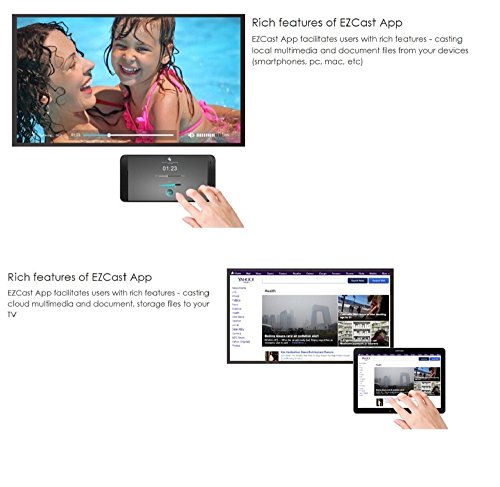
Wireless interconnection, sync cast photo/video/music/office file/web browser/live camera for iPhone/Android smartphone/tablet PC to large screen TV/Projector, perfect for PPT presentation and video meeting.
Attention: 1. Please DO check the connecting steps in description 2. The dongle must be powered by external power adapter(at least 5V/1A). 3. Not Compatible with Netflix,HBO go, HULU and Honda motor.
Brand : EZCast
Item model num : EZCast A1 2.4G
MPN(PartNumber) : EZ1500-M
EAN : 6970514901503
Product Dimensions(LxWxH) : 14x9x3cm ; 68 g
Package Dimensions(LxWxH) : 13x9x3cm ; 68 g