One App for All
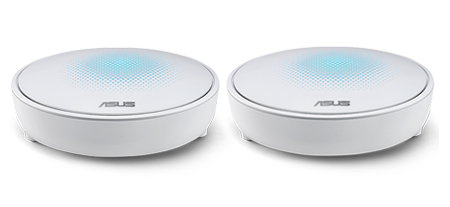
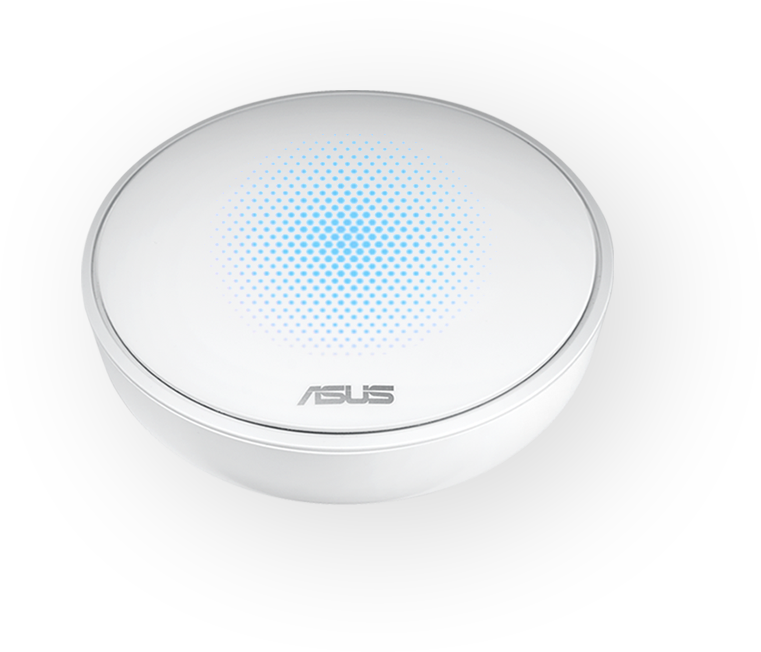
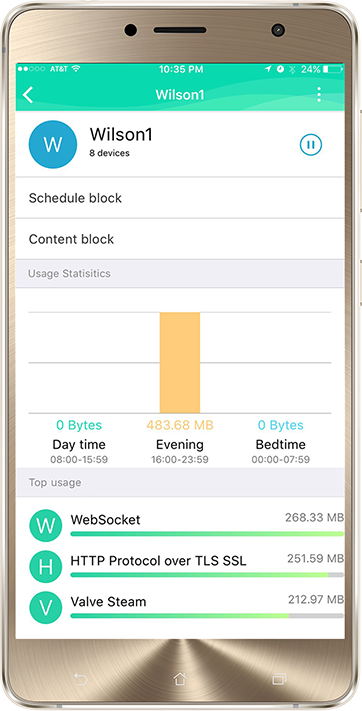
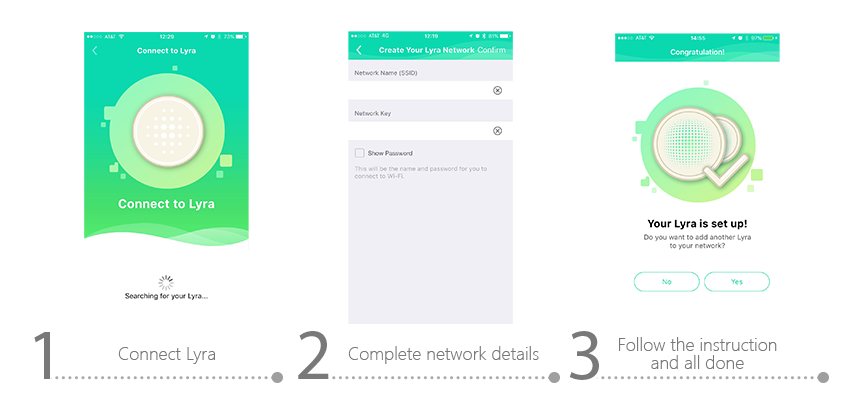
With the ASUS Lyra app you can set up, manage, and diagnose your network — even without a PC! To get started, turn on your Lyra hub and connect it using the ASUS Lyra app. Complete your Lyra network details, then click Connect. After about a minute you'll be up and running!
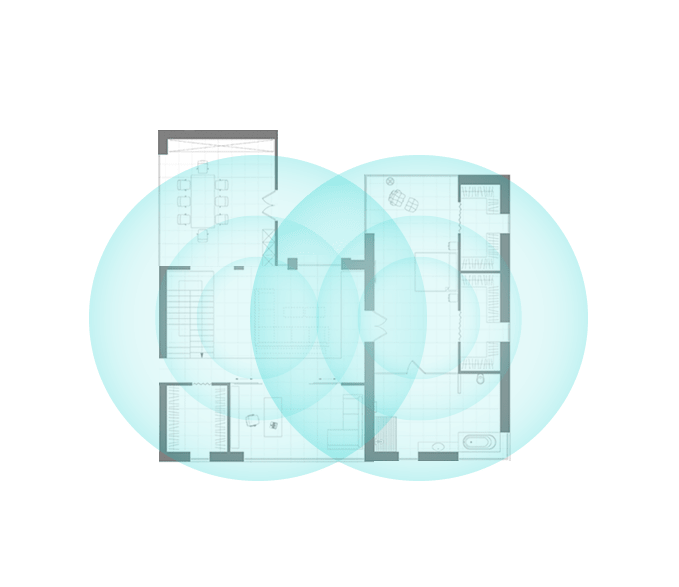
Add extra Lyra hubs, with no hassle!
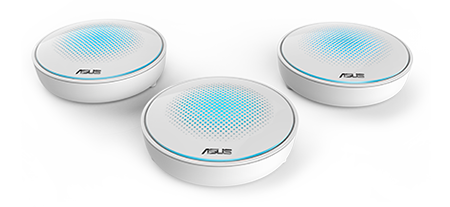
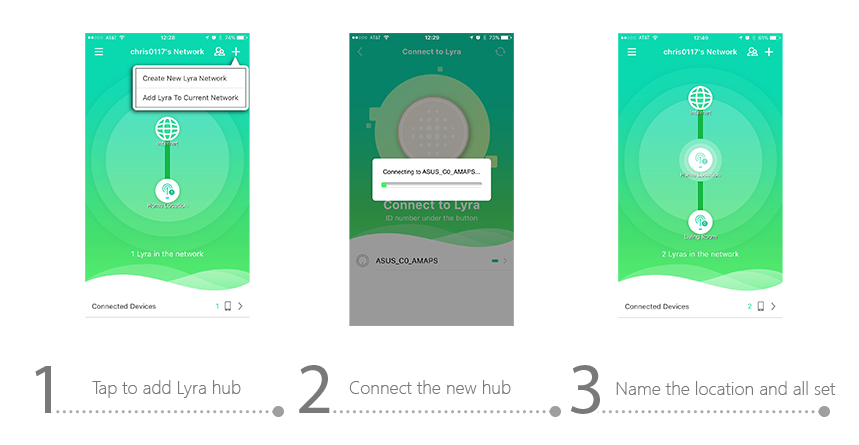
Adding an extra Lyra hub to your network is easy. Simply follow the on-screen guidance in the ASUS Lyra app: Tap Add Lyra to Current Network; turn on the hub; choose your network; and assign a location. That's all there is to it!
Stay Informed
The Lyra app automatically gives you key status updates and notifications, alerting you when a new device connects, if there's unusual login activity, or when new updates are available.
Safe and Secure
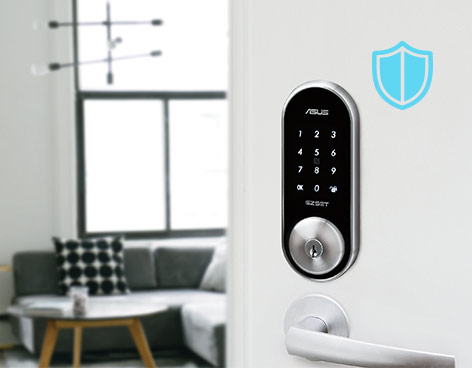
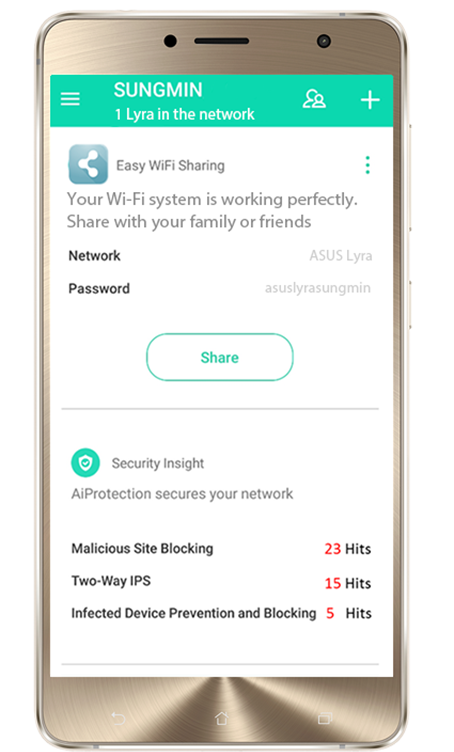
Lyra keeps your network protected at all times, and the Lyra app tells you when threats are blocked or when the security software has been updated.