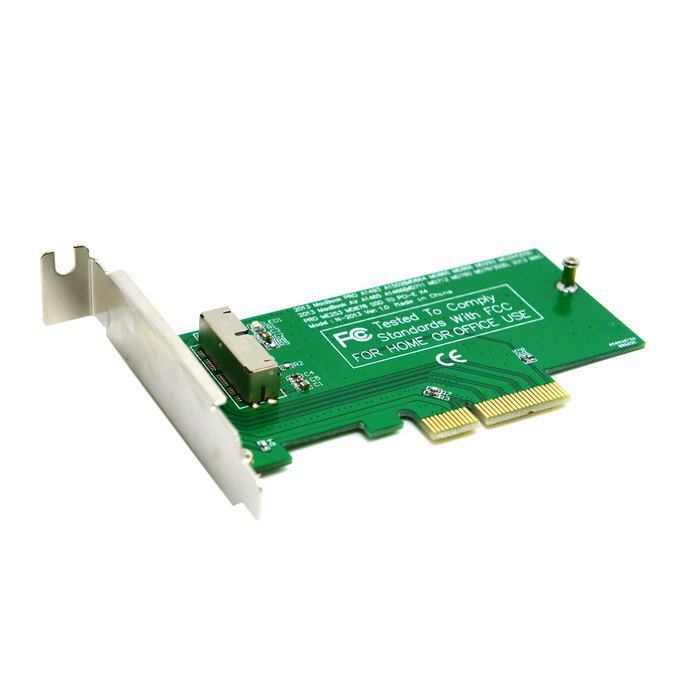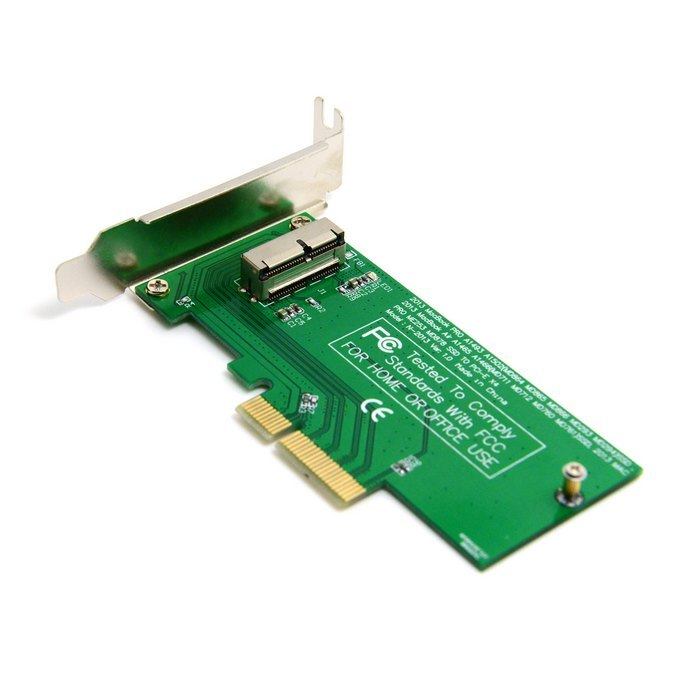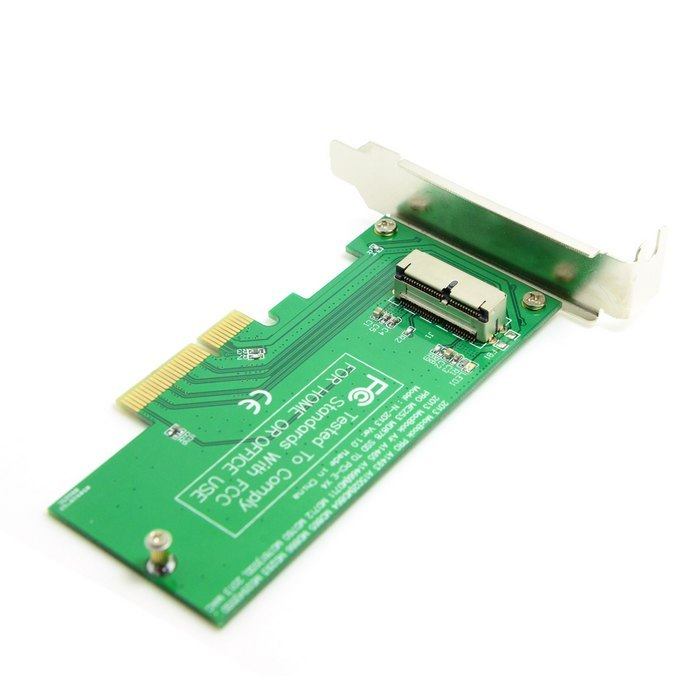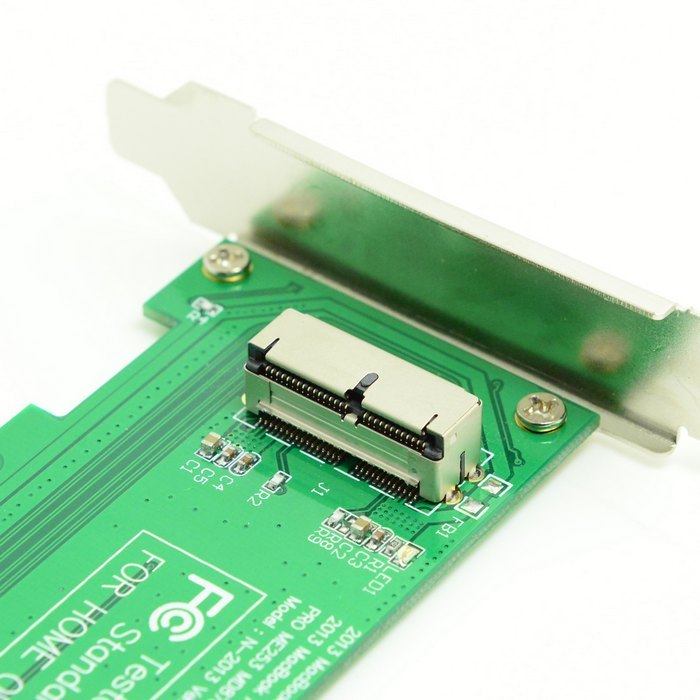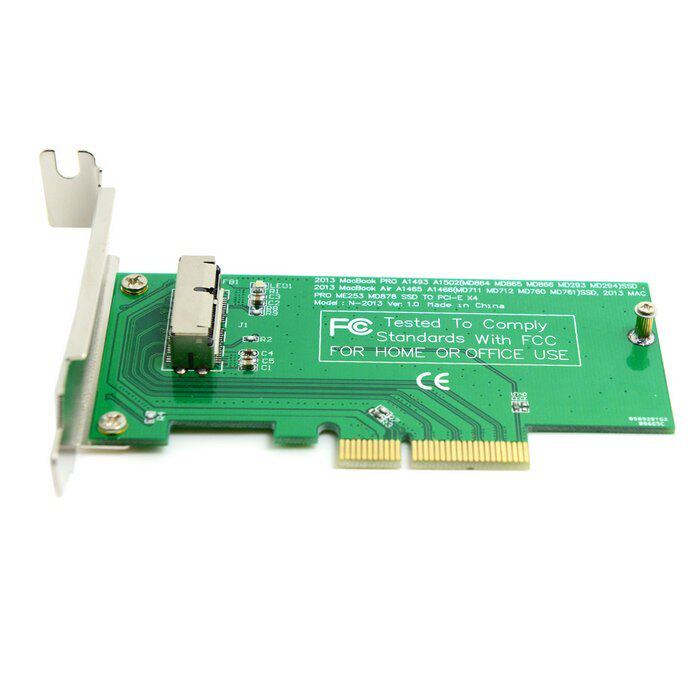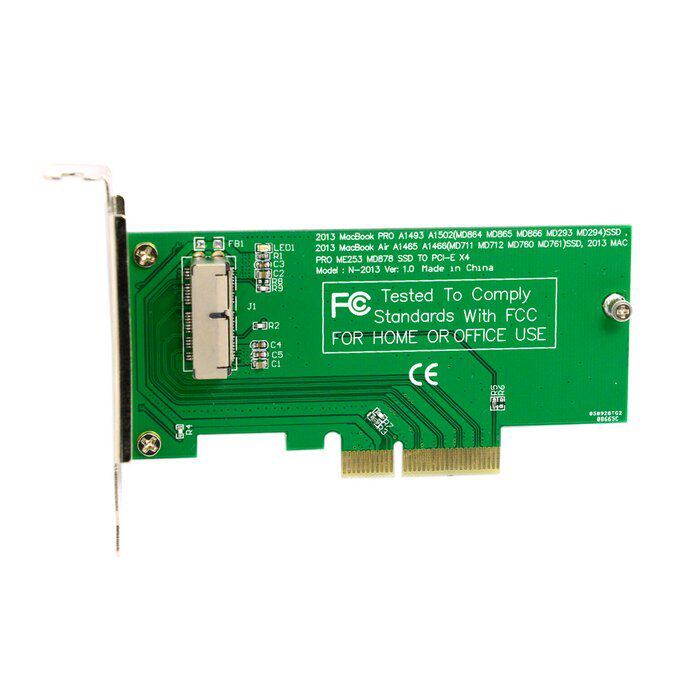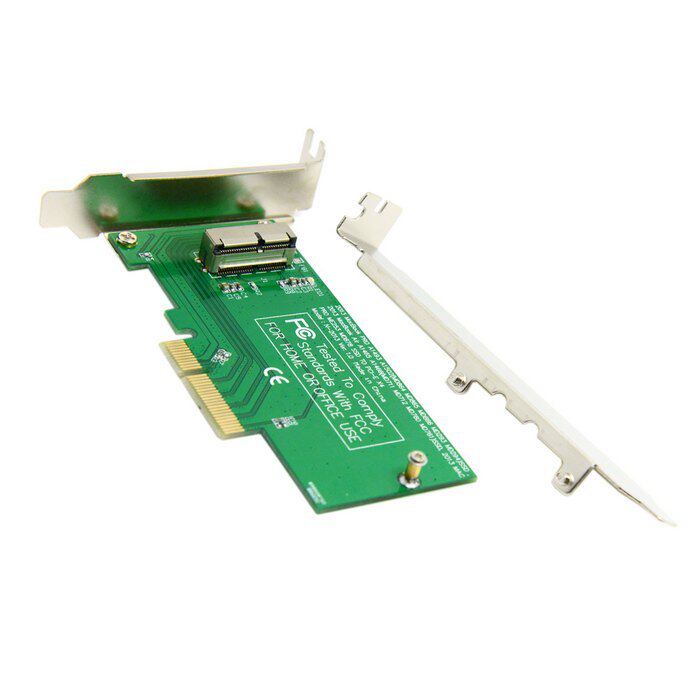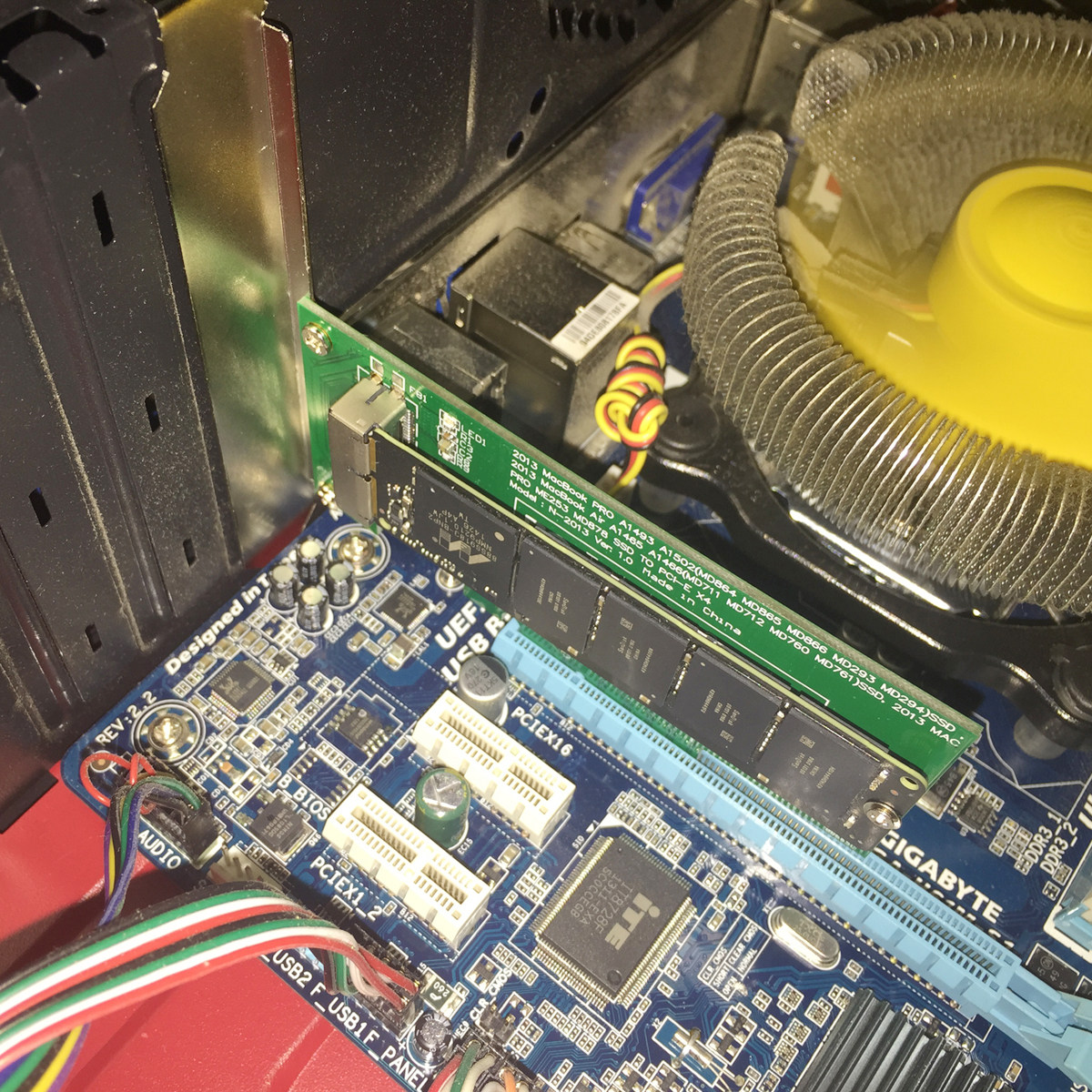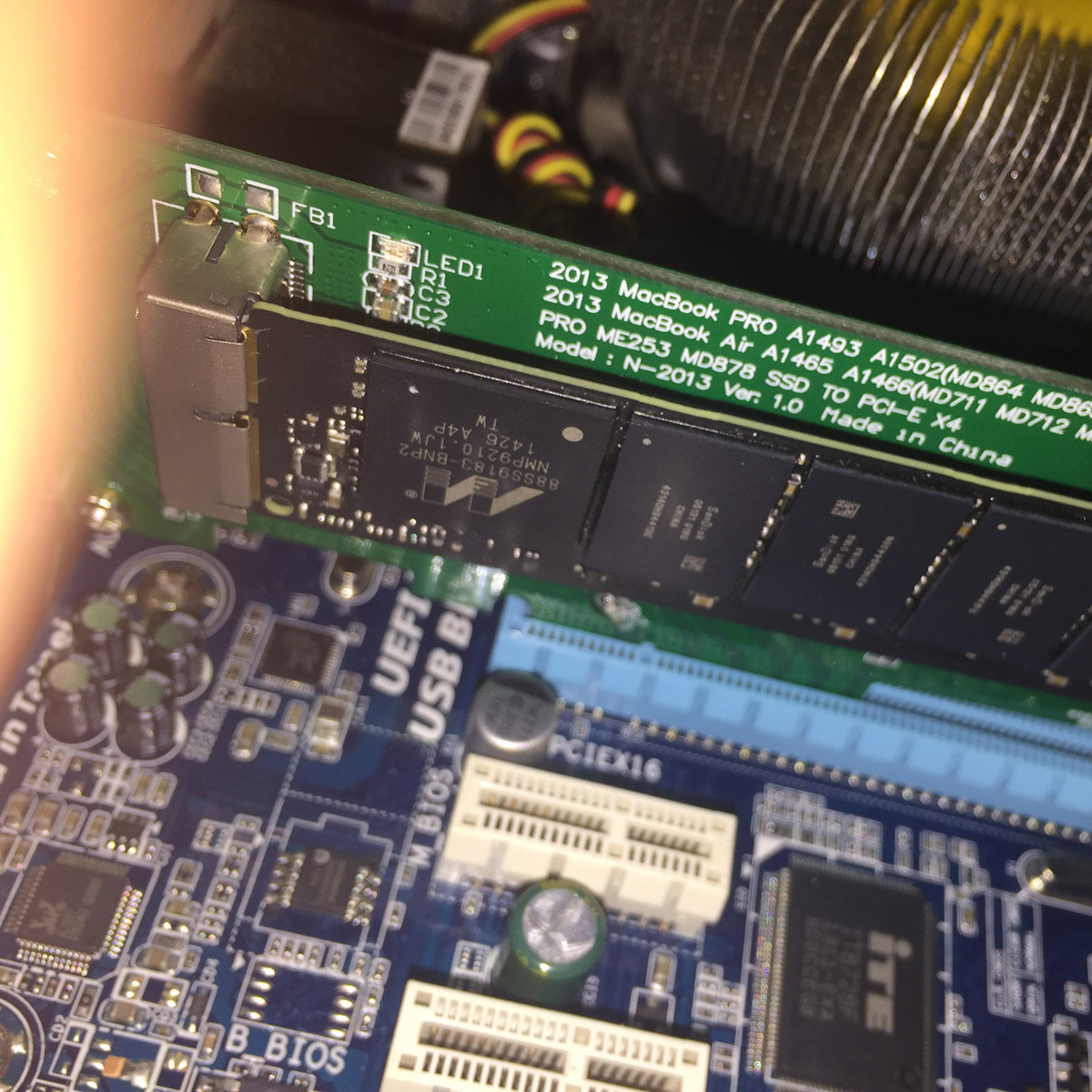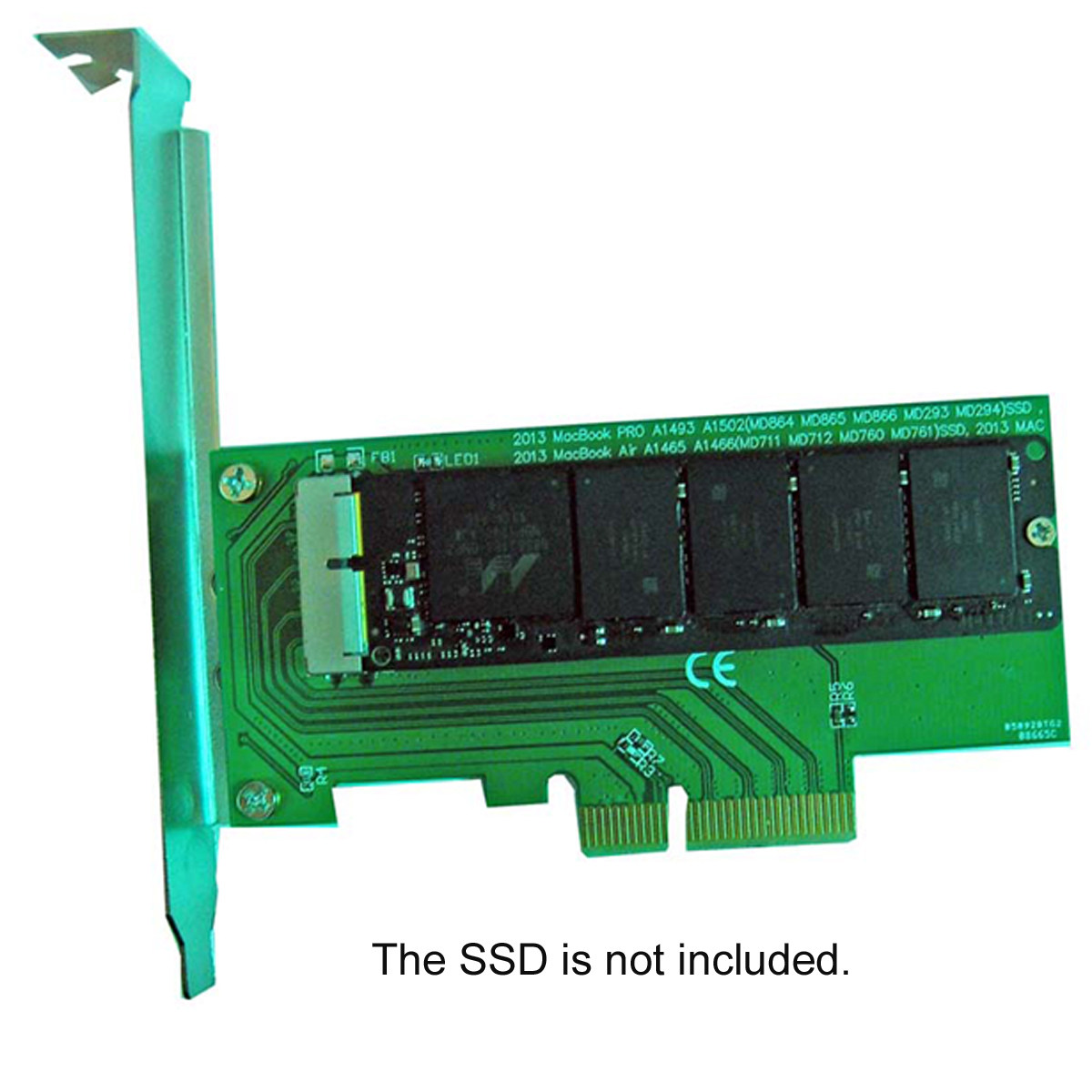
新款SSD是PCI-e 4x接口, SSD通过电脑的PCI-E 2.0 X4或X8或X16接口(也就是PCI-E显卡接口)跟电脑连接识别,
购买之前请务必确定您机器有没有这个接口,没有的话是不能使用的。
新款接口的SSD通过电脑的PCI-EX4或X8或X16接口转接后,进入操作系统可以正确识别的,普通电脑在BIOS下是看不到的,所以也不支持系统启动,除非您的电脑主板BIOS支持PCI-E设备启动!
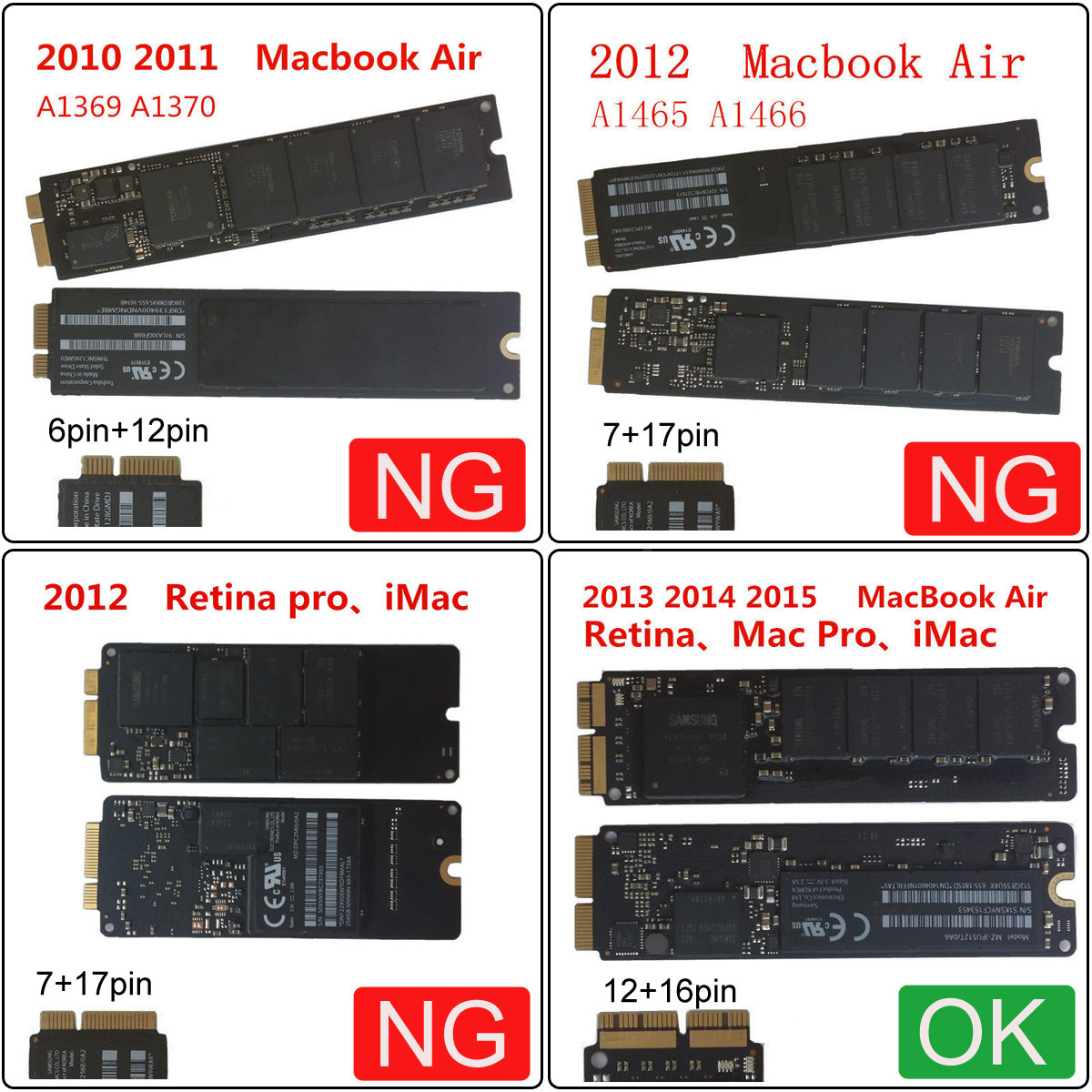
本款产品仅适用于 2013 2014 2015版的AIR、PRO等,
查询大约有以下几种型号,
2013 Macbook Pro A1493 A1502 ( MD864 MD865 MD293 Md294) SSD
2013 MacBook Pro retina A1398 A1502 (ME864 ME865 ME866 ME293 ME294) SSD
2013 Macbook Air A1465 A1466 ( MD711 MD712 MD760 MD761) SSD
2014 Macbook Air A1465 A1466 ( MD711 MD712 MD760 MD761) SSD
2014 MacBook Pro retina A1502 A1398 (MGX72 MGX82 MGX92 MGXA2 MGXC2) SSD
2015 MacBook Pro retina A1502 A1398(MF839 MF840 MF841 MGXA2 MGXC2) SSD
2015 MacBook Air A1465 A1466(MJVM2 MJVP2 MJVE2 MJVG2) and Mac Pro ME253 MD878 SSD
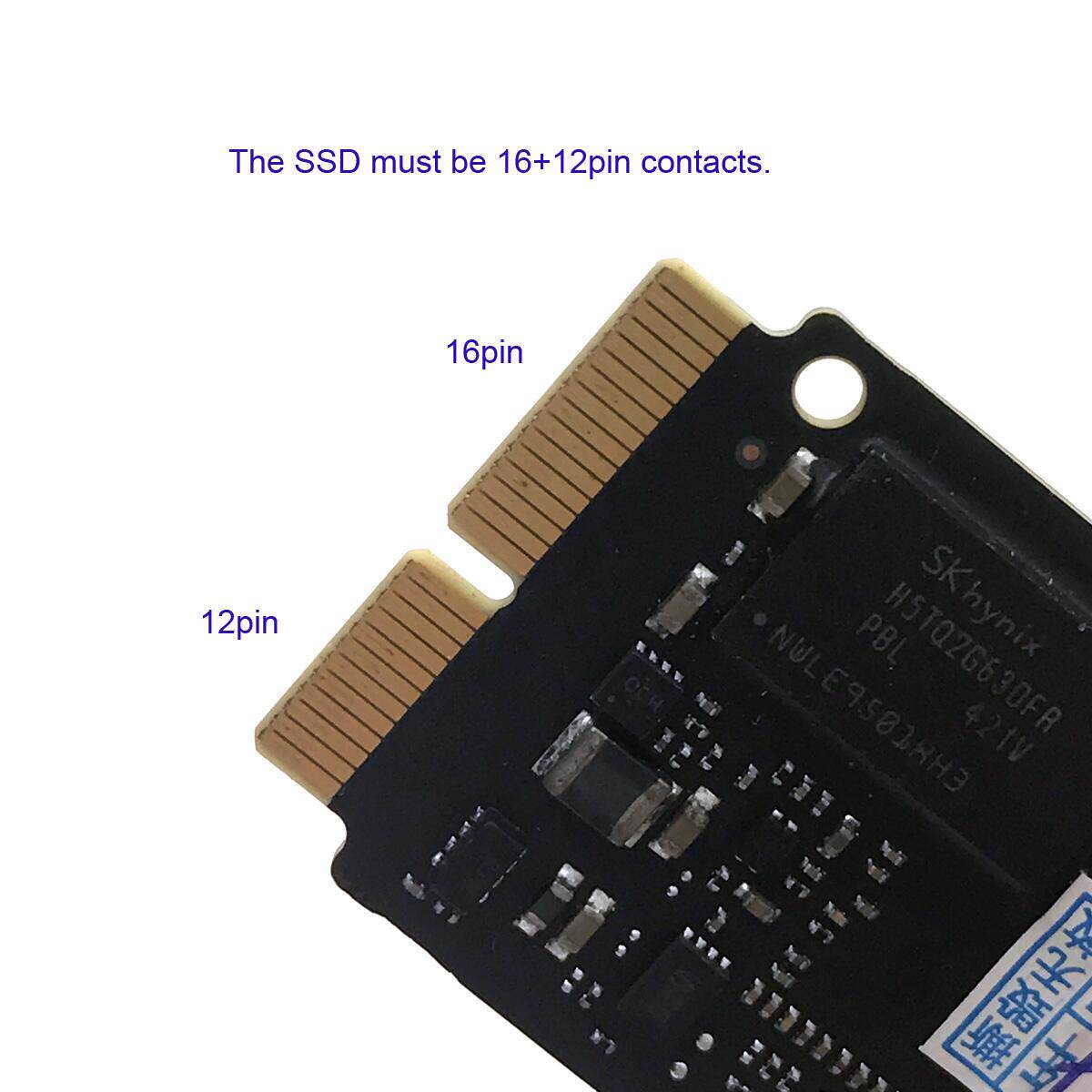
注意2013版并不是你2013年买的就一定是2013版,本店查询的资料或许有误,请务必看您机器硬盘的接口(金手指PIN数为16+12)
The new SSD is a PCI-e 4x interface that SSDs identify with a computer through a PCI-E 2.0 X4 or X8 or X16 interface (also known as a PCI-E graphics interface)
Be sure to make sure your machine has no such interface before you buy it. If not, you can not use it.
The new interface SSD through the computer's PCI-EX4 or X8 or X16 interface adapter, enter the operating system can be correctly identified, the ordinary computer is not visible in the BIOS, so do not support system startup, unless your computer motherboard BIOS supports PCI-E device boot!
This product is only for 2013 2014 2015 AIR, PRO, etc.,
Inquiries about the following types of models,
2013 Macbook Pro A1493 A1502 (MD864 MD865 MD293 Md294) SSD
2013 MacBook Pro retina A1398 A1502 (ME864 ME865 ME866 ME293 ME294) SSD
2013 Macbook Air A1465 A1466 (MD711 MD712 MD760 MD761) SSD
2014 Macbook Air A1465 A1466 (MD711 MD712 MD760 MD761) SSD
2014 MacBook Pro Retina A1502 A1398 (MGX72 MGX82 MGX92 MGXA2 MGXC2) SSD
2015 MacBook Pro Retina A1502 A1398 (MF839 MF840 MF841 MGXA2 MGXC2) SSD
2015 MacBook Air A1465 A1466 (MJVM2 MJVP2 MJVE2 MJVG2) and Mac Pro ME253 MD878 SSD
The new SSD is a PCI-e 4x interface. The SSD is connected to the computer through a PCI-E 2.0 X4 or X8 or X16 interface (also known as a PCI-E graphics interface). Before making a purchase, make sure that your machine has no such interface. Words can not be used.
The new interface SSD through the computer's PCI-EX4 or X8 or X16 interface adapter, enter the operating system can be correctly identified, the ordinary computer is not visible in the BIOS, so do not support system startup, unless your computer motherboard BIOS supports PCI-E device boot!
I test, Z77 motherboard with WIN7 or WIN8 system installation disk, the installation can be identified, you can partition, but after copying the system file reboot, can not find the hard disk, because the machine's BIOS startup item there is no PCI-E hard disk option, This is not a riser card problem, because the previous machine BIOS does not support the PCI-E device is started, some servers can support startup.
Note that the 2013 version is not what you bought in 2013 must be the 2013 version, the shop check the information may be wrong, be sure to look at the interface of your machine hard drive (Finger count 16 +12)