
Nyko Data Bank - PlayStation 4








Product Description
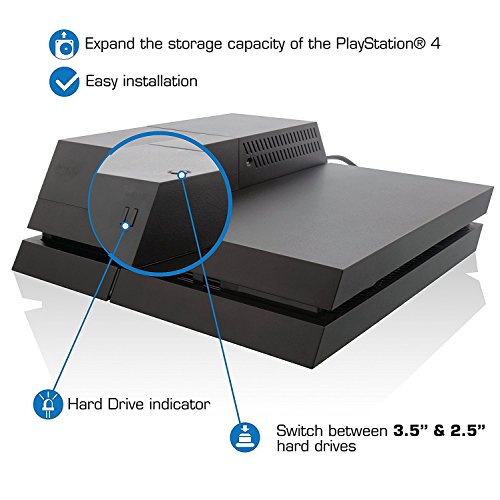
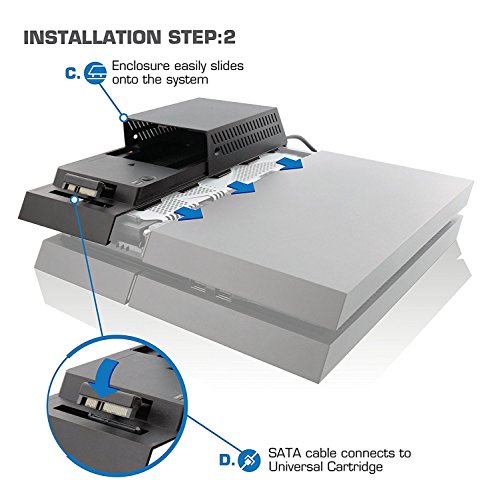
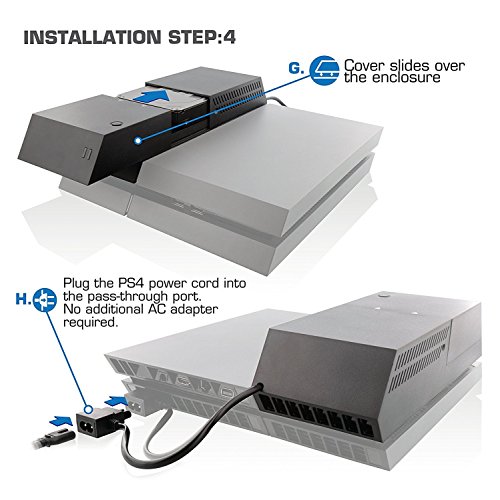
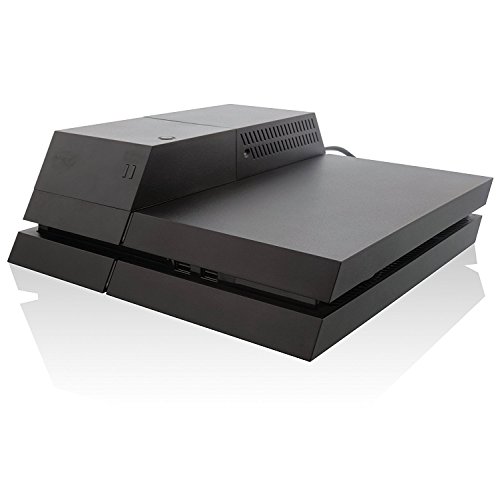
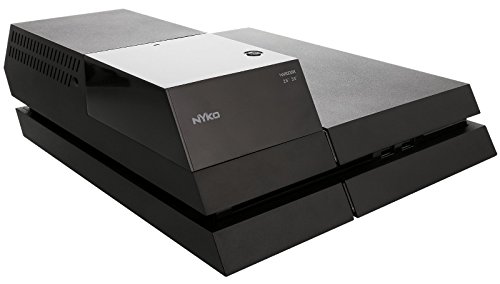
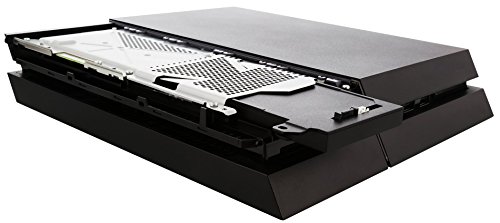
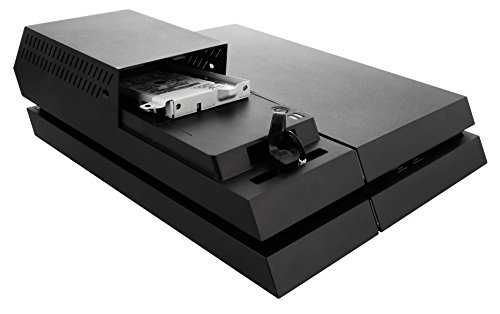
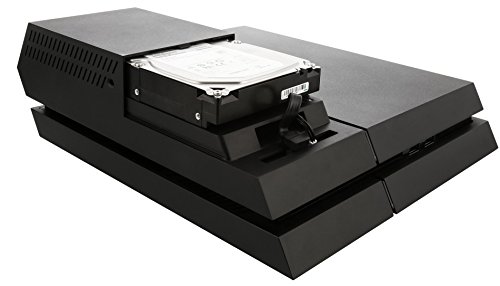
Easily upgrade the PlayStation 4's hard-drive space up to 2TB. The Data Bank for the PlayStation 4 allows the use of a 3.5" hard drive to be used as internal storage instead of the stock 2.5" hard drive that comes pre-installed on the system. 3.5" drives are less expensive at higher capacities than the 2.5" drive inherently supported by the PS4. Typically 3.5" also have a higher read/write speed than 2.5" drives which may slightly improve load times in many games. The unit also includes a front facing LED indicator which illustrates when the PlayStation 4 is accessing or saving content from the hard drive. The Data Bank is powered by a built-in power pass-through cord so it does not require its own power outlet. With Data Bank installed the PS4's internal memory can be expanded up to 2TB, drastically increasing the amount of games and save files that can be saved on the system. Installing the Data Bank is easy and takes only a few minutes. After backing up your saved games simply remove the top cover of the PS4 and the internal 2.5" drive by removing one screw via the included screw driver. Slide the included SATA adapter into place, replace the screw and then snap the Data Bank onto the top of the PS4. Once installed, insert any compatible 3.5" drive into the Data Bank and attach the Data Banks's drive cover. The last step is to plug the Data Bank's power pass-through cord into the PS4 and then plug the PS4's power cord into the Data Bank. Detailed instructions on how to back up and transfer PS4 save files, Data Bank installation and how to initialize the PS4 firmware on a new drive are included in the box. Nyko recommends only using up to 2TB drives at this time as drives larger than 2TB could cause issues with Rest Mode and other features.Feature
Easily upgrade the storage capacity of the PS4 up to 2TB