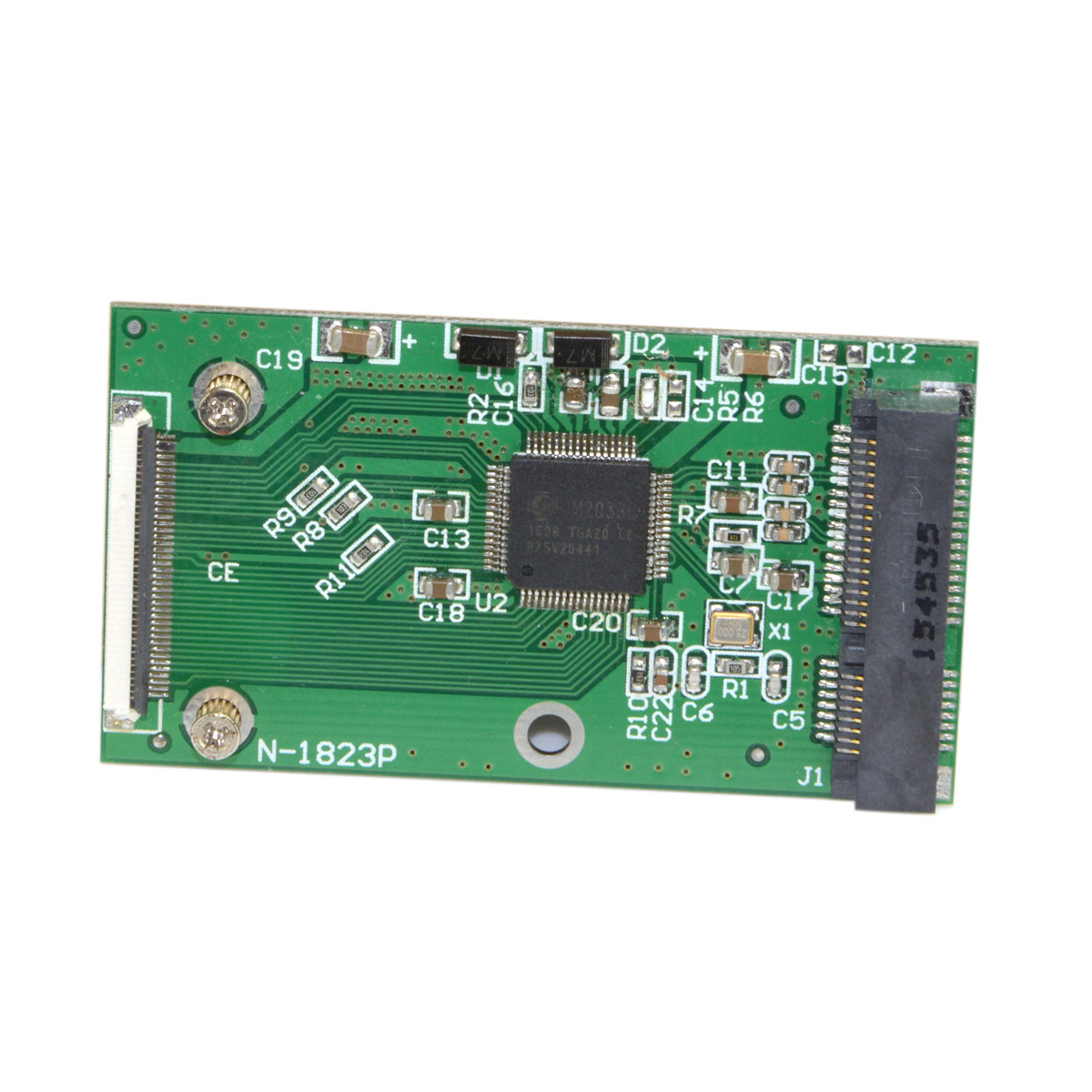
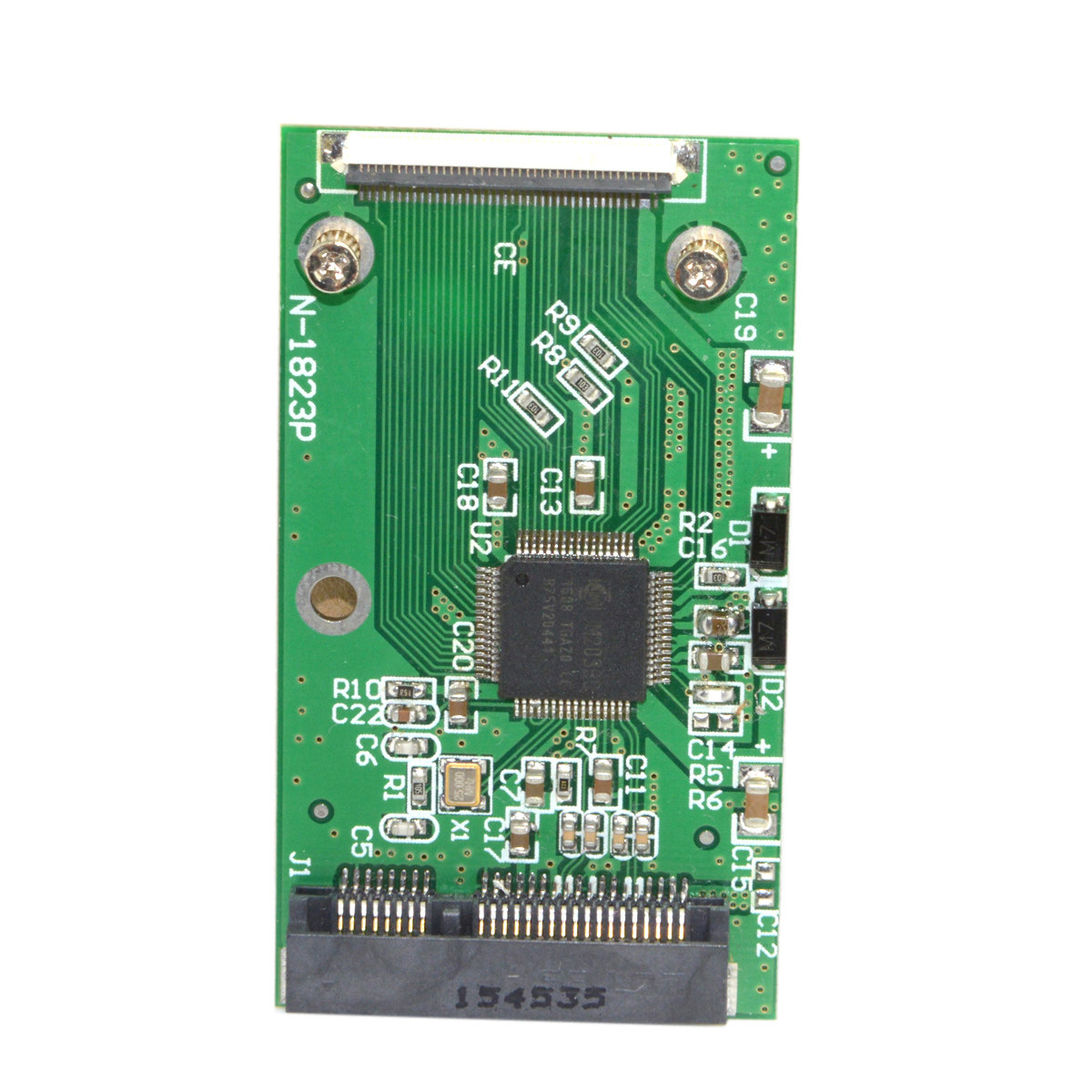
产品名称:
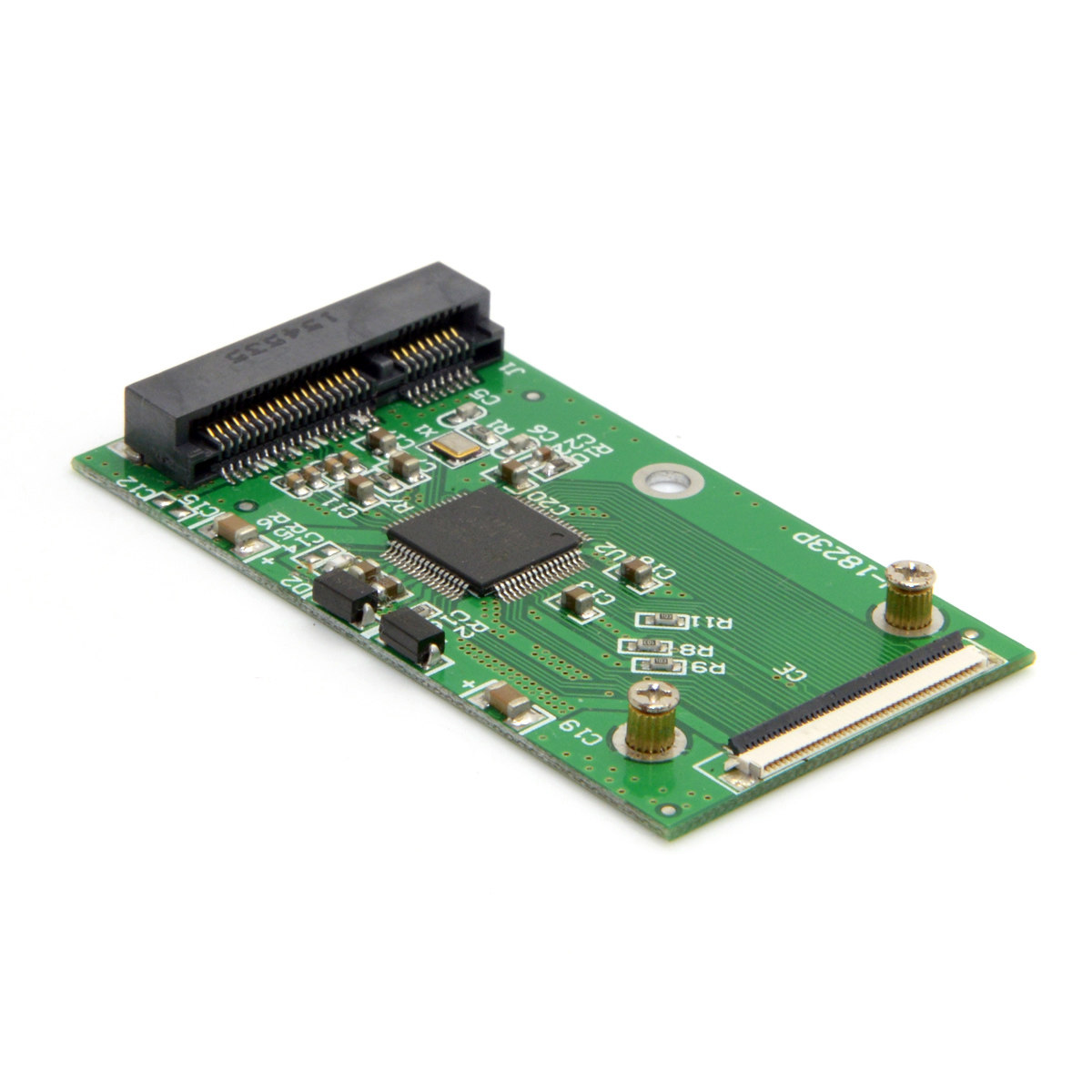
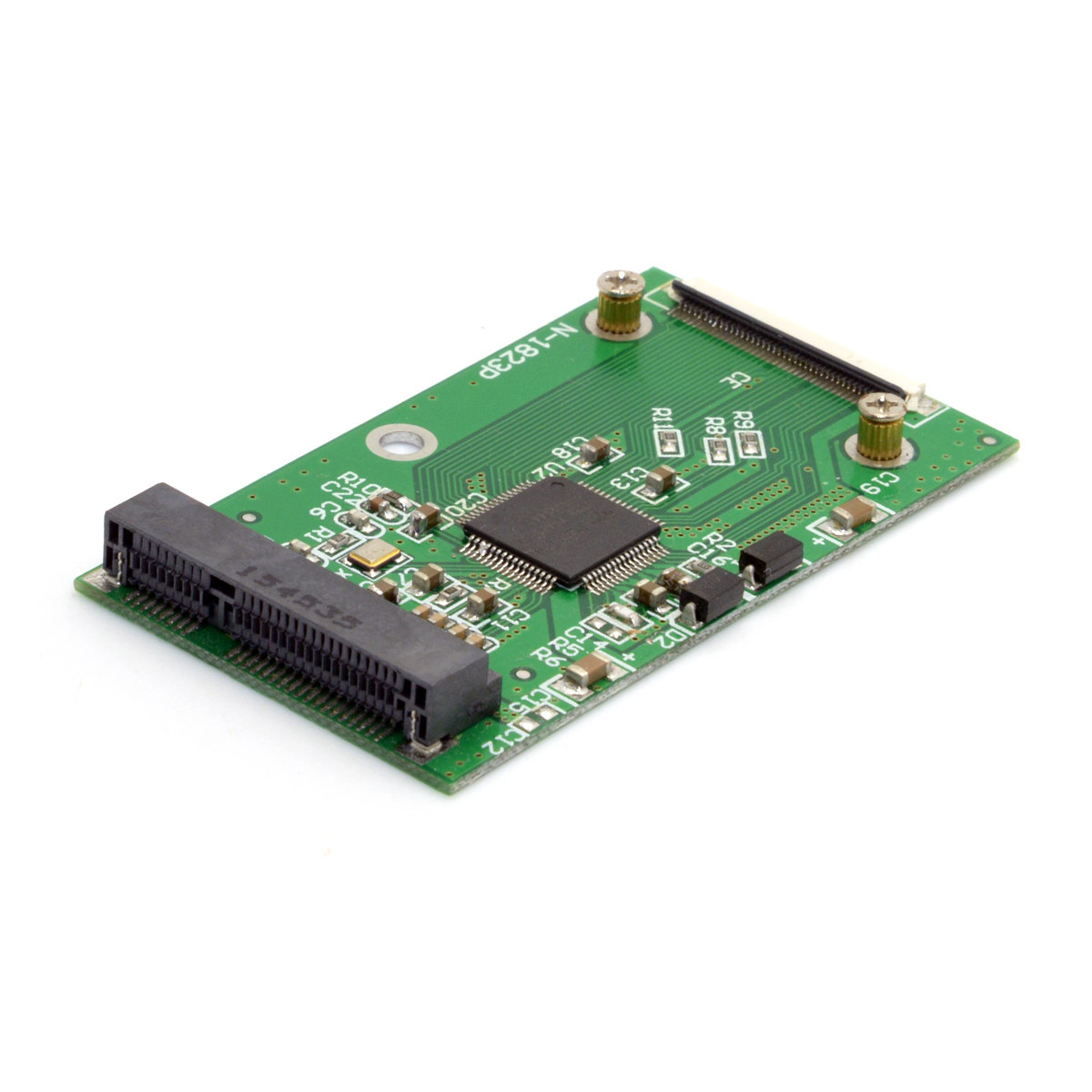
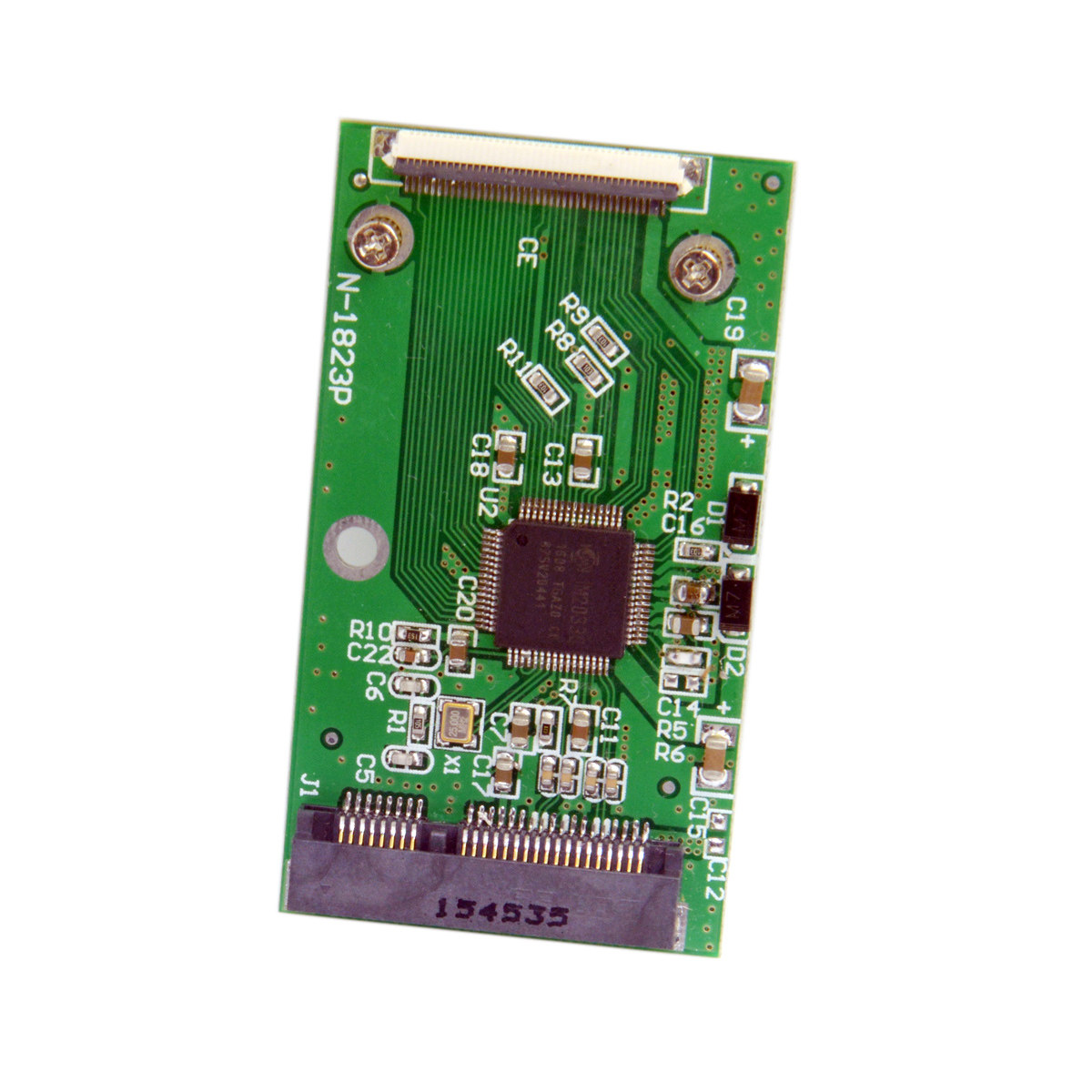
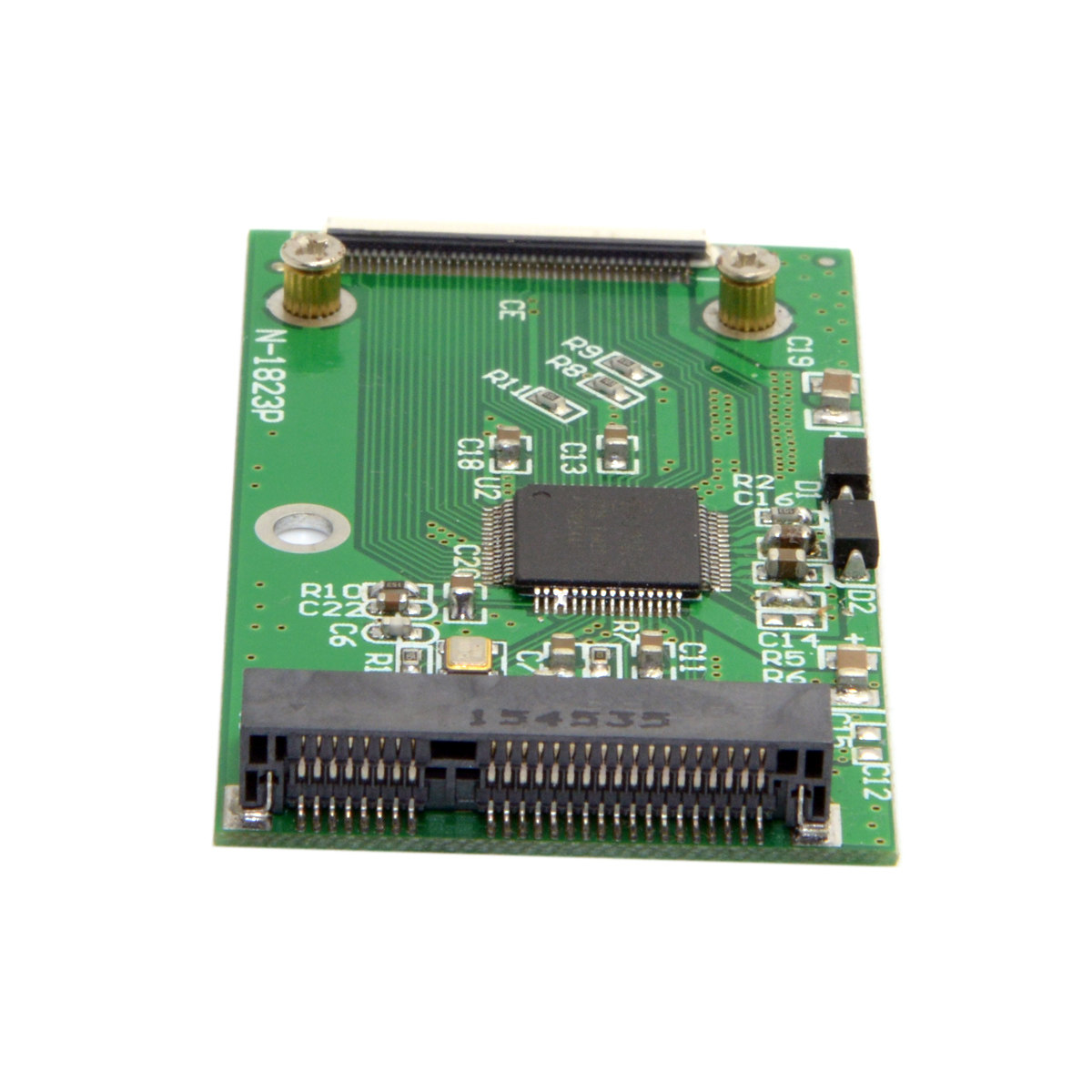
转接卡 MINI PCI-E mSATA SSD固态硬盘转40 Pin接口 ZIF(CE SA-107
SSD能不能被识别,跟电脑的BIOS有很大关系,也就是所谓的兼容性问题,本店仅出售转接卡,并不能提供技术咨询,并不保证你的SSD能跟你的电脑完全兼容,
注意:
1:本款商品仅支持mini pci-e里面mSATA接口定义的5厘米固态硬盘,mSATA并不等于1.8寸的MICRO SATA
2:mini pci-e接口的固态硬盘有三种引脚定义,一种是叫mSATA,多见于联想和THINPAD机器上,也可以称之为INTEL定义接口;另一种叫SATA MINI PCI-E,多见于华硕的EPC以及一些平板电脑上,也叫华硕定义接口;还有一种是PATA定义的,其本质是IDE接口,多见于戴尔MINI 9等机器上。三种接口定义外观完全一样,肉眼无法分辨,所以请务必区分好您的固态硬盘的接口定义!
3:不支持任何 设备使用!
4、转接卡配固态硬盘的时候请注意MSATA接口固态硬盘的功耗问题,并不是固态硬盘速度越快,转为IDE之后速度越快,因为IDE接口本身就是速度的瓶颈,不管你原来SSD速度有多快,转出后速度都一样;反而你要考虑的是功耗问题,很多高速硬盘功耗相当大,转为IDE之后,你原来机器是带不动的,因为你原来机械硬盘耗电也就几百毫安,电脑设计的时候硬盘的供电部分顶多满足1000多毫安而已,如果采用高功耗的SSD,严重的不识别(供电不足,启动不了),或者出现能识别,但是做系统蓝屏、死机、无法格式化等问题,建议您选择功耗少于1000毫安的SSD跟转接卡相配最保险。
注意:发货时以下图片中出现的固态硬盘不包括在内。
product name:
Adapter MINI PCI-E mSATA SSD Solid State Drive to 40 Pin Interface ZIF (CE SA-107
SSD can not be identified, with the computer's BIOS has a great relationship, which is the so-called compatibility issues, this shop only sell adapter card, and can not provide technical advice, does not guarantee that your SSD can be fully compatible with your computer,
note:
1: This product supports only 5 cm SSD defined by mSATA interface in mini pci-e, mSATA is not equal to 1.8 inch MICRO SATA
2: mini pci-e interface SSD has three pin definitions, one is called mSATA, more common in Lenovo and THINPAD machines, also can be called INTEL definition interface; the other is called SATA MINI PCI-E, and more Found in the Asus EPC and some Tablet PCs, also known as ASUS definition interface; there is a definition of PATA, its essence is the IDE interface, more common in machines such as Dell MINI 9. The definition of the three interfaces exactly the same, the naked eye can not tell, so be sure to distinguish your SSD definition of the interface!
3: do not support any device!
4, adapter card with a solid state drive, please pay attention to MSATA interface solid state drive power consumption problem, not the faster the solid state drive to IDE faster, because the IDE interface itself is the bottleneck of speed, regardless of your original SSD How fast, out of the same speed; Instead, you have to consider is the power problem, a lot of high-speed hard drive power consumption is quite large, into the IDE, your original machine is not moving, because you had the original mechanical hard drive consumption Electricity also hundreds of milliamperes, when the computer design of the hard disk power supply at most to meet more than 1000 mA only, if the use of high-power SSD, serious does not recognize (lack of power, can not start), or appear to identify, However, the system blue screen, crash, can not format and other issues, it is recommended that you choose less than 1000 milliamperes of SSD with the adapter to match the most insurance.
Note: The SSD shown in the picture below is not included when shipping.