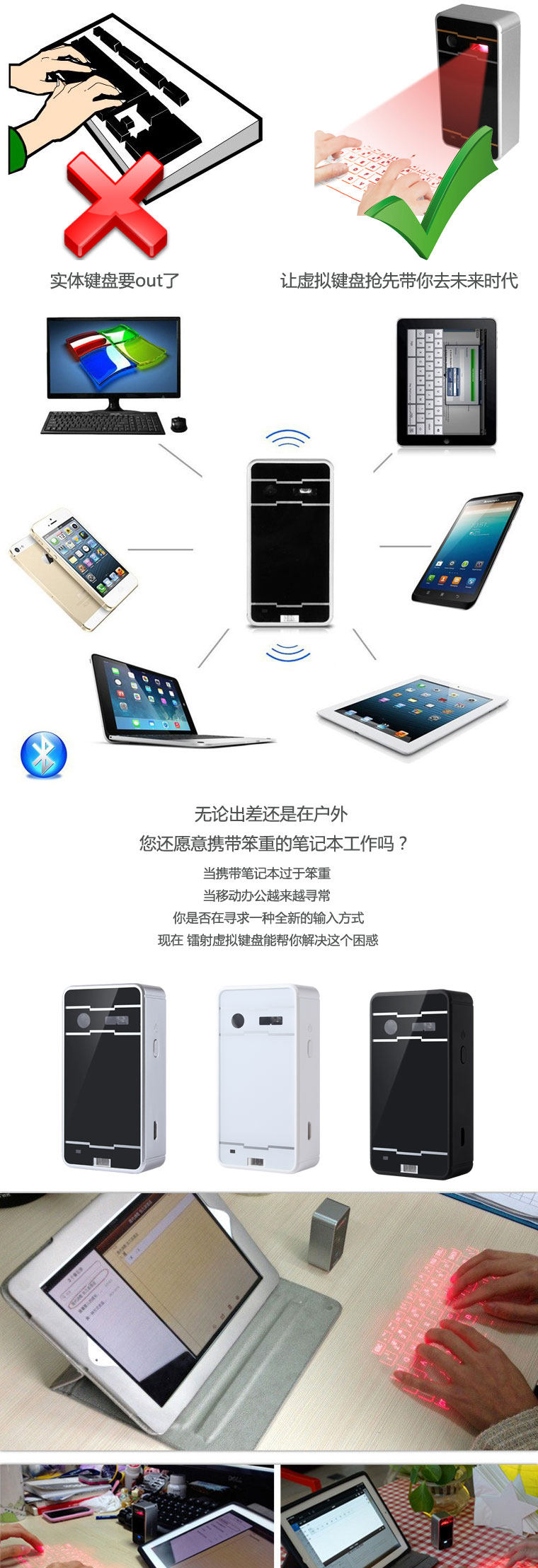
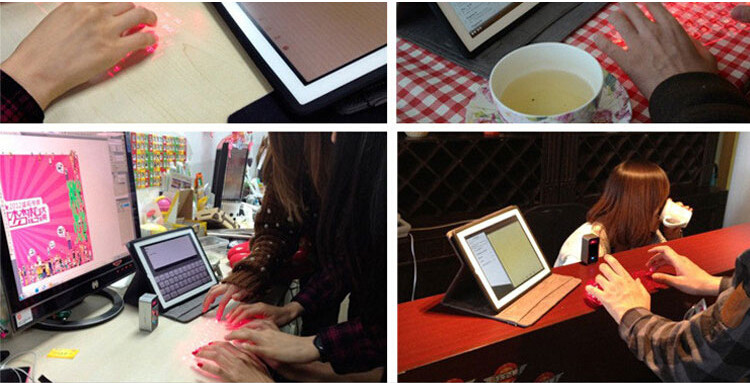
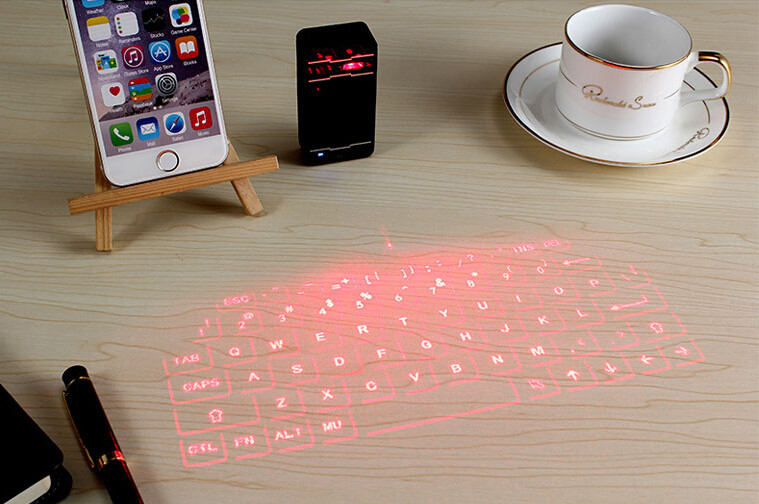
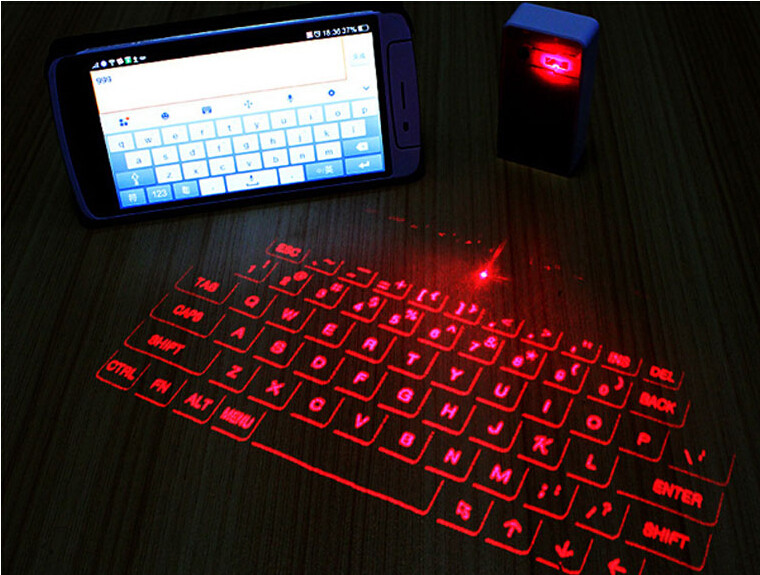
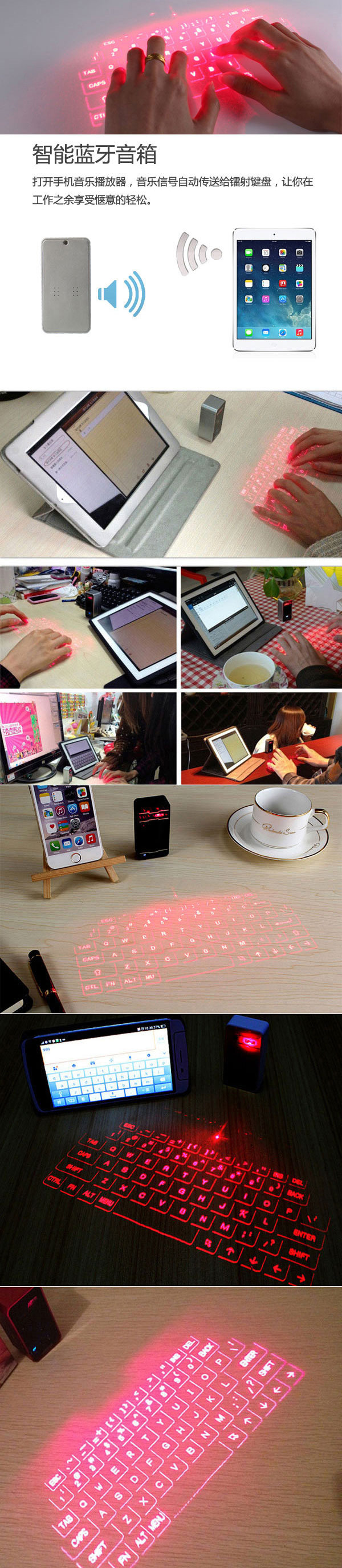
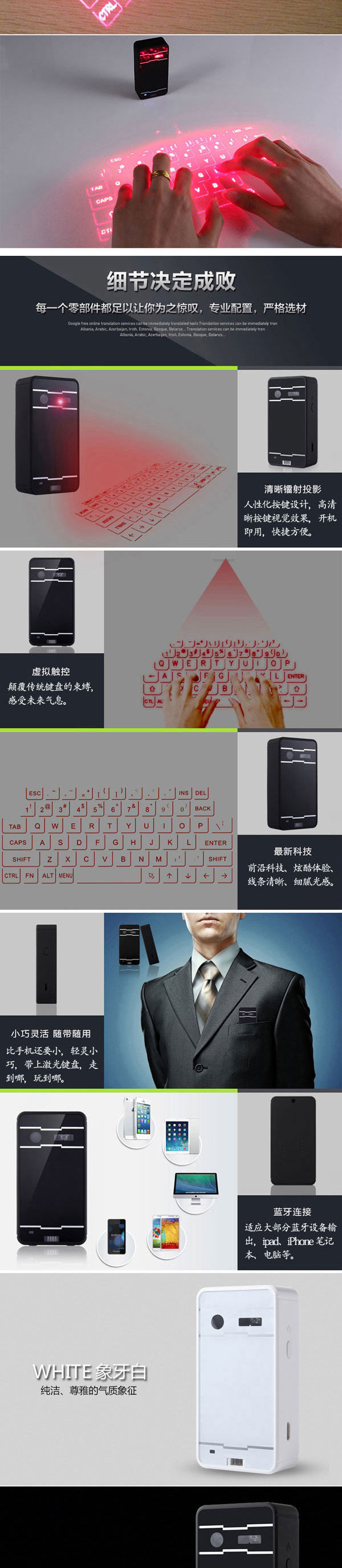
Mini Wireless Bluetooth Laser Virtual Keyboard
1. Features
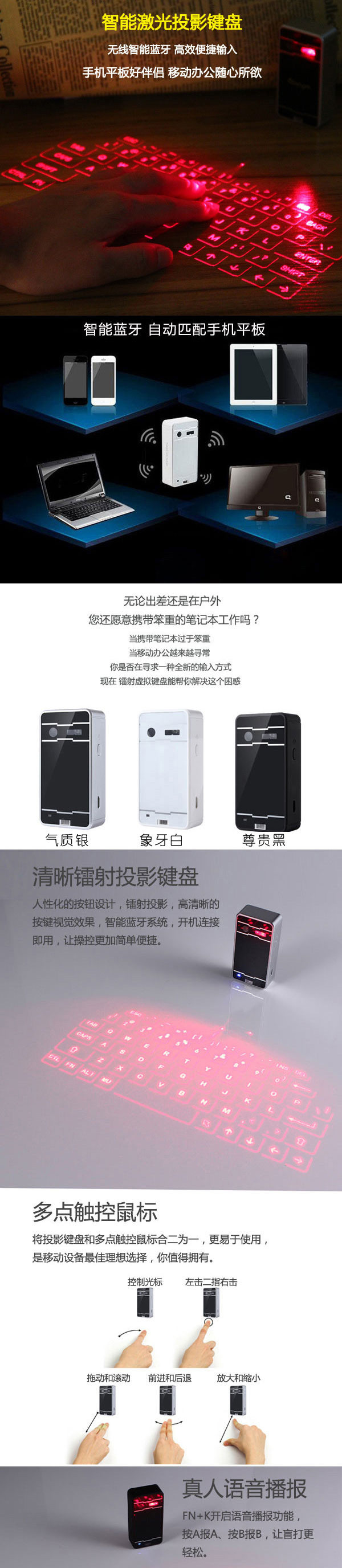
- Superior Portability
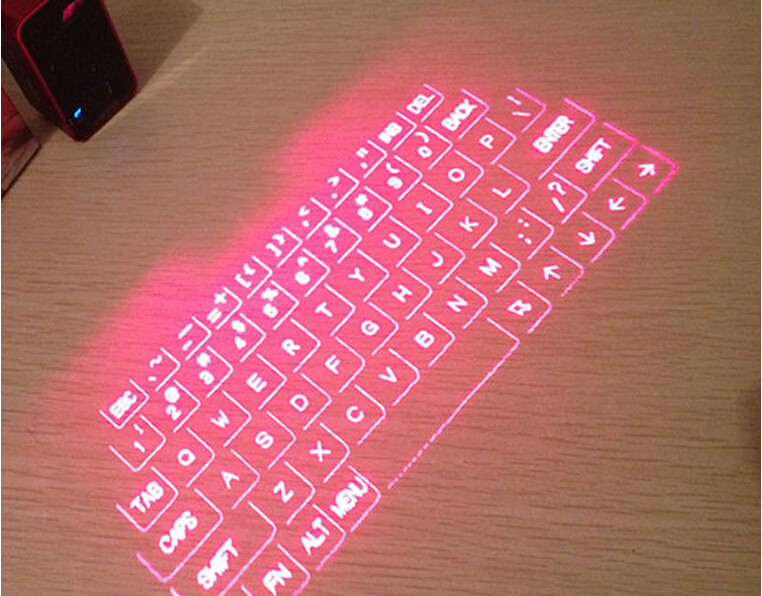
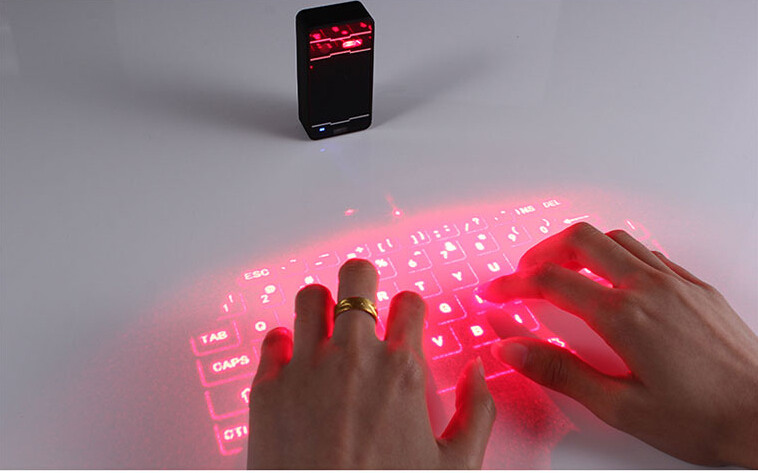
- English QWERTY keyboard layout
- Supports USB interface and Bluetooth, the mobile device is very convenient link
- Built-in lithium polymer rechargeable battery, easy to move and carry
- Compatible with the latest equipment Windos XP / VISTA / 7/8, Windows Phone 7, IOS4 / 5/6 (iPhone and Ipad) Android 3.1 and later, Max OS X.
2. Packing list
- Laser Bluetooth Keyboard
-USB Data cable
- User's Manual
3. Appearance Function
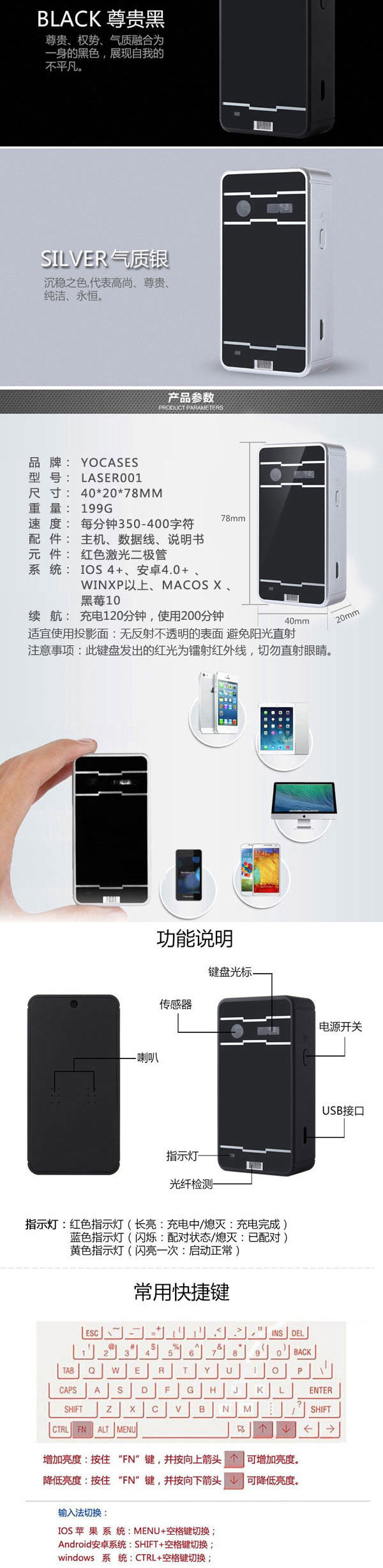
Red light: long bright - Charging Off - Charging completed
Blue LED: Blink - paired status Off - paired
Yellow light: flashes once - start normal
Note: The user uses laser Bluetooth keyboard, each key is pressed the system will automatically issue a "beep" sound
USB link mode
- Method: USB device is connected
-USB Connector: Standard USB Mini-B type
- Interface Specification: USB HID Keyboard
- Power input: 1A 5V USB Charge
4. Product Connections
This product is connected via Bluetooth HID and USB HID Laser Bluetooth keyboard, the product and the operating system all the functions are compatible with USB HID, USB HID connection plug and play, without having to install a separate driver.
- Connect via USB HID
- Laser Bluetooth keyboard and the host device with a USB cable to connect the host device must support USB HID
Note: Most Windows devices support USB HID.
- Open Laser Bluetooth keyboard.
- The right to connect laser Bluetooth keyboard, if the LED indicator lights red, it indicates charging; LED red light is off, charging is completed. Under the state of charge of the product can be used normally.
- Connect via Bluetooth HID
Bluetooth HID compatible device: So Microsoft OS, IOS4 / 5/6 (iPhone and iPad), Android 3.1 and later, Max OS X.
This product supports Bluetooth HID connection, without having to install a separate driver, and a mobile phone or tablet with a single connection, the connection information will be retained after the shutdown Bluetooth laser keyboard, and if you need to connect another device, you need to clear the previous connection:
- Open the Bluetooth keyboard laser equipment
- Clear the existing Bluetooth connections: Press and hold the "Fn + B", after the beep device for the match, then off, then other devices can be found after re-boot.
- Blue LED light changes to steady blinking, indicating that the device is ready to pair
- The host starts to scan for Bluetooth devices (iPhone or PC or iPad).
- In the IOS, type the Settings-Bluetooth.
- Click the ON button to turn on the Bluetooth representation, iPhone / iPad began looking for paired devices.
- Laser Keyboard Click to complete the pairing After successful pairing shows "Connected", the blue LED light stops flashing.
- Connection with the host device mounting system
-Android System navigation icons are as follows:
Home → Main Menu → Settings → Wireless and Network → Bluetooth setting.
- Laser Keyboard Click to complete the pairing After successful pairing shows "Connected", the blue LED light stops flashing.