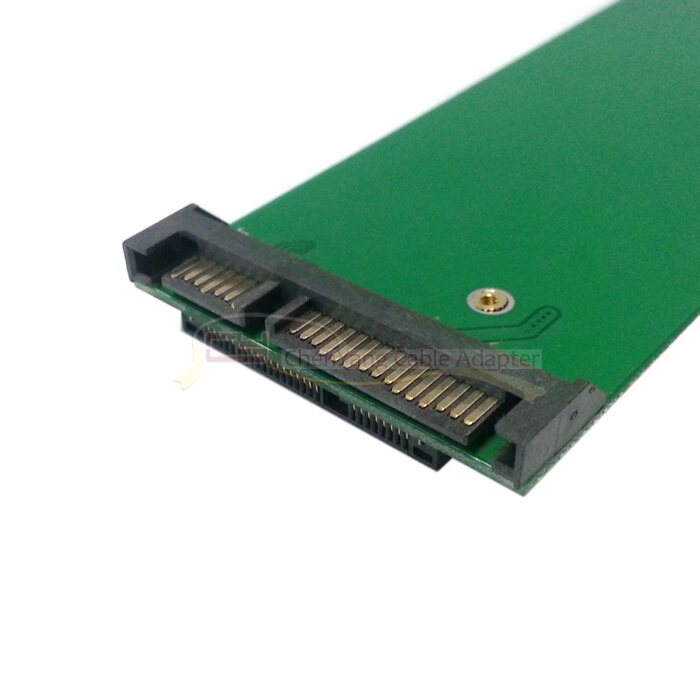
产品名称:
华硕UX31 UX21威刚XM11 SSD固态硬盘转接卡笔记本台式机用 SA-084
华硕UX31 UX21威刚XM11 SSD固态硬盘转接卡笔记本台式机通用
本转接卡仅改变您硬盘的接口形式,并不改变你的固态硬盘的读写速度,你使用的固态硬盘原本读写速度多少,加上本转接卡之后速度还是多少!
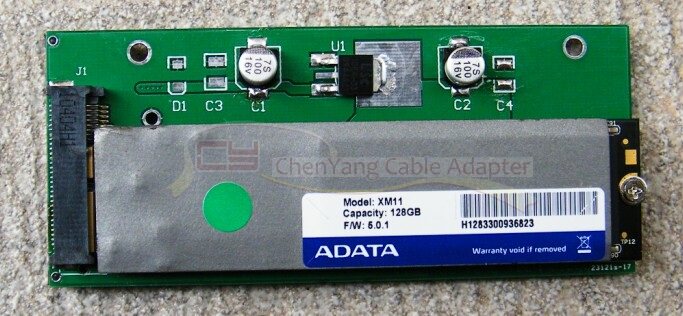
华硕UX31 UX21笔记本专用 SSD固态硬盘威刚XM11固态硬盘转接卡,转成2.5寸SATA接口,用于笔记本电脑以及台式机电脑,SATA3接口,有的笔记本电脑装的时候可能要拆掌托,大部分只要打开硬盘盖就可以安装,这个取决于您的笔记本电脑硬盘仺的设计,不可一概而论!下面图片是转接卡加上固态硬盘的样子:
product name:
ASUS UX31 UX21 DATA just XM11 SSD solid state drive adapter card notebook desktop SA-084
ASUS UX31 UX21 DATA just XM11 SSD solid state drive adapter card notebook desktop
The adapter card only changes the form of your hard drive interface, does not change your read and write speed of the solid state hard drive, you use the original hard disk read and write speed how much, coupled with the adapter speed or how much!
ASUS UX31 UX21 notebook dedicated SSD solid state drive DATA just XM11 solid state drive adapter, into 2.5-inch SATA interface for laptops and desktop computers, SATA3 interface, and some laptop computers may have to remove the palm rest, large Some just open the hard disk cover can be installed, depending on your laptop hard drive 仺 design, can not be generalized! The following picture is adapter card plus SSD looks like:
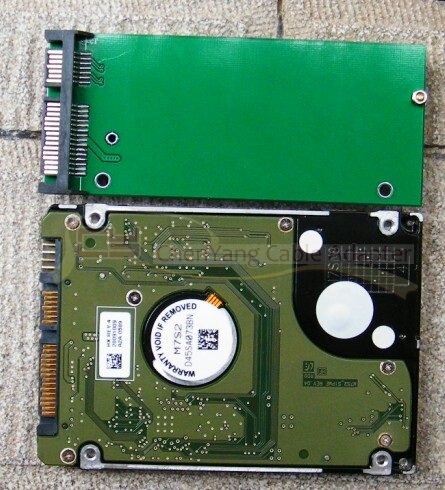
Adapter with 2.5-inch SATA interface (serial) notebook hard drive comparison, the same length, the same thickness, width slightly narrower, as shown below:
Please pay attention to the insertion direction of the solid state disk. The solid state disk interface should be broadside down, narrow side up, close to the bottom of the interface, then tighten the tail fixing screw as the following figure
Adapter card SSD interface MINI pci-e interface:
转接卡跟2.5寸SATA接口(串口)笔记本硬盘比较,长度一样,厚度一样,宽度略窄,如下图:
请注意固态硬盘的插入方向,固态硬盘接口处宽边朝下,窄边在上,紧靠接口下方插入,然后缩紧尾部的固定螺丝,如下图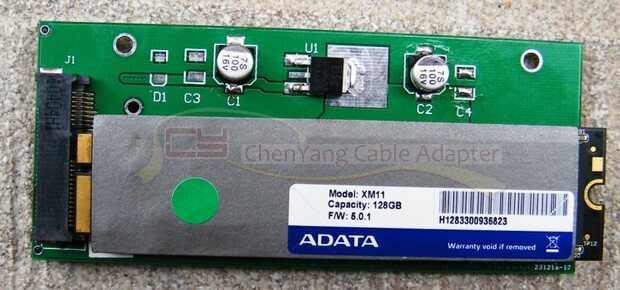
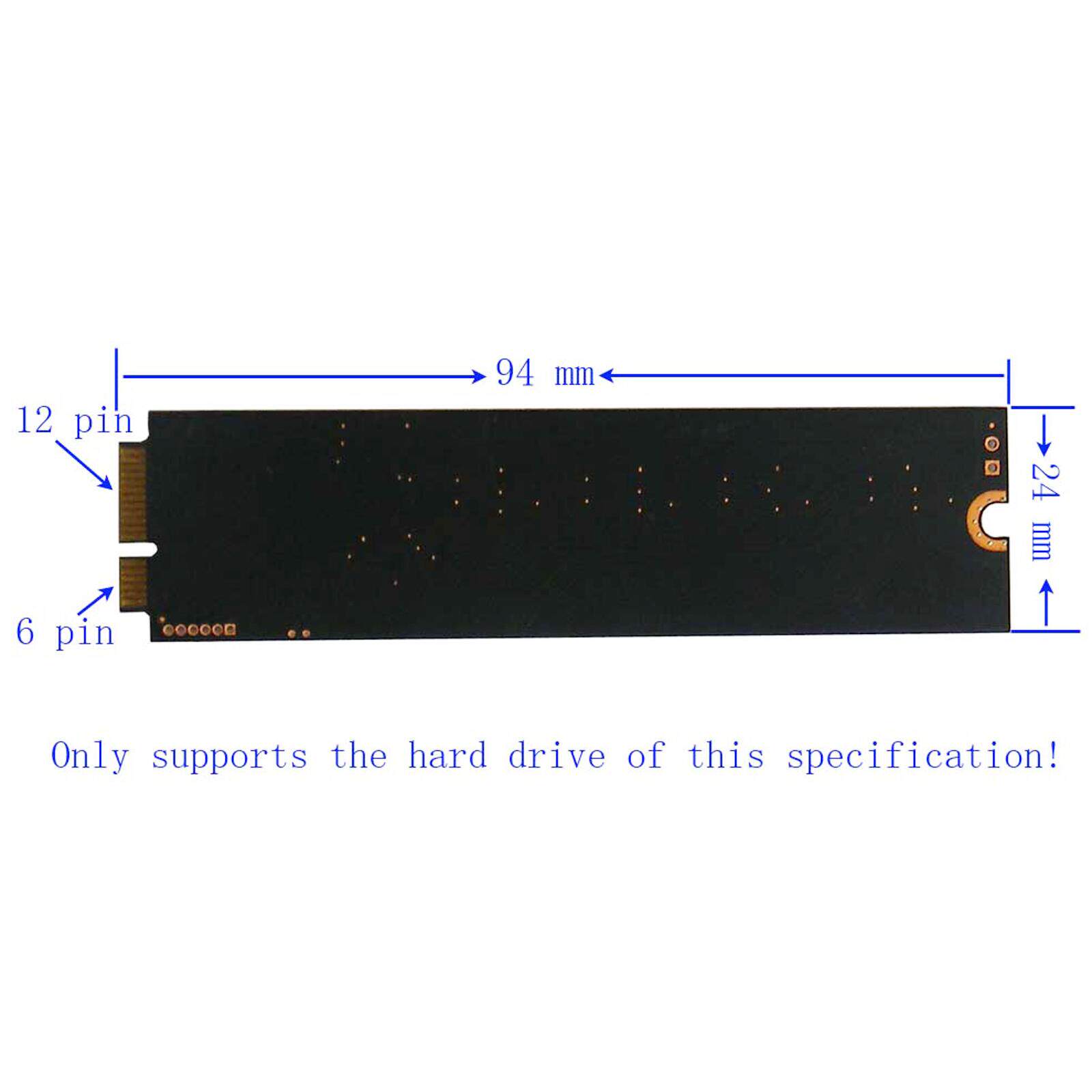
转接卡SSD接口为MINI pci-e接口: