?
| Basic Information | Model | Xiaomi MiBand 1S (XMSH02HM) |
| Color | Black | |
| Water-Proof | IP67 | |
| Bluetooth | V4.0 | |
| Touch Screen | No | |
| Dimension | 9.06 x 0.67 x 0.35 in (23 x 1.7 x 0.9cm) | |
| Wrist strap length | Adjustable, 157mm to 205mm | |
| Weight | 0.35 oz (10g) | |
| Sensor | Light-sensitive | |
| ? | ||
| Material | Metal surface material | Full magnesium - alloy |
| Body shell | Polycarbonate | |
| Wristband Material | Dow Corning TPSIV | |
| ? | ||
| Compatible OS | Supports Android 4.4 or above, Bluetooth V4.0 Android cell phones; Suitable for IPHONE 4S/5/5C/5S/6/6PLUS with iOS 7.0 or above.(2015/02/03 updated) | |
| ? | ||
| Battery | Capacity | 45mAh |
| Type | Li-Polymer Battery | |
| Standby Time | 10 Days | |
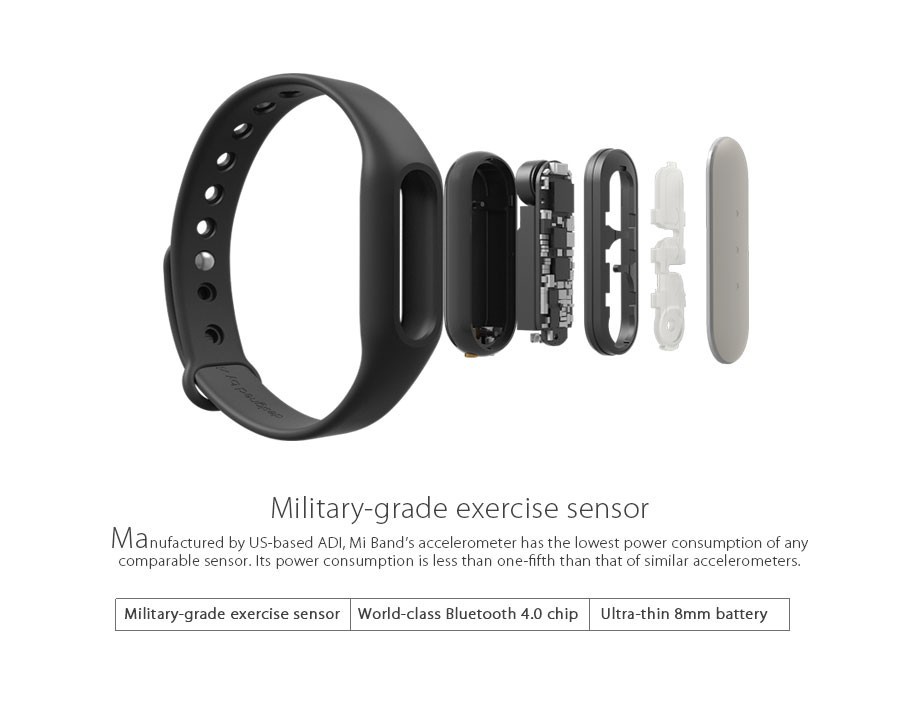
| Thickness | Extremely narrow 8mm Battery | |
| Input voltage | DC 5.0V | |
| Input Current | 25mA | |
| ? | ||
| Package Contents | 1 x Bracelet | |
| 1 x User Manual | ||
| 1 x Charging Cable (10cm) | ||
?
?
Please Notice:
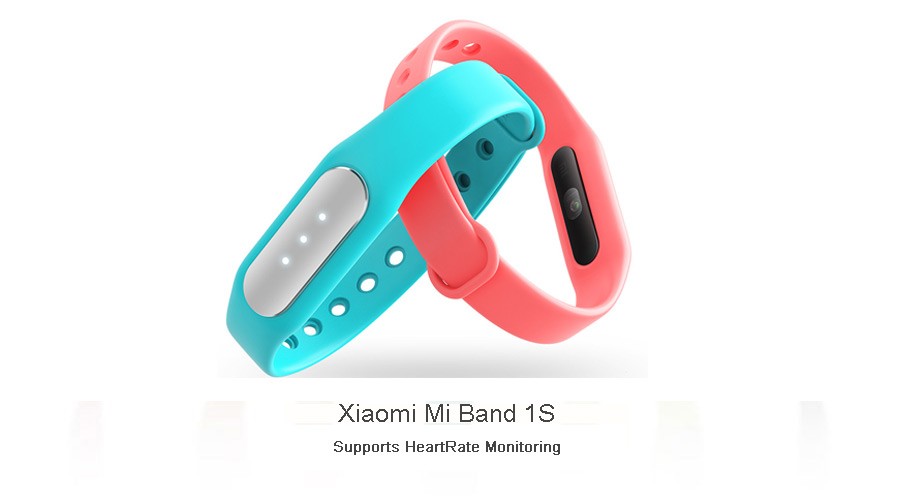
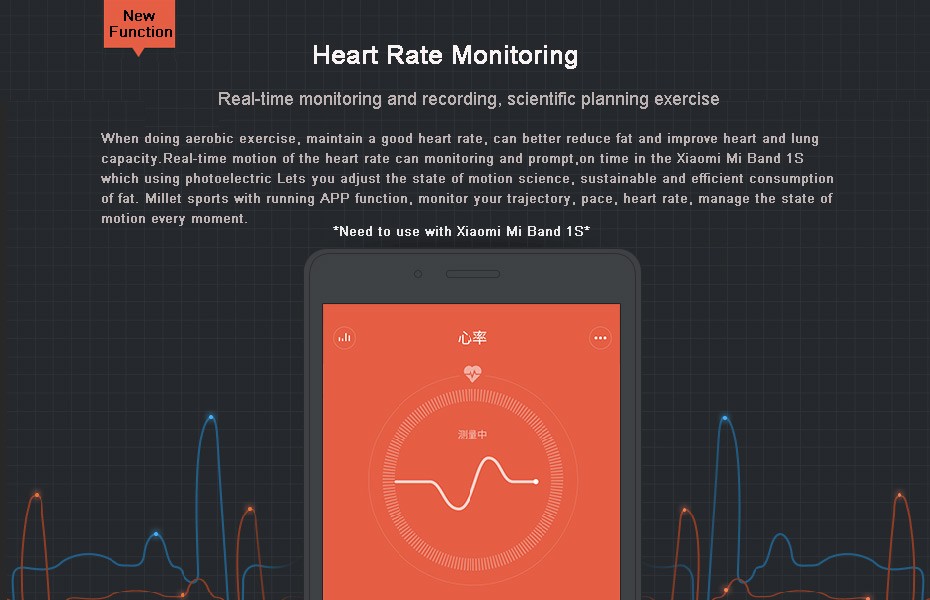
1.The difference between this version of the bracelet and xiaomi mi band is xiaomi mi band 1s supports?Heart rate monitoring.
Description:
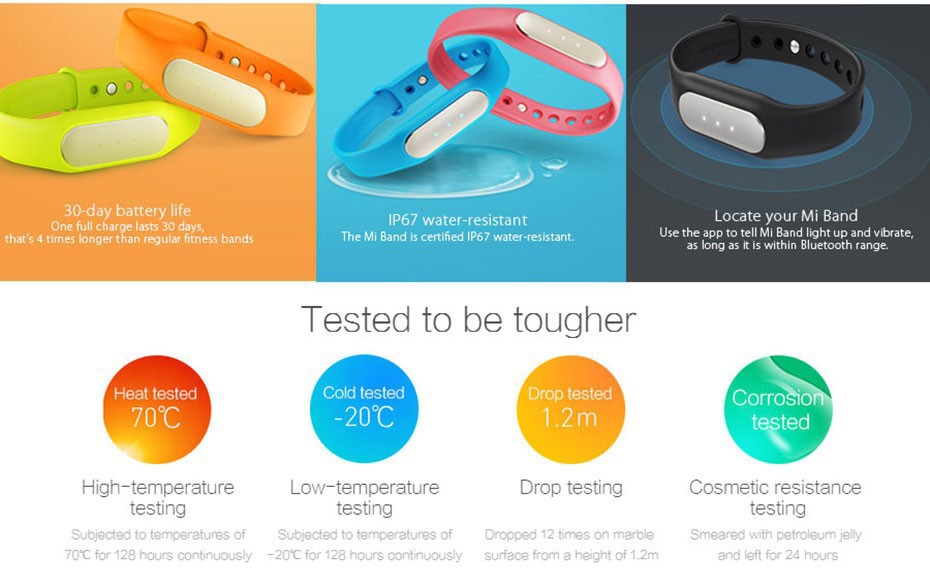
Mi Band 1s, a fitness tracking wrist band that monitors your fitness and tracks your movement (walking or running) plus your sleeping pattern and use it as a smart vibrating alarm to wake up feeling better. Featuring the industry's most power-efficient bluetooth chip and accelerometer, a single charge on this waterproof device will last up to 30 days. Better yet, the band doubles as a security token that automatically unlocks your phone. The technical gubbins all live inside a small alloy body with LED notification lights. This alloy device can be slipped in and out of different colour rubber wrist straps to suit your style, and there were even some more smart concepts shown too including a leather option.
?
Function:
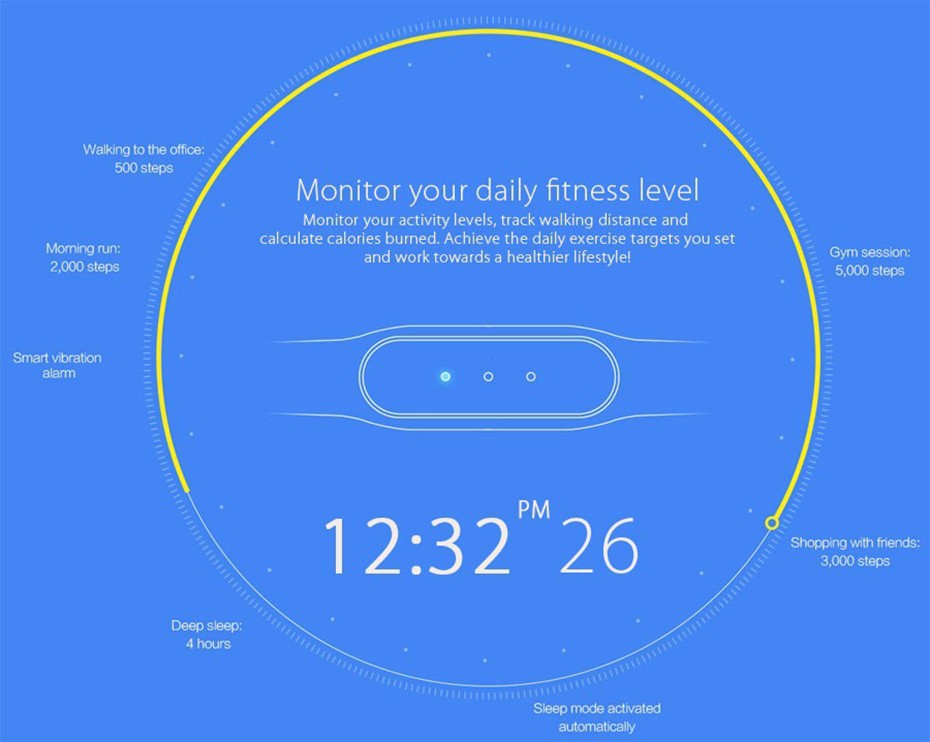
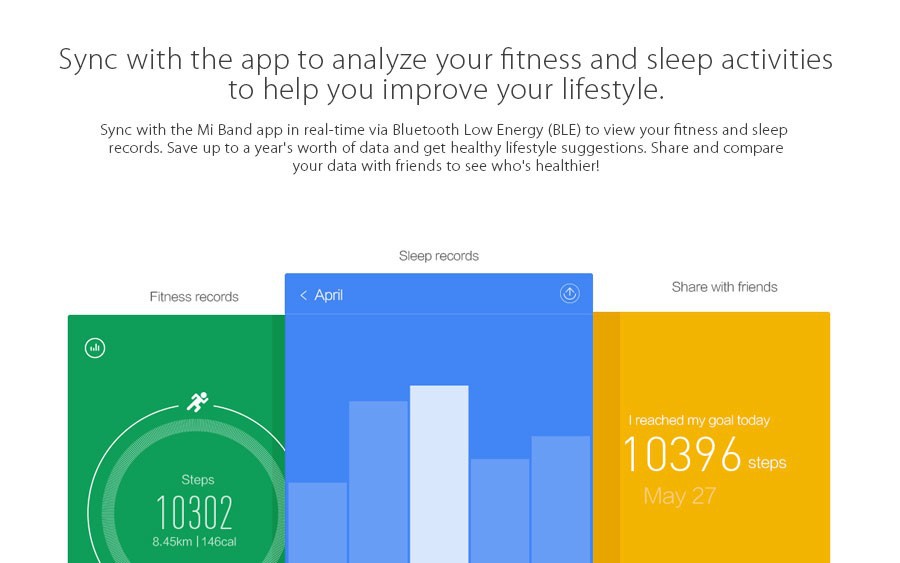
1. Record daily motion data: Xiaomi bracelet to help you record all-day event, calculate walking distance, and calorie consumption.
2. Smart Vibration alarm clock, simulation wake up naturally Status: The user can set the alarm on the APP, in front of the preset alarm within 30 minutes, with a slight vibration to wake you from a shallow sleep, when to wake up slowly shallow sleep, naturally wake up closer.
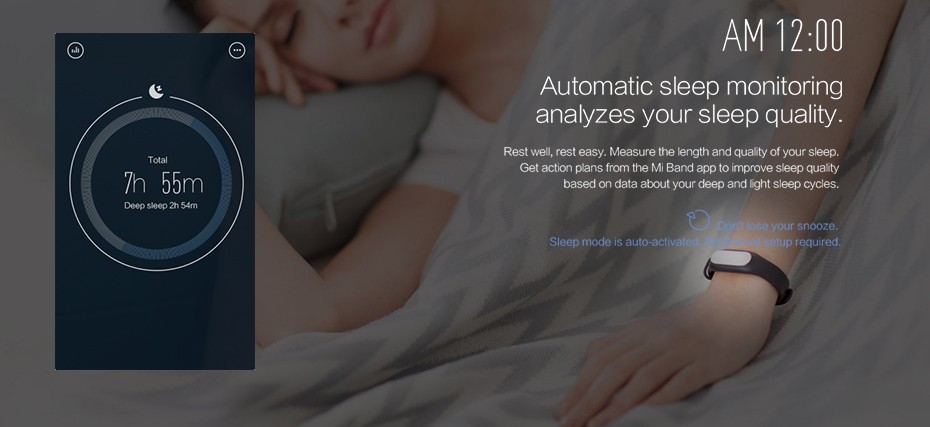
3. Automatic sleep monitoring.
4. Bluetooth real-time synchronization to APP: analysis of movement sleep data, providing health advice.
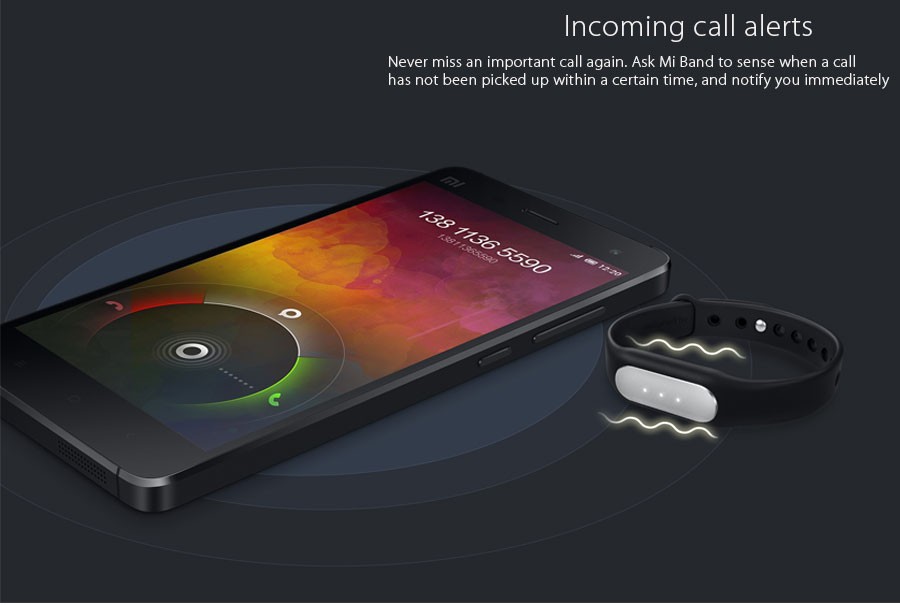
5. Reminder phone calls: phone calls, the bracelet can be within a certain range (in theory, should be a?Bluetooth sensing range 10-15M) sensing phone calls, and in case you have not turned on within a certain time, the bracelet will vibrate and flash prompts you through. In the outdoor noisy environment, even if the phone placed inside the bag, still do not worry about missing important calls.
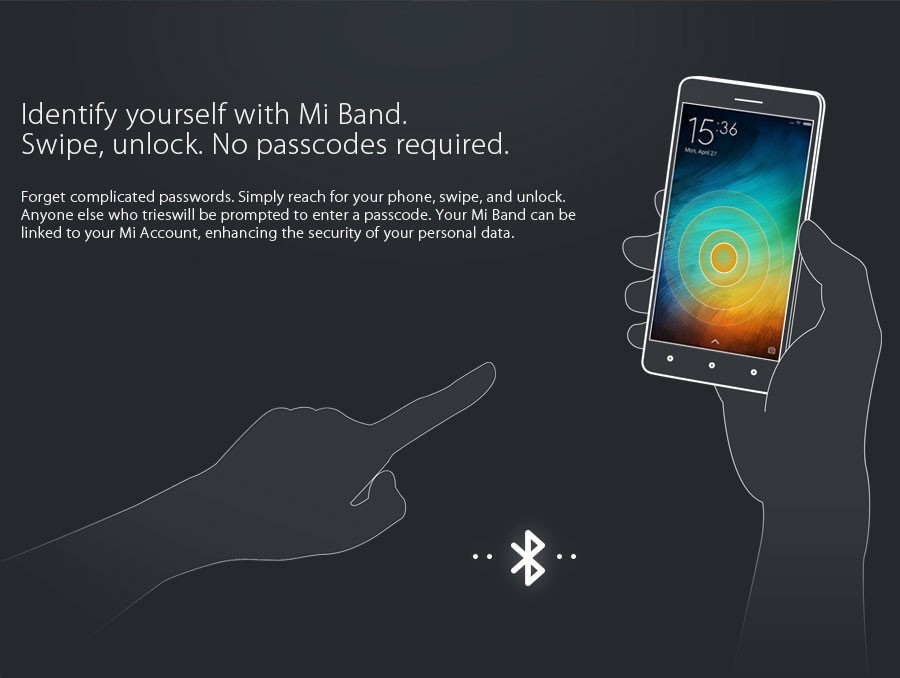
6. Bracelet Binding identity, free password to unlock the phone:?Forget about complicated unlock password, gestures, simply raised his hand to move to the next cell phone, "shua" is heard, immediately safe unlocked. Xiaomi account with your 1 on 1 binding, identify your identity, to better protect the safety of mobile phone information.?Note: Equipment requirements:?Xiaomi3/ Xiaomi4/ Xiaomi Redmi NOTE 4G with the system is Android4.4 and above MIUI or Android 5.0 above, and? support for Bluetooth 4.0.
7. Now it support for IOS, but it only work for?Record daily motion data,?Automatic sleep monitoring,Find band,?Reminder phone calls.?Equipment requirements:?Compatible with iOS 7 or above iPhone, iPad and iPod Touch etc. other equipment.
?
?
Original Xiaomi Mi Band 1S (In Stock Now!)


Download?:Mi Band App APK File Direct Download from offical?MIUI Forum?, Mi Band App for iPhone, iPad, and iPod touch from itunes.
?
?
****Here is??step-by-step?guide on?how you can easily?setup?your Xiaomi?Mi Band****
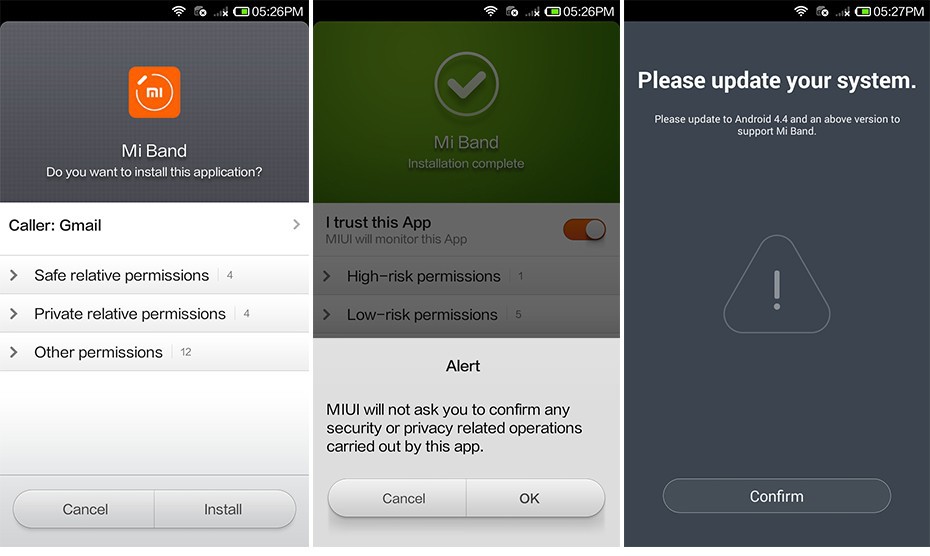
First you need to download the Xiaomi Mi Band application (English Version) from the above?link and complete the installation.
?
?
Then, you can check the “I trust this app” if you want MIUI to monitor this app. Note by allowing that, the app won’t ask you to confirm any security or privacy related operation carried out by the app.
?
?
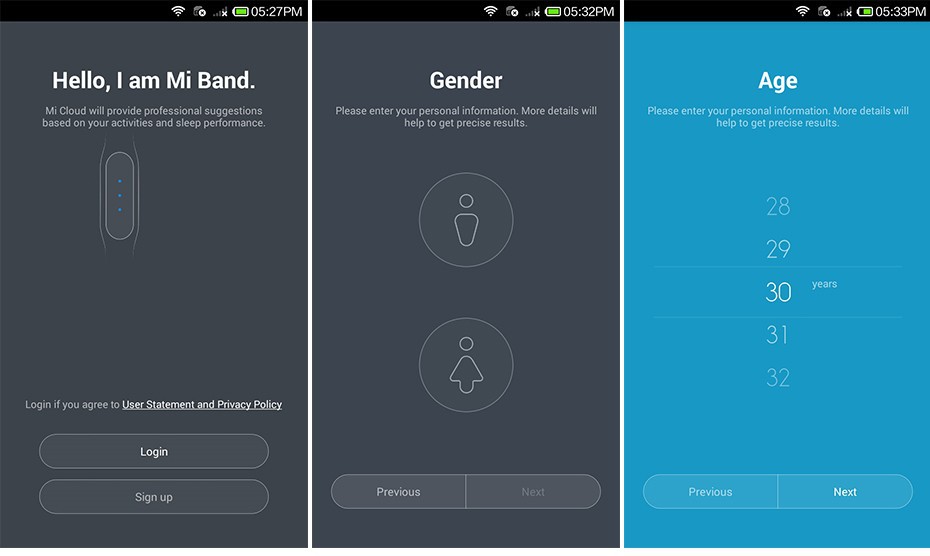
If your system is not updated, then, the app will not continue the installation until you have the latest Android 4.4 installed on your device. Though, we were able to escape it (learn more about it,after the instructions end).
?
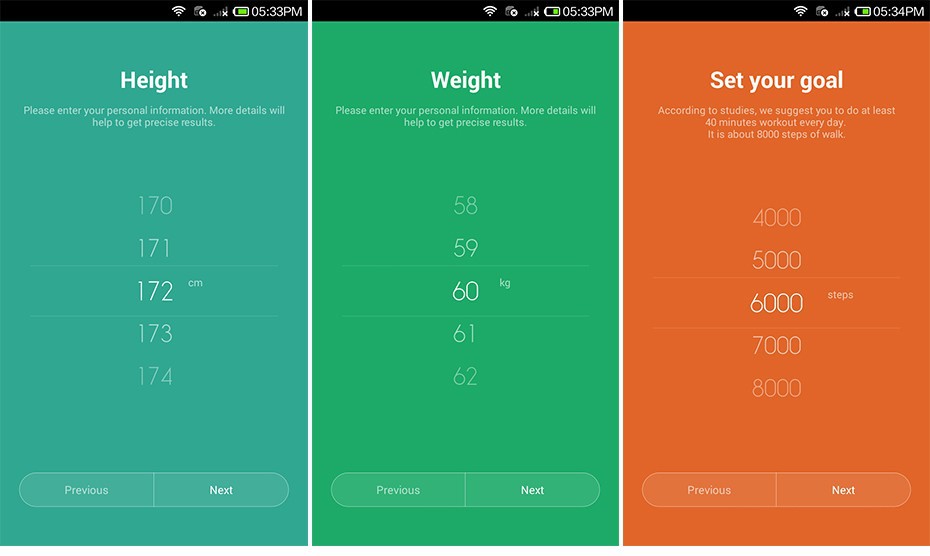
After, successfully installing the app, you need to sign up for an account, or use your existing Xiaomi account credentials to Login.
Then, you would be asked to select your age, height, weight, and set your goals for the day.
?
?
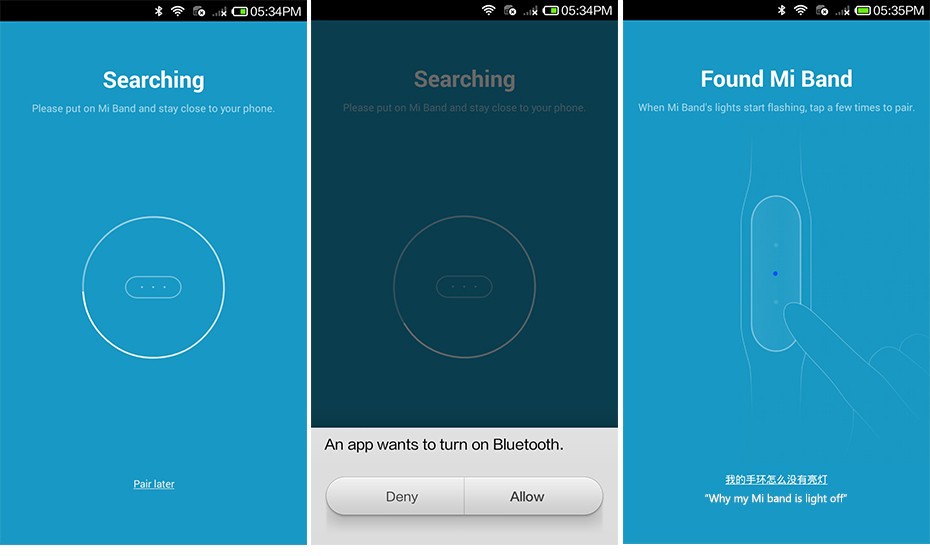
Now, the Mi Band app will ask for permission to turn on the Bluetooth on your smartphone.
Select the Mi Band device when it appears on the app.
?
?