FEATURES
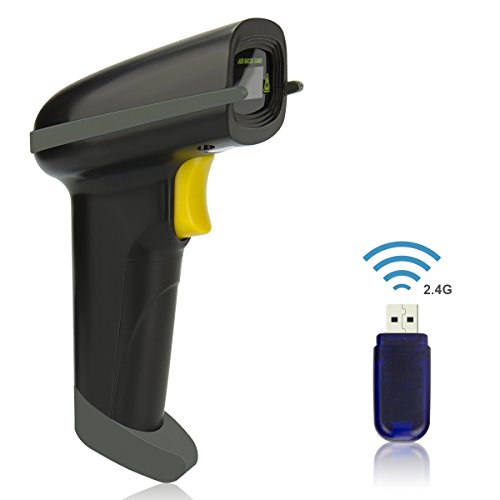
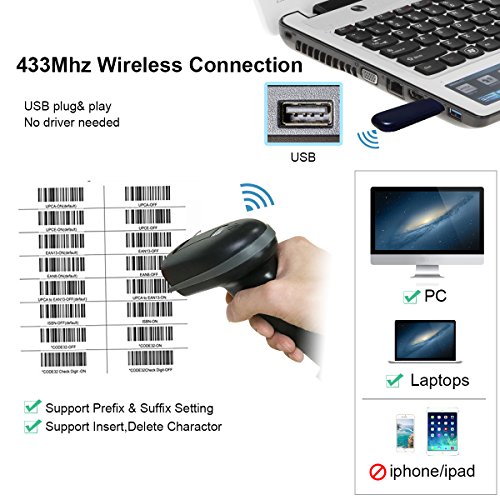
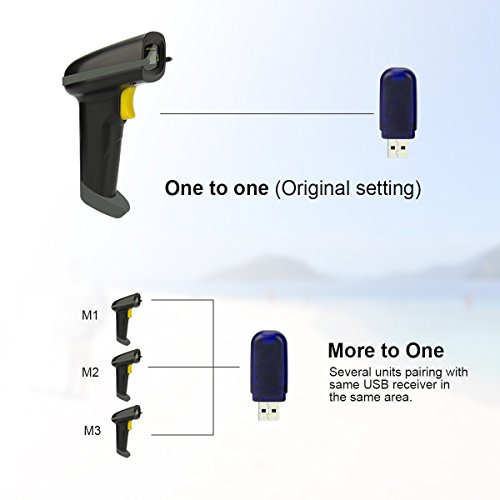
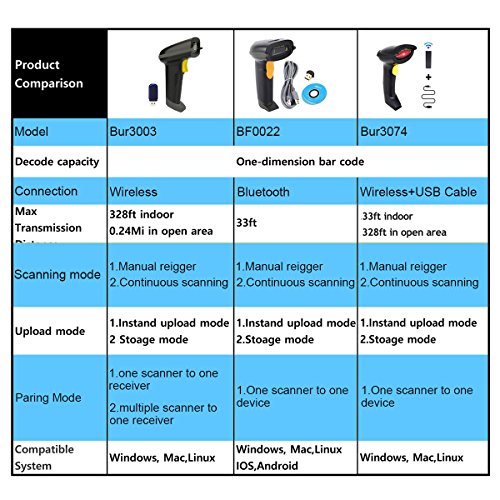
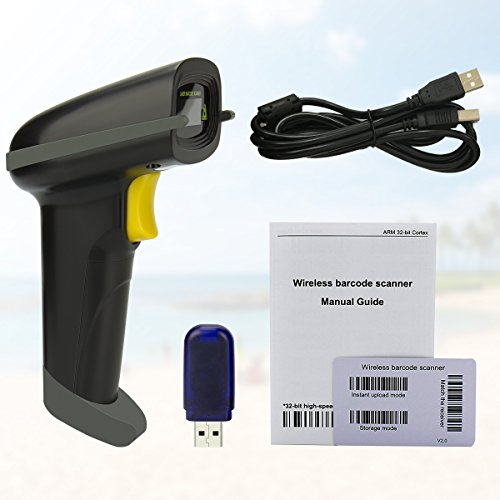
- Wireless Bluetooth Scanner: With Mini USB Receiver and Bluetooth connected,USB plug-and-play, no drive installation needed; Scanner and receiver has been paired with one to one and allows for re-pairing
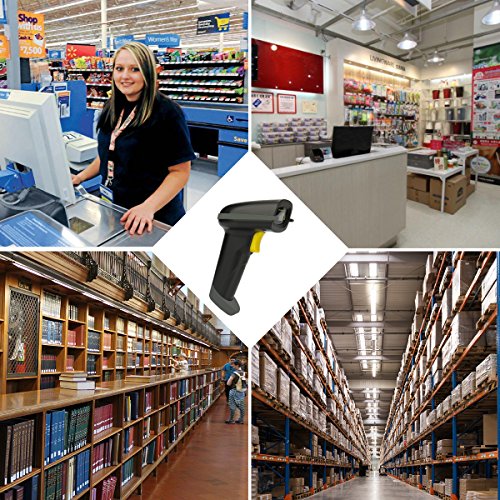
- Muitiple Application:Support muitiple barcodes scanning, such as Bar Code, UPC, ISBN, FedEx,UPS, USPS, DHL,Amazon label etc, widely used in warehouse inventory check, store, library
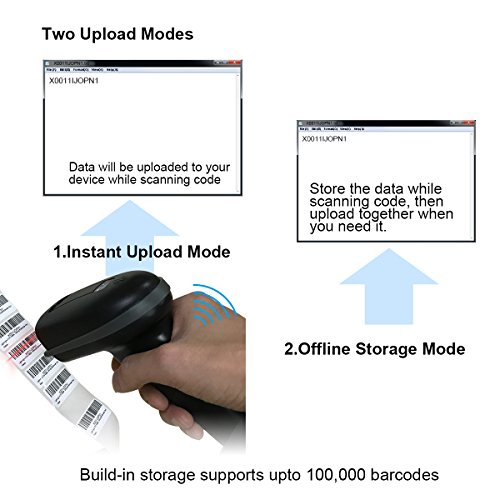
- Upload/Storage Mode: Data will be uploaded to your device while scanning code(Instant Upload Mode);Store the data while sacnning code, then upload together when you need it(Offline Storage Mode)
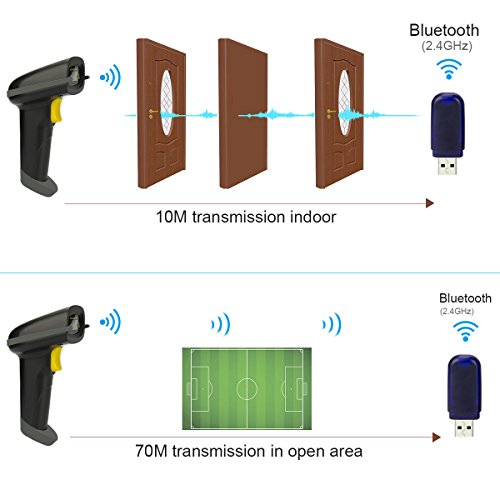
- Long Range Transmission: Delivers up to 400m transmission in open air/100m transmission indoor. No More Data Cable Needed, easily connected with your Windows Linux PC, Apple Mac etc,.
- More Scanners to One Receiver: One or Multiple scanners can transmit data to one wireless receiver - ideal in a place where several people are scanning.
SPECIFICATION
| Model No. | YA6-011 |
| Item Dimension | 7.62 x 10.41 x 16.00 Cm |
| Package Dimension | 10.21 x 8.10 x 18.49 Cm |
| Package Weight | 0.29 ~ 0.35 Kg |
| Product Group | CE |
| Availability | Available (Usually ships in 1-4 business days) |
DESCRIPTION