New Original Xiaomi MI BAND?miband IP67 Smart Bluetooth 4.0 Wristband Bracelet with
Sleep Monitor Support Smart Meter Step
?
Main Features:
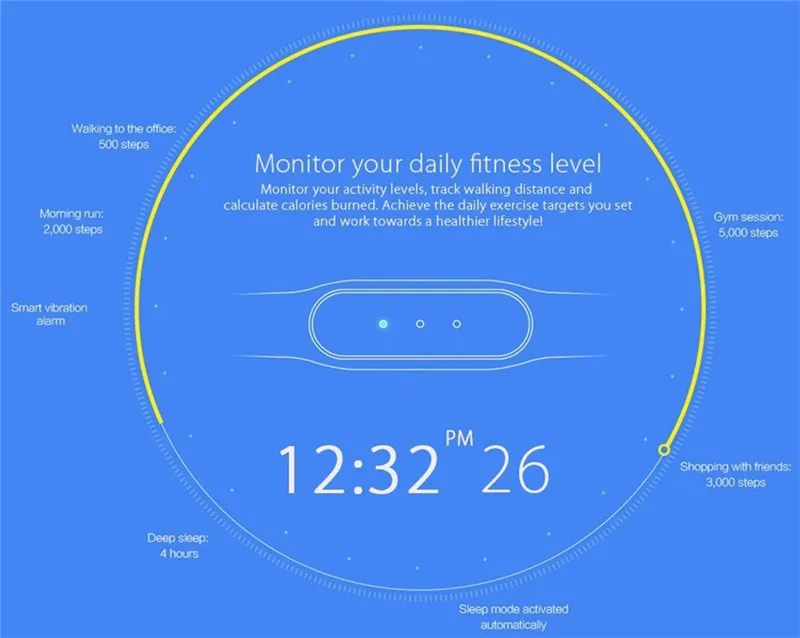
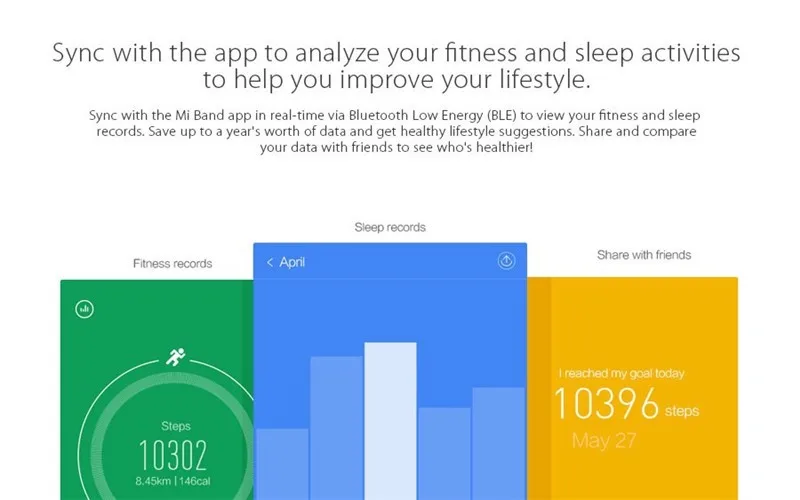

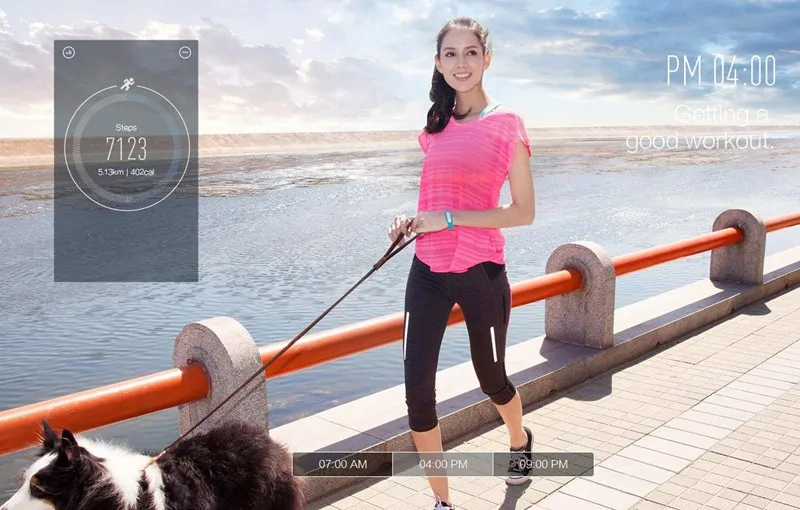
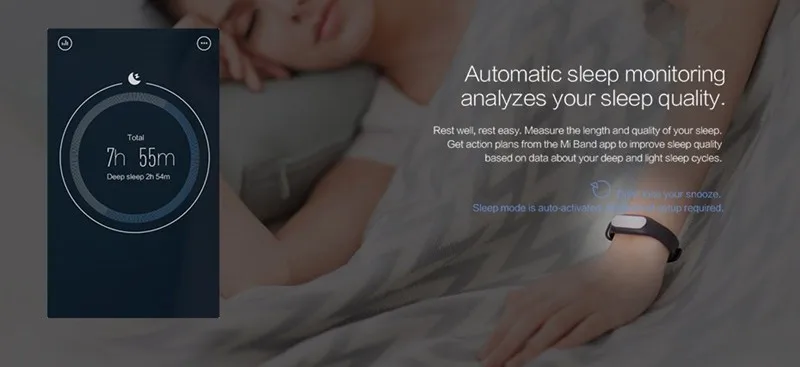
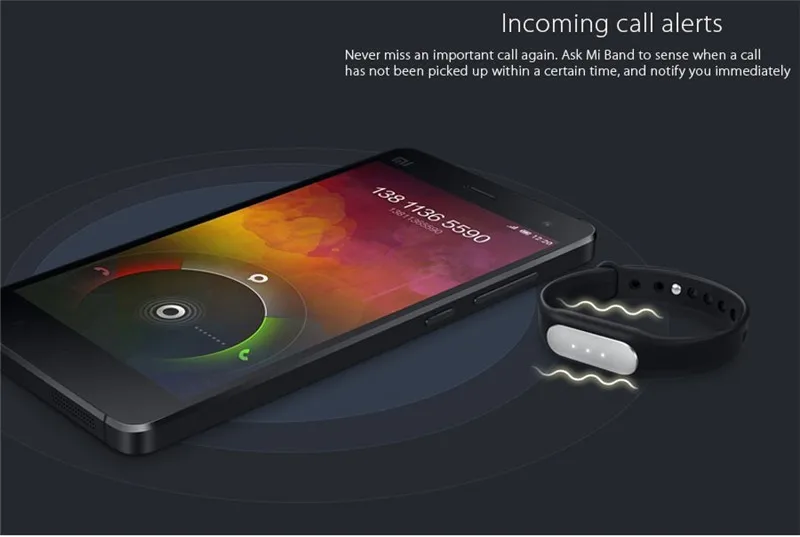
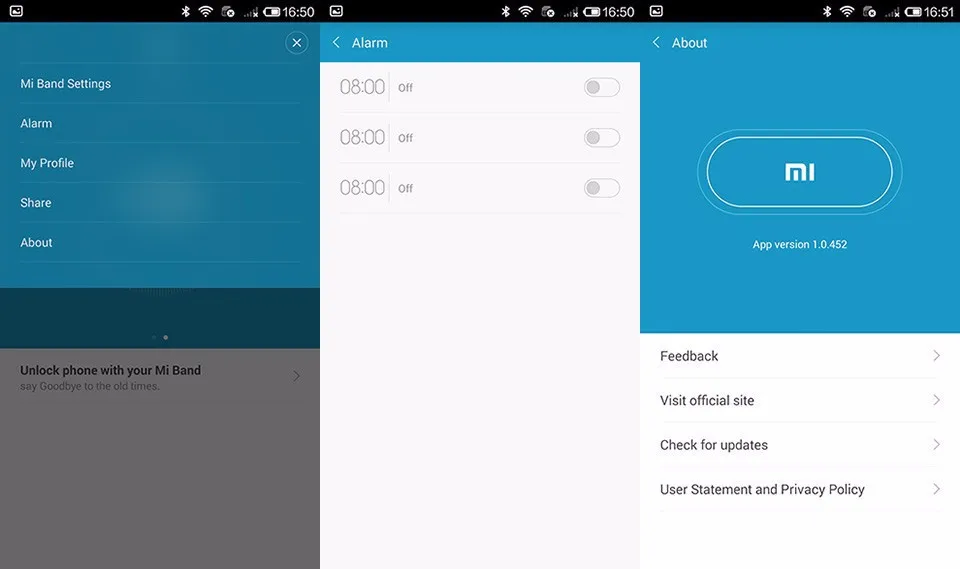
- Sport data recording, sleep quality monitoring, smart alarm clock wake up, calls reminder (Need set in app)

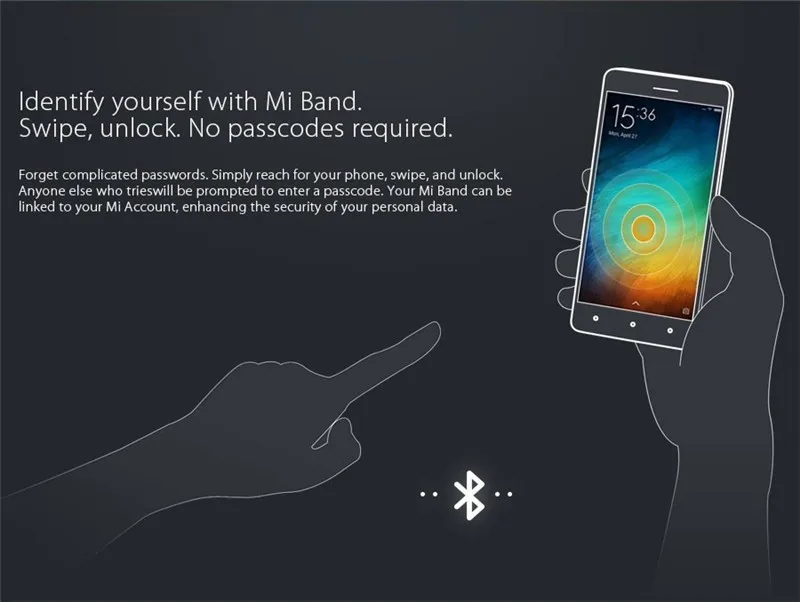
- The Miband can unlock your Mi phone without a password (Use for MI phone only)
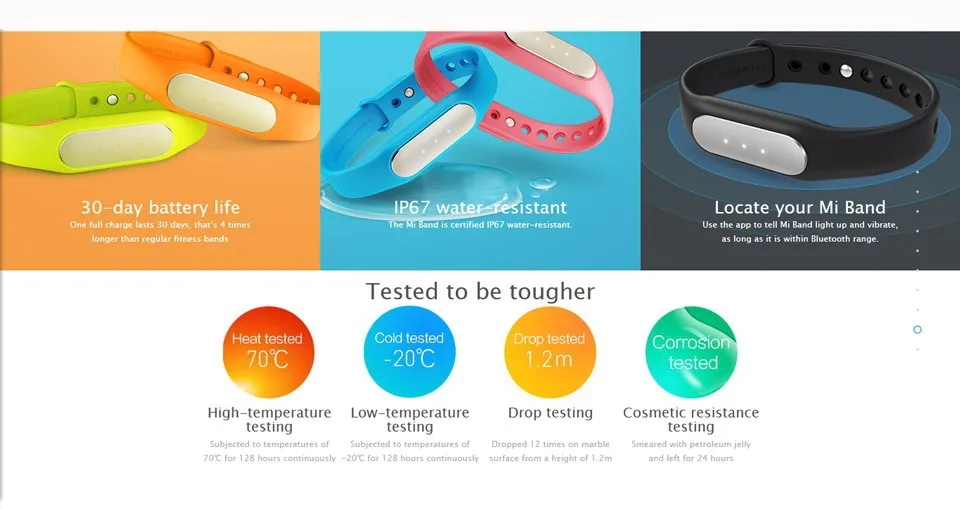
- Water resistant and dust resistant: IP67
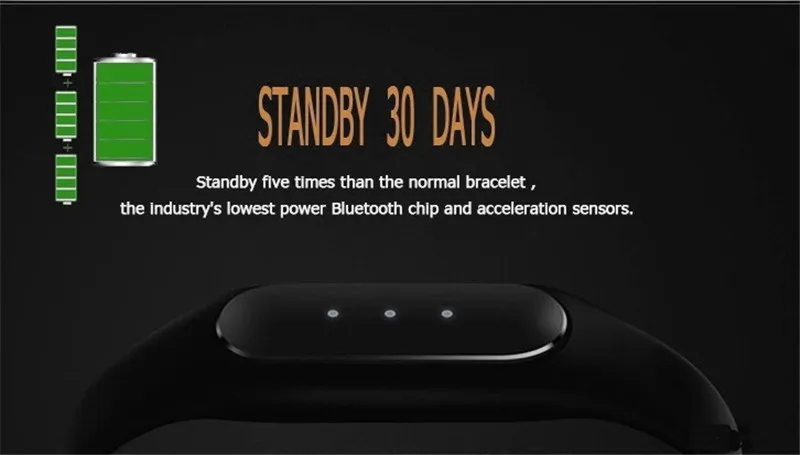
- Standby about 30 days
- Built-in rechargeable battery
- Running Android 4.4 and iOS 7.0 (or above) phones
Upgrade!
Now, the Xiaomi Miband can compotible with iOS system, you just need to download this?Compatible APK
You can scan the QR to download apk: Android users -?

iOS users -?

Note: Before using the Xiaomi bracelet, you must finish the Xiaomi account registration
Step1: Inputhttps://account.Xiaomi.com/pass/register to your browser
Pay attention!
The color of LED lights (White LED or Colorful LED) is random.
Bluetooth version:?Bluetooth 4.0
Waterproof:?YES
Screen:?NO
Battery type:?Lithium polymer batteries
Battery capacity:?45mAh
People:?Unisex watch
Functions:?Pedometer, Sleep monitoring
Shape of the dial:?Rectangle
Case material:?Alloy
Band material:?Rubber
Language:?English
Available color:?Black
The dial thickness:?0.9 cm / 0.4 inches
The dial diameter:?1.4 cm / 0.6 inches
The band width:?1.3 cm / 0.5 inches
Product size (L x W x H) :?23 x 1.4 x 0.9 cm / 9.04 x 0.55 x 0.35 inches
Package size (L x W x H):?24 x 1.5 x 1.9 cm / 9.43 x 0.59 x 0.75 inches
Array
Package weight:?0.139 kg
Package contents:?1 x Xiaomi Miband Smart Watch, 1 x Manual, 1 x Charger, 1 x Box
FAQ for Smart Watch and Wristband
1. Q: I can’t charge my watch / bracelet and it doesn’t power on, what should I do?
A: If this is the first time you’ve charged your watch / bracelet, please use the adapter to power it, charge it for more than 3 hours, then press the button to start it;
If you have not used the watch / bracelet for a long time without charging it, the battery would have opened the UVP function. In this situation, you need to activate the battery before using. (You can go to the phone repair shop to activate the battery).
2. Q: Why can’t I connect with Bluetooth?
A: 1. If the phone's Bluetooth version is lower than the watch's / bracelet’s, they will
not be able to pair;
2. If the phone's Bluetooth version is equal to or higher than the watch's / bracelet’s, but is initially unable to pair, then you need to clear the Bluetooth connection history on the phone, scan and re-connect again.
3. Q: The watch / bracelet icon shows that it has paired over Bluetooth, however the APP cannot sync data. How do I resolve this?
A: Generally it is caused by the Bluetooth of the phone. Please close the APP first, restart the Bluetooth connection and re-pair the two devices. If the above step does not work, please restart your phone and try to pair the devices again.
4. Q: Why does my watch / bracelet frequently lose connection with my phone?
A: Please check if your phone or other security software has set the APP as a trusted APP or not. This is required to pair the two devices. If it hasn’t, please set it as trusted APP and try again.
5. Q: Why am I unable to connect with the APP?
A: Please making sure the OS of your phone is within the range that the smart watch / bracelet supports.
?
This Mi Band 1A, NOT 1S,white led light only,no heart rate monitor.
?
In stock,100% original,certified products!
?
?
?

?
?
?
?
?
?
?
?
?
?
?
?
? ? ? ? ? ? ? ? ? ? ? ? ? ? ? ? ? ? ? ? ? ? ? ? ? ? ? ? Mi Fit English
?
 just blackselect
 add original greenselect
 add original yellowselect
 add original blueselect
 add original plumselect
 add original orangeselect
 ?
? ?
? ?
? ???
???