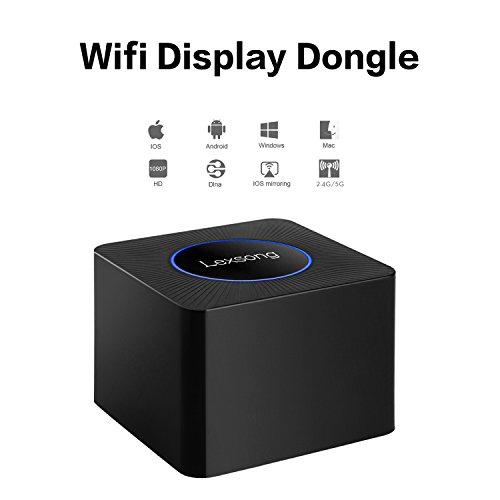
Studio : BLE Smart appliances Publisher : BLE Smart appliances Binding : Electronics Product Description
How to Use:
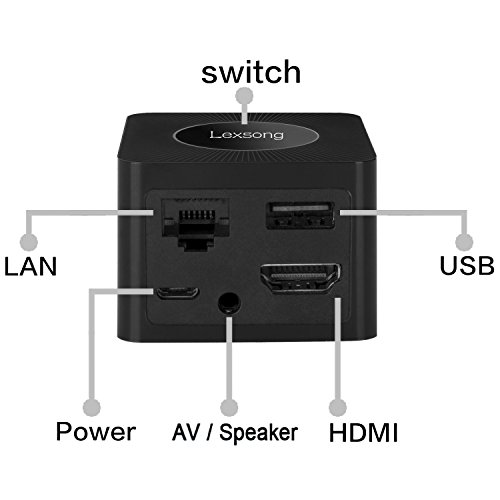
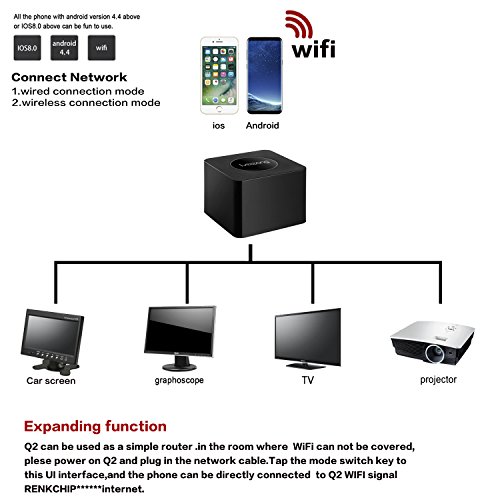
Use 5V/1A charging adapter to power on the dongle, then use the HDMI cable to connect the dongle to the TV or projectors.
If your TV does not have HDMI port, you can use the AV adapter cable to make it work.
The dongle does NOT support any Apps about Miracat or Airplay.
Your smartphones must possess function of Miracast, also called screen-sharing or screen-mirroring
(Android devices) or Airplay (iOS device).
Different Pairing Method
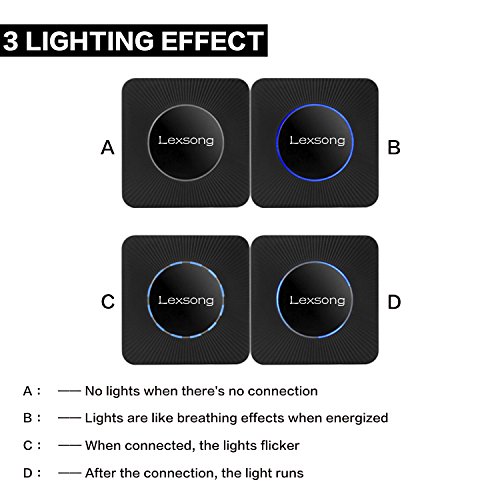
Press the top button of the dongle to switch the mode.
For iOS devices:
1.Press the Mode button and switch to DLNA mode for iOS iPhone iPad.
2.Connect iOS device to the dongle WiFi with the password on WiFi setting.
3.Control Center > Airplay Mirroring > Choose dongle, TV will share your screen immediately.
4.When the first use please set the dongle connected to Wi-Fi router. Connect your iOS device to the hotspot of dongle. Open web browser > Visit 192.168.49.1 > Choose Wi-Fi setup > Select your Wi-Fi router > Input password > Connect.
For Android devices:
1.Short press the Mode button and switch to MiraCast mode.
2.Open Miracast switch on your Android device and choose RENKCHIP-XXXXX, the device will automatically connect.
3.After the connection is successful, TV will automatically share your screen.
4.There are different names of Miracast on different Android devices, such as WIFI Display、SmartView、Muti-screen display、WLAN Display、Wireless Display etc.
Tips:
Due to the copyright protection (HDCP), public sharing of the contents on the screen may be prohibited by some video service providers (such as Netflix, Amazon video, HULU and other websites). Please double check whether to accept that before purchase.
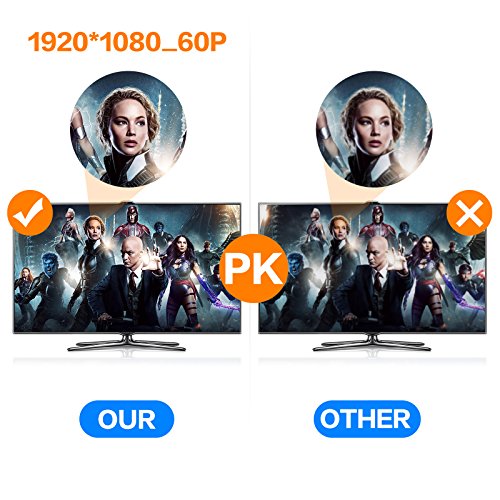
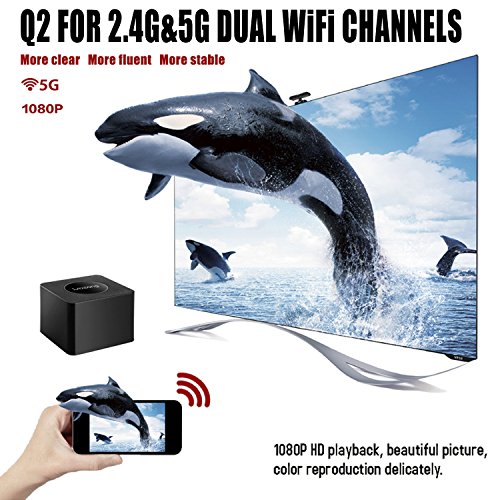
Resolution: max 1920*1080_60P
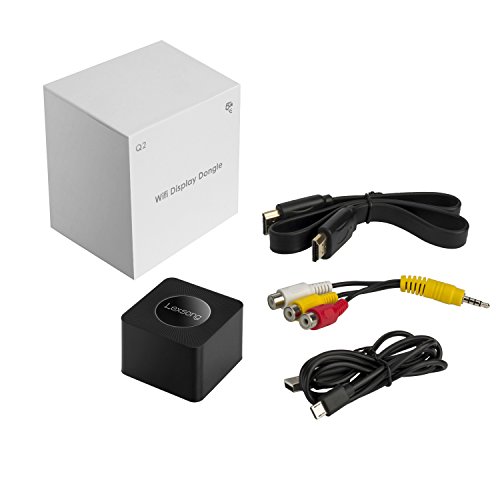
Packing list:
Q2 Mirroring Dongle *1
USB cable *1
HD cable *1
AV cable *1
User Manual*1
0
|