Studio : RatSmart Publisher : RatSmart Binding : Electronics Product Description
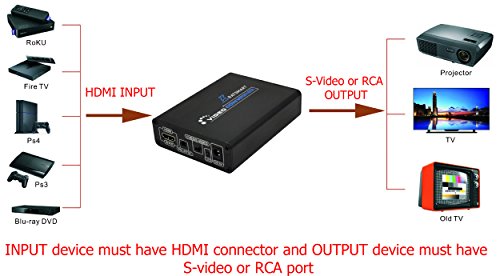
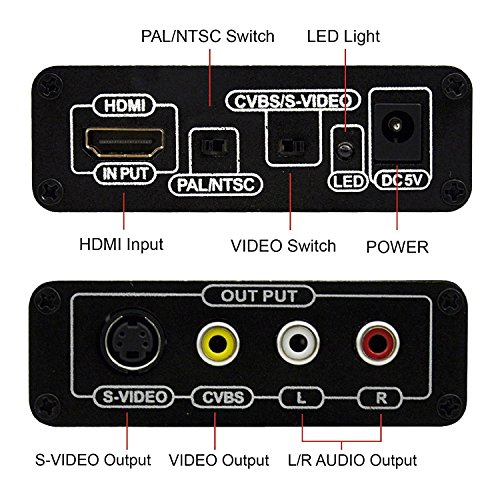
HDMI to AV / S terminal HD video converter converts HDMI signal is converted to ordinary AV (CVBS) composite video and S-video (S-VIDEO) signal, while the output left and right channels.
You can connect any HDMI source to this converter, such as:
Blu-Ray, HD-DVD, or DVD player;
HDTV boxes, HD PVRs or DVRs, HD recorders;
PS3, Xbox360 or Wii with HDMI output;
Then, it converts the HDMI signal to S-video or composite (RCA CVBS AV) for TVs / monitors / projectors, with audio support.
Laptop or desktop computers with HDMI output;
HD video cameras or camcorders;
Specifications:
- Input HDMI signal formats: 480 p (60 hz), 576 p (50 hz), 720 p (50 hz / 60 hz), 1080 I (50 hz / 60 hz), 1080 p (50 hz / 60 hz)
- Output signal: CVBS Vpp (1.0), S - Video (Vpp, C Y: 1.0:1.0 Vpp)
- Output Video Systems: PAL/NTSC
- Output Video Impedance: 75Ω
- Compatible with DHMI 1.3 AND HDCP
- Power supply: DC5V
- Product dimension: 118*84*28mm (L*W*H)
Package:
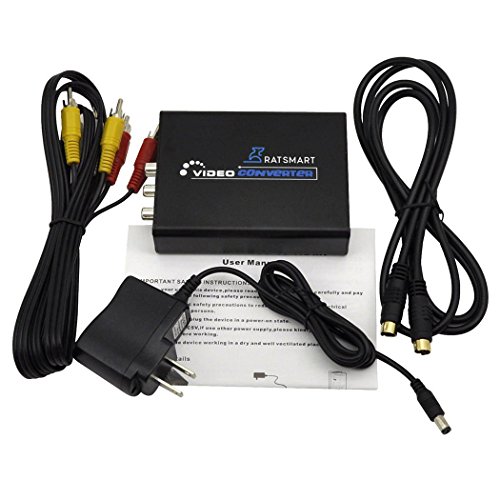
1 x HDMI S-Video converter
1 x power supply
1 x RCA AV cable
1 x S-Video cable
1 x User manual
How to use Morex HDMI to RCA converter:
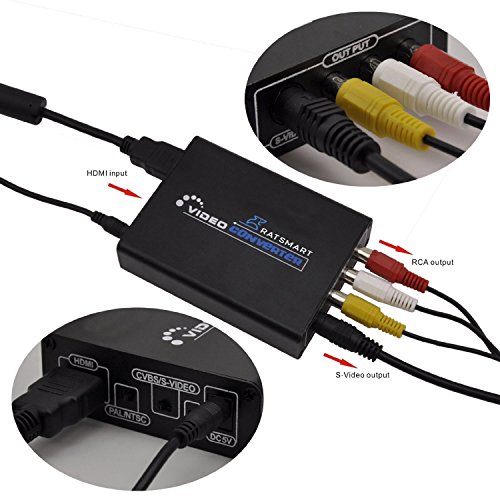
Step 1 - Connect the Morex video converter to a power source (such as a wall socket or power strip).
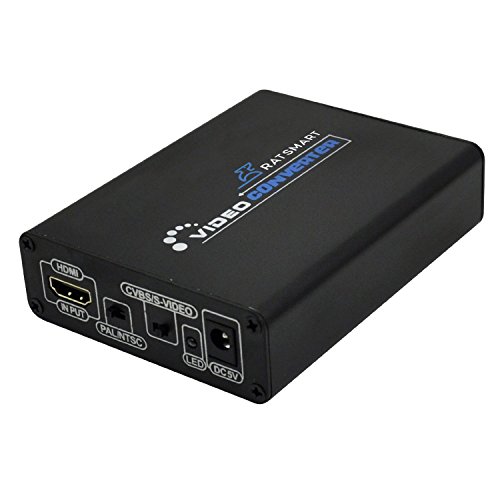
Step 2 - Connect the HDMI cable from the device that only produces HDMI output to the HDMI input plug on the converter.
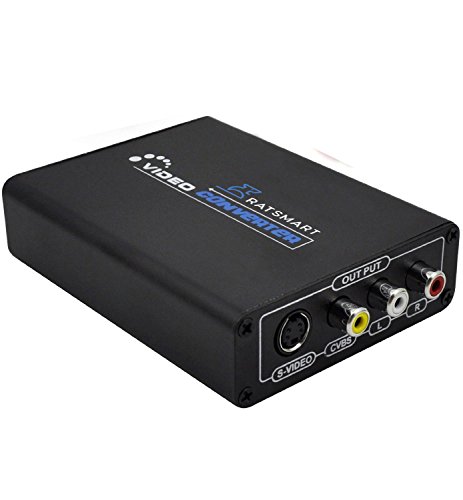
Step 3 - Connect the Red and White audio cables to the RCA audio outputs on the converter then connect to the television.
Step 4 - Connect the Yellow video cable from the video converter output to the tv's video input.
Step 5 - Change the television channel to the one that the converter requires (normally channel 3 or 4 for televisions that do not support the "input" function) or press the "Input" button on the remote control (if supported) to view the video from the device on the television.
0
|