FEATURES:
Desktop Experience for Samsung Galaxy S8 and Galaxy S8+
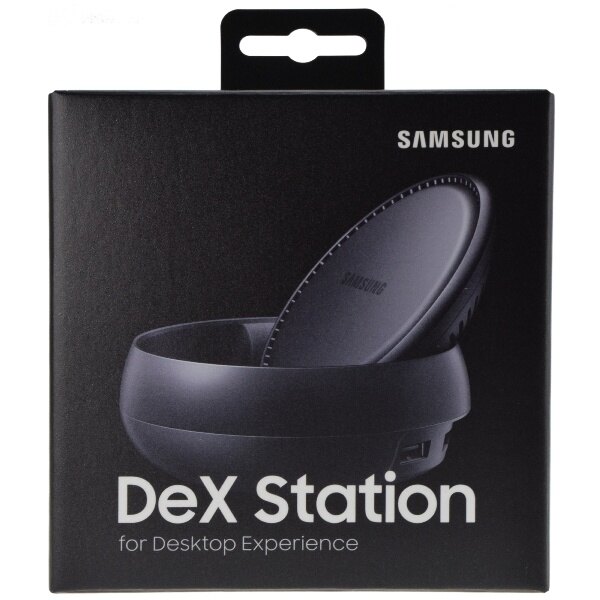
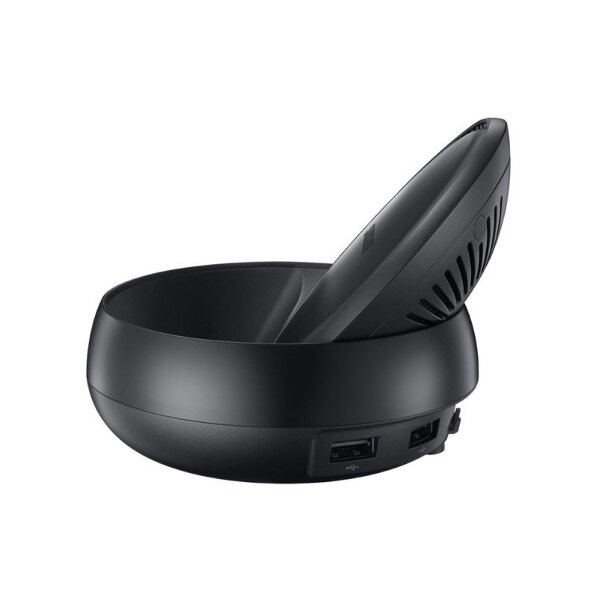
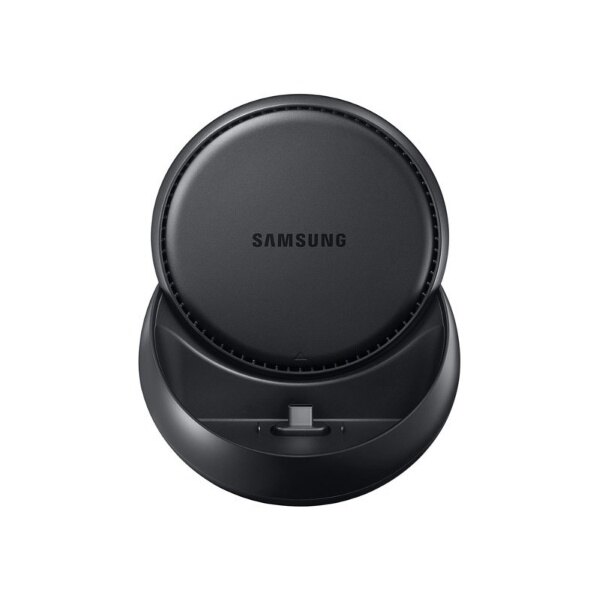
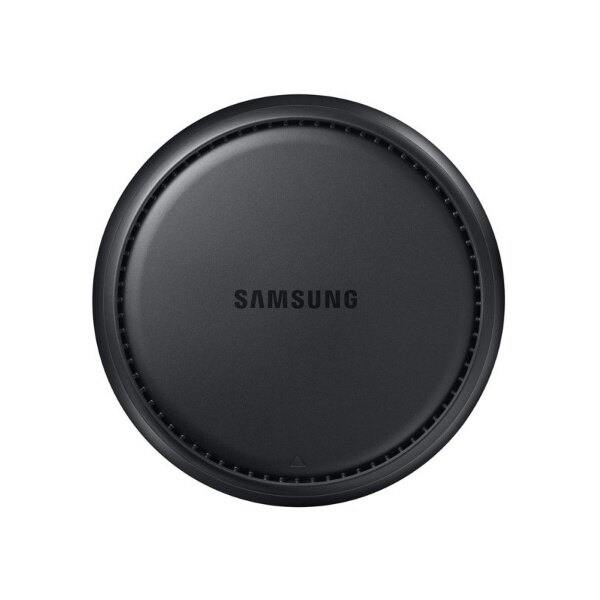
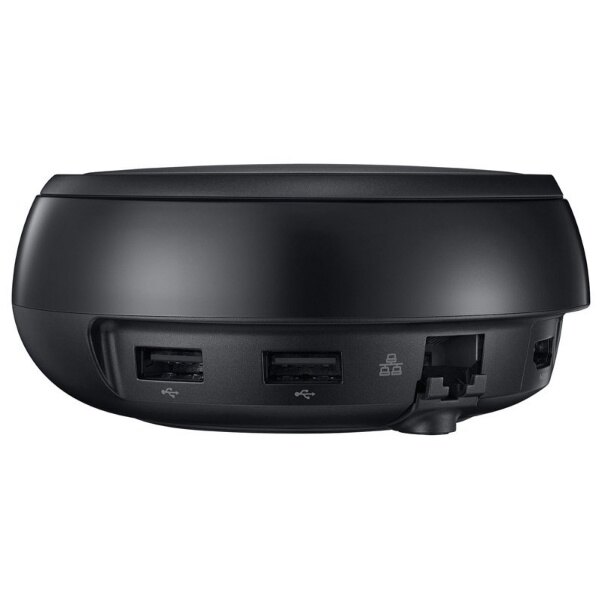
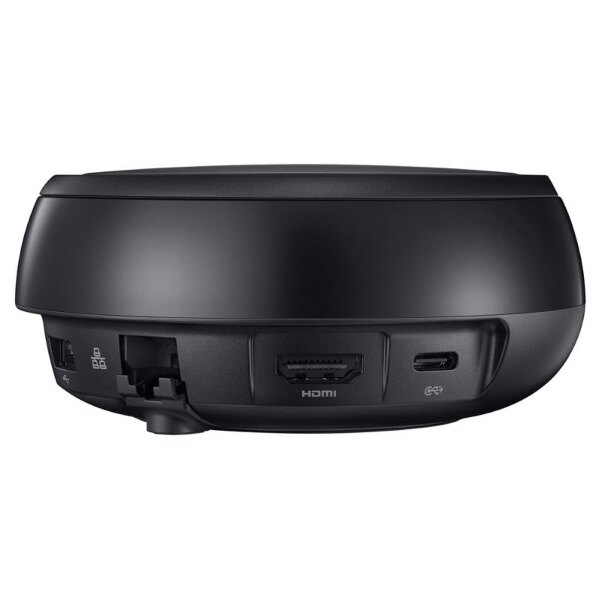
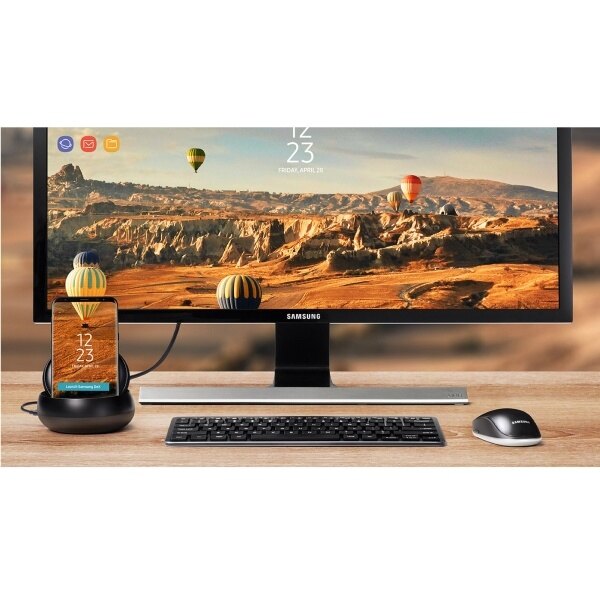
The Samsung DeX Station enables you to turn your Samsung Galaxy S8 / S8+ into a true desktop PC experience. By docking the Galaxy S8 / S8+ into the DeX Station, your phone will launch a special DeX mode on the connected external monitor and applications can be opened in multiple separate windows. Connect a mouse, keyboard, and Ethernet cable for added productivity.
Remotely Access Your Home Desktop
When there is heavy duty work, you can always launch a virtual desktop application to mirror and control your desktop computer on your Samsung Galaxy S8/Galaxy S8+.
Keep Your Phone Charged And Cool
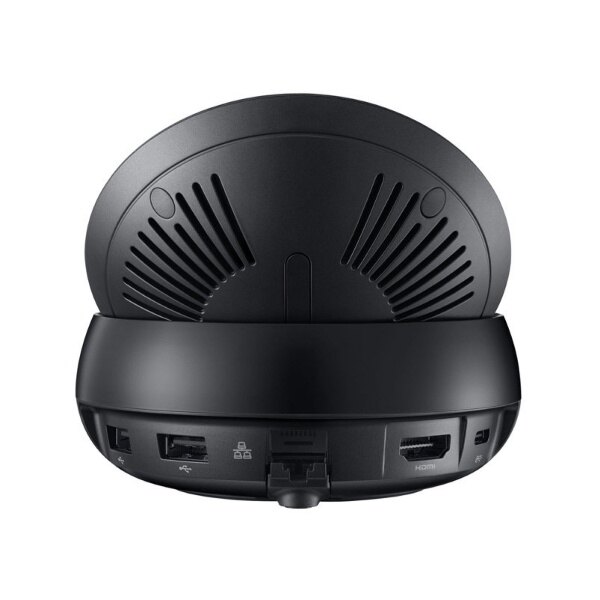
When docked in DeX Station, your Samsung Galaxy S8/Galaxy S8+ will charge via USB-C and stay cool with a built-in fan, all while powering your desktop experience.
Take your apps to desktop mode.
Use Samsung DeX to make your apps more desktop-like, see more content with an expanded interface and get what you need, fast.
The same emails, photos and files on your phone are now more accessible in a desktop environment.