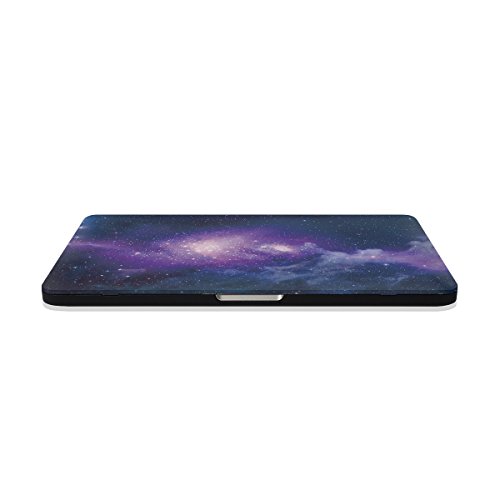
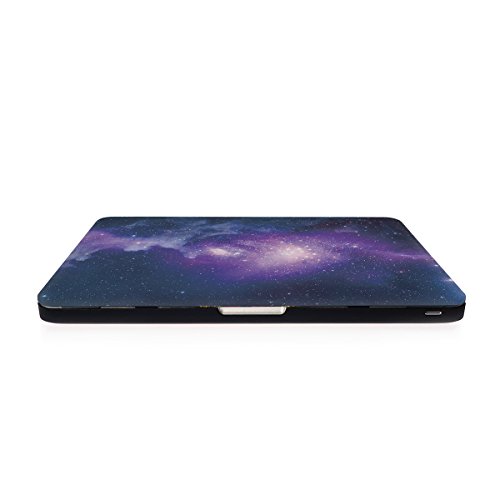
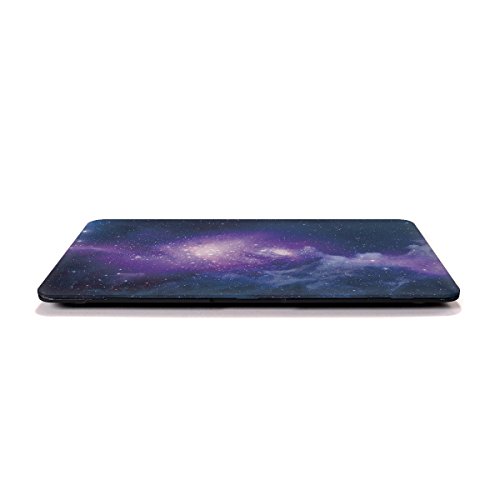
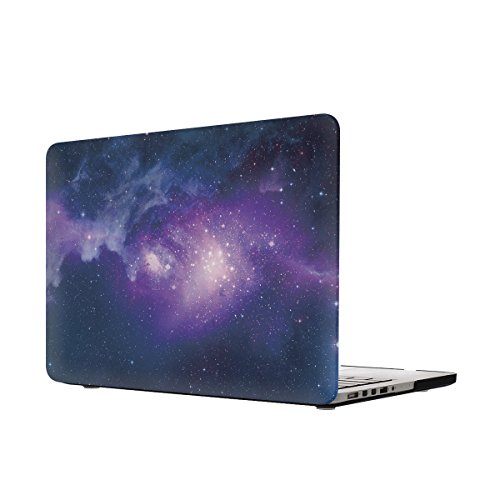
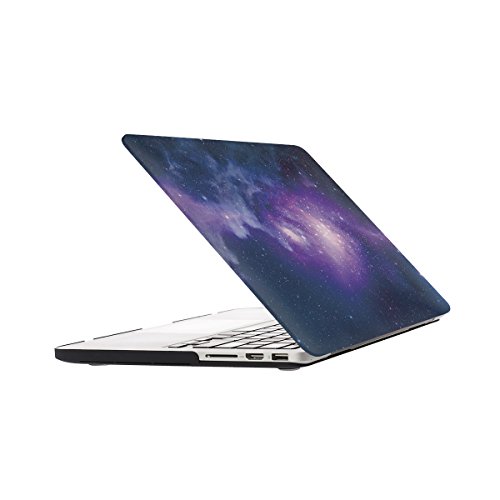
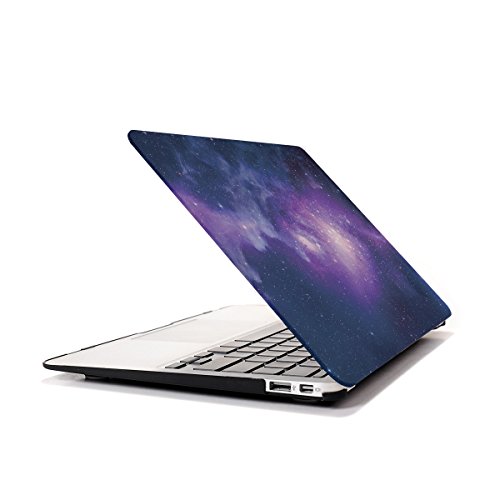
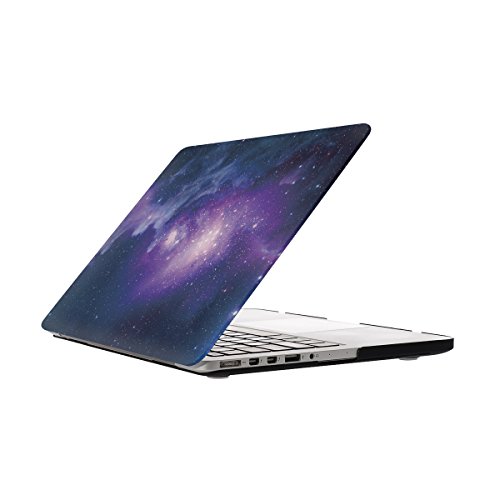
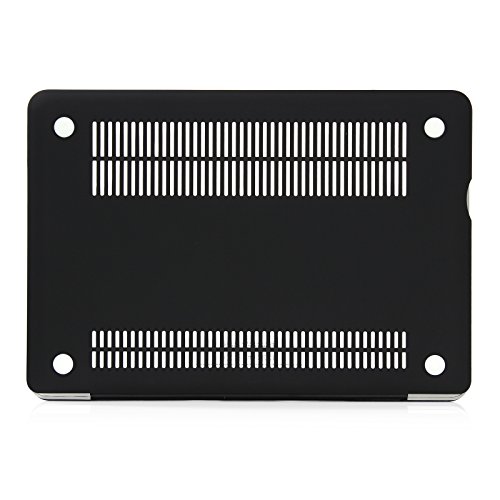
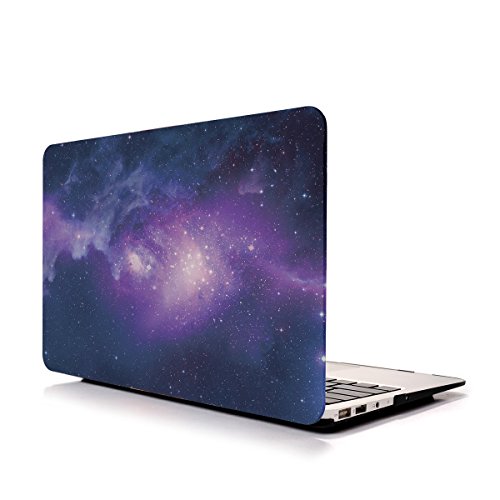
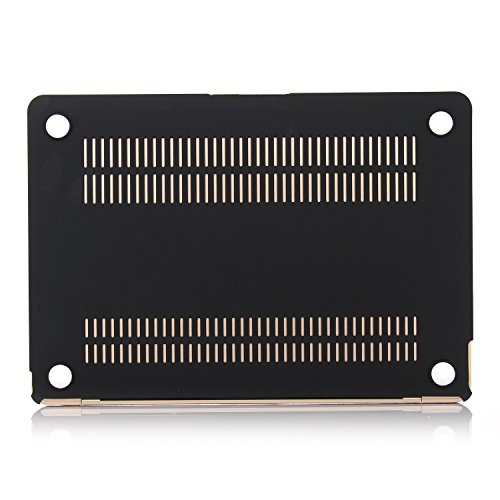
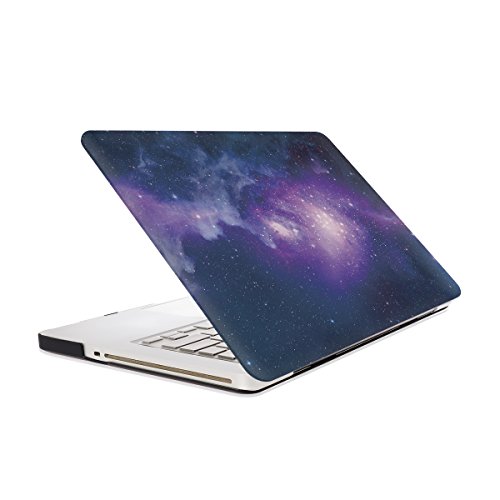
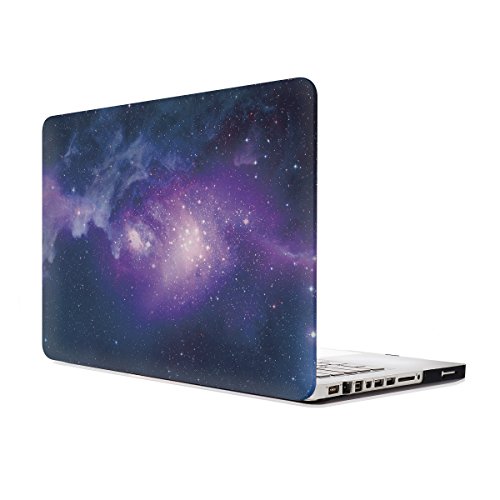
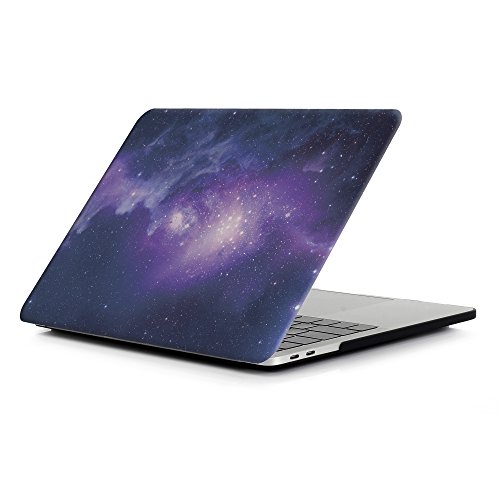
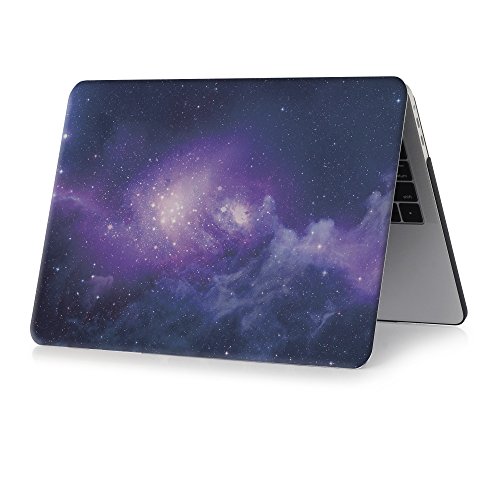
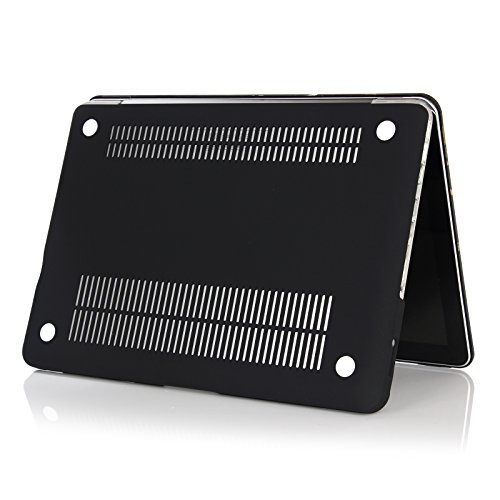
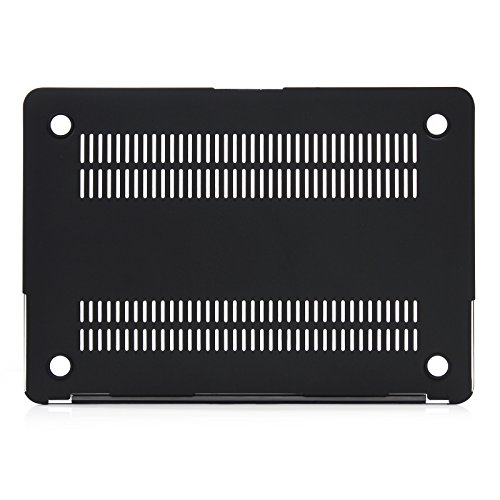
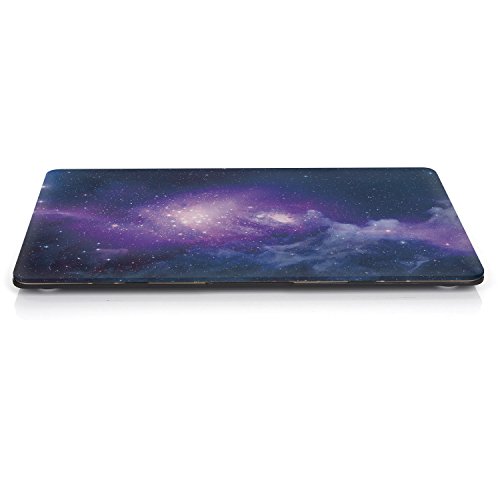
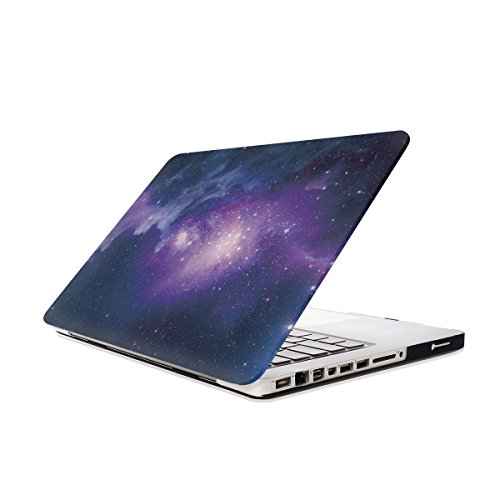
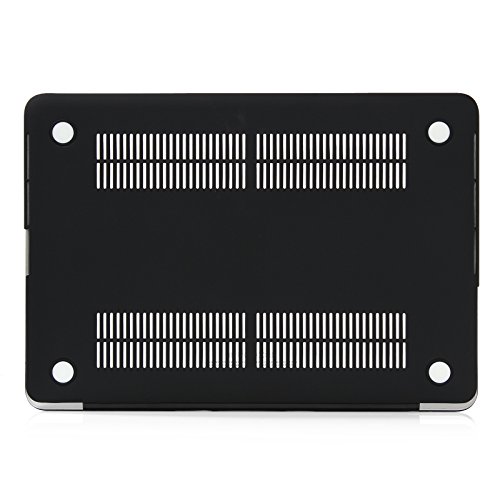
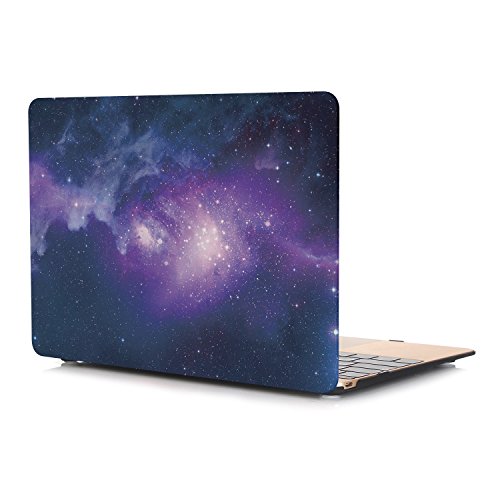
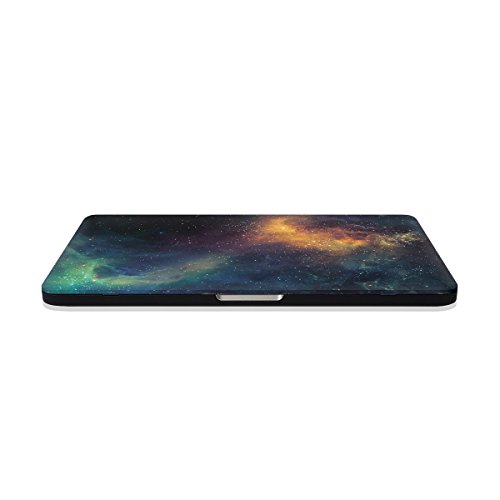
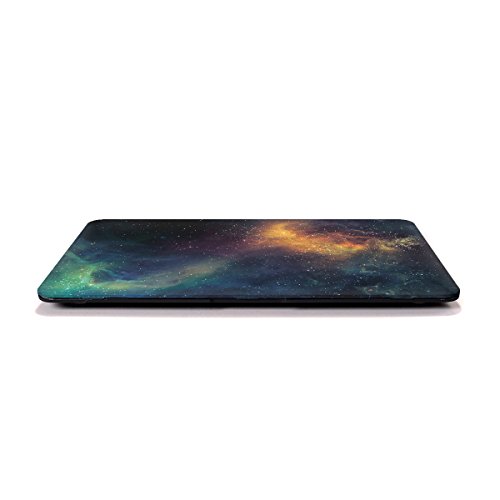
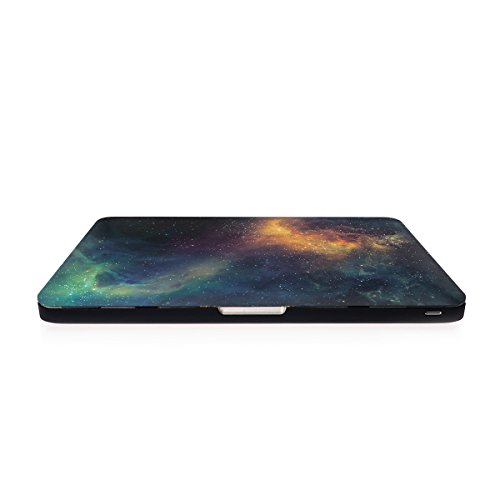
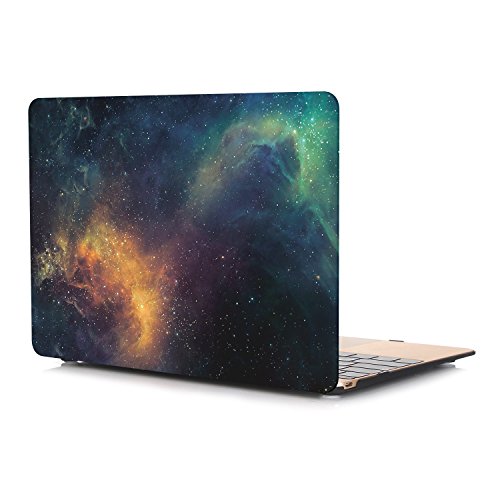
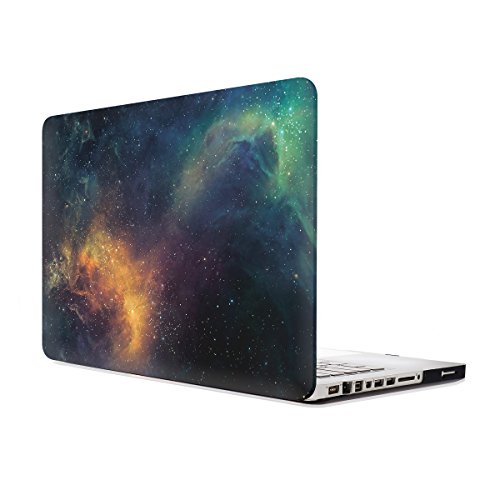
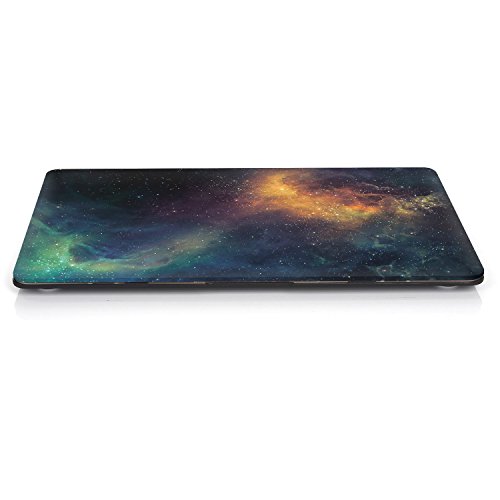
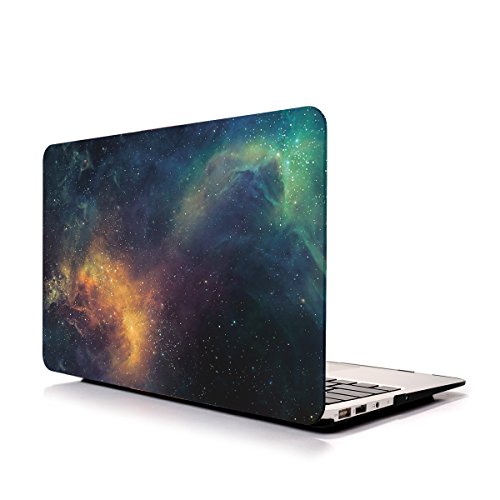
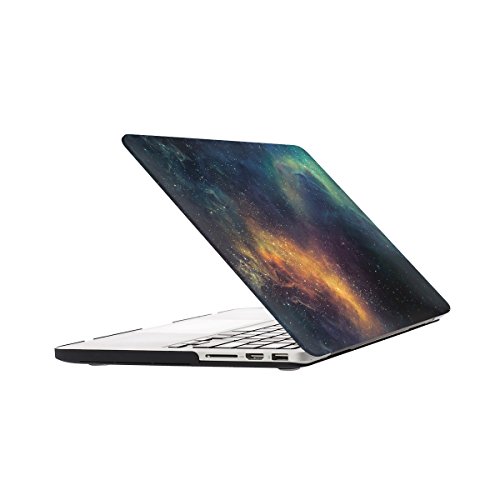
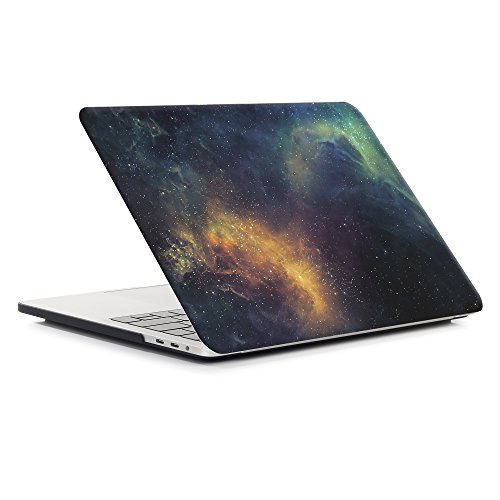
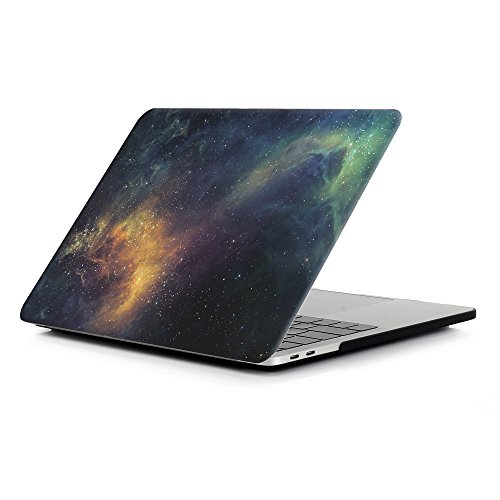
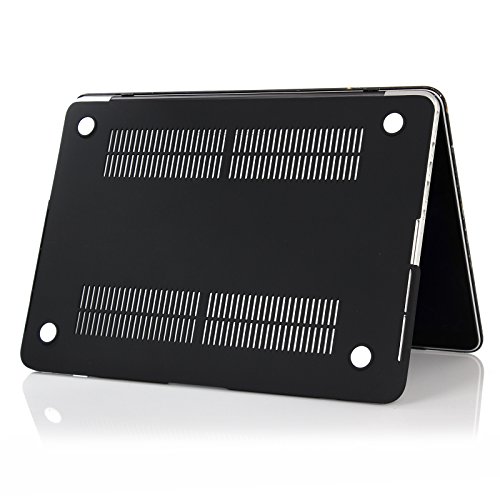
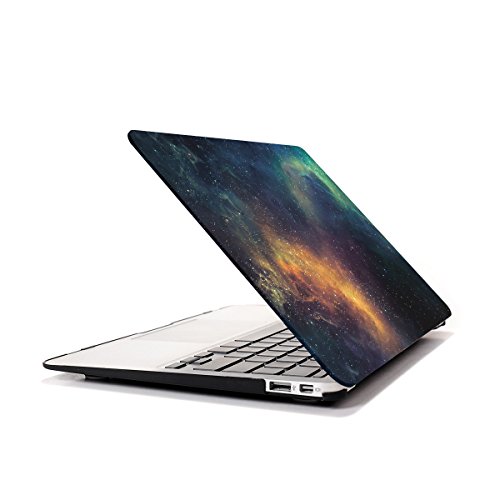
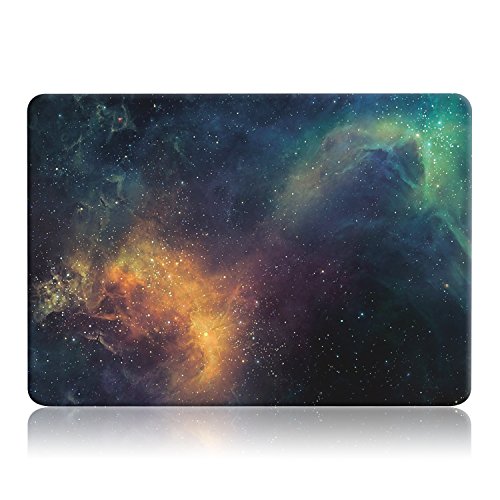
Studio : iZi Way Publisher : iZi Way Binding : Office Product Product Description
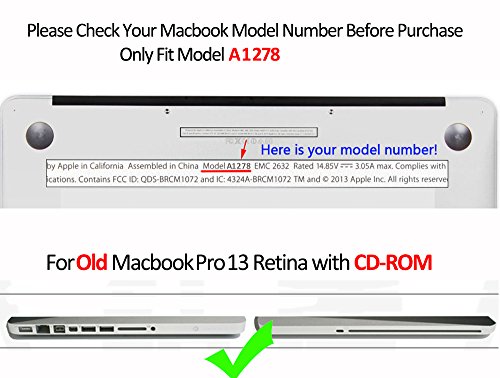
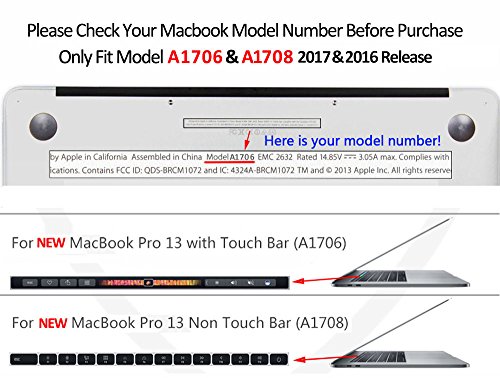
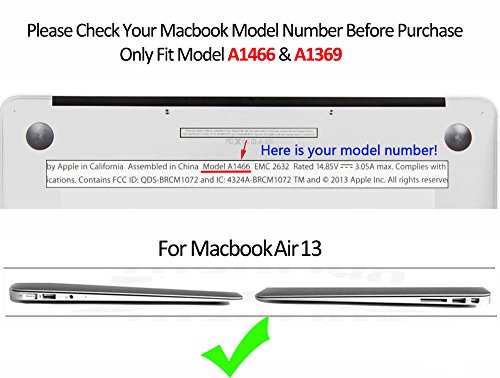
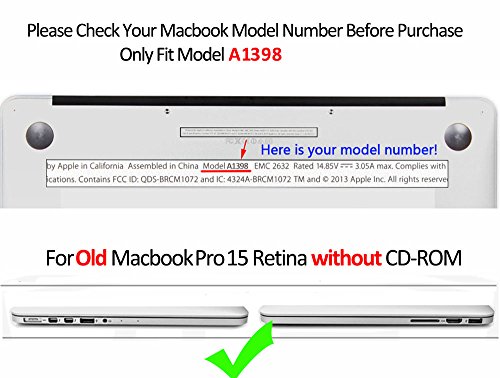
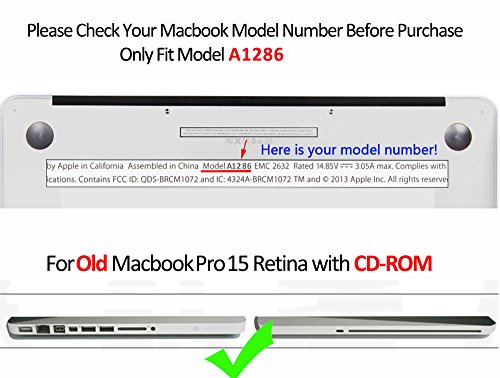
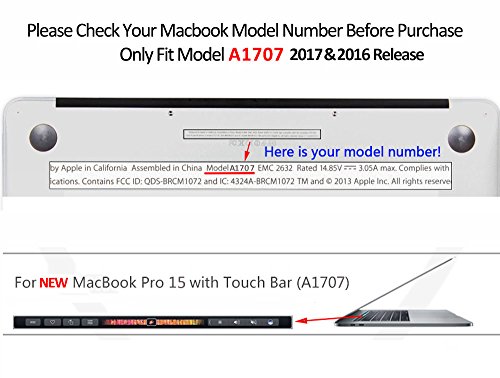
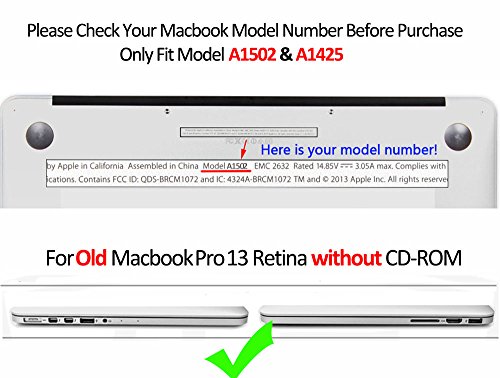
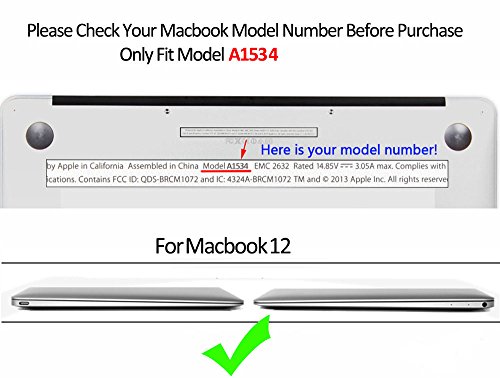
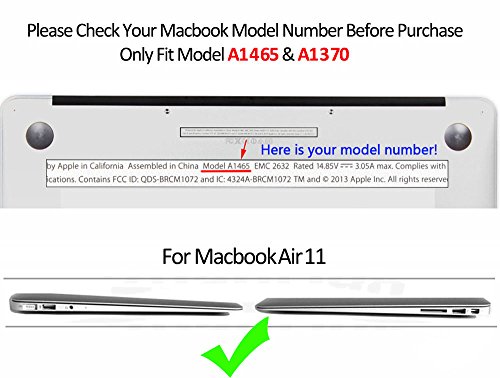
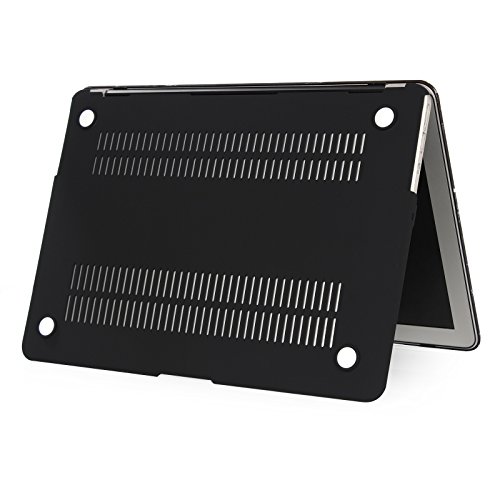
Please check your Macbook Model number on the bottom of your Macbook before purchase, Make sure you choose the exact same model number "A****" as the listing title states
Case Compatible with:
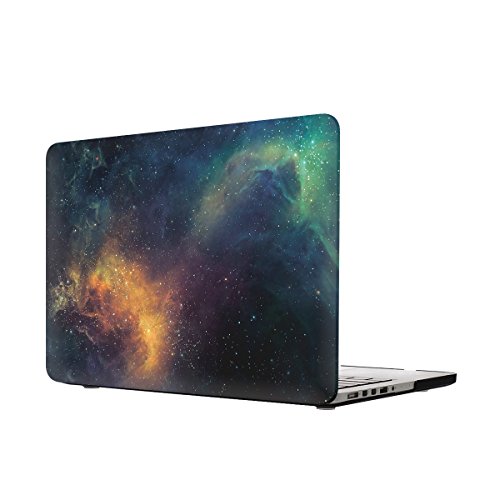
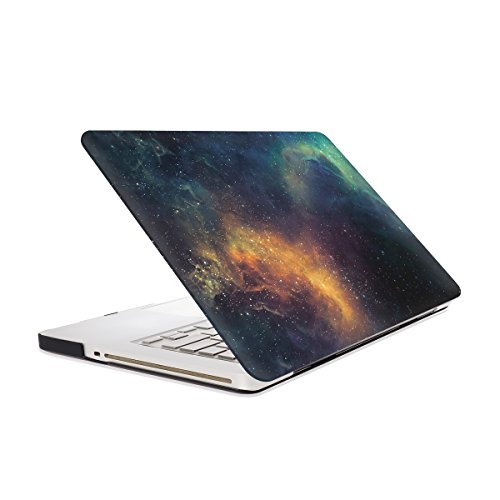
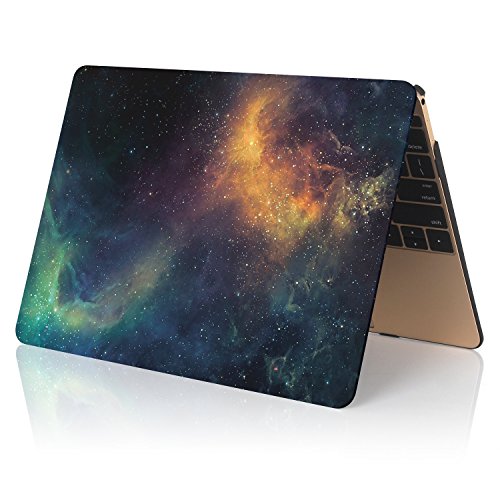
Macbook Air 13 (A1466/A1369)
Screen Diagonal Sze: 13.3"
Part number:
Mid 2017 Release:
MQD32LL/A, MQD42LL/A;
Release:
MMGF2LL/A, MMGG2LL/A;
Release:
MJVG2LL/A, MJVE2LL/A;
Release 2014, 2013, 2012, 2010:
MD760LL/B, MD760LL/A, MD761LL/A, MD231LL/A,
MD232LL/A; MC504LL/A, MC503LL/A, MC966LL/A, MC965LL/A
Case NOTCompatible with:
(X) Macbook Air 11 (A1370/ A1465)
(X)Old MacBook 13 with White keyboard (A1342)
(X)Old Macbook Pro 13 with CD-ROM(A1278)
(X)Old Macbook Pro 13 with Retina display(A1502/A1425)
(X)New Macbook pro 13 without touch bar (A1708)
(X)New Macbook Pro 13 with touch bar (A1706)
(X)Any Macbook Pro 15 inch laptop
***************** Product Features *****************
Ultra Thin SIZE
Laptop dimension: 12.79 x 8.94 x 0.68 inch
Case dimension: 13 x 9 x 0.8 inch
Hardly Noticeable WEIGTH
Laptop: 2.96lb
Laptop with case: 3.7lb
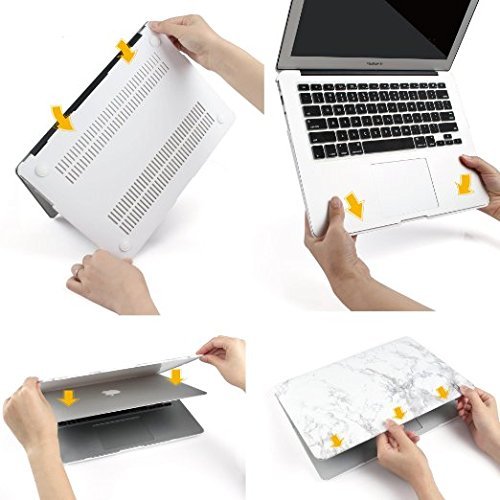
Installation (see installation picture above):
1. Start with the top cover [the 3 clips fit the front side]
Let your Laptop open and facing you like you are using it, Clip the 2 clips on cover at the back end of Macbook, then pull the case slightly to the front top and clip the 3 clips "Clicking"
2. Turn over your Macbook horizontally to wear the bottom cover
Make sure the power port and thunderbolt 3 port shows out through the cut, clip the bottom cover on the back of Macbook, then pull the cover slightly to the front and clip 2 clips "Clicking"
*************** For any doubt before Purchase, welcome to contact us ***************
0
|