本产品一般有2种用法:
1.将SATA硬盘接口的数据和电源分离,连接主板SATA接口和电源线,可直接连接。SATA主板使用前部分主板须设置BIOS为AHCI模式(要做RAID的可选RAID模式)
2.将SAS硬盘接口的数据和电源分离,连接主板SAS接口SFF-8482和电源线,可直接连接.
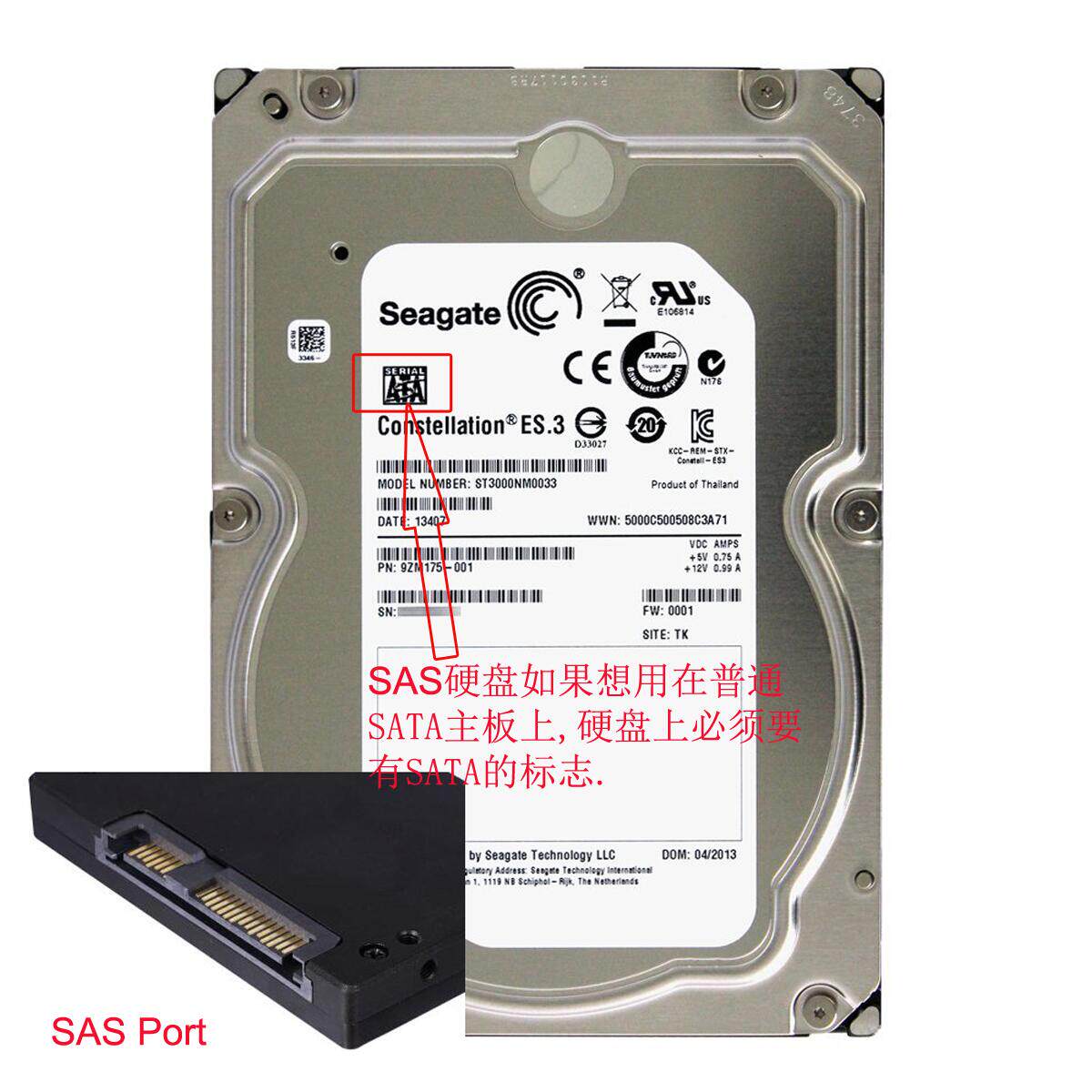
友情提醒:本品不能用于SAS硬盘连接普通主板SATA口,也没有这种线,SAS接口是有芯片支持的,不是线可以实现的,请亲们确认清楚 (除非您的SAS硬盘支持SATA模式, 或SATA主板带SAS芯片)
注意:
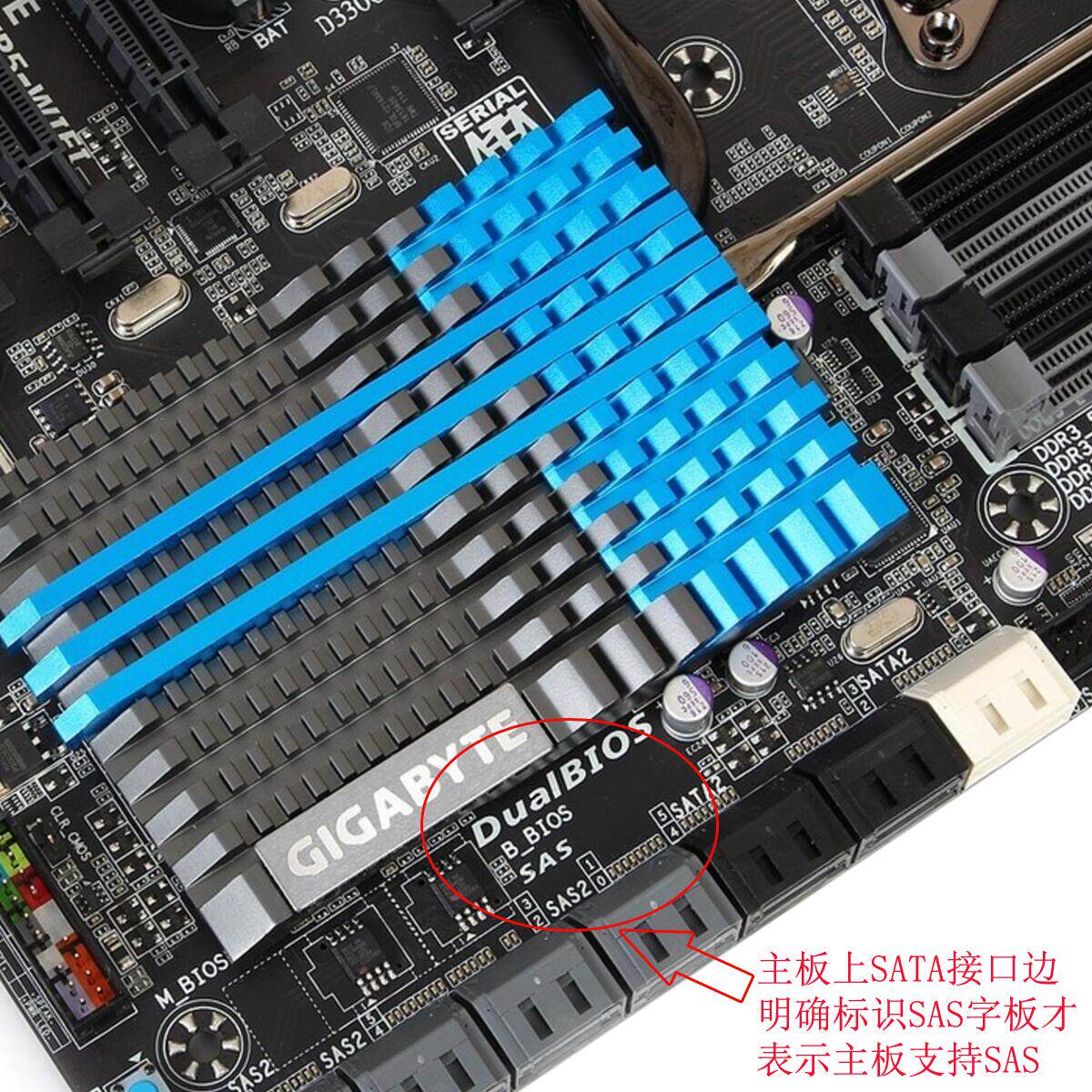
SATA主板接SAS硬盘需满足下面的条件之一,否则不能用:
1. 首先的主板支持SAS
2. 或者你外接SAS卡
3. 或者您的SAS硬盘支持SATA模式
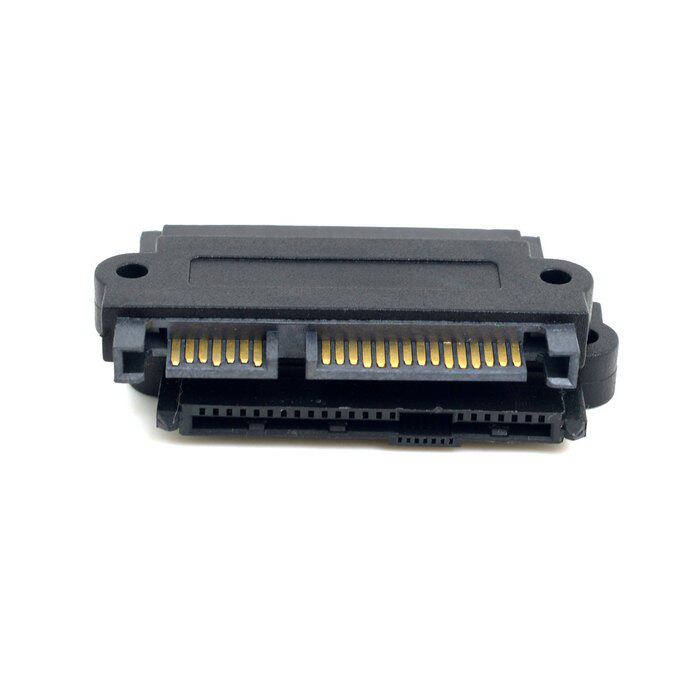
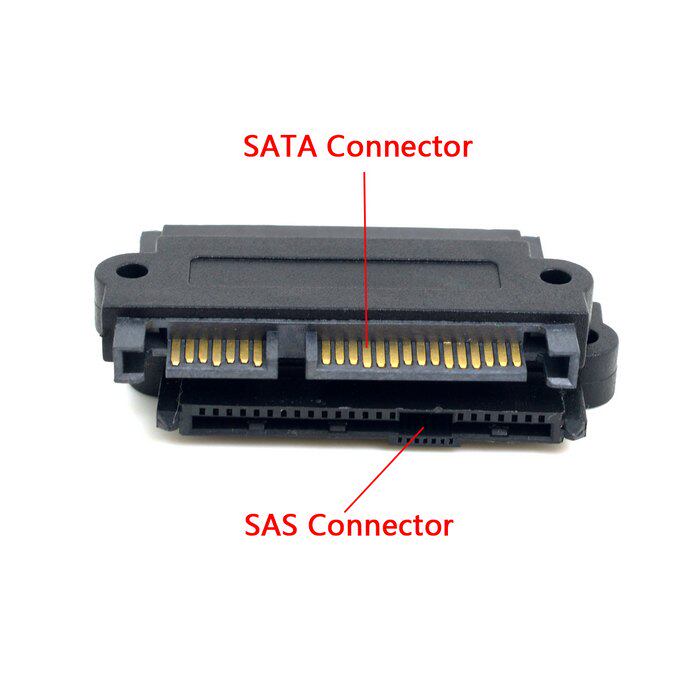
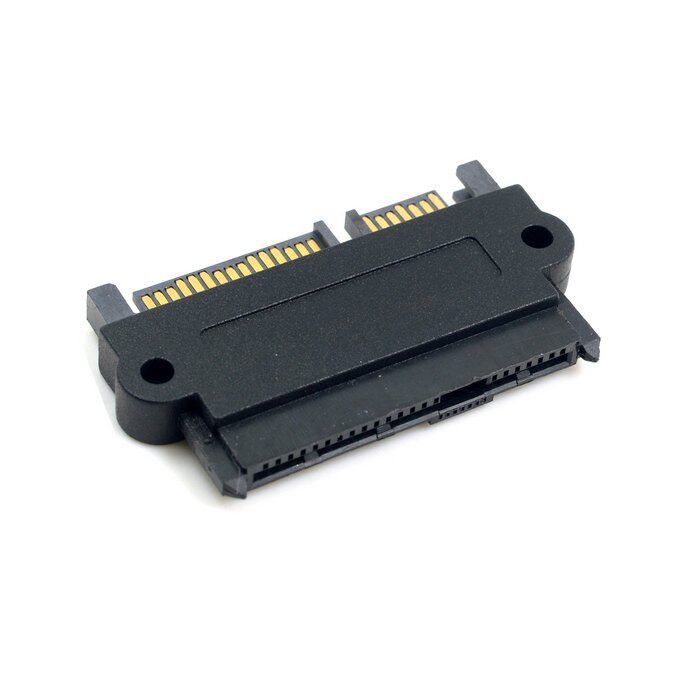
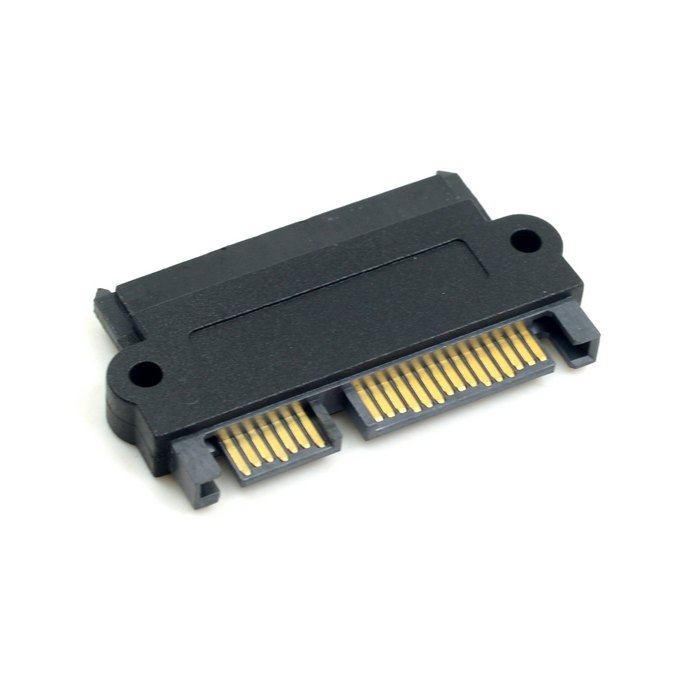
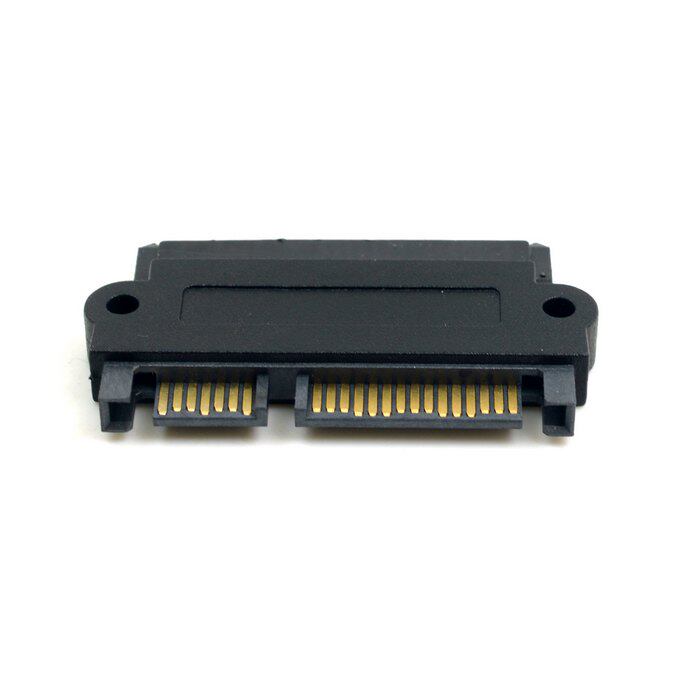
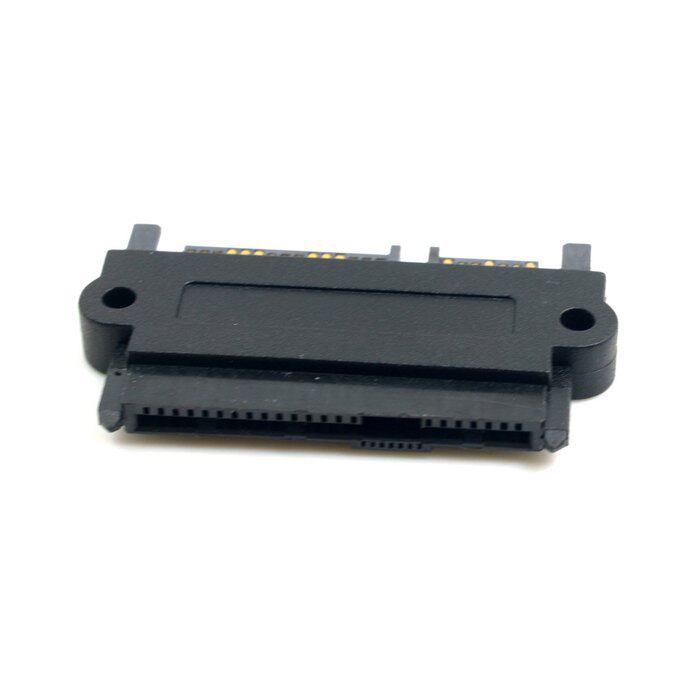
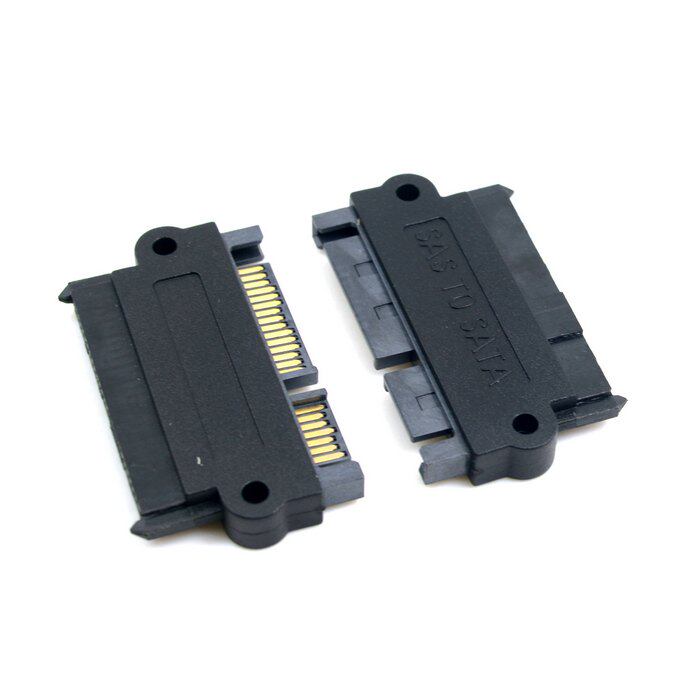
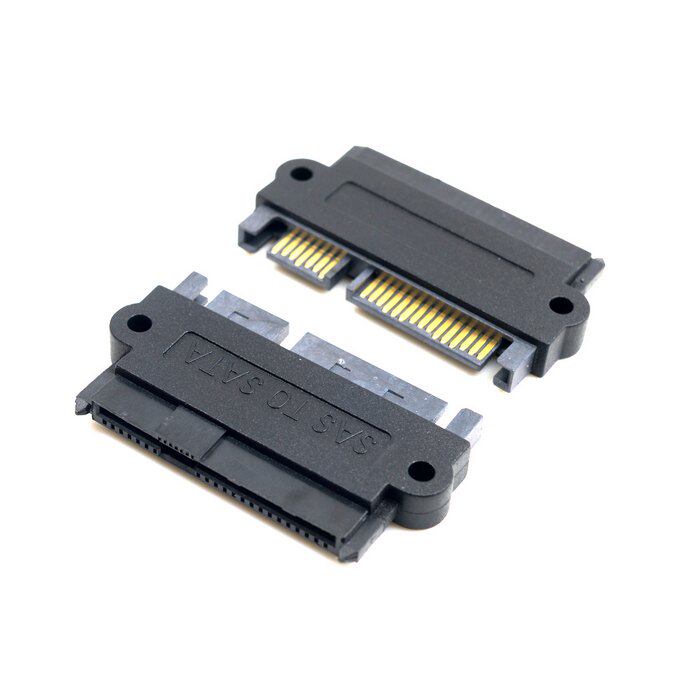
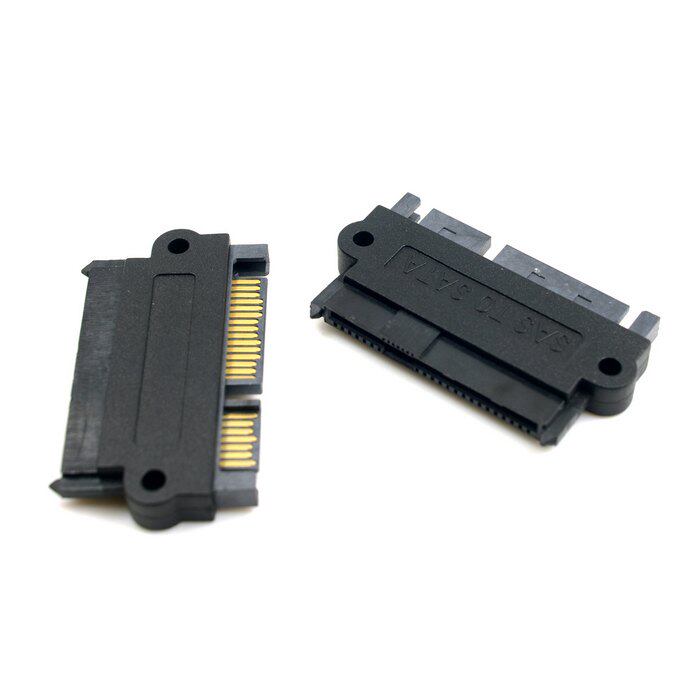
SFF-8482 SAS转SATA线SAS硬盘接主板SATA转接头15PIN电源 SF-092
将SAS硬盘转为SATA直接连接主板SATA口,
普通主板也可以直接享用高速SAS硬盘,SATA支持最高6GB SATA3模式,
This product generally has 2 kinds of usage:
1. The SATA hard disk interface data and power separation, connect the motherboard SATA interface and power cable, can be directly connected. SATA motherboard before using some of the motherboard BIOS must be set to AHCI mode (to be RAID optional RAID mode)
2. The SAS hard disk interface data and power separation, connecting the motherboard SAS interface SFF-8482 and the power cord can be connected directly.
Friendship Reminder: This product can not be used for SAS hard drive to connect the common motherboard SATA port, there is no such line, SAS interface is chip support, not the line can be achieved, please confirm the pro (unless your SAS hard drive supports SATA mode , Or SATA motherboard with SAS chip)
note:
SATA motherboard connected to the SAS hard drive to meet one of the following conditions, or can not be used:
1. The first motherboard supports SAS
2. Or you external SAS card
3. Or your SAS drive supports SATA mode
SFF-8482 SAS to SATA cable SAS hard drive motherboard SATA adapter 15PIN power SF-092
SAS hard drive to SATA directly connected to the motherboard SATA port,
Ordinary motherboards can also enjoy high-speed SAS hard drives, SATA supports up to 6GB SATA3 mode,