Item Descriptions:
size:
Retail Box
Club 3D
Description
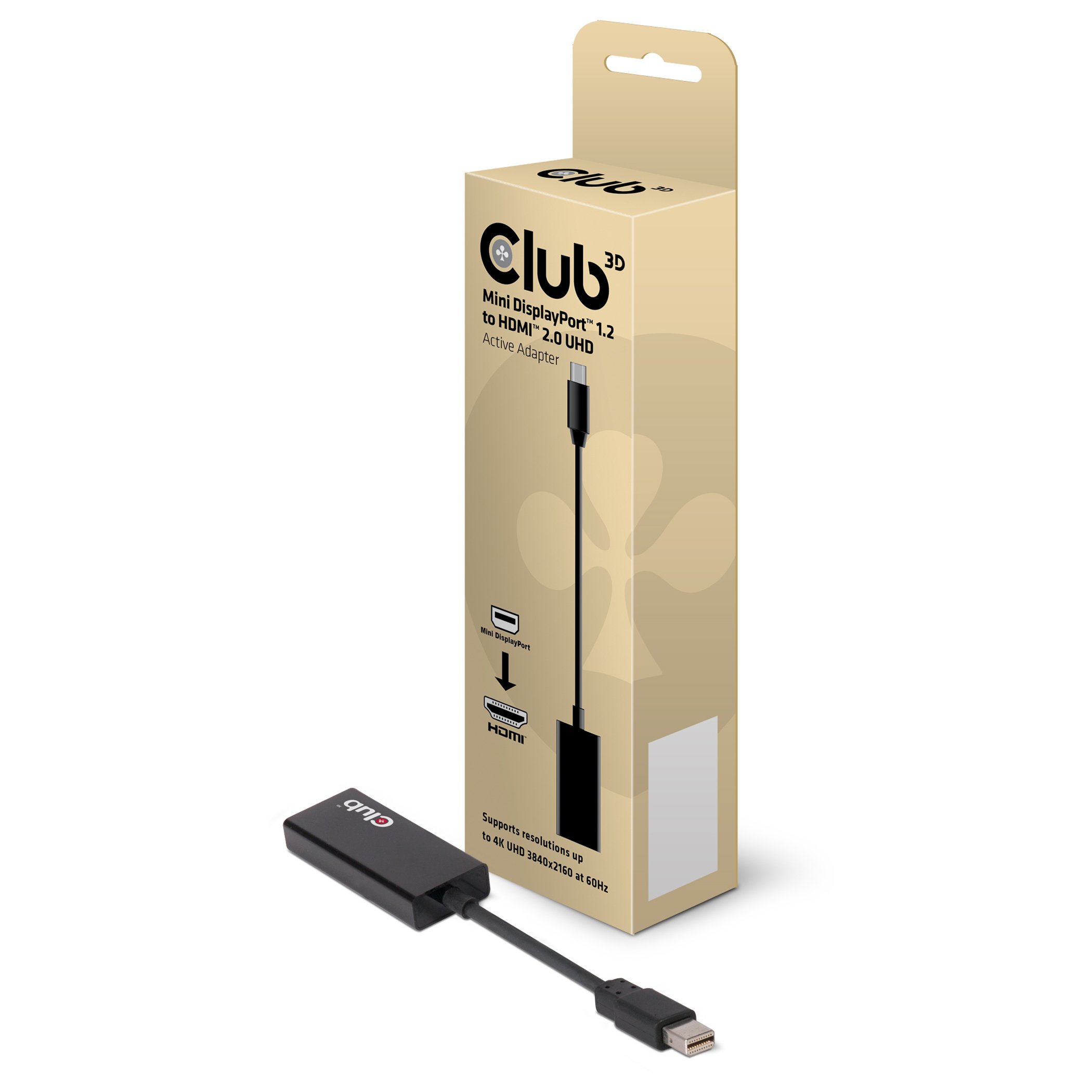
Club 3D CAC - 1170 is an active HDMI signal converter.
Mini DisplayPort 1.2 to HDMI 2.0 UHD adapter is the easiest solution to connect to HDMI 2.0 which enables 4K UHD TV, monitor, projector on Mini DisplayPort 1.2 game PC or laptop.
The adapter fully supports the specification of HDMI 2.0 which allows 6 Gbps TMDS throughput per channel.
The adapter's interface has 3 lanes of HDMI data, clock, HPD signal and power and provides total TMDS throughput of 18 Gbps.
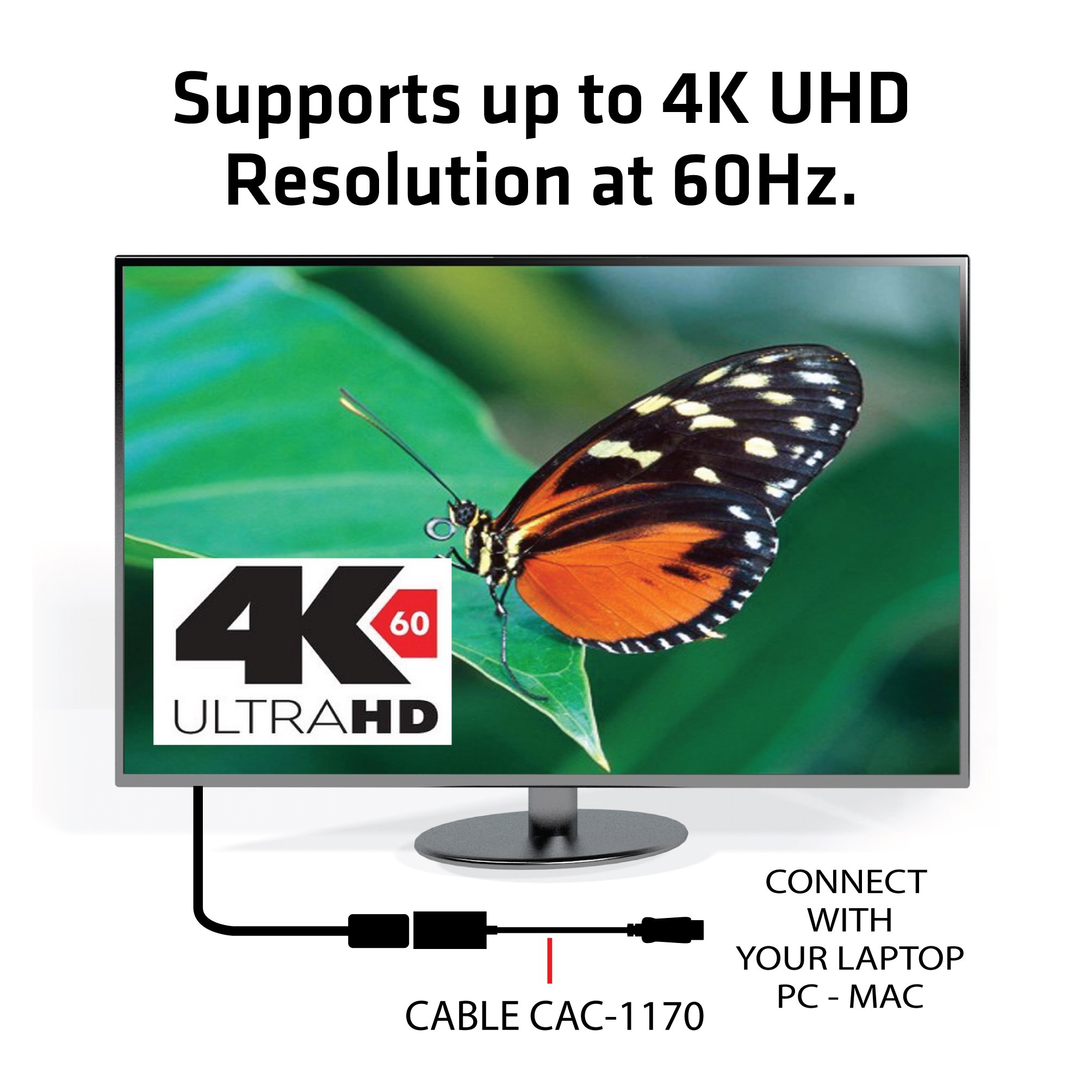
Support up to 4K UHD @ 60 Hz resolution
The Mini DisplayPort 1.2 to HDMI 2.0 adapter supports clear and sharp 4K UHD 3840 x 2160p @ (U) HD resolution up to 60 Hz.
Support of 60 frames per second provides very smooth video and game play.
Enable Ultra High Resolution Devices Please use this adapter for browsing the Internet, watching videos and playing games from Mini DisplayPort 1.2.
Audio support Up to 8 channels.
Adapter provides Ultra High Definition (UHD) digital audio / video.
I would like to enjoy 4K UHD / 60 game play, but it is a highly recommended item for those who do not have HDMI 2.0 output on system configuration.
Characteristic
Conversion adapter for Club 3D Mini DisplayPort 1.2 to HDMI 2.0
It corresponds to Mini DisplayPort 1.2 of 1.62 Gbps per lane, 2.7 Gbps, 5.4 Gbps.
The effective (video) bandwidth is 17.28 Gbps
Data rate up to 6 Gbps per TMDS channel Supports HDMI specification 2.0.
Total throughput is 18 Gbps
No full link training or link training required
Repeaters to HDCP 1.3 and HDCP 2.2
Supports up to 3840 x 2160 p @ 60 Hz and 1080 p 3D UHD resolution
Supports AMD GCN card, Nvidia Maxwell card, Intel HD 5XXX or later card
Supports AMD Eyefinity function (output high quality image from multiple graphics cards to multiple monitors)
Items to check before purchase
Please confirm that the source device such as graphic board is one of Mini DisplayPort 1.2 / 1.3 / 1.4.
This adapter supports AMD GCN card, Nvidia® Maxwell card and Intel® Skylake HD 5XX series.
It is not intended as a prior architecture (like the Intel Haswell HD 4XXX / NVidia Kepler 5xx series Graphics).
As for the monitor / TV to be connected, it is necessary to support HDMI 2.0.
Please make sure the HDMI input used for the monitor / TV is HDMI 2.0.
There are many cases when HDMI input notation corresponding to 4 K 60 Hz is not HDMI 2.0 compliant.
Supported OS is as follows.
· Windows 10, 8.1, 7 32 & 64 bit
· Apple OS X 10.11, 10.10, 10.9, 10.8
Please confirm that your HDMI cable is compatible with HDMI 2.0 or 18 Gbps.
Many of the cables have notation for 4K compatibility, but in reality it does not correspond to 4 K at 60 Hz.
Also, certified cables are ideal for long cables longer than 3 meters so that you can use the full 18 Gbps bandwidth.
"CAC-1310" HDMI 2.0, 3 m Cable UHD Premium High, etc. which is certified from HDMI.org manufactured by Club 3 D Corp. are applicable.
Check items after purchase
By default, some devices and monitors
DisplayPort 1.1
Because it is configured for,
Manually
Need to change from 1.1 to 1.2
there is.
In many cases, when connecting with your PC with the HDMI port, you need to open the TV image quality setting and set "UHD color", "advance", "enhance" manually.
Please turn off all TV enhancements.
(Eg upconverting image enhancement etc.) These settings are due to time lag.
It can do by setting the input type to "PC" or "game mode".
About MacBook Pro and Mac Pro - Apple El Capitan currently does not support 4K at 60 Hz.
In order to enjoy 4K / 60 with OSX, it is necessary to install a program such as SwitchResX and enable 60 Hz by custom resolution.
When connecting to 4K TV, it is best to create custom resolution.
Create custom resolution and set the resolution to 3840 x 2160 @ 60 Hz.
Then set the timing reference to CVT - RB (reduced blanking).
* Please remove the MST Hub attached to Displayport splitter or graphics card as this may cause problems.
Also, rarely SLI and / or Crossfire may cause problems, so please disable SLI and Crossfire settings in such cases.
Please set the color depth to 8 bpc (when operating at 4: 4: 4) and be careful that the signal does not become too bigger than the HDMI 2.0 bandwidth.
Connection method and usage
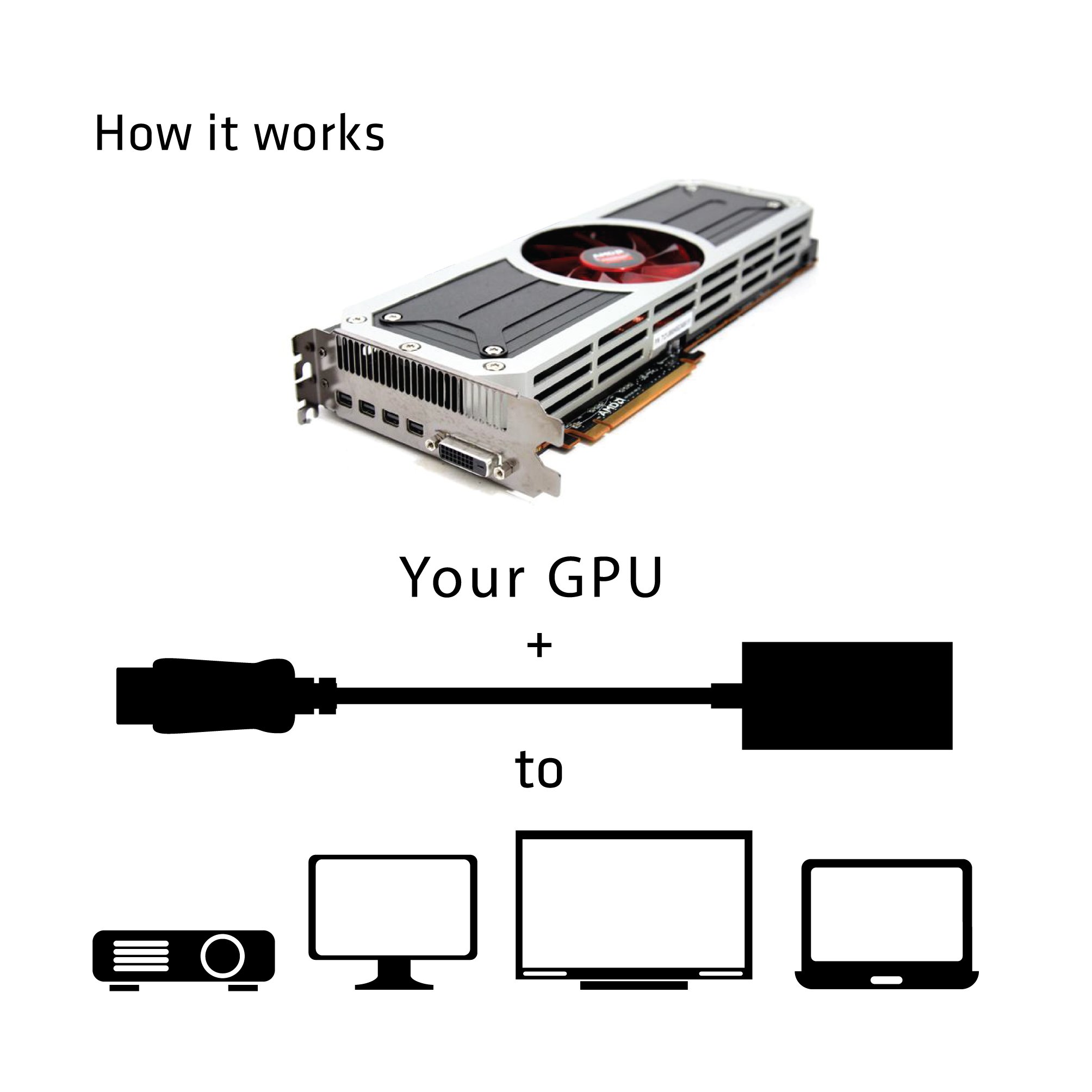
The CAC - 1170 is used by connecting to a projector, monitor, 4K television, etc from a PC etc equipped with GPU with Mini DisplayPort.
If the distance between the PC and the monitor is too long to connect,
Club 3D HDMI ™ 2.0 4 K 60 Hz UHD Cable 3 m (CAC-1310) Used
Then connect.
If you use another HDMI 2.0 cable, it does not work with 4K 60 Hz UHD
Since there is a possibility, this cable is recommended.
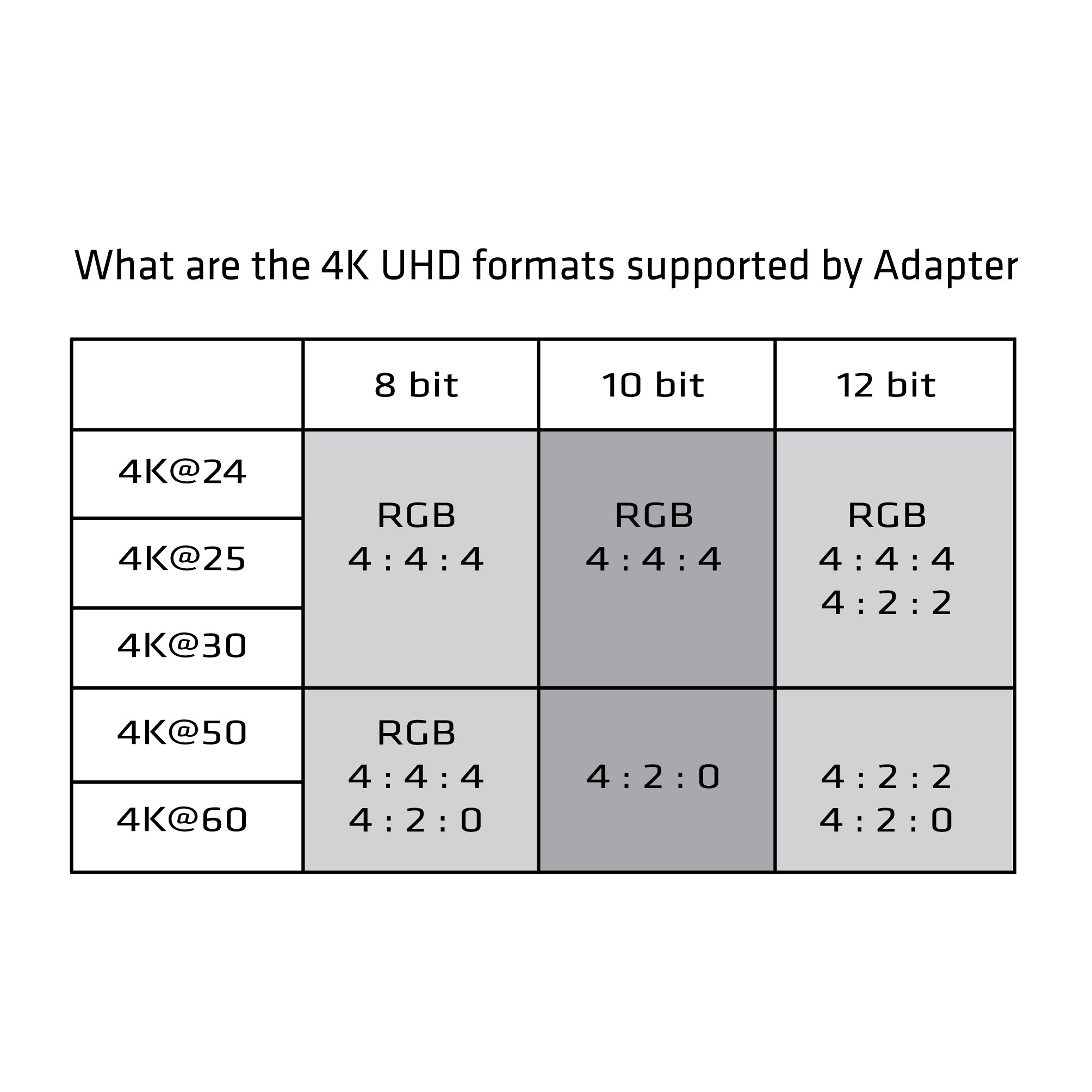
4K UHD format
The format of 4K UHD supported by the CAC - 1170 adapter is as shown on the left.
The image format will change according to the combination of 4 K each frame rate (4 K @ 24, 4 K @ 25 ...) and the number of bits (8 bits / 10 git / 12 bits) representing each pixel.
4: 4: 4 is the highest image quality format that does not thin out image signals.
4: 2: 2 is the format adopted for general business video.
4: 2: 0 is used in home camera formats such as general MPEG compression format (digital broadcasting, D-VHS, BD), HDV, AVCHD etc. including DVD.
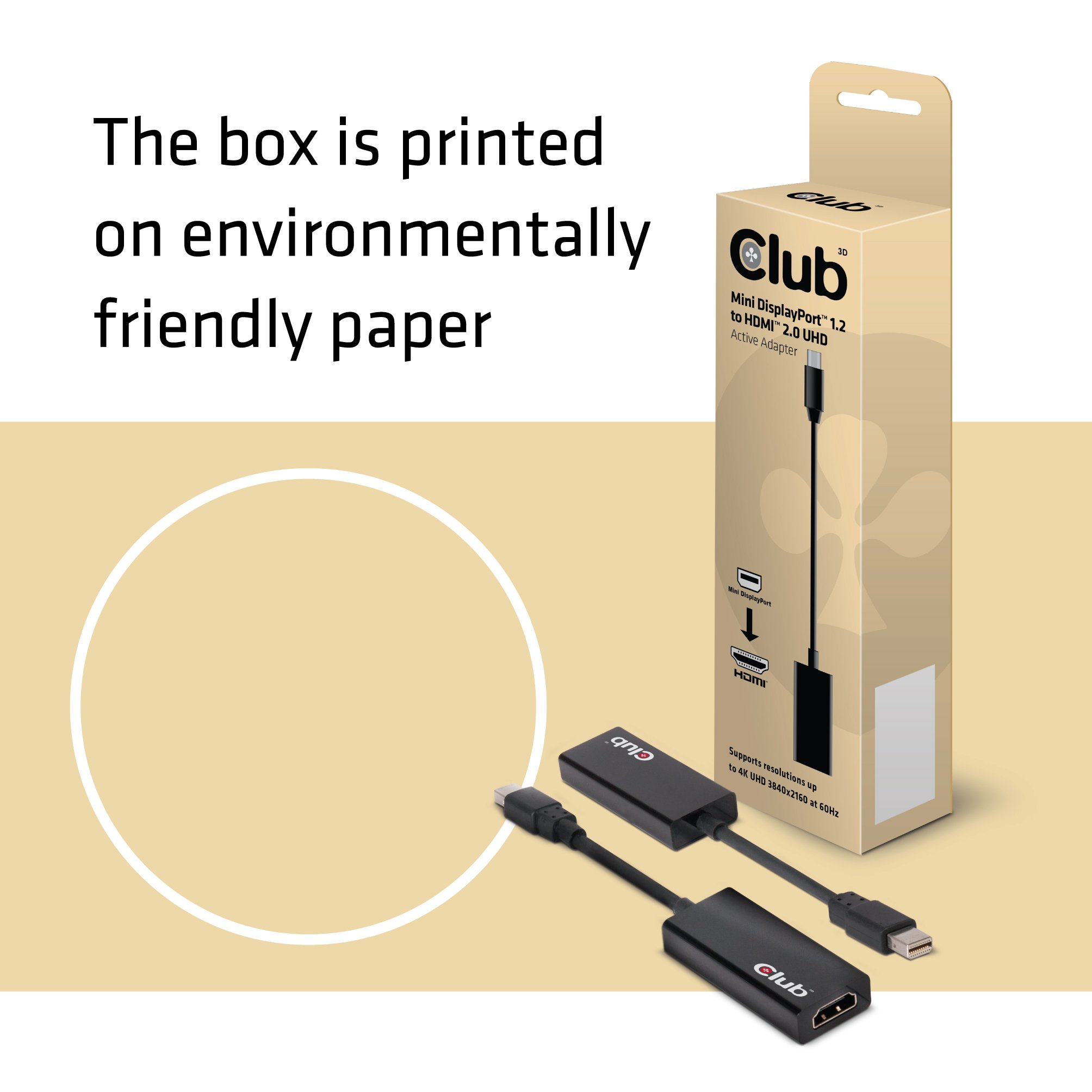
The product package of CAC - 1170 uses environmentally friendly recycled paper.
Club 3 D is headquartered in the Netherlands, with a sales office in Germany and North America.
Club 3 D's mission is to provide graphic solutions to enthusiastic fans and their partner's market.
Founded in 1997, Club 3D joined the board partner of ATI Technology (now AMD) for the first time in 2001.
Clicking 【CLUB 3 D】 under the product name, you can see the CLUB 3 D graphic solution product on the CLUB 3 D store page.
Features:
- Please enter model number Confirm this is compatible:
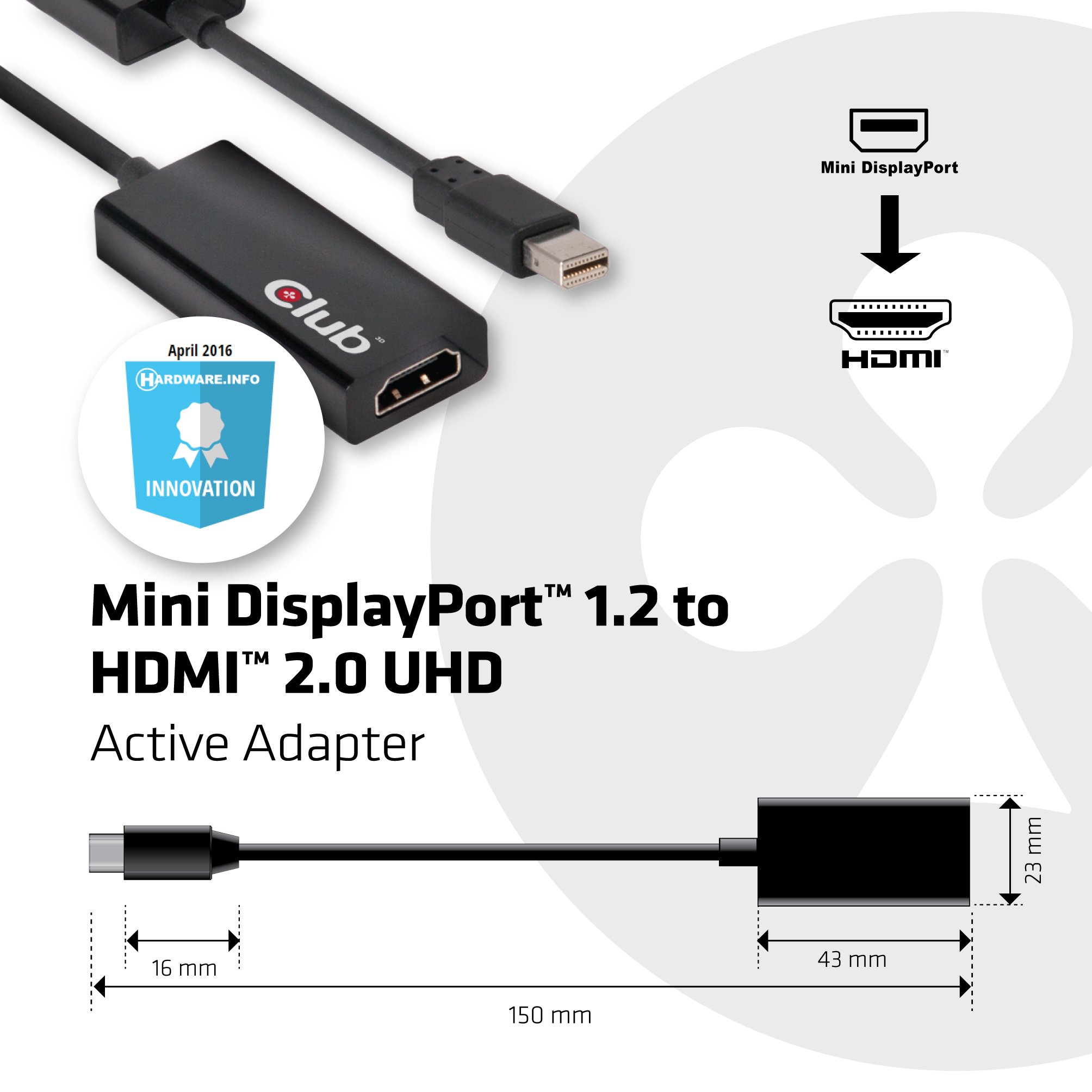
- Conversion adapter from Mini DsiplayPort 1.2 (male) to HDMI 2.0 (female)
- Monitor resolution: Up to 3840 x 2160 p @ 60 Hz (WUXGA) and 1080p 3D Supported resolutions and refresh rates will vary depending on the environment in use.
- Cable length about 150 mm (including connector)
Product information:
Shipping Weight: 58 g
Package Dimensions: 3.61 x 6.10 x 22.50 cm
SHIPPING METHOD
Delivered directly from Japan by Japan Post. It will take 3 to 5 business days to prepare the order for shipping. We guarantee careful packing and safe shipping.Please note that in some cases additional import or VAT charges may incur and have to be borne by the client.
1. Japanpost registered mail
Shipment by Japanpost Registered Mail (Standard). Trackable any time with tracking number. Insurance is not available. Delivery time usually is between 1-3 weeks from the date of dispatch. Some items are not eligible for Standard Shipping.
2. Qxpress Standard
Shipment by Qxpress standard service. Trackable at any time with tracking number. Registered and insured up to a value of item price and shipping fees.Delivery time is usually between 5-10 business days from the date of dispatch.
3. EMS
Shipment by Expedited Mail Service. Trackable at any time with tracking number. Registered and insured up to a value of $200 and usually delivered in 2-6 business day from the date of dispatch.

| Japanpost registered mail | Qexpress | EMS | |
|---|---|---|---|
| Shipping Method | Japanpost Registered Mail (Standard) | Standard Qexpress | EMS (Expedited Mail Service) |
| Trackable | Yes | Yes | Yes |
| Insured | N/A | Yes (Up to item price and shipping fees) | Yes (Up to $200.00) |
| Asia | 1-3 weeks | 5-10 days | 2-5 days |
| Oceania; North America; Central America and the Middle East | 2-4 weeks | 6-14 days | 2-6 days |
| Europe | 2-4 weeks | 6-16 days | 3-8 days |
| South America and Africa | 2-4 weeks | 10-18 days | 4-8 days |
NOTICE:
- For overseas delivery, please be aware that damage to the outer box can be seen.
- If you would like to avoid as much damage as possible, please choose the EMS shipping method.
"According to Qoo10 guide line,overseas shipping fees will be charged to you extra if you choose Qxpress standard shipping.We recommend you to compare the total price of your purchase with EMS."
