5. 配置设置:
打开config.inf文件,按照参数说明进行自己需要的进行个性配置。
6. 运行看门狗软件:
部分安装杀毒软件的系统可能会阻止程序开机运行,请点击“允许”,看门狗软件正常运行时,控制板上的LED会一秒闪烁一次,此时再将排线插到主板的相应管(针)脚上,如果控制板LED常亮则表示电脑已经死机或运行不正常,看门狗将在设定的时间进行重启。
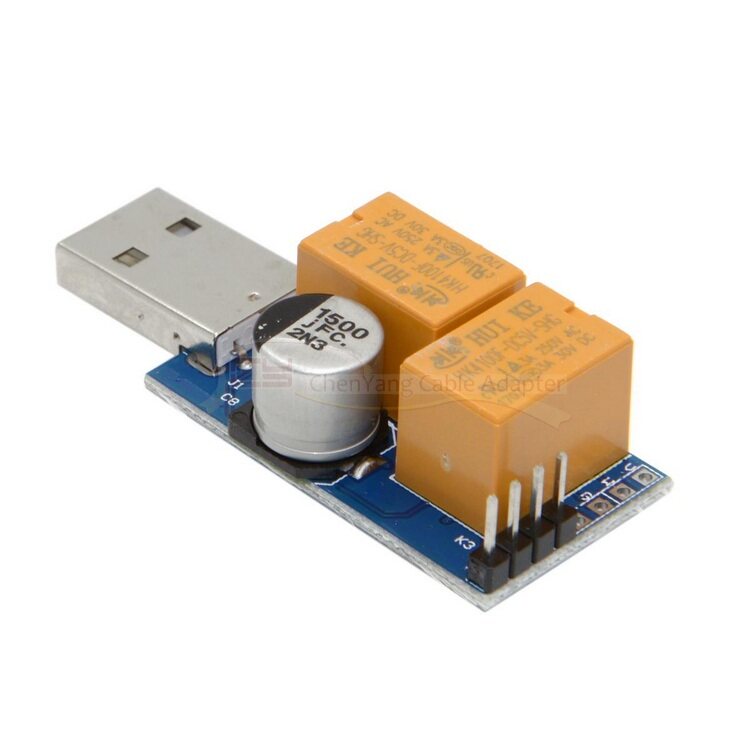
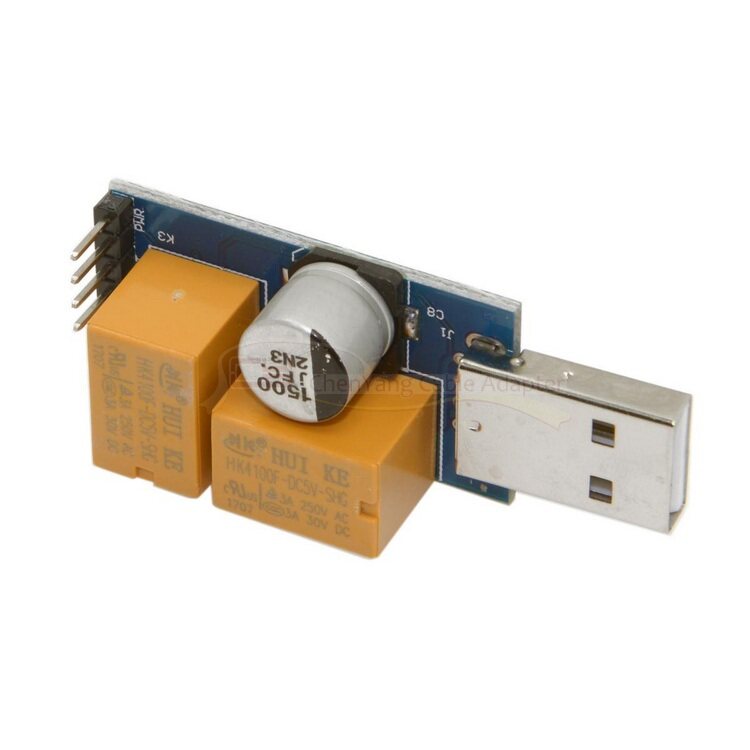
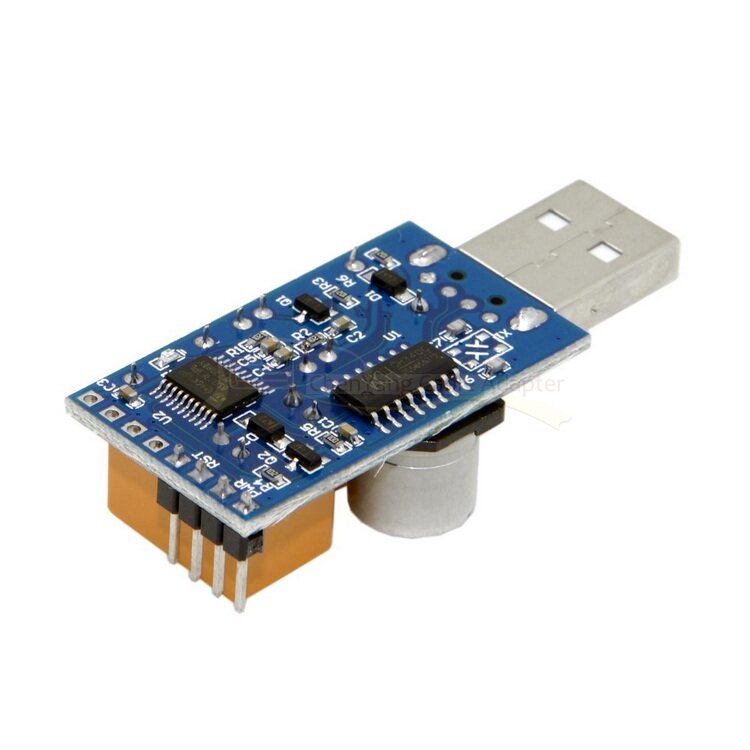
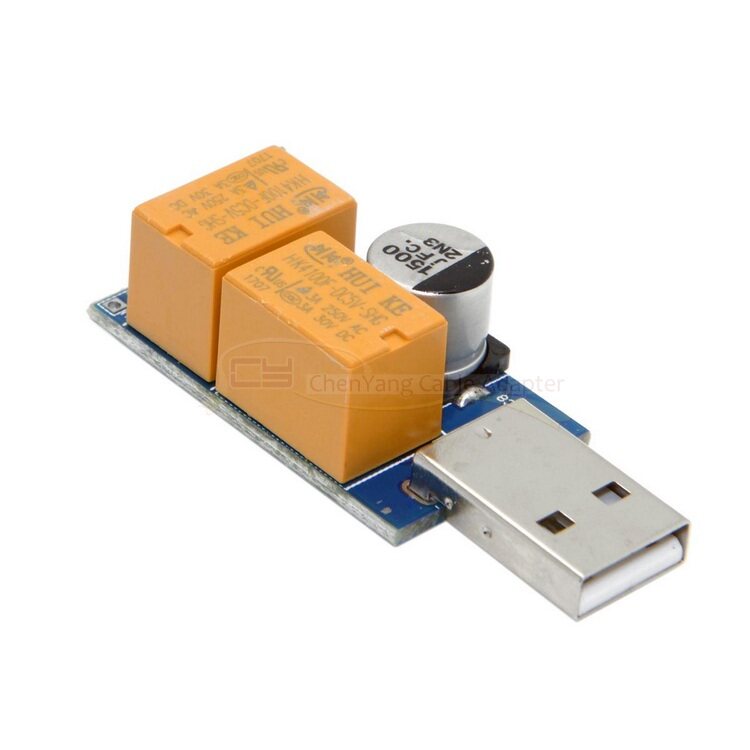
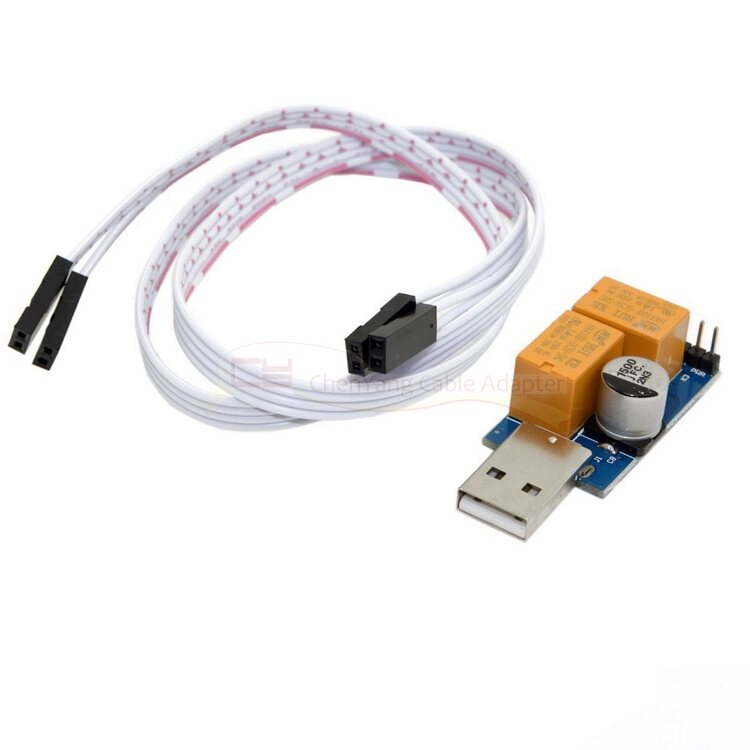
PC blue screen crash automatically restart USB smart watchdog, used in mining, servers, gamers, monitoring systems need 365x24 hours to boot the computer device, when the computer crashes to force the computer to restart the hardware.
For a variety of computer motherboards, without changing the motherboard hardware, the motherboard with USB interface can be used with the computer-side watchdog software at the same time, the need to install the driver, the purpose is compatible with a variety of motherboards, monitor more parameters.
If you are not sure whether your system can be used, you can first download the program to run locally.
New 2.0 double-relay version, forced reboot, adapt to more operating systems xp, linux, win7, win8, win10.
Software Download Address:
(Chinese Version)
http://121.196.226.155:100/public/usbdog/USBWatchdog_V2.5.3_cn.zip
(English version)
http://121.196.226.155:100/public/usbdog/USBWatchdog_V2.5.3_en.zip
installation steps:
1. First, do not connect the USB watchdog card, double-click the download software information in the "watchdog driver.exe", click "Install" and wait for the installation is complete.
2. Insert the USB port of the watchdog into any USB port of the computer. Do not plug the cable into the header of the motherboard for the time being. The factory default timeout is 3 minutes. If the drivers and programs are not installed within 3 minutes, The dog card may send out a signal to cause the system to restart, so the driver of the watch dog card should be installed first.
3. The watchdog card cable PWR PWR_ON connected to the motherboard header (different motherboard may be the subject of the wording is not the same)
4. Connect the watchdog card cable to the motherboard reset pin RST (different board can be written in different ways, such as RES, RESET, RST, etc.)
5. Configuration settings:
Open config.inf file, according to the parameters described for their own needs for personal configuration.
6. Run the watchdog software:
Some anti-virus software installed system may prevent the program starts running, click "Allow", watchdog software is running, the LED on the control panel will flash once a second, at this time and then the cable into the motherboard of the corresponding tube (Pin) feet, if the control panel LED is always on the computer has crashed or not functioning properly, the watchdog will restart at the set time.
PC blue screen crash automatically restart USB smart watchdog, used in mining, servers, gamers, monitoring systems need 365x24 hours to boot the computer device, when the computer crashes to force the computer to restart the hardware.
For a variety of computer motherboards, without changing the motherboard hardware, the motherboard with USB interface can be used with the computer-side watchdog software at the same time, the need to install the driver, the purpose is compatible with a variety of motherboards, monitor more parameters.
If you are not sure whether your system can be used, you can first download the program to run locally.
New 2.0 double-relay version, forced reboot, adapt to more operating systems xp, linux, win7, win8, win10.
Software Download Address:
(Chinese Version)
http://121.196.226.155:100/public/usbdog/USBWatchdog_V2.5.3_cn.zip
(English version)
http://121.196.226.155:100/public/usbdog/USBWatchdog_V2.5.3_en.zip
installation steps:
1. First, do not connect the USB watchdog card, double-click the download software information in the "watchdog driver.exe", click "Install" and wait for the installation is complete.
2. Insert the USB port of the watchdog into any USB port of the computer. Do not plug the cable into the header of the motherboard for the time being. The factory default timeout is 3 minutes. If the drivers and programs are not installed within 3 minutes, The dog card may send out a signal to cause the system to restart, so the driver of the watch dog card should be installed first.
3. The watchdog card cable PWR PWR_ON connected to the motherboard header (different motherboard may be the subject of the wording is not the same)
4. Connect the watchdog card cable to the motherboard reset pin RST (different board can be written in different ways, such as RES, RESET, RST, etc.)
5. Configuration settings:
Open config.inf file, according to the parameters described for their own needs for personal configuration.
6. Run the watchdog software:
Some anti-virus software installed system may prevent the program starts running, click "Allow", watchdog software is running, the LED on the control panel will flash once a second, at this time and then the cable into the motherboard of the corresponding tube (Pin) feet, if the control panel LED is always on the computer has crashed or not functioning properly, the watchdog will restart at the set time.