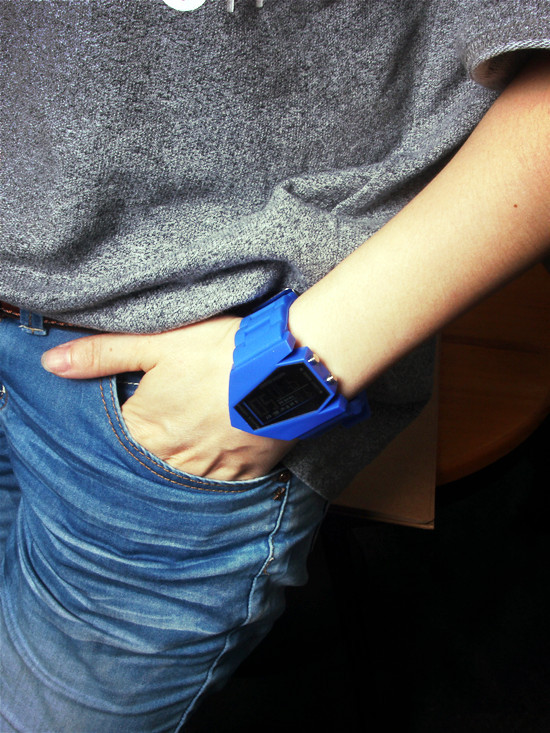
Usage:
Upper left corner of the button control LED lights , click the lights. Because this is a lantern light to switch to other colors , and hold the button for three seconds left corner , it automatically switched .
Button on the lower left corner for the function switch . You can switch to turn the time display , stopwatch , alarm settings, time settings . To adjust the time , first through the lower left corner of the button switch , switch to the time setting interface , you will see the rightmost " second " position flashing, click the button in the lower right corner , you switch to the minutes position flashing , then to transfer points , on the upper right corner , click the button , it will add a digital , minutes after a good tune to adjust the hour , then press the button on the bottom right corner , then the screen flashes hour position , then click the button in the upper right corner , numbers plus 1. hours fine, then through the bottom right button to switch , it will appear in turn date, month , week, setting options , everyone according to the above method can be set separately .