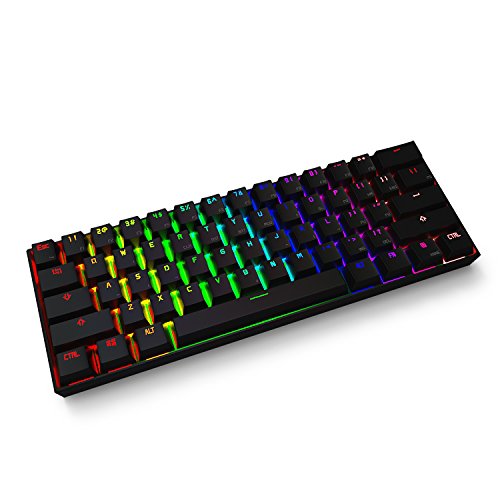
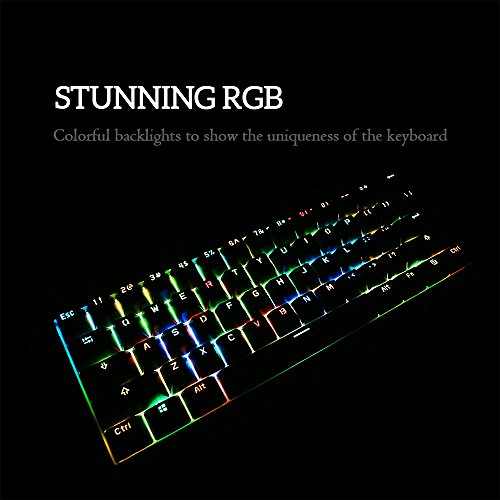
Mechanical Keyboard, ANNE Pro Bluetooth 4.0 Wired/Wireless Computer Keyboard with Full RGB LED Backlit & PBT Keycap, 61 Keys for PC / MAC / iPad / Smartphone / Laptop - Black (Brown Switch)

Product Description
Types of Keyboard Switches
It's important to choose the right type of switches that meets your favorite standard, for the color of the switches has a great impact on the daily use.
Red: Linear with soft resistant force. Suit for lightly pressing down keys.
Blue: Tactile and clicky with a bump feel. Suit for like typing and don't mind loud key clicks.
Brown: Tactile and non-clicky with a bump feel. Suit for like a middle option of Black and Blue.
Guiding and Useful Resources
FAQ: /goo.gl/gpgDpM
BT 4.0 Driver (for Win 7): goo.gl/Bq3Cax
Manual: goo.gl/pX3yZK
Programming:
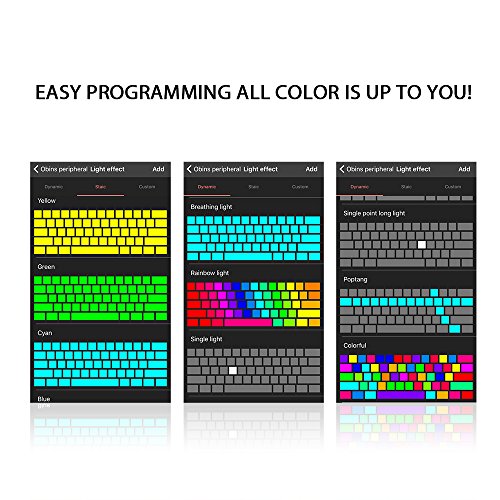
We provide programming app "Obins" on Apple APP Store for iOS device.
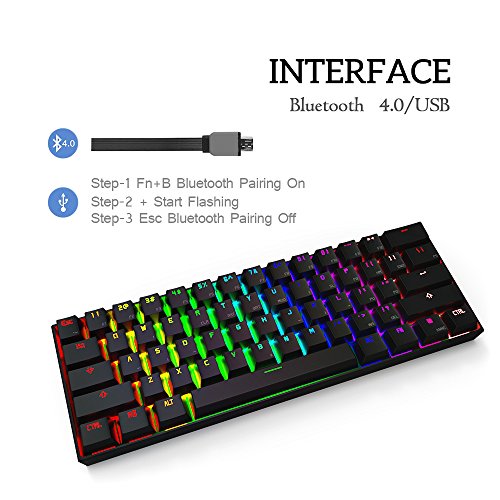
Bluetooth
This Keyboard has built-in Bluetooth 4.0 chipset, which is compatible with most Bluetooth 4.0 devices. Windows 8/10 supports Bluetooth 4.0 protocol. Just install the Bluetooth adapter, system will install the driver automatically. Most Mac devices built-in Bluetooth Module, no need of adapter. Window 7 doesn't support Bluetooth 4.0 by itself, please download & install the corresponding driver offered below. On the condition that your computer already has BT 4.0 driver, to make sure use is with no problem, please replace it with the one offered here.
Specifications
- Keys Quality: 61 keys
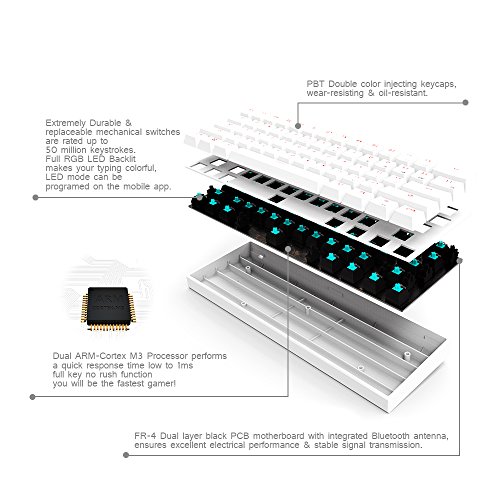
- Main Control Chip: Dual ARM Cortex-M3 STM32L 151
- USB: Support
- Response Time: 1ms
- Hardware Interference Resistance: Support
- Case Color: White
- Key caps: PBT keycaps
- Firmware Upgrade: App Support
- App Support: Yes
- Light Effect: RGB 16 million colors
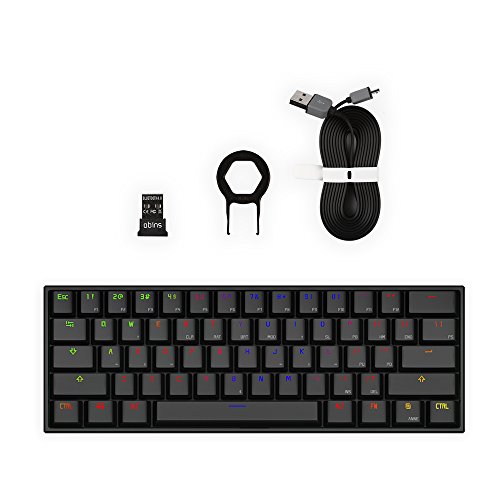
- Pull Key Tool: Yes
- USB Connectivity Cord: Yes
- Bluetooth Adapter: Yes
Feature
【Be Aware】- When you receive the keyboard, please get the keyboard fully charged and reset the keyboard by stabbing the reset hole, ensure the keyboard is ready to work. Firmware version is the newest, no need to upgrade.