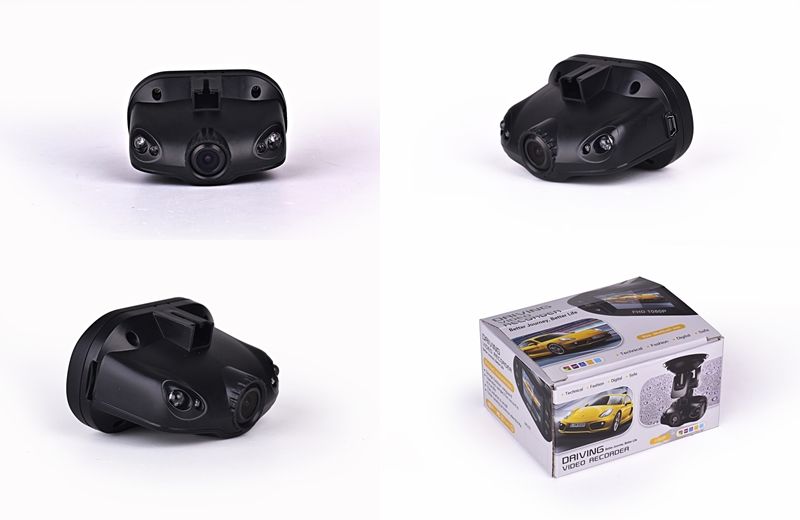
All Models we are selling are really HD and with the resolution as stated. Pls note there are new setups that sell FAKE HD Car DVR. To know if the carcam is fake, set to the highest resolution and see if the hardware can support. Trust me, the video will be more jerky. We are the largest carcam seller in Singapore and have been in business for ten years. Not like other fly by night operations that claim to give warranties and keep shifting offices to avoid honoring their warranties.
Why Buy from us?
The largest supplier of car cameras in Singapore.
We guarantee lowest prices for premium quality product.
The Lowest Priced One Stop Car Camera Solution from a Singapore based seller.
What is the point of having warranty, but have to pay more for labour and parts, payable to the seller?
Buy Singapore. Buy from a Singapore business run by Singaporeans. Not by some unethical Singapore-based China sellers.
Branded Product, guaranteed quality of products and services. Unlike other brands, Chronovski has been around for more than ten years.
We Offer One to One exchange carry in warranty for our products.
We are unlike some Sim Lim Tower suppliers who offer one year warranty, but charge for service and parts.
We Guarantee all the car cameras are exactly the same as what we post on Qoo10, beware of other sellers who sell car cameras with lower quality and with no night vision and at a higher price.
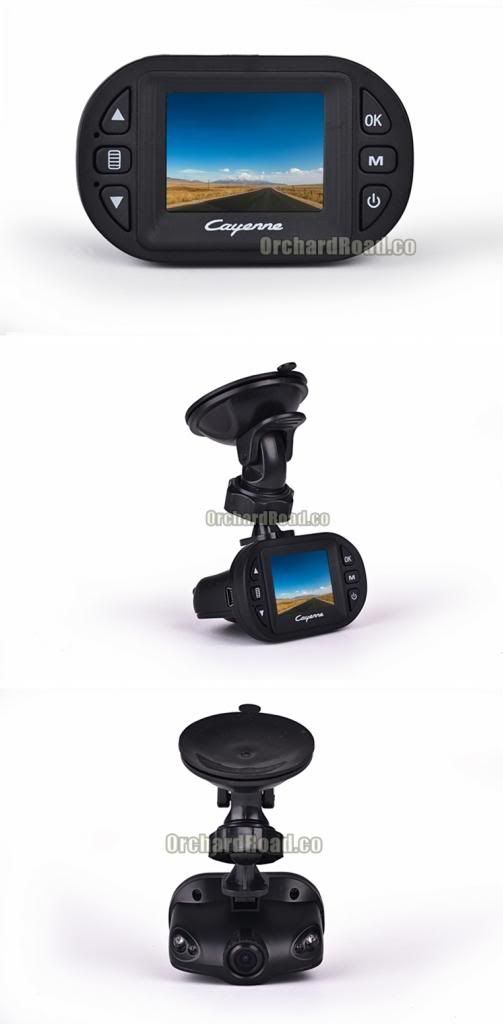
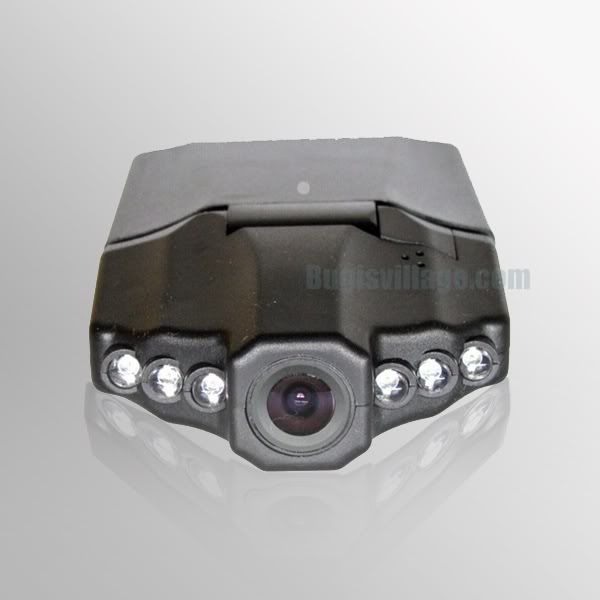
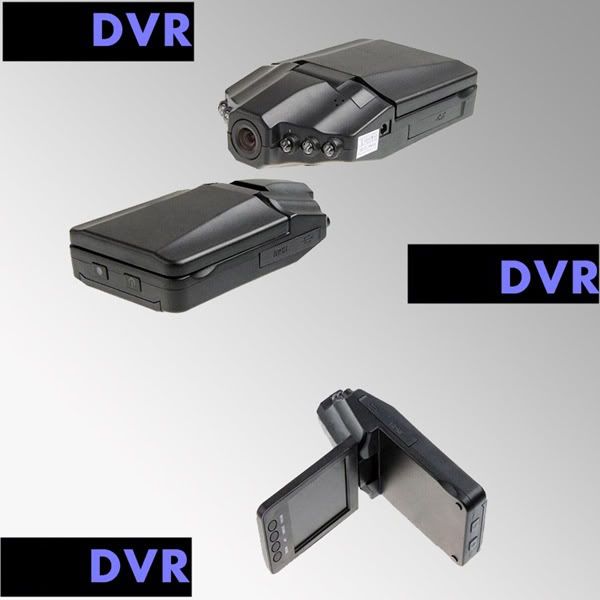
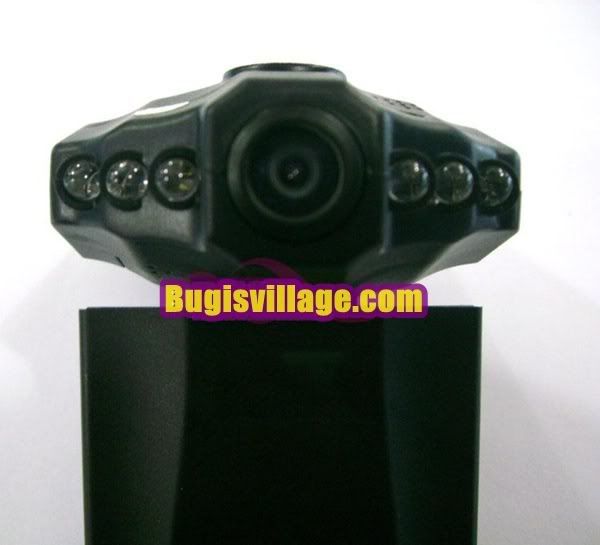
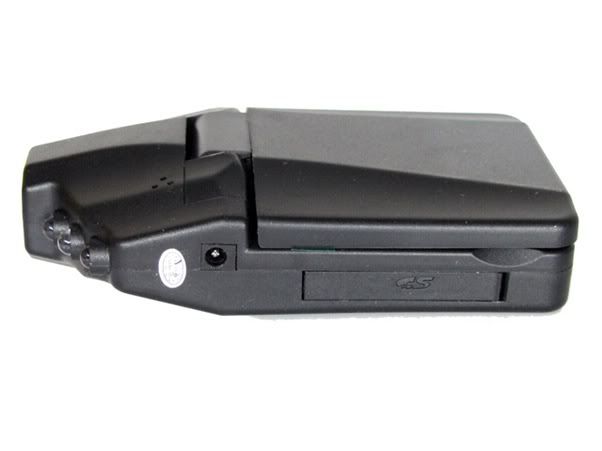
Car Camera K4000 Full HD Wide-Angle Lens
Product Features
TV-OUT
High fill-in light
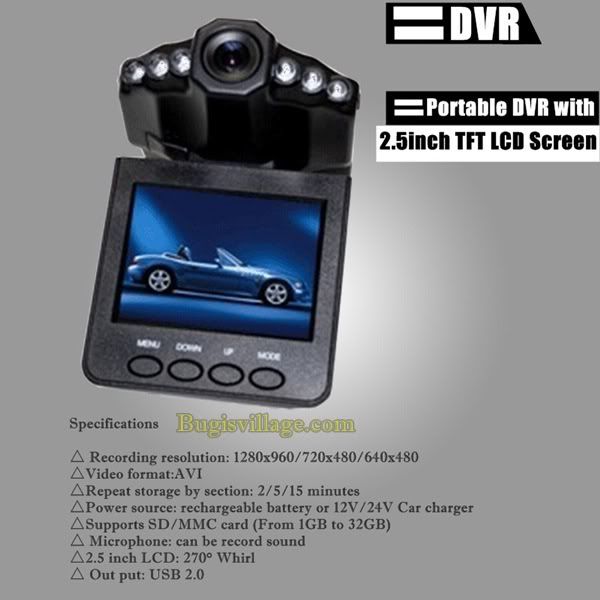
2.5 inch TFT LCD
HD wide-angle lens
Video format: MJPEG (AVI)
Built-in microphone (speaker)
Supports high-capacity TF-SD card
Supports video recording while charging
Capable of motion detection and recording
4 prime lenses with focal lengths ranging from 12cm to infinity
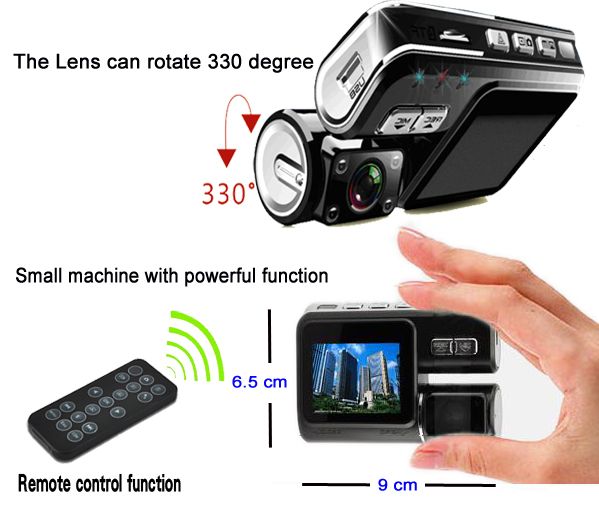
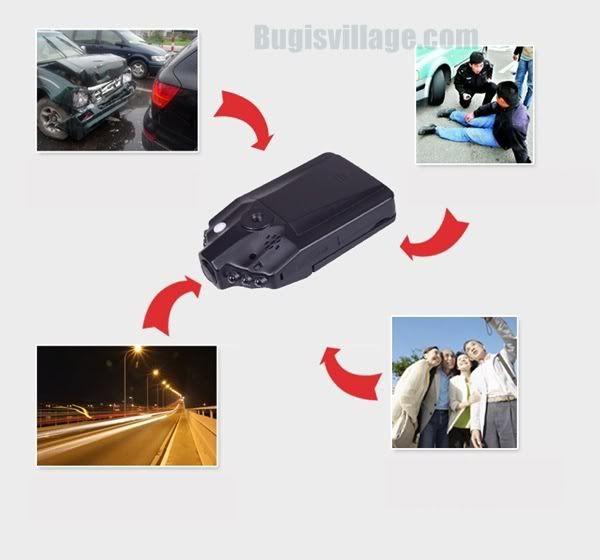
This ultra-small portable mini DVR, with a screen, is handy on various occasions for photo shooting, videoing and sound recording.
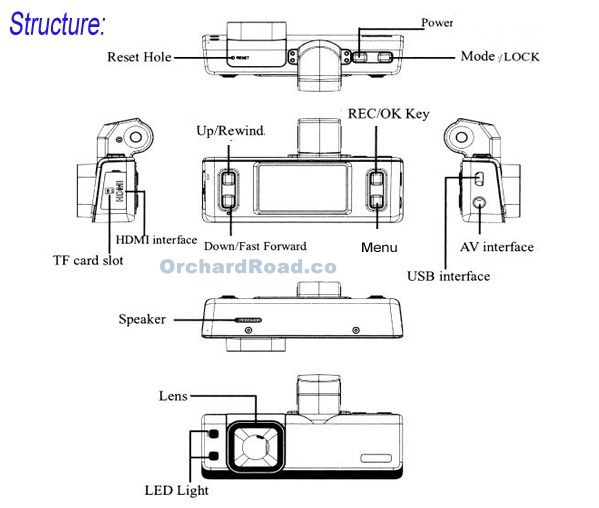
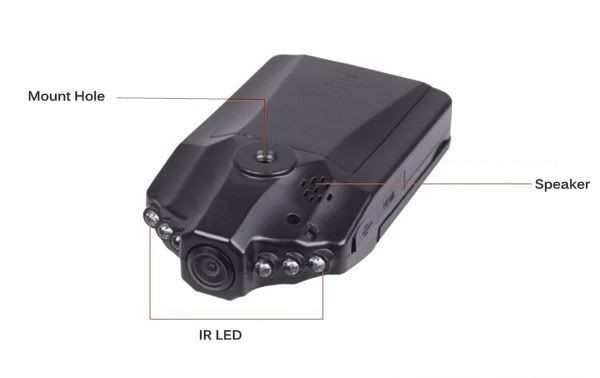
Product Structure
Instructions:
The turning on/off of the camera and mode switch
Press the "POWER" button to turn on the camera
The DVR will enter defaulted recording mode when turned on; press "ok" button to start recording and press it again to pause, and the recorded file will be automatically saved.
For mode switch, please press "MOD" button under pause status to enter camera mode; press it again to enter preview mode and a third press the DVR will be back to recording mode again. Charging: please fully discharge the battery before recharging for the first three times of use, and make sure the recharging duration lasts 12 hours each time to maximize the performance of the battery.
Button function
Video recording/photo shooting/replay mode
POWER: button for turning on/off the DVR
OK: button vertical press for confirmation (start/pause recording)
UP: press the OK button upward for 1/2/3/4X digital zoom
DOWN: press the OK button downward for 4/3/2/1X digital zoom
MODE: press the OK button rightward for photo/video/audio/replay functional switch
MENU: press the OK button leftward to show menu on the screen
LOCK: button press to turn on/off the fill-in light (hold it to lock/unlock)
Menu Setting
Video settings/System settings
Press the POWER button to turn on the DVR, select "MENU" in recording mode to enter functional menu, and then use "MENU" option to select video settings (video settings/system settings) and press OK to confirm.
1) Video format setting: 3 options, 1280*720,848*480,640*480
2) Time stamp: enables the choice of add and not add time stamp
3) Motion detection: with On/Off options and when "On" is selected, press OK for motion detection; then the DVR will start recording automatically if any object is in motion; the recording is saved every 2 minutes; the DVR will enter into standby mode for motion detection if there isn't any object in motion after 2 minutes, and will start recording again if there is.
4) Cyclic recording time: 1/2/3/5/10/15 minute(s) or off could be selected
5) Auto shutdown: offers options such as 1/3/5 minute(s) and off
6) Sound recording: On/Off, meaning the video is recorded with/without sound
When all options are selected, press OK to confirm and finish settings, and then press "MENU" to exit
Photo settings
Press the POWER button to turn on the DVR, and press MODE to switch from recording mode to photo mode, then press MENU to enter functional setting, using UP/DOWN to for selection, and press OK for confirmation
Shooting mode: Off/Self-timing for 2s/Self-timing for10s/Continuous shooting
Exposure: exposure value setting
Date: Off/Date/Date and Time
When all options are selected, press OK to confirm and finish settings, and then press MENU to exit
Replay settings
Press the POWER button to turn on the DVR, and press MODE twice to switch from recording mode to replay mode, then press MENU to enter functional setting, using UP/DOWN to for selection, and press OK for confirmation
Lock: lock/unlock single file, lock all, and unlock all
File deletion: delete single, delete all
Play in slides: start, with 1 second time interval, cycle, yes
When all options are selected, press OK to confirm and finish settings, and then press MENU to exit
System settings
Press the POWER button to turn on the DVR, select "MENU" in recording mode to enter functional menu, and then use UP/DOWN to select system settings and press OK to confirm.
Key tone setting: On/Off
Volume: 1/2/3···8
Light frequency: 50Hz 60Hz
Screensaver duration: 1 minute/3 minutes/always on
Date and Time setting: Month/Day/Year, hour minute
Format: Yes/No
System reset: Yes/No
Video output format: NTSC/PAL
USB: disk drive/PC camera
Use UP/Down for selection, press OK to confirm and finish settings, then press MENU to exit and press POWER to shut down, and the settings will take effect after restart.
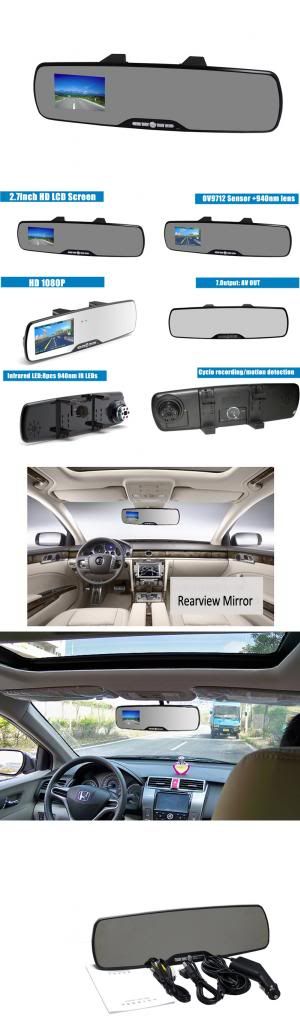
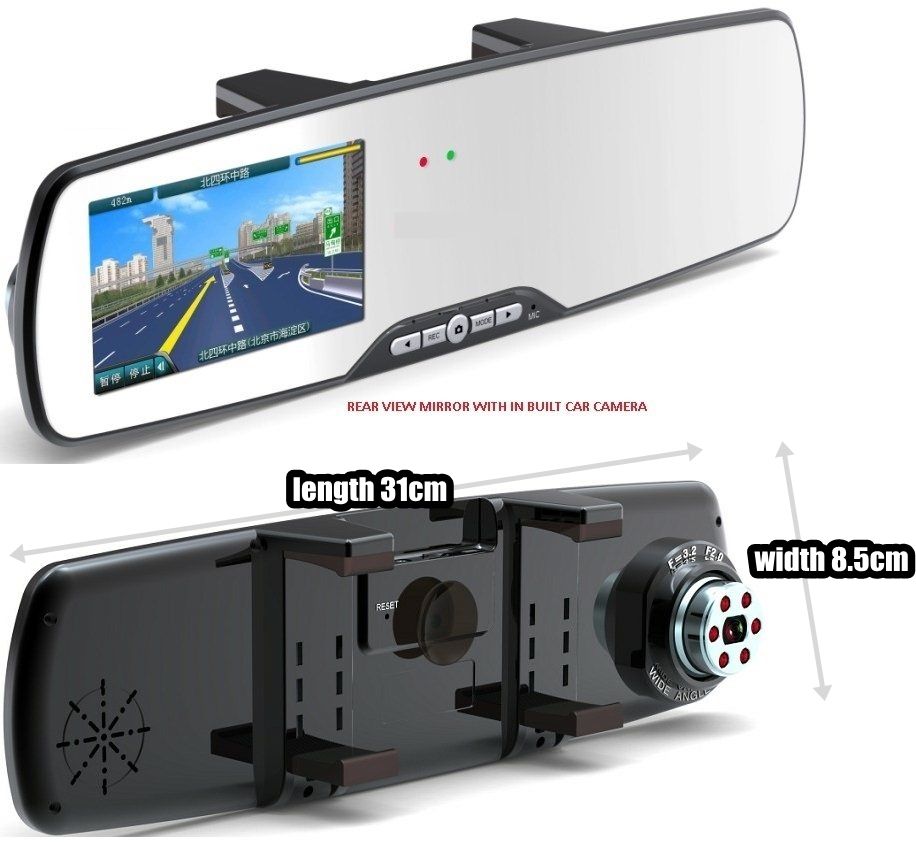
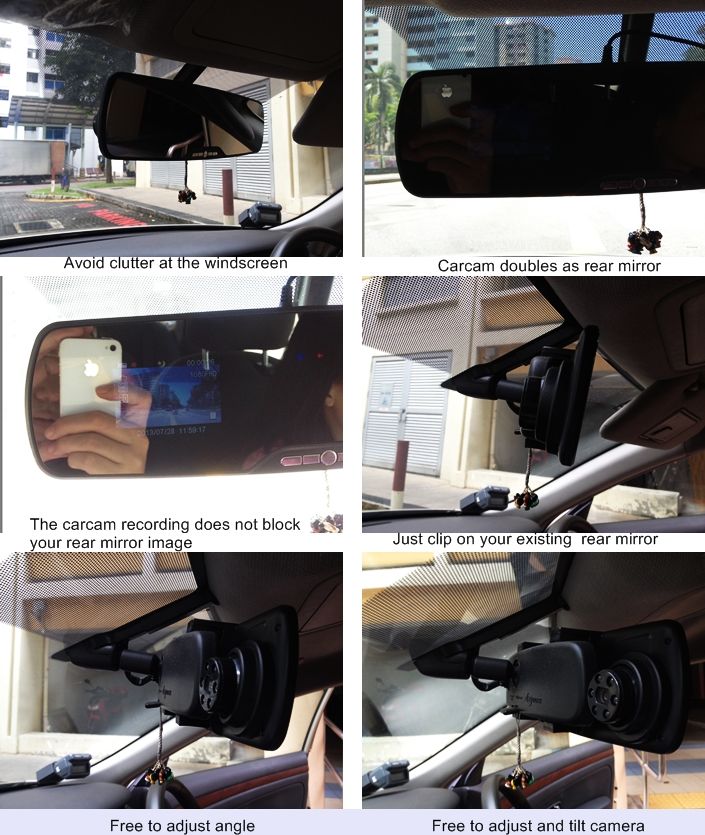
HD 1080P Rearview Mirror Car Recorder Camera D4
3MONTHS CARRY IN WARRANTY
Actual footage as captured on a Chronovski D4 Rear Mirror CarCam
Note
Dear customer, PLEASE USE Kingston micro SD memory card (CLASS 6 and above). We have noticed that SanDisk memory card has possible comp ability issue.
Our recommended resolution setting is 720P. Thank you.
Included:
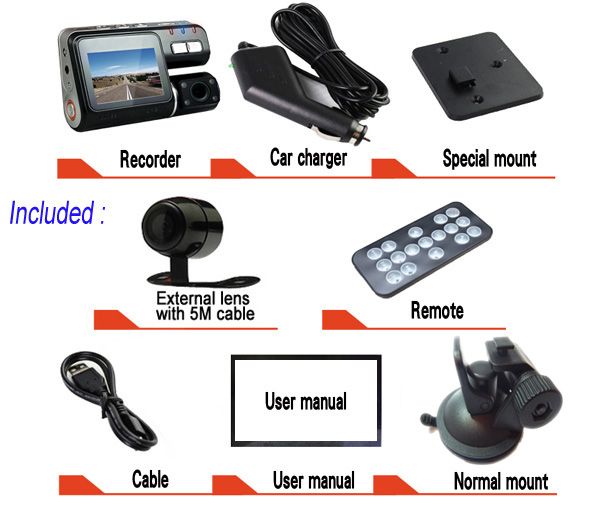
1. HD Rearview Mirror Car Recorder 2. User manual 3. USB cable 4. USB car charger(built-in 12V to 5V adaptor) 5. AV output cable
Parameter
1. Video resolution: (1920*1080) (1440*1080) (1280*720), default setting (848*480) (640*480) (320*240) 2. Menu language:English(default setting)/French/Spanish/Germany/Italian/Simple Chinese/traditional Chinese/Russian/Japanese/Korean 3. Format :deleting all information in the TF card 4. Frame rate: 1920*1080 24fps,other video resolution are with 30fps 5. Light frequency:50Hz(default setting) /60Hz 6. Date/Time:in standby mode,press the Menu key ⑷ twice,it enters the setting interface,then press the Down key ⑹ and set the date&time, then press the Conform key ⑺ to save . 7. Recording time:OFF/1minute/3mintues(default setting)/5minutes ; when choosing OFF,the DVR will stop recording when the TF card is full,and it will not record cycle. 8. Time stamp:OFF/ON(default setting). When choosing OFF,the video will not be with time stamp. 9. Default setting: Cancel/Confirm. When choosing Confirm,the DVR will restore to factory settings. 10. Motion detection:OFF(default setting)/ON 11. Audio recording:OFF/ON(default setting) 12. Version:show the software version number and the publishing time of software
720 HD Car DVR Camera Spider Cam A3
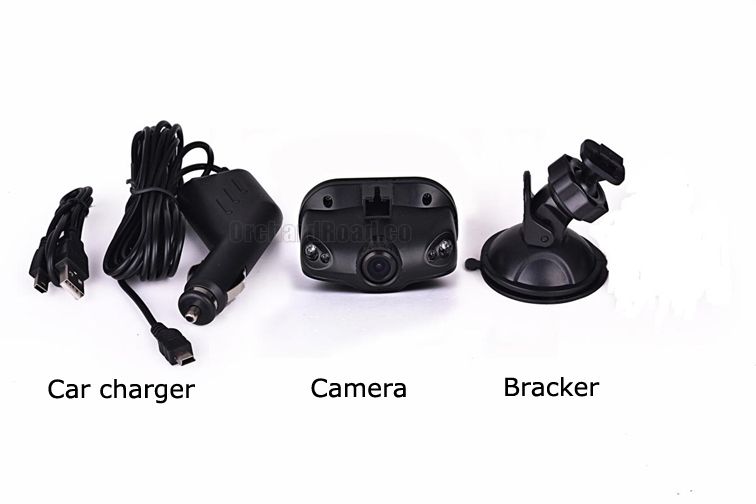
Included Package:
HD Camera x1
Car charger x1
USB cable x1
Bracket x1
User manual x1
Products specifications
Features
HD camera, HD video recording
LCD screen size
1.5LTPS
camera
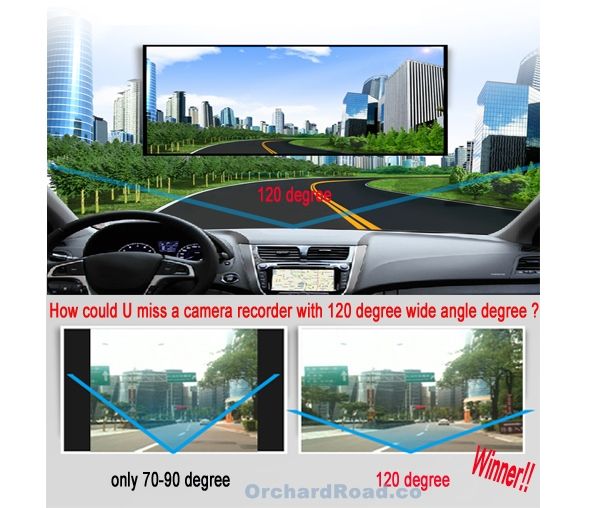
120 A + grade high-resolution ultra wide-angle len
Language
Russian, Japanese、French, Italian, German, spanish, English, Chinese (simplified), Chinese (Traditional), Korean, etc…
Files format
AVI
Recording video format
M-JPEG
Color
standard
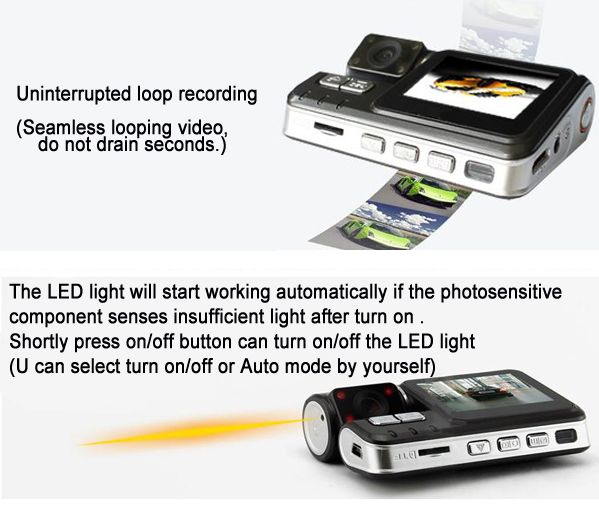
Continuous loop video
seamless loop recording, don’t leak second
Automatically power on/off
Support auto ignition boot, turn off shutdown
Motion Detection Function
support
Time synchronization
Support (Y/M/D/H/M)
Carrier media
Built-in memory ( total:64MB)
Photo mode
5million
Photo format
JPEG
Memory card
TF (max 32GB)
MIC
Support
Built-in stereo
Support
Infrared night vision
Support
Video output
AV-OUT/HDMI
Video format
PAL/NTSC
Current frequency
50HZ/60HZ
USB function
1:USB-Disk
2:PC-Camera
Power interface
5V 800ma
Battery
Built-in 800mAh
T650 with Super Clear Super Wide Korea Lens Black Color
Feature
◎ 3 mega pixels. ◎ Maximum 32GB. ◎ To charge through USB. ◎ 120 degree ultra wide angle lens. ◎ Advanced Wide Dynamic technology. ◎ 1920×1080P FULL HD high quality resolution. ◎ Advanced H.264 video compression technology. ◎ Support HDMI high quality video transmission. ◎ 30/60 frames per second for smooth video flow. ◎ Built-in GPS, record traffic speed, driving track. ◎ 3 resolution forms can be changed for video recording. ◎ Seamless continuous recording, will not miss any data. ◎ 4X digital zoom, ranges from 12cm to limitless distance. ◎ Improve time & date display, no need reset when re-start. ◎ 2.7 inch high resolution LCD, can watching while shooting. ◎ To start the auto automatic off; to start the video recording function. ◎ Equipped with special auto suction cup holder. Conveniently fix and use. ◎ Set the video recording time, stop recording when the setting time is up. ◎ G-sensor to keep records of sensor data and real-time display on the player. ◎ Watch video while make video recording in driving. Support on-spot play back. ◎ Adopt auto cigarette lighter power supply, to make the video recording while driving. ◎ Automatic circulating video recording, being able to set the record time for each file. ◎ Powerful document protection, even in the recording process, the occurrence of sudden power outages, machine damage, etc., video files will be intact.
Recording process, press "Mode" key, the recording video files can not be deleted without losing any instant.
G-sensor
When gravitational acceleration reach 6g(1g=9.8m/s),machine will save present video as undeletable files
Motion detect function
Auto record if someone move into the monitor
Car Camera F178 HD Premium Quality Car Camera
The instruction of car camera
1. Reset
2. Up
3. Mode
4. Confirm
5. Menu
6. Down
7. Power
8. TF card slot
9. Lock
10. USB port
11. Bracket hole
12. HDMI
13. MIC
14. Infrared LED
15. Lens
16. 2.7inch LCD
17.AVOUT
Accessories
User manual USB cable USB car charger (built-in 12V to 5V adapter) AV cable
Function operation
Installation
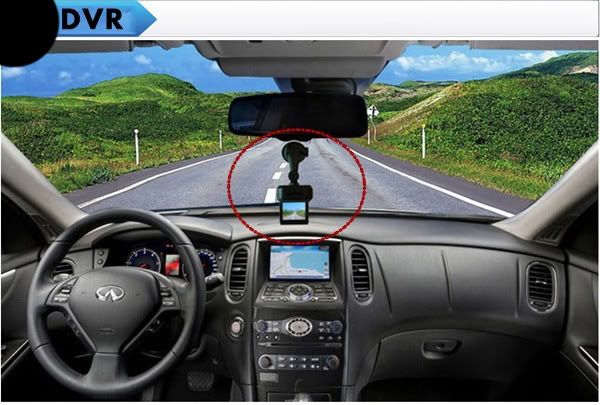
The car DVR is easy to be installed, only need to firm the device onto the windscreen,connect the USB car charger to the car power, and hide the cables.
Charging
A. Charge the Li-ion battery
(1) connect the USB car charger
(2) connect it to computer by USB cable
NOTE:When being charged,the green light is on,and the green will be off when the dvr is fully charged.
B. Connect to 12V car charger
When the car starts,the DVR will starts recording automatically, 15seconds after power off,the DVR will be closed automatically,and it will save the recorded files.
Attention: we only can use the car power whose output is 5V, we need to long press the power key and close the DVR after cutting off the power.
Recording mode
1. Short press the power key and connect the USB car charger,the DVR will enter the recording mode.( please insert the TF card first). Now,the blue light will flash,the files will be stored into the TF card. 2. When taking off the USB car charger or long press the power key,the DVR will be closed and the blue light will stop flashing.
G-sensor
When the car impacts, the present video files will be saved as a file that is named as EVE beginning, the video file will not be deleted when cycle recording.
Emergency Lock
When recording, short press the Lock key to lock the present file,the file will be saved as SOS beginning, the video file will not be deleted when cycle recording.
Photo mode
1)Short press Power key to start DVR and press the Confirm key to stop recording,
2)then short press the Mode key to enter the photo taking mode,
3)press the Confirm key to take photos.
Night vision function
Under the recording and photo taking mode,short press the power key to open or close the
infrared LED.
View and delete files
1)Start the DVR and press the Confirm key to stop recording, short press the Mode key twice to enter the playing back mode;
2)press the UP key to choose the recorded file and press the Confirm key to play or view files,
3)press the Menu key to delete mode after playing;
4)press Down key to choose deleting or formating;
5)continue pressing Menu key to exit operating.
Menu Functions Setting
1.Start the DVR or stop recording, press the Menu key to enter the menu setting interface;
2.press Up key or Down key to choose the specific parameter, at last,press the Confirm key to confirm the operation.
3.Press the Menu key to exit the setting interface after finishing all functions setting.
USB mode
Please connect the DVR to computer by USB cable, then press the Power key,the USB menu will popup automatically in the device,
and there are two modes optional:
1. USB-Disk: Under this mode, we can save or get the video files or photos.
2. PC-Camera: Under this mode, it will popup USB videodevice automatically,and we can take photos or video chat.
AVOUT output
Connect the DVR to TV by AV cable, the screen of DVR will be off and the image will be displayed in the TV.
HDMI output
Connect the DVR to TV by HDMI cable,the screen of DVR will be off and the image will be displayed in the TV.
Attention
1.Please insert the TF card to the device before recording
2.Please connect the DVR to car power by USB car charger, the car charger is built in 12V to 5V adapter, if the output voltage is higher than 5V,the DVR wil be burned down.