Product Description
Adding a Wireless computers to the Wireless-N Mini Router 1. Log on to the computer.
2. Open Connect to a Network by right-clicking the network icon in the notification area.
3. Choose the wireless network from the list that appears,and then click Connect.
4. Type the network security key or passphrase if you are asked to do so,and then click OK.You will see a confirmation message when you are connected to the network.
Adding a Wireless computers to the Wireless-N Mini Router with WPS Button 1. Log on to the computer.
2. Press the WPS button of the Wireless-N Mini Router directly for seconds.
3. Press the WPS button of the Wireless Adapter directly for seconds.Click Finish to complete the WPS configuration.(Please check your Wireless adapter Manual with WPS configuration)
4. You should see icons for the computer you added and for the other computers and devices that are part of the network.
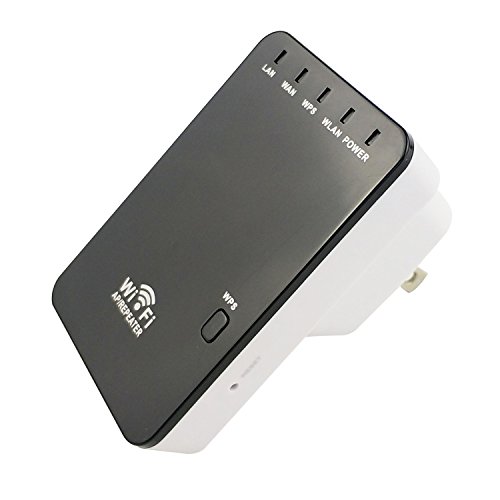
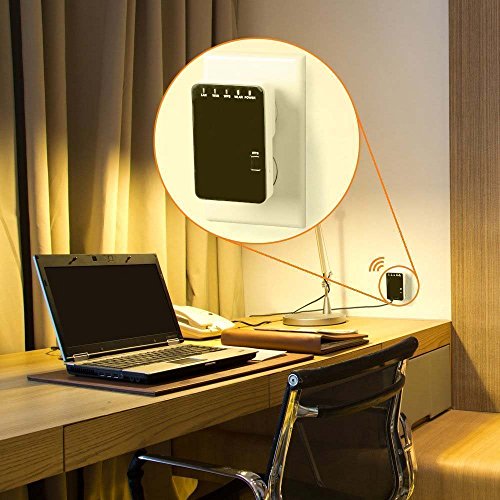
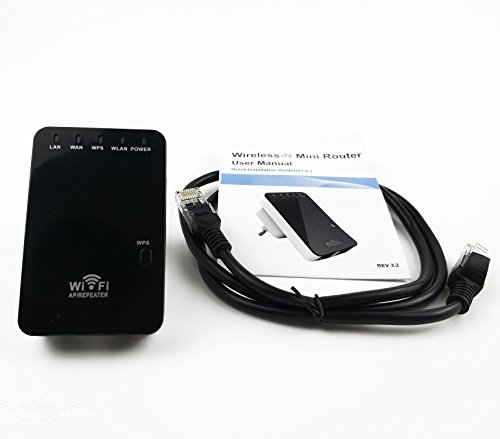
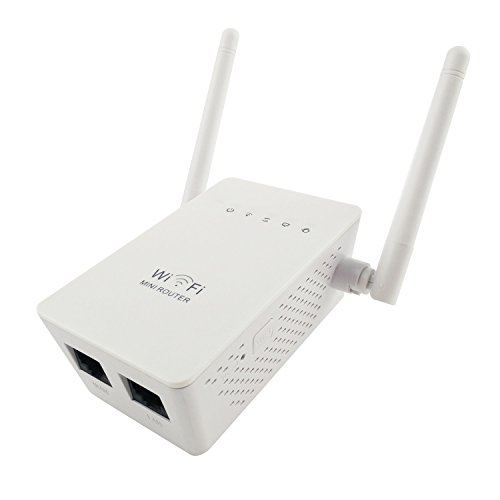
Package Content: 1 x Wireless-N Mini Router
1 x RJ-45 Cable
1 x User Manual
Feature
Complies with IEEE 802.11 b/ g/ n standards.
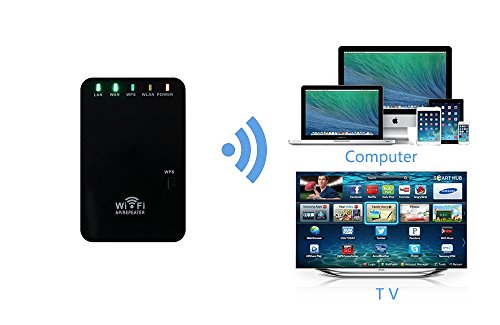
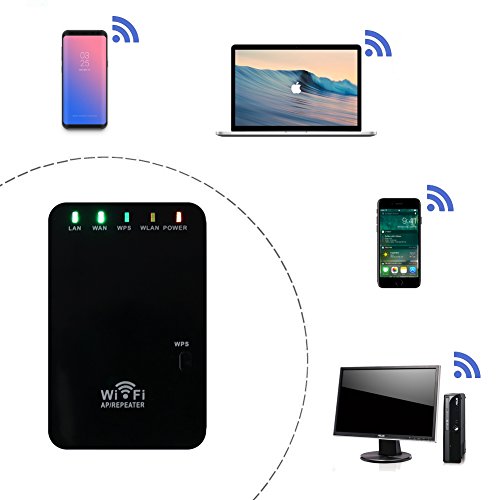
Supports Router,Client,Bridge,Repeater,AP mode.
QoS function assures the quality of VoIP and multimedia streaming.
Wireless N speed up to 300Mbps and Backward compatible with 802.11 b/ g/ n products.
Compact and portable,powerful wireless signal as well.
Brand : YiHao
EAN : 0738920828625
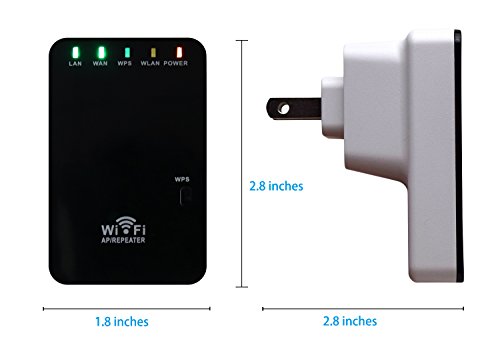
Package Dimensions(LxWxH) : 12x12x9cm ; 0 g