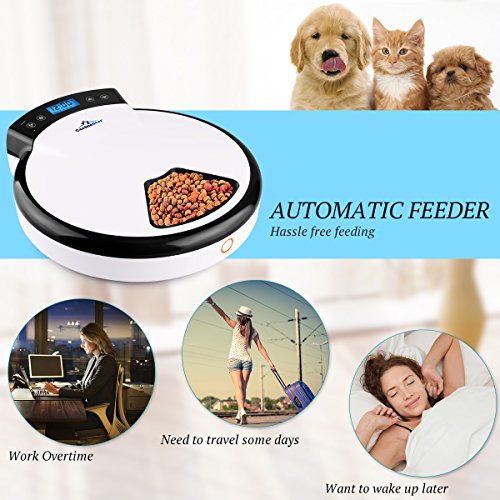
Studio : CanineStar Publisher : CanineStar Binding : Misc. Product Description
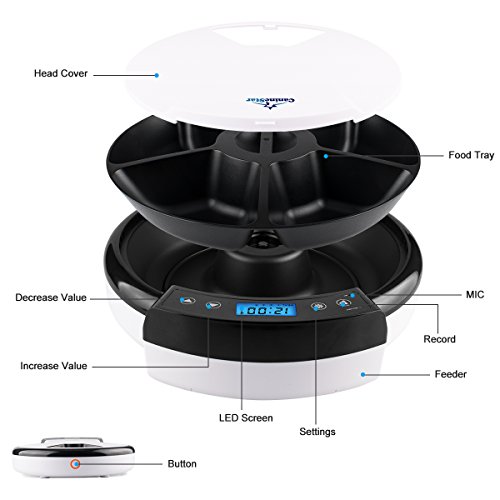
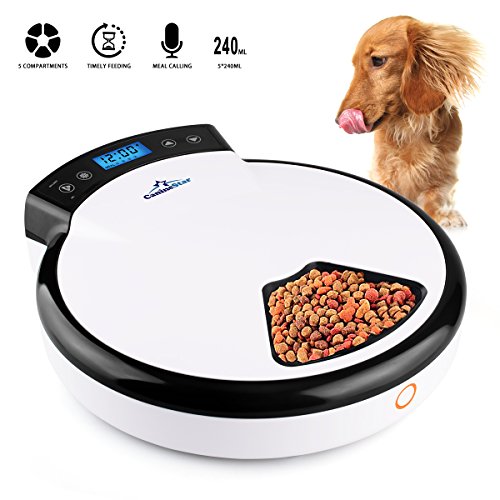
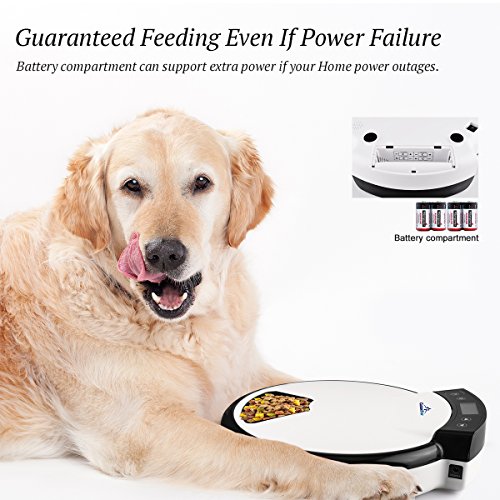
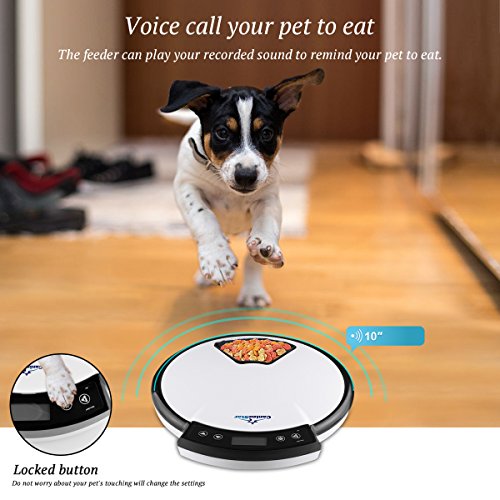
Setup Instructions: 1. Please connect the DC 5V/1A cable or install 4 "C" batteries and then turn on the power switch, located on the back of the unit. 2. Next you must set the clock time. To do this hit the settings button until the LCD illuminates blue. Then hit the settings button again until the numbers on the left begin to blink. Use the arrows to adjust the numbers up and down. Do this for the numbers on the right as well. 3. Once you have set the time, you can go through each meal (1, 2, 3 and 4) and you can set the time you would like the food to be delivered. 4. To record a voice message simply hit the settings button until the blue LCD illuminates and then hold down the REC/LOBATT button located on the top left corner of the unit(MIC location). You have 10 seconds to record your message. Attention: 1. When electric cuts off, you need to reset the current time. The feeding schedule still remain due to the memory function. 2. When the blue backlight on LCD display turns off, the machine enters standby mode. Long press SET BUTTON for 3 seconds to unlock the screen for setting. 3. In order to have correct meal time, please set the local current time firstly. If the feeder was out of power and didn't have batteries for back up, the clock would not work either. 4. For multiple days setting, for example, if you want to feed your pet for one meal per day, you just need to set the current time and the first meal time, then press the SET button for 3 seconds to save and exit the meal time setting process. In this way, the feeder will feed your pet once per day and last for 5 days. Ditto, the same for 2 or more days settings. Specifications: Size: 12 inch ×13 inch ×3 inch Material: ABS Capacity: 240mL×5 (1.2 L in total) Battery: 4"C" size batteries (NOT included) Input power: DC 5V/1A cable (included)
0
|