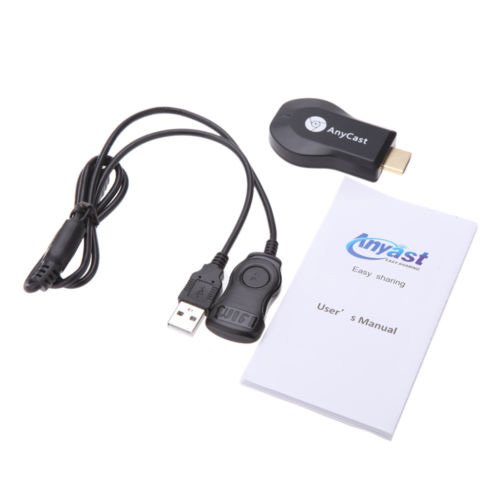
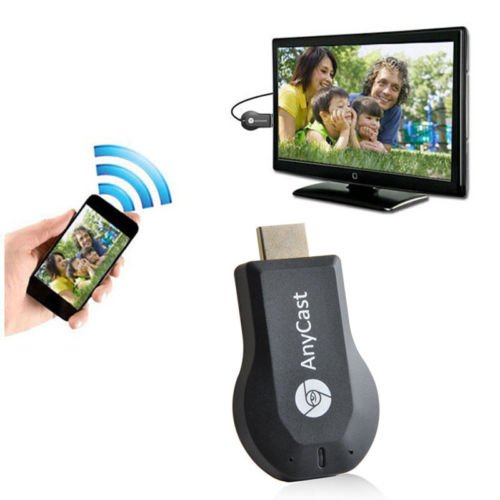
-. Brand : Cewaal
-. EAN : 0602217733520
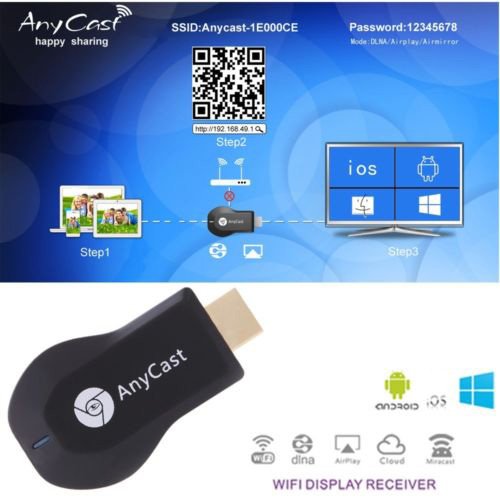
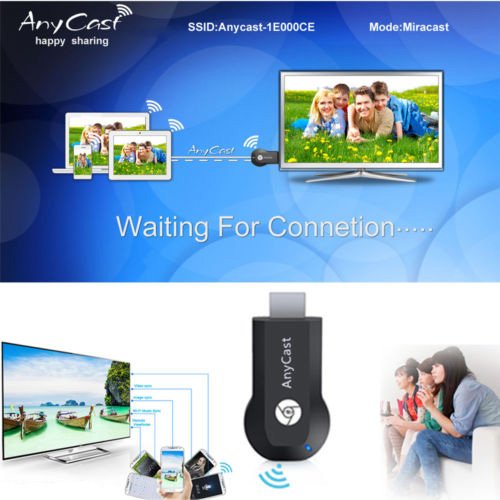
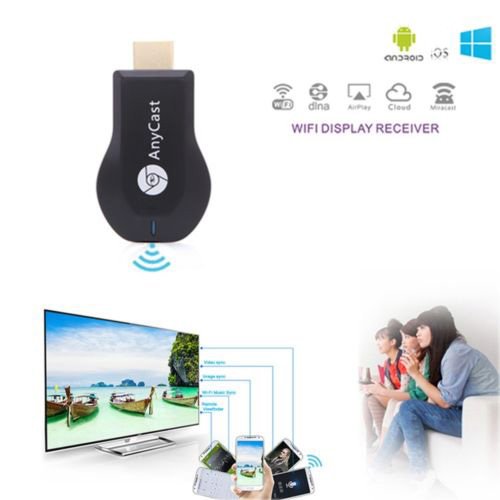
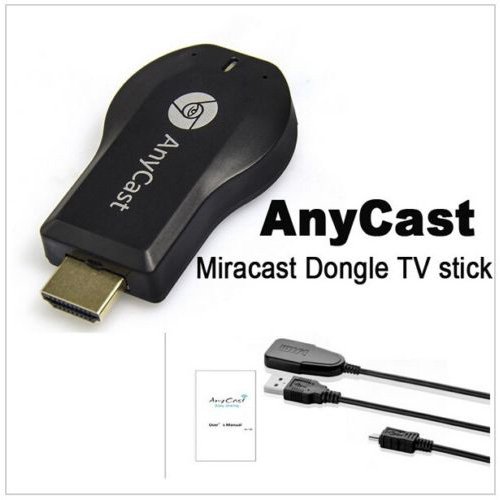
-. Feature : Cast the contents (Video, Game, Audio, Picture, App and File) from your Smart Phones / Tablet PC to another big screen devices with HDMI interface (such as, HDTV, Monitor & Projector, etc) by using Miracast, DLNA and AirPlay through WiFi connection. / New version has been released to support iOS 11. Connect Anycast to your home WiFi to Upgrade it if you use an iOS 11 device. / [Connection for iOS device, ] 1. Connect Anycast in your WiFi Setting 2. Go to a browser and input 192.168.203.1 This will open a setting menu, here is to connect to your WiFi network or Upgrade. Click Internet and select your normal home wifi, and you need to put in your WiFi password. 3. Pull up Control Center and tap "Airplay Mirroring" to start mirroring. / [Connection for Android device] 1. Switch to MiraCast mode by pressing button on Anycast and Enable WiFi on phone 3. Turn on MiraCast (Named as wifi display/screen mirroring/miracast/smart view in phone Setting) to start mirroing. / Attention: 1. The dongle must be powered by 5V/1A power adapter. 2. Not Compatible with Netflix,HBO go, HULU and Honda motor. 3. Please check whether your Android smart device supports MiraCast(if not, it not works).
-. Label : Cewaal
-. Manufacturer : Cewaal
-. MPN : CW-50443
-. PackageQuantity : 1
-. PartNumber : CW-50443
-. ProductGroup : Home Improvement
-. ProductTypeName : HOME_LIGHTING_ACCESSORY
-. Publisher : Cewaal
-. Studio : Cewaal
-. Title : Cewaal M2 Plus WiFi Display Dongle, M2 Plus Miracast Dlan Airplay Media Player Stick WiFi Receiver Dongle
-. UPC : 602217733520
DIMENSION INFOMATION
Product Dimensions : 10.21(Width) x 15.49(Length) x 3.2(Height) cm
Shipping Weight : 21 Hundredths Pounds