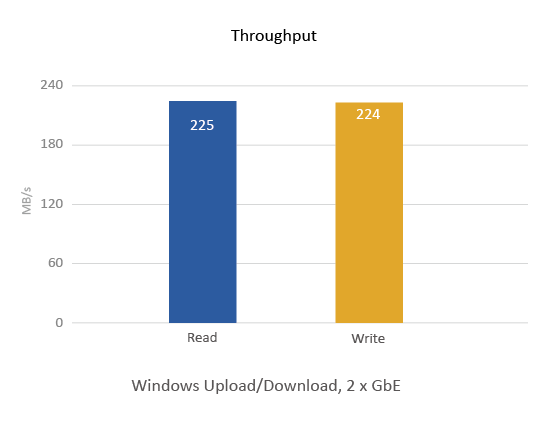
Quad-core 64-bit Intel® Celeron® CPU for exceptional performance
 |
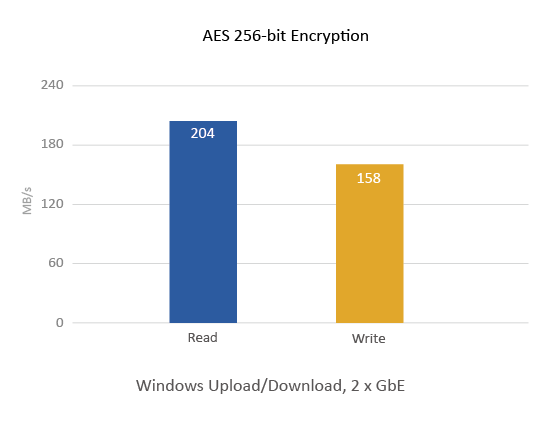 |
Quad-core 64-bit Intel® Celeron® CPU for exceptional performance
|
|
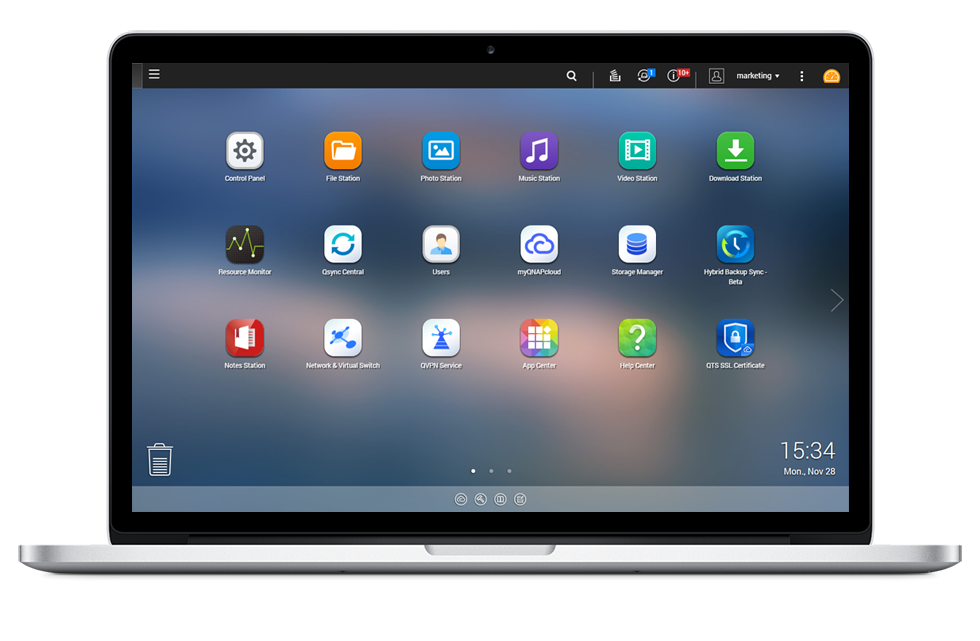
QTS 4.2 - Simple and efficient
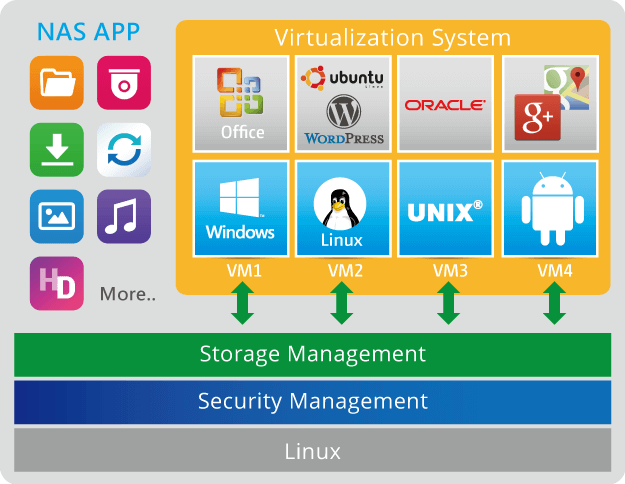
Run additional operating systems on the TS-451+
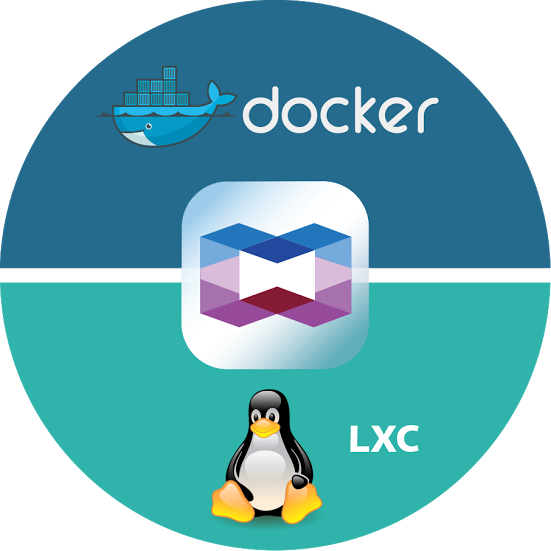
Container Station – LXC and Docker® Containers inclusive
Use your TS-451+ as a PC with QvPC Technology
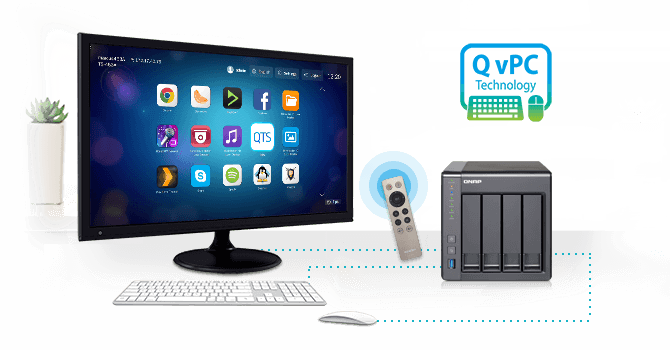
Enjoy videos on TV via HDMI with bundled remote control

Real-time & offline video transcoding*
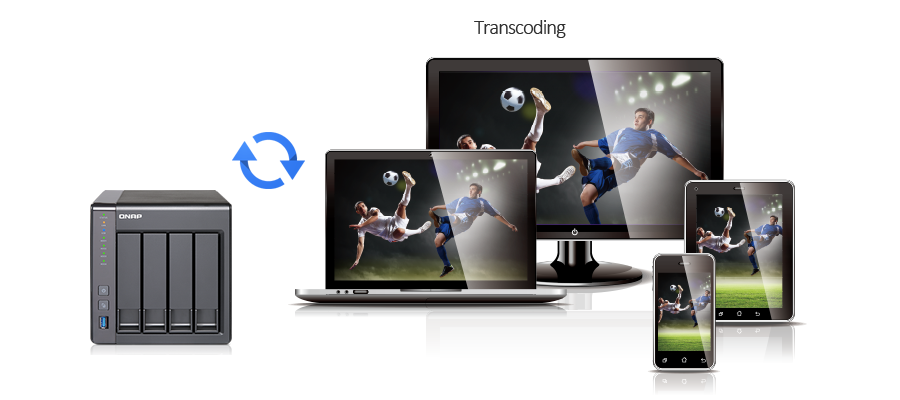
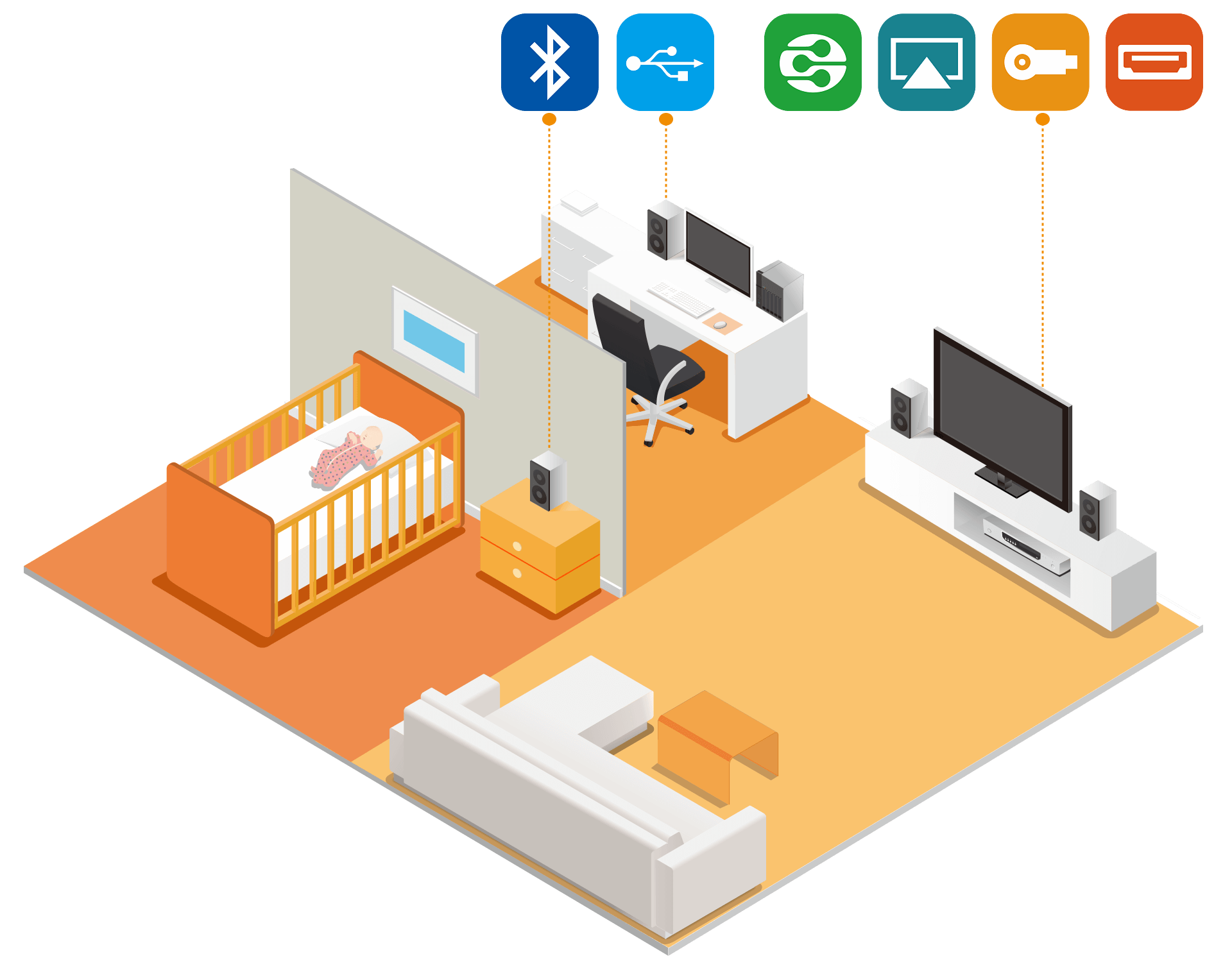
Enjoy media freely with multi-zone multimedia control
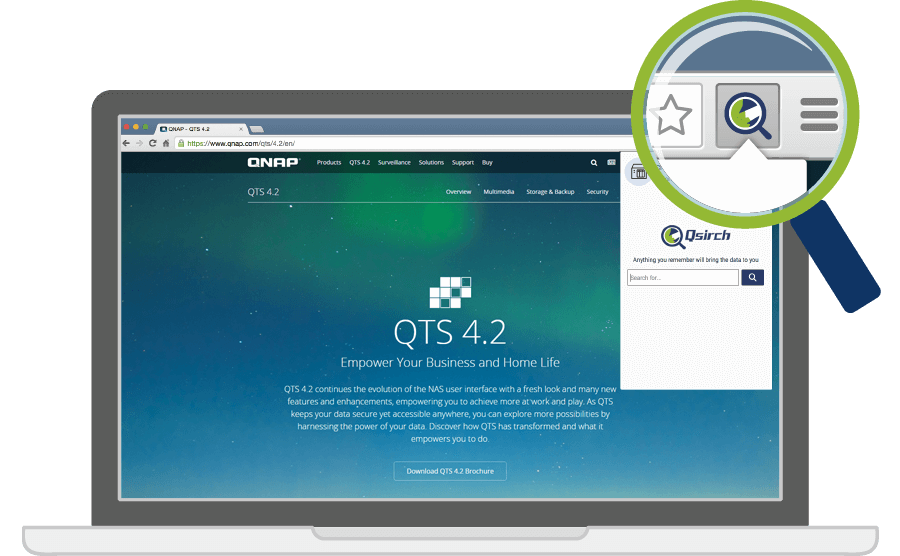
Qsirch – A smarter, faster way to search
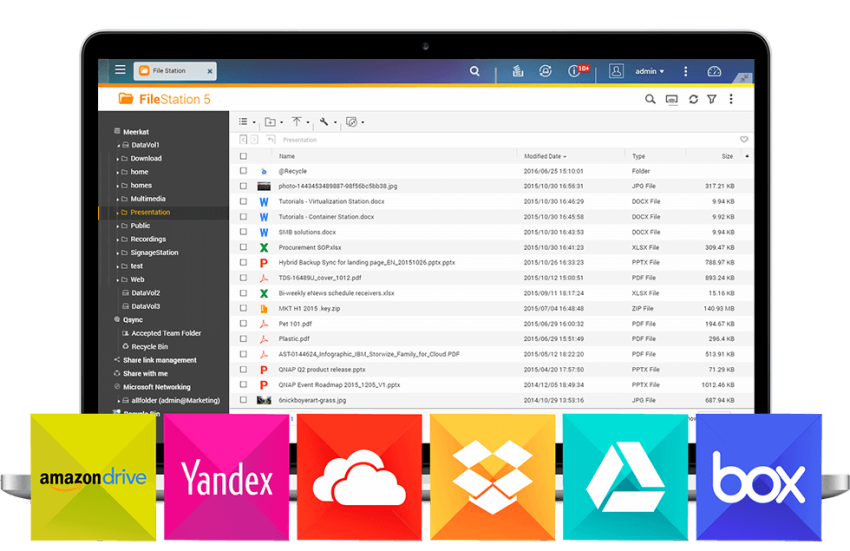
Cross-platform file sharing, centralized data storage

File Station integrated with cloud services
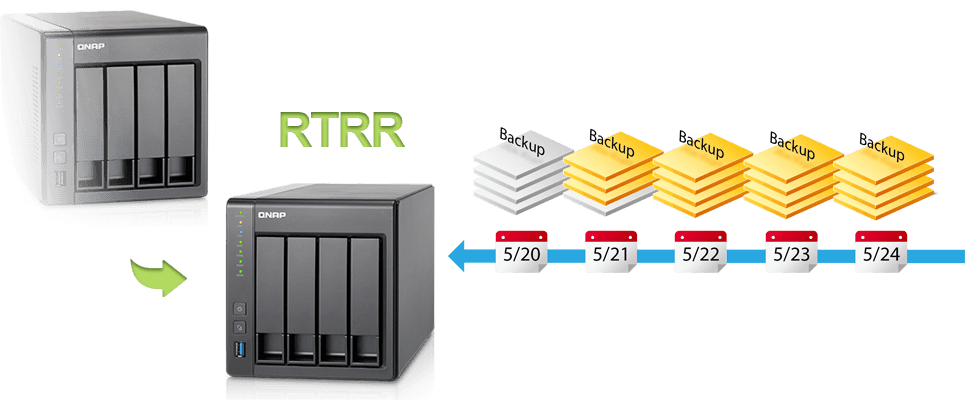
Well-rounded backup solutions to secure data

Disaster recovery solutions bring peace of mind
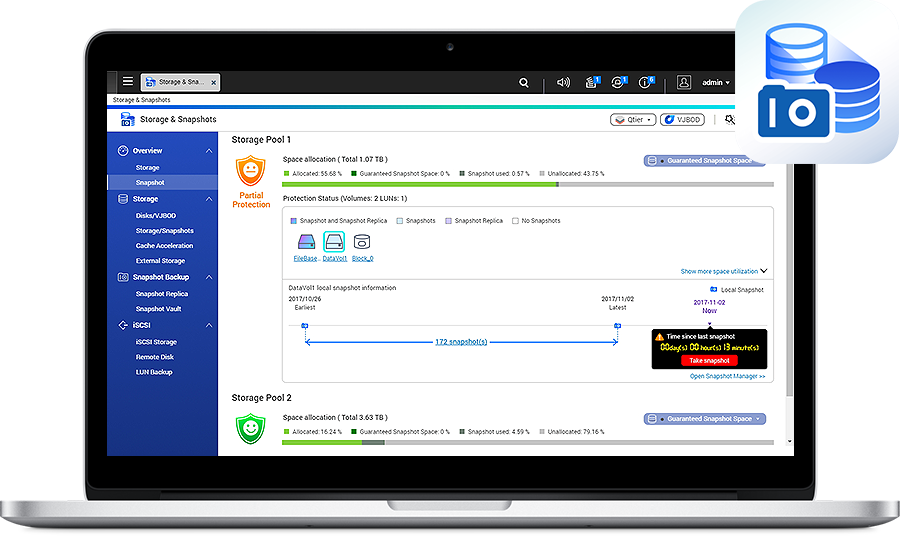
Volume & LUN snapshot simplifies restoration
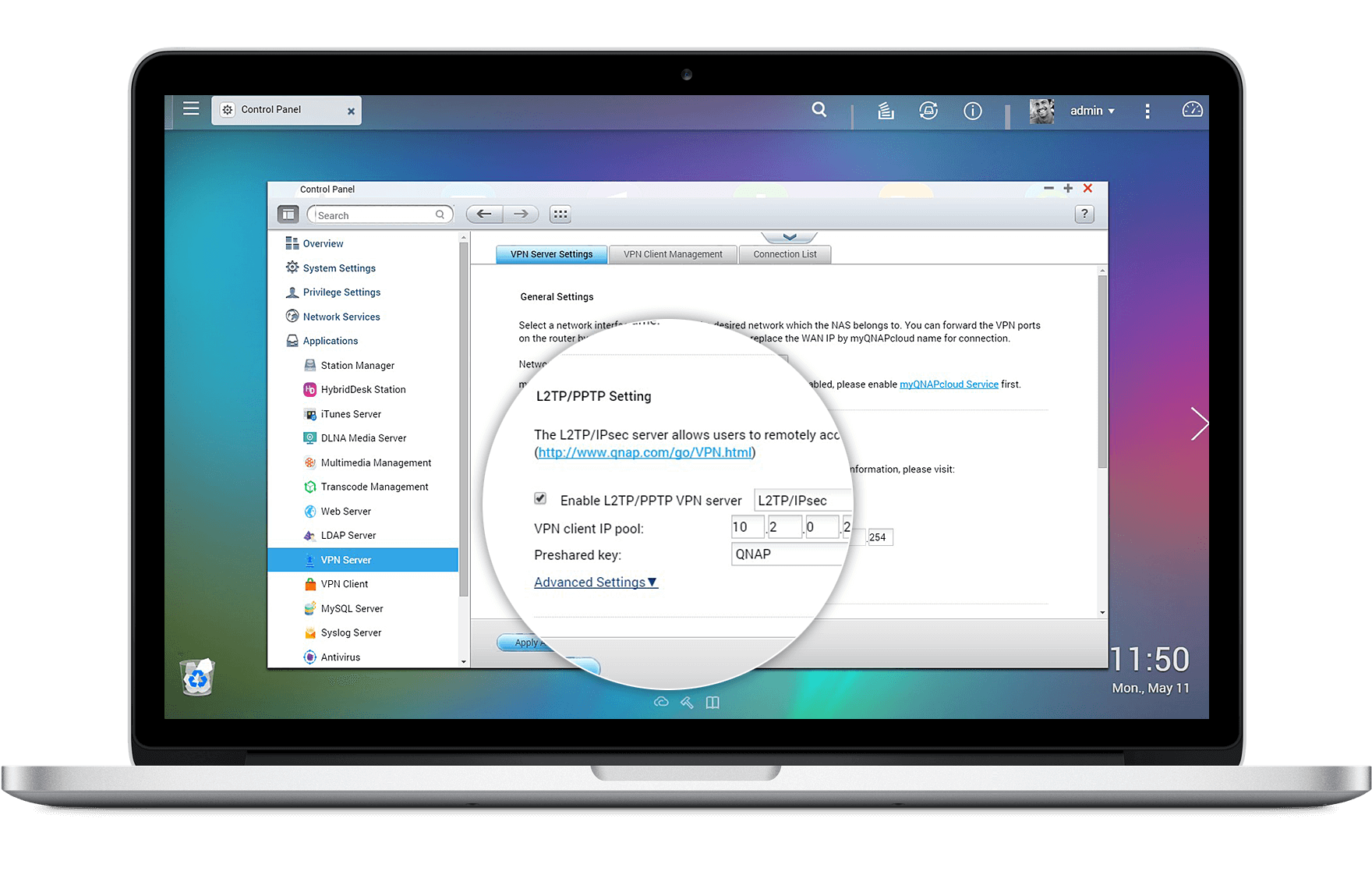
Comprehensive security options

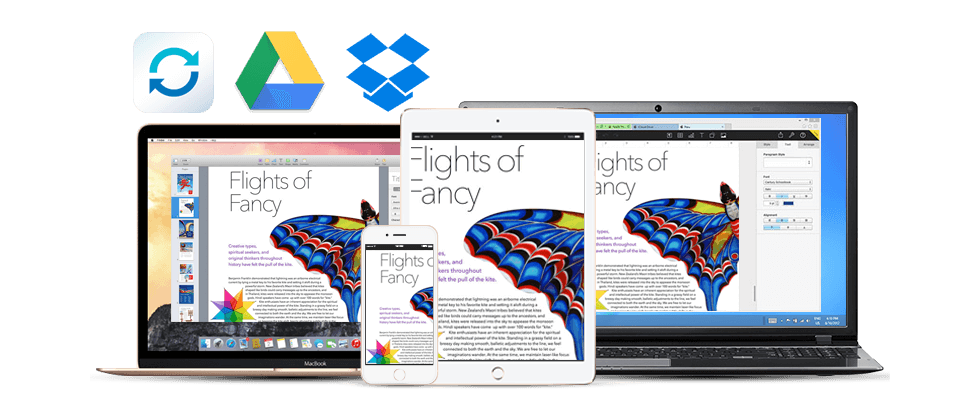
File synchronization across devices and clouds
Qsync utility turns your TS-451+ into a safe, large-capacity data center for file synchronization. Any file uploaded to the TS-451+ will be made available for all linked devices, such as computers, laptops or mobile devices. Qsync is especially useful for frequent travelers to manage files and always have the most up-to-date files on different devices. Qsync provides multiple ways of file synchronization and group file sharing, greatly enhancing the flexibility of team projects and collaboration. It also supports centralized configuration, and allows you to remotely erase the Qsync folder on a lost device to avoid data breaches, and even restore it after you have retrieved the device. You can also install the Cloud Drive Sync app from QTS App Center to easily sync files with Google Drive™ and Dropbox® cloud storage.
Learn more: Qsync
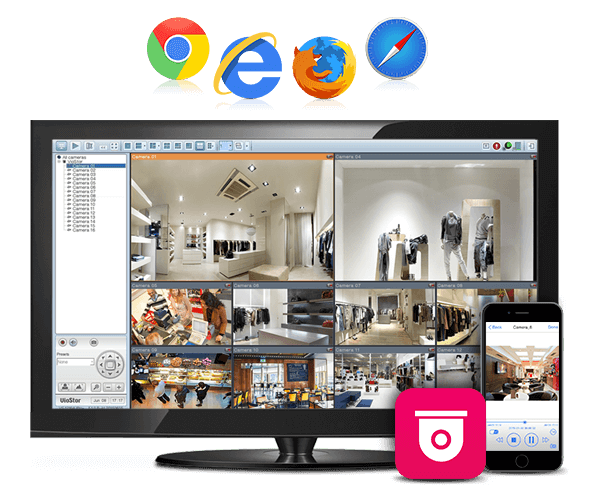
Comprehensive surveillance solution providing 24/7 security
The TS-451+'s Surveillance Station offers a professional surveillance solution with a user-friendly management interface, a wide range of over 3,000 compatible IP camera models, and expandable IP camera channel licenses. It supports real-time monitoring, video & audio recording and playback with a wide range of customizable settings. You can also install the Vmobile app on your iOS® or Android™ devices to manage the monitoring of cameras anytime, anywhere, to safeguard your office environment, or install the Vcam mobile app to turn your device into a network camera to instantly record to your TS-451+. The TS-451+ offers 2 free IP camera channels and you can expand up to 40 channels by purchasing additional licenses.
Learn more: Surveillance Station, Vmobile
Access and enjoy with your mobile devices
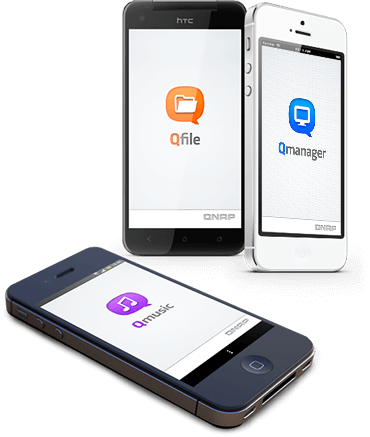
The TS-451+ is your private cloud storage that virtually enlarges the capacity of your smart mobile devices. Qfile allows you to access, upload, download, manage, and share stored files easily as if you are carrying tons of files in your pocket. If Qfile is installed on an iOS® device, users can also browse videos & photos stored on the TS-451+ and play on a TV via Apple® TV. Qmanager lets you monitor & manage the TS-451+ remotely and efficiently without turning on your PC. You can take and share digital notes with Qnotes, and enjoy and share music, photos and videos on the TS-451+ anywhere and anytime with Qmusic, Qphoto and Qvideo apps.
Install-on-demand apps to extend NAS functionality
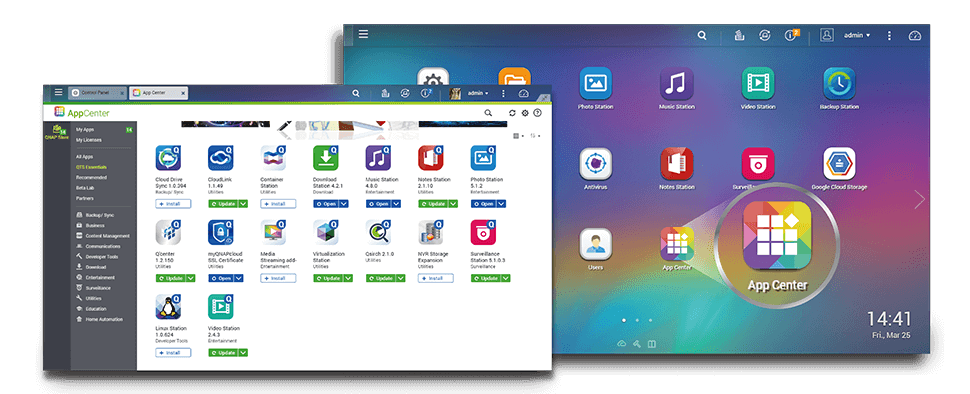
The TS-451+ has a built-in App Center that provides various install-on-demand apps developed by QNAP and third-party developers, including tools for backup/sync, business, content management, communications, download, entertainment, and much more. It is also a centralized location for managing & updating installed apps. In addition, QNAP's development platform embraces the open-source spirit to enable developers to create their own apps, adding potentially limitless potential for the TS-451+.
Learn more: App Center
LED indicators with adjustable brightness controls
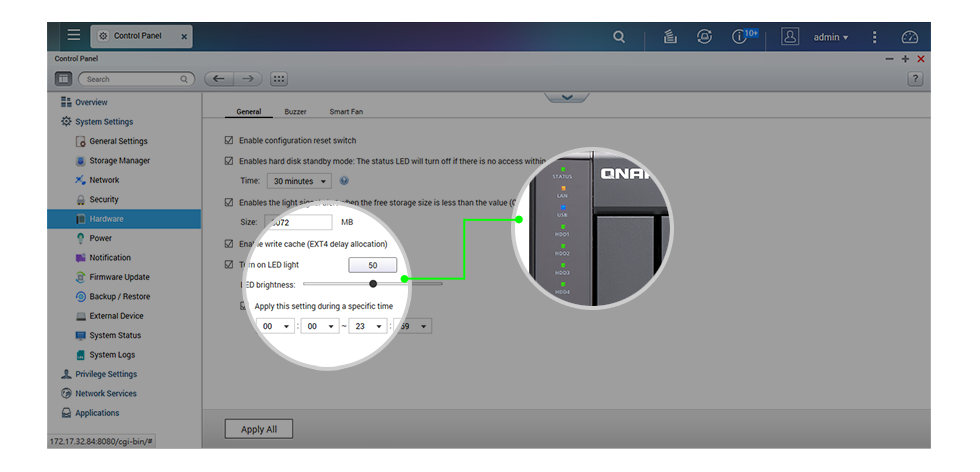
With adjustable 3-stage brightness controls for LED indicators, the TS-451+ provides flexible LED brightness options. Based on the surrounding environment, you can adjust the brightness of all system indicators and also schedule the system to automatically dim the LEDs at certain times when needed.
Expand storage capacity easily
The TS-451+ supports online capacity expansion for archiving rapidly growing data by connecting a QNAP expansion enclosure. With the QNAP scale-up solution, the raw storage capacity can be expanded on demand*, making the TS-451+ an ideal file center with large storage capacity for storage-intensive business applications.
With the support of QJBOD Express (JBOD enclosures roaming)**, you can just connect a large capacity QNAP expansion enclosure to the TS-451+, and migrate data to another NAS through the JBOD enclosure without network connectivity.
The maximum raw storage capacity available by connecting a QNAP expansion enclosure:
| NAS Model | RAID Expansion Enclosure | No. of RAID Expansion Enclosure | Total HDD No. (NAS + Enclosure) | Max. Raw Capacity (TB)*** |
|---|---|---|---|---|
| TS-451+ | UX-800P | 1 | 12 | 96 |
| UX-500P | 1 | 9 | 72 |
*To expand the storage space with an UX expansion enclosure, please create a separate static volume or storage pool on the UX expansion unit.
**RAID groups of storage pools cannot cross multiple enclosures.
***The maximum capacity is calculated by using 8TB HDDs.
Learn more: QNAP expansion enclosures
Energy-saving & eco-friendly
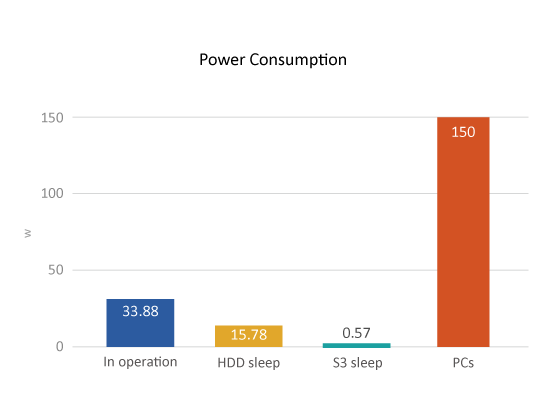
The TS-451+ utilizes a 22nm CPU and DDR3L RAM which feature low voltage, low power consumption, maintaining high performance in system operations with the benefit of energy-saving. Other eco-friendly designs include S3 sleep mode, HDD standby, scheduled power on/off, hard disk standby mode, and Wake on LAN. QNAP also packs the TS-451+ in an eco-friendly box to minimize the environmental impact.
Learn more: S3 sleep mode, Scheduled power on/off or reset, Hard disk standby, Wake on LAN