Apple Lightning To AV HDMI/HDTV TV Cable Adapter
STOCK CODE :MPE010
Compatiable with:
It's only fit (Wifi+cellular)Version for iPad
iPhone 5 /5S/ 6 /6S /6 Plus /6S Plus
Features:
Super Speed , Easy to plug in or pull out.
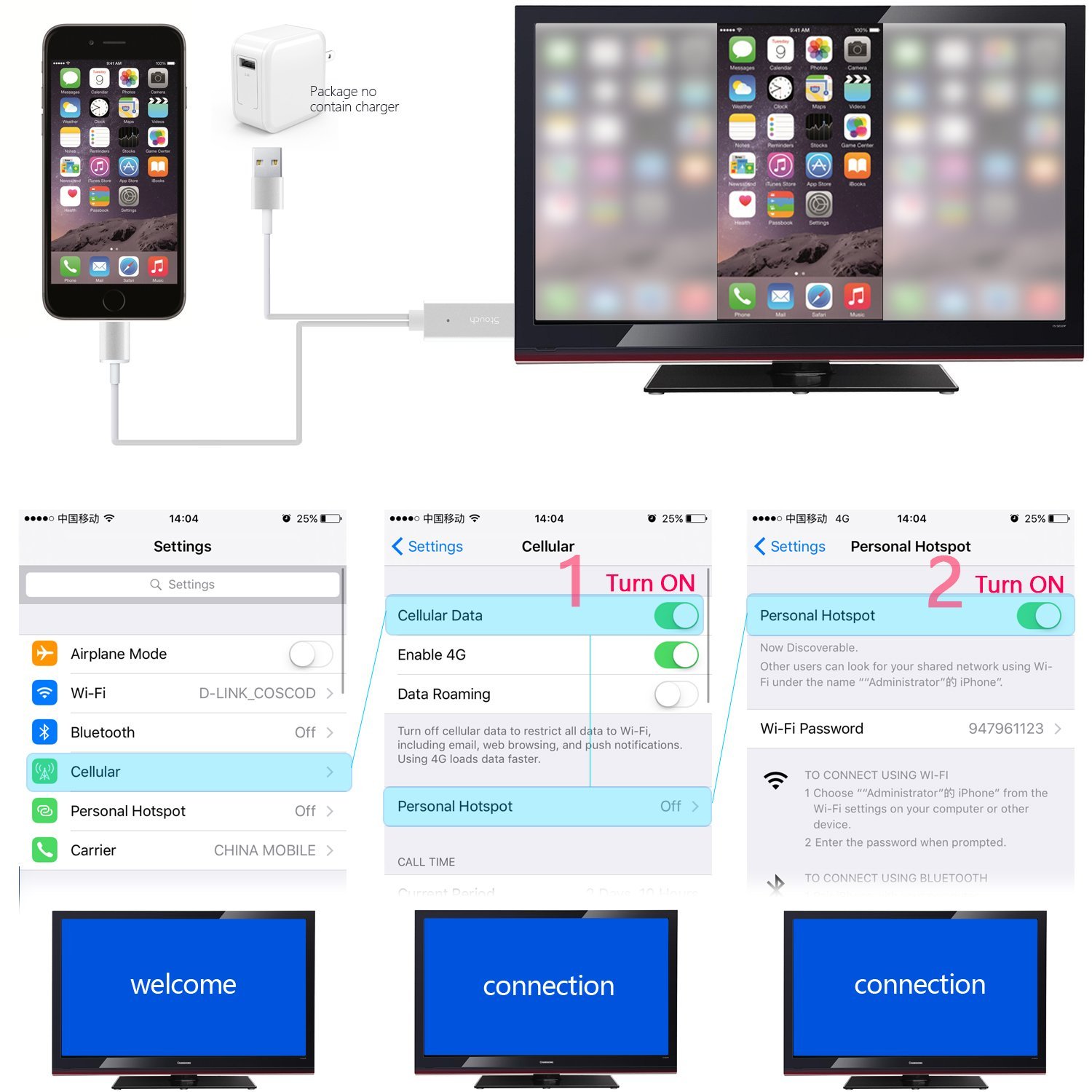
Your device must support "Personal Hotspot" function.
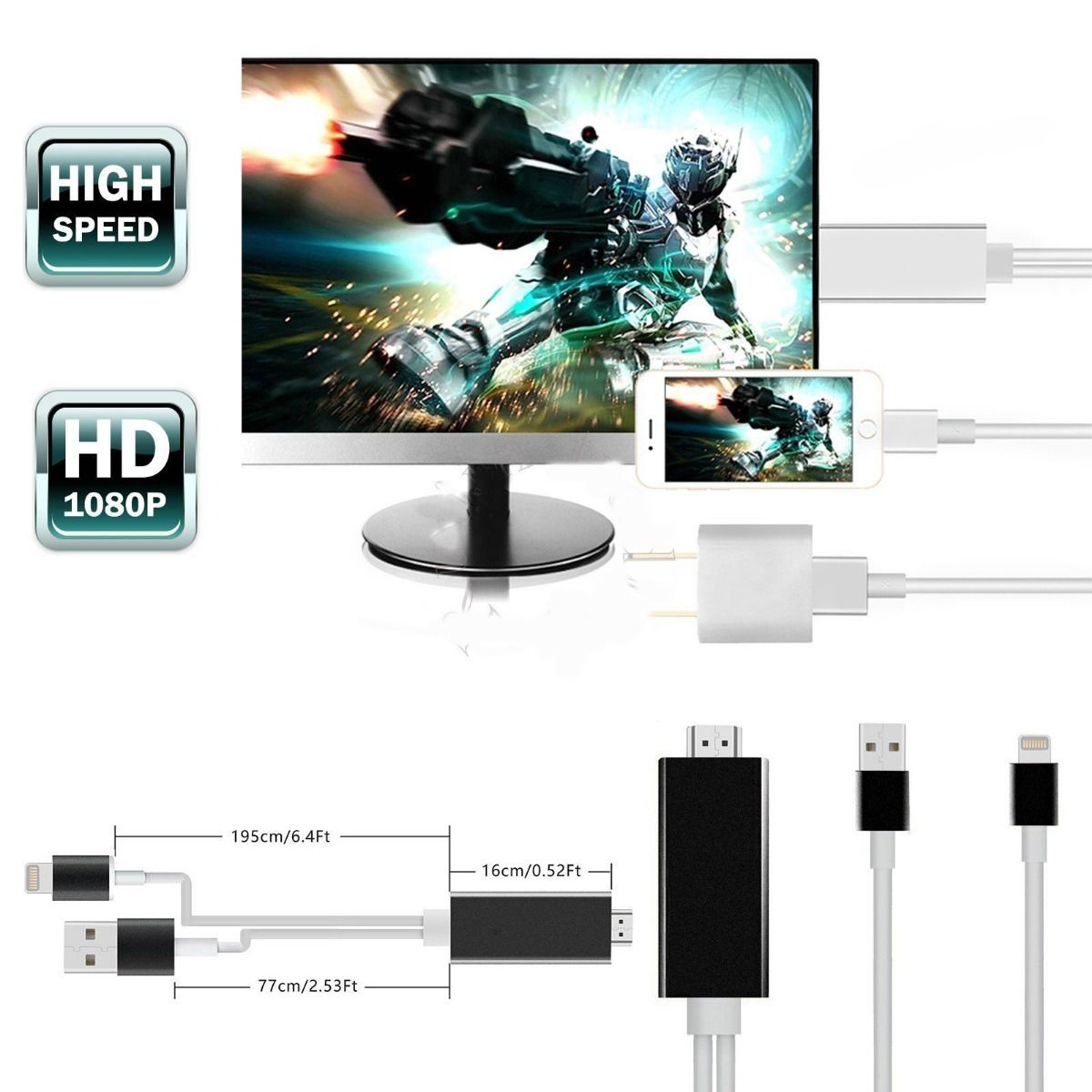
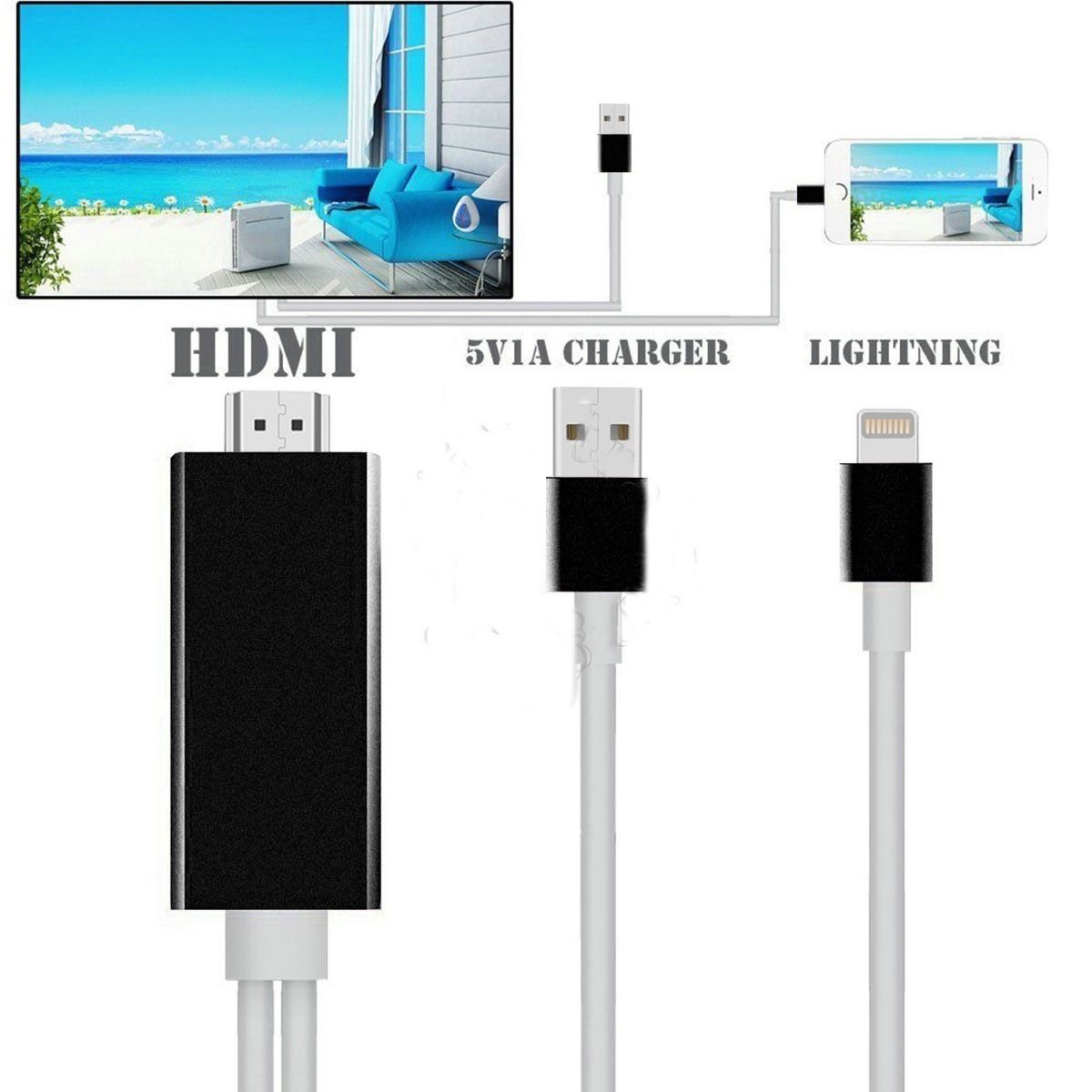
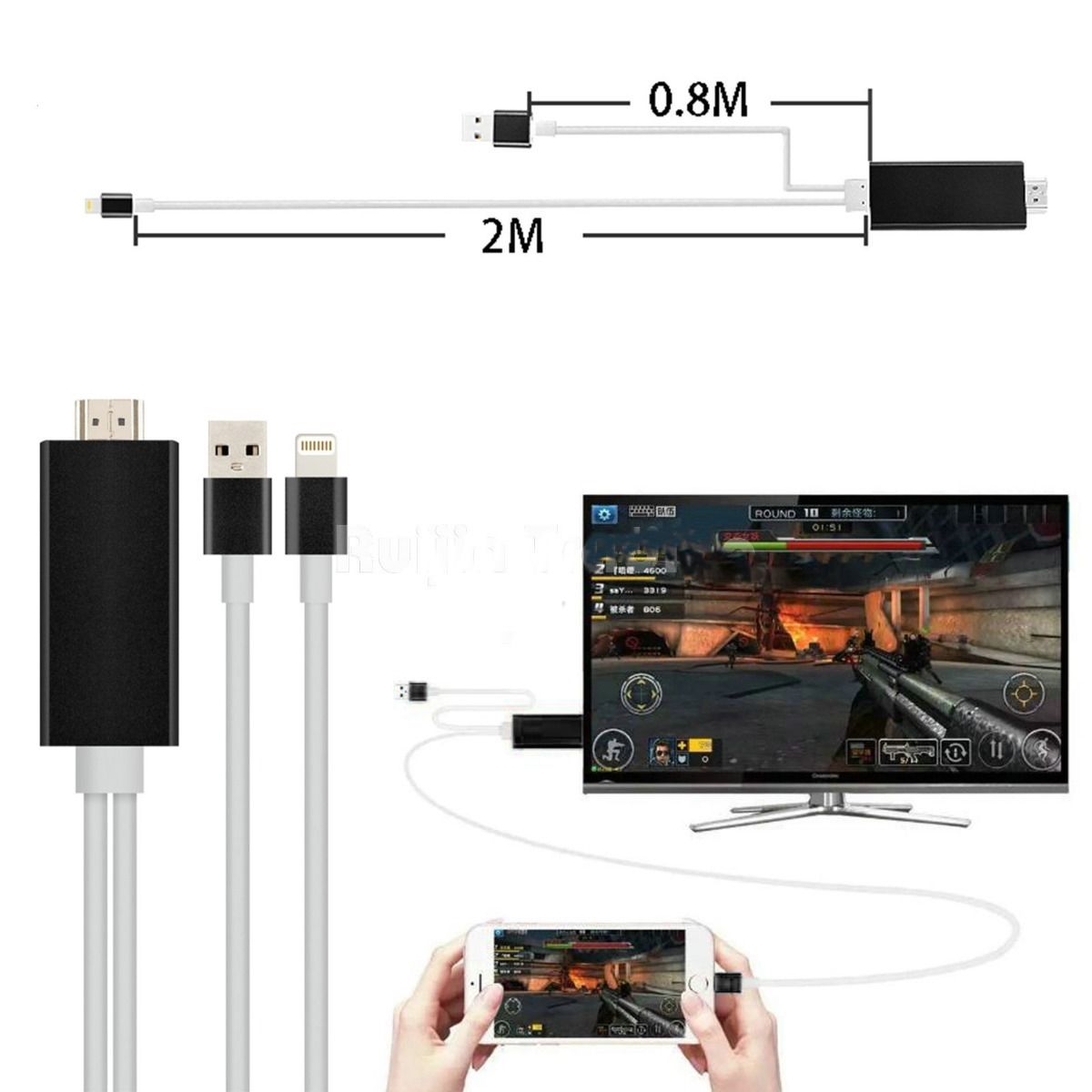
HDMI adapter for iphone/ipad, which supports iphone and ipad featuring the lightning connector.
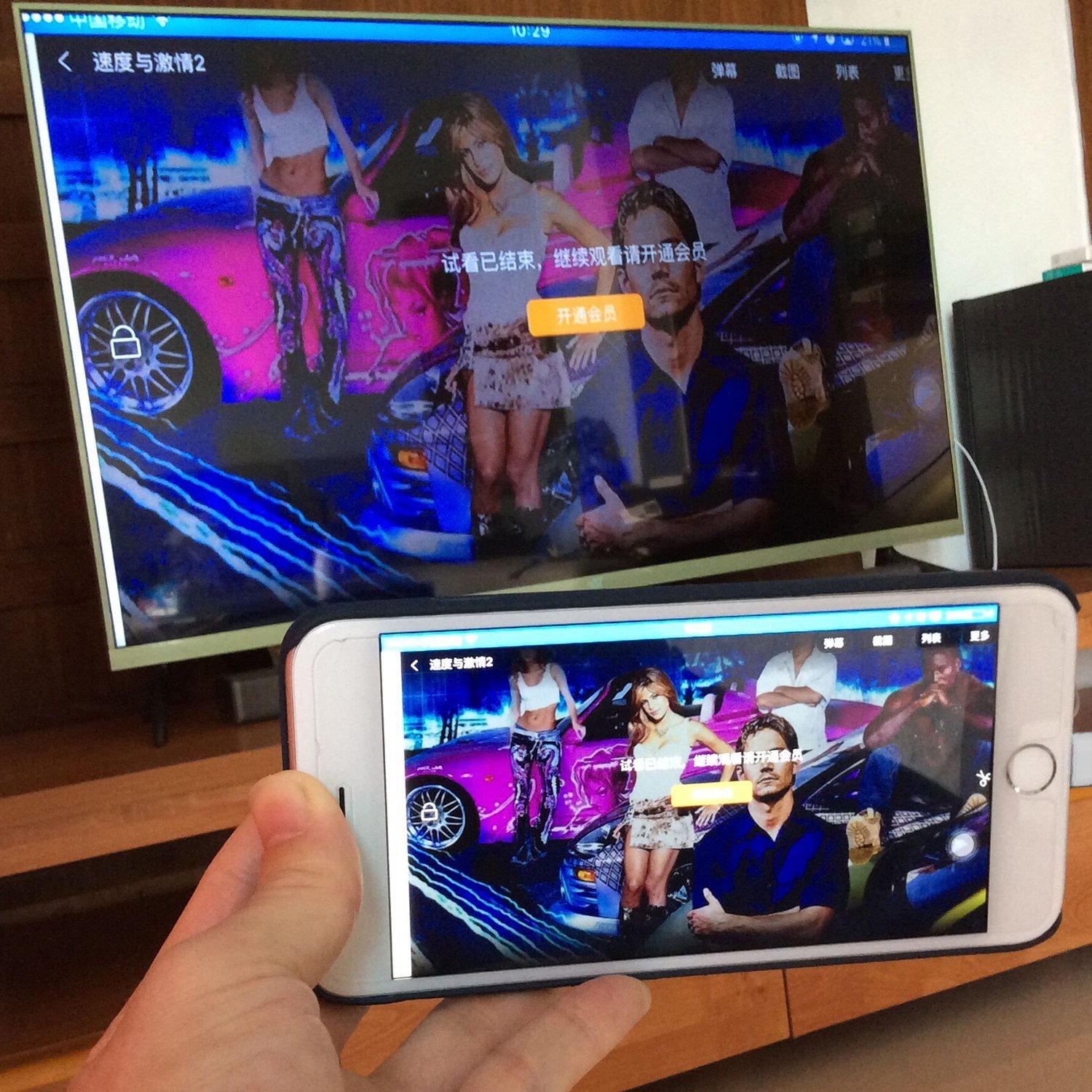
Use it with iphone or ipad to enjoy your favorite local or online entertainment easily on your HDTV or projector in up to 1080p HD display.
Moives, TV shows, music, video, audio,photo and more from Youtube,IE browser,Chrome Browser and etc.
Tips about How to use:
1. Please turn on "Personal Hotspot".
2. Please let your iphone and TV or projector to be connected. (USB connector plug in the TV USB slot or plug in 5V 1A power adapter).
3. Then choose the "allow" when the window appear.
4. And then as bellow on your phone.
5. Wait for a few seconds.
6. Touch up your phone screen and choose the "Air Play".
7. and then choose the "Mb110101****".
8. Next to turn on the "Mirroring".
9. Show, your phone scrren cast to TV now.
Package included:
1 X Dock Lightning to HDMI USB Cable for Apple iPhone 5S/6/ 6 Plus /6s/ 6s Plus
1 X User manual
Last Updated @ 7/23/2016 3:46:32 PM