Studio : JZBRAIN Publisher : JZBRAIN Binding : Electronics Product Description
Features
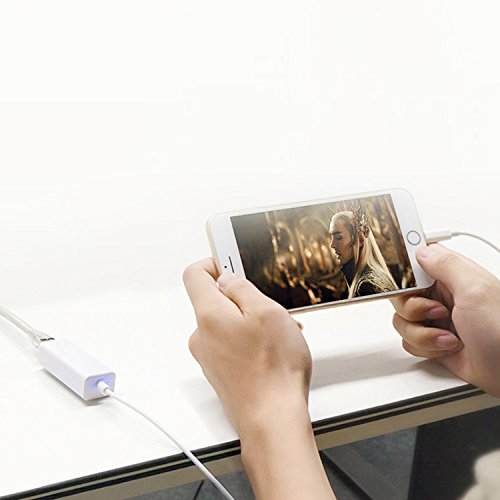
PP(Plug and Play): Easy installation, activated by simply connecting it to an available iPhone/iPad with LAN network.
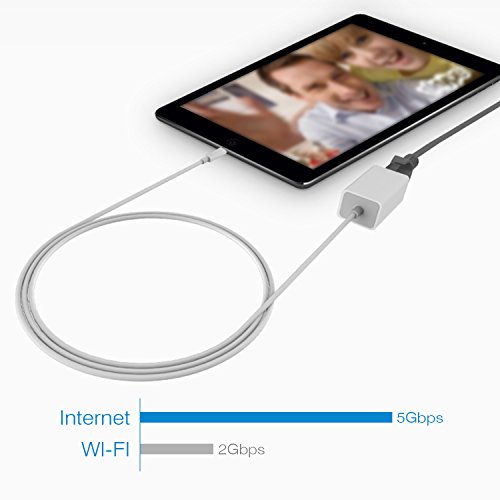
Powered: No external power needed, supports 10/100Mbps lightning cable directly.
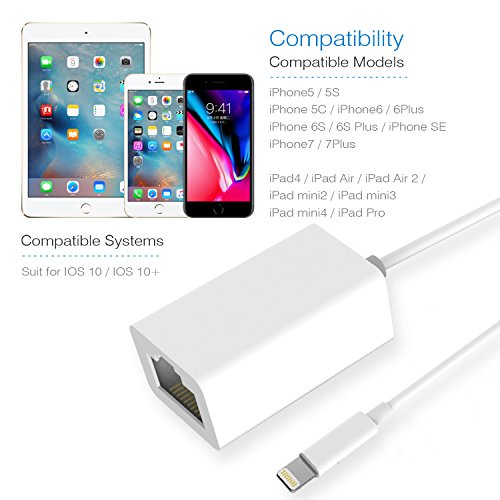
System Version: iOS 10 x(iOS 10.0.1- iOS 10.3.3) iOS 11 x(11.0.1-11.0.3).
Compatibility: for iPhone/iPad like iPad Pro, iPad Air 2, iPad Air, iPad, iPad mini4,
iPad mini 3, iPad mini2, iPod ,iPhoneX/iPhone8/ iPhone8 Plus/ iPhone7/ iPhone7 Plus/6s/6sPlus/6/ 6Plus/SE/5s.
Specification
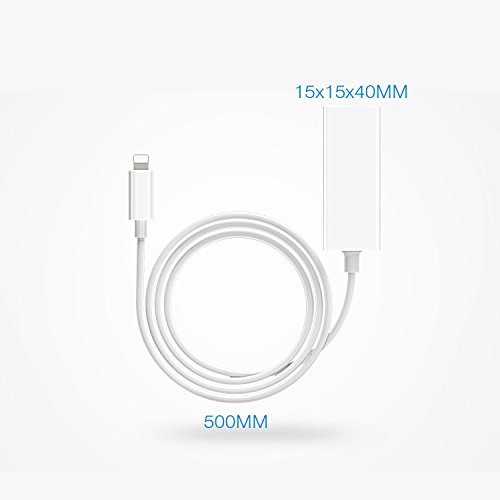
Adapter size: 15x15x40mm; Lightning Cable: 50cm
High Speed: 10Mbp/100Mbps
Good to Know
No Charging fuction with this version.
Connection Instruction
? 1.Turn off your iPhone "WLAN" off,or turn your iPhone on "Airplane mode".
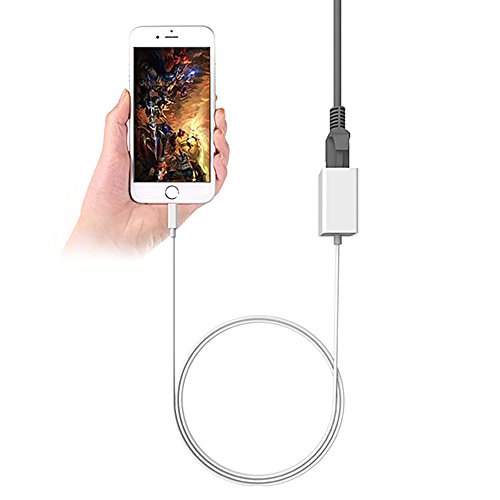
? 2.Insert your router-connected Ethernet cable into Ethernet port of our adapter, and connect the lightning
end into your iPad or iPhone,Make sure your LAN cable is connected to internet.
(Our Adapter can't dial-up internet itself, need your router device provide a IP by DHCP service.)
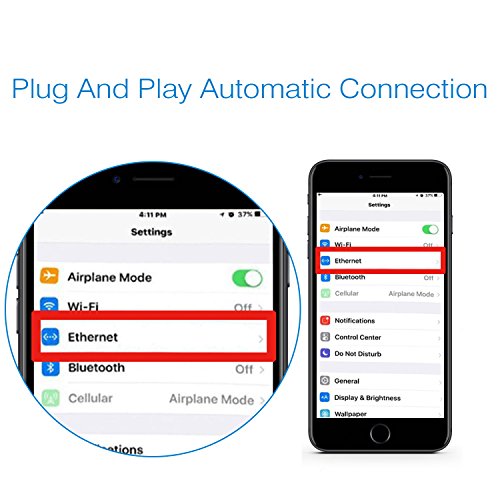
? 3.Go to"Setting" in your iPad or iPhone and an Ethernet setting will be found on your screen.
? 4.Click the Ethernet to obtain a IP address.
? 5.Connect the adapter to your iPhone and open the "Safari" of your iPhone, to check whether the
internet is connected or not.
Package List
1* Lightning to Ethernet Adapter
0
|