Prior to the more mainstream XBOX360 hard disk management software, such as Xplorer360 etc., whether there are many problems in the operation or the hard disk compatibility, if your computer has such software, as soon as you throw them to the Recycle Bin and Right + B the. Party Buffalo today to introduce is a fully compatible XBOX360 hard disk management software, in the face of today 250G, 320G, 640G and even made larger capacity hard disk can be read quickly and accurately the hard disk directories and files. And simple operation, easy to use. Even more critical is that this open-source software has been finished version, even if just contact XBR of white players, as long as you know a little basic PC operations can easily complete the internal hard copy XBOX360 game, the transfer operation.
The following outlines the basic use of the software:
1. Use cable will connect XBOX360 hard disk drives and PC;
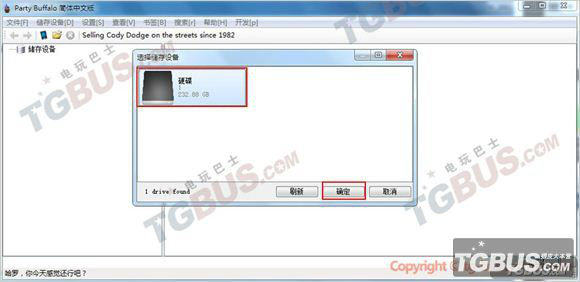
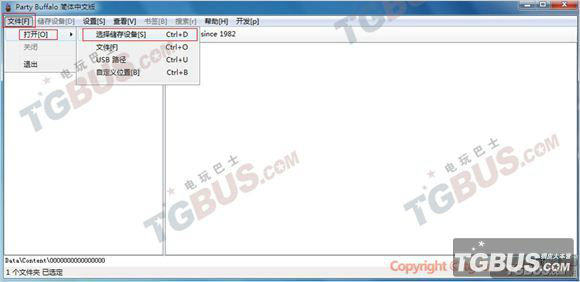
2. Double-click on the software icon to open Party Buffalo (currently offered is the finished version 2.0.0.9). The main interface will pop up along with news and updates window, close it when it starts.
A functional description:
XBOX360 host data backup best tool for transmission. Simple, easy to operate, so that the information is no longer the host XBOX360 sudden hard drive failure and damage.
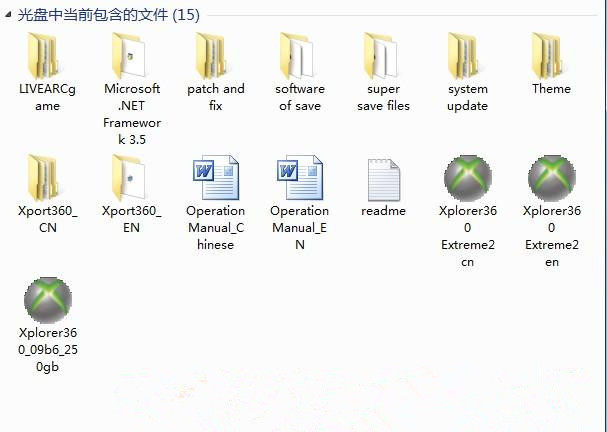
Data lines can help facilitate the transmission on the PC to download something onto xbox360 hard disk, such as: game patches, super archive, demo version of the game, theme, complete version of LIVEARC games.
Plug and play! It eliminates the need to open every time connected to the computer's hard drive box 360 time
Suitable been ban, the player can not use the Internet to download something. Since so players bid farewell to the demolition demolition PC hard disk troubles.
Second, the use
1, the USB cable Insert the hard disk connection box, become one. Then connect xbox360 hard case.
2 Do not plug the wrong. After connecting the USB port into your computer
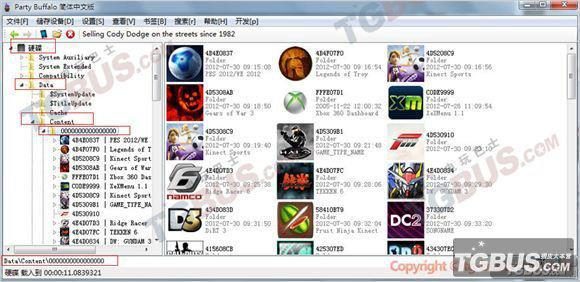
3. Install and open XPort_360 software, you can see the hard disk in all directories
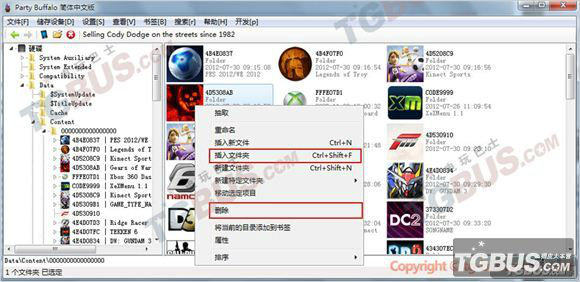
4, the game needs a patch, super archive, livearc games, themes and other good things are filling to go inside!
Third, the product features:
1, support the official transfer software
2, hot-swappable
3, support for anti-inserted backwards
4 makes it easy to transfer data to the host PC XBOX 360
5, you can play back up data to a personal hard drive
6, easy to use, fully compatible with XBOX 360 hosts