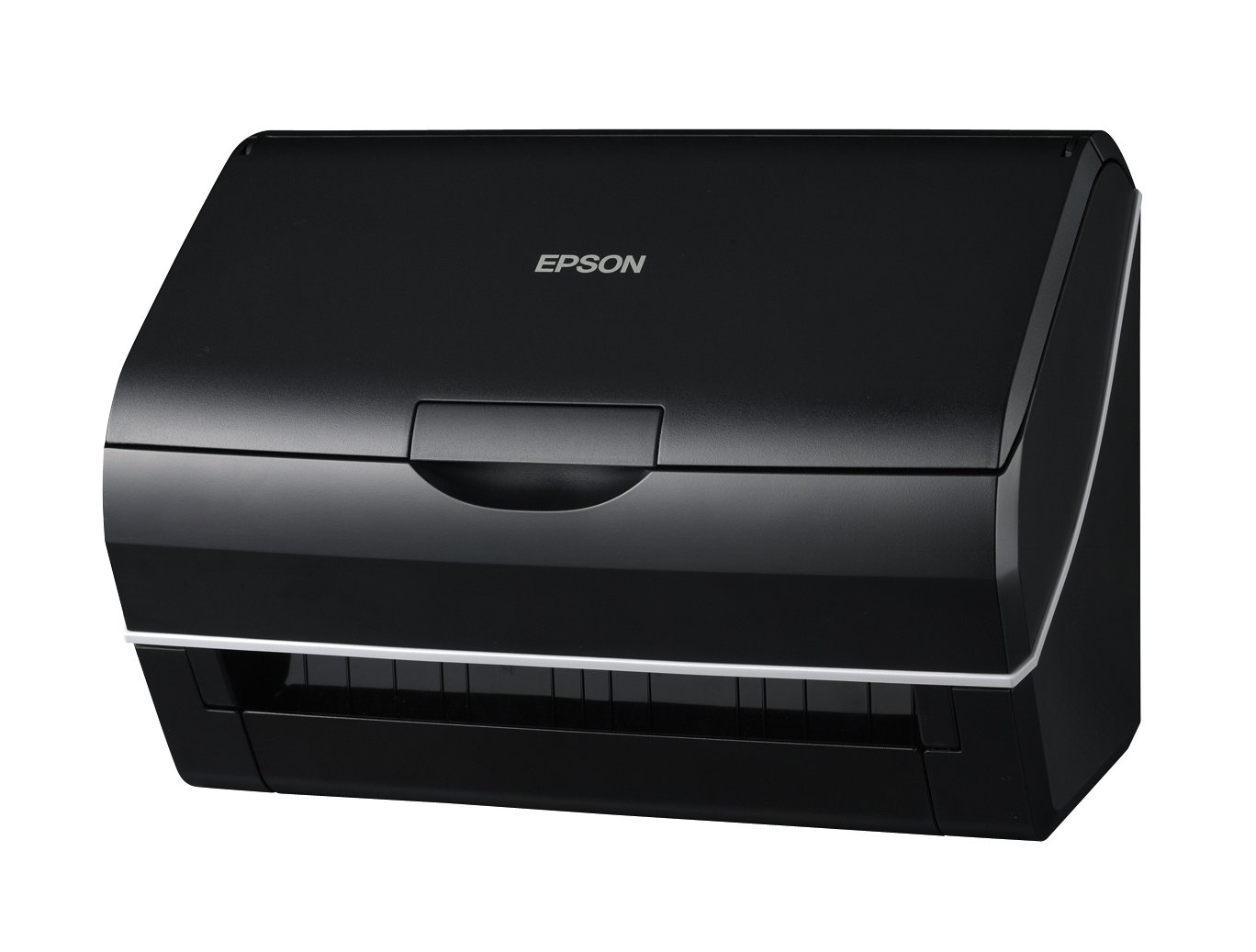
Item Descriptions:
Product introduction
300 dpi High speed scanning of 25 sheets per minute is realized for monochrome reading.
A large amount of documents can be quickly converted to data.
Furthermore, since it supports duplex simultaneous reading, it is convenient without troublesome replacement of original.
The double feed detection function which detects the overlapping of the documents with the ultrasonic sensor is installed.
The sensor detects double feeding, automatically stops the document conveyance, and prevents the data from being missed in advance.
Scanning work can be used more conveniently and comfortably with the attached software Document Capture Pro.
From Amazon
Sheetfeed model ES-D350 which realized versatile use of scanned data with a compact body
In addition to high-speed reading of 25 images / minute (A4 color / 200 dpi), efficiency improvement by duplex scanning has also been realized.
Using the utility software "Document Capture Pro", it is possible to use a wide range of data such as mail attachment, print out, cloud collaboration.
■ Smooth data analysis of duplex printing proposals and special feature articles of magazines
Since it is a sheet feed model, it is possible to digitize a large amount of documents quickly.
High speed reading of 25 sheets per minute (Note 1) in color has been realized.
Furthermore, since it supports duplex simultaneous reading, there is no trouble of replacing originals, and there is no need to arrange the order after scanning.
With the same time as single-sided reading, twice the document scanning can be done smoothly.
It also realizes the planning of duplex printing and the scanning of feature articles covering several pages in a short time and efficiently.
(Note 1): A4 portrait, 200 dpi (locally connected)
■ Mass 75 paper feed that reduces the trouble of scanning work
When scanning a voluminous document such as a book, it is necessary to set it many times when the number of sheets that can be fed at once is small, which requires extra labor and time.
With ES-D 350, you can feed up to 75 A4 size paper at a time (Note 1).
Reduce troublesome setting work as much as possible and support smooth scanning work.
(Note 1): Paper thickness 75 g / ㎡ for paper.
The number of sheets is a reference value.
Paper addition can not be done.
■ Multi-feed detection function ensures continuous scan of large number of documents
What is worrisome when reading a large amount of originals is the trouble of multiple feeding in which a plurality of sheets are overlapped and fed.
For this reason, it is equipped with "double feed detection function" which detects overlap of documents.
Ultrasonic sensor detects double feed, automatically stops conveying to prevent data from getting out of sync.
Supports stable continuous scanning of large numbers of documents.
■ Read both driver's license and plastic card simultaneously
Plastic cards (Note 1), etc. Thick one can also be read simultaneously on both sides.
Respond to driver's licenses, insurance cards, credit cards, etc. and demonstrate their power in counseling work and identity checking work at stores.
(Note 1): Only one sheet can be set.
Plastic cards 1.5 mm or less, 45 to 200 g / m 2, also supports embossing.
■ Manuscript of journal spread size (A3) can also be read
By folding the manuscript in half and squeezing it in the carrier sheet included in the main body, it is possible to scan both sides of a document larger than A4 size.
Compact A4 compatible body, A3 size manuscript can also be converted into data.
(Note): Carrier seat replacement is 500 scans.
■ Cooperate with "Document Capture Pro" to make scanning even more convenient
By using the "Document Capture Pro" utility software, you can scan more conveniently.
You can save it in a designated folder, send it by attaching it to an e-mail, and use it like a simple copy machine in conjunction with a printer.
In addition, editing work such as swapping pages and converting them into one PDF can also be performed by scanning multiple pages.
■ Set job to "Scanner button"
By registering frequently used scanning conditions with "Document Capture Pro", you can scan with the Scanner bean panel by selecting the condition and pressing the scan button (Note 1).
Ten patterns can be registered for scanning conditions.
(Note 1): If you are using Mac OS X, use "Epson Event Manager" to register the job to the button.
In Mac OS X, the scan pattern name can not be displayed on the scanner bean panel
■ In "Scan to Mail", send quickly
By using "Scan to Mail" function, you can attach scanned data to e-mail and send it.
Since it is not necessary to launch e-mail software each time, smooth work is possible.
If you set in advance you can do from scan to send with a single button.
■ "Scan to Print", Easy Copy
By using "Scan to Print" function, it is possible to output scan data as it is in conjunction with printers in offices and homes.
If it is used as a handy copy machine, the possibility of scan data will further expand.
■ Further utilize scanned documents with cloud services
By using "DocumentCapture Pro", you can easily save the scanned job materials and others in a cloud service such as "Evernote (Note 1) (Note 2)" or "Google Documents (Note 1)".
This makes it possible to check the scanned data anytime and anywhere from a notebook PC, a smartphone, a tablet terminal or the like.
(Note 1): When using the cloud service, you need to register the account of each service.
(Note 2): You need to install "Evernote" client software on your computer.
Features:
- Please enter model number Confirm this is compatible:
- Type: Sheet feed type
- Maximum paper size: A4
- Interface: USB
- Optical resolution (dpi): 600
Product information:
Shipping Weight: 6899 g
Package Dimensions: 29.79 x 32.21 x 40.01 cm
SHIPPING METHOD
Delivered directly from Japan by Japan Post. It will take 3 to 5 business days to prepare the order for shipping. We guarantee careful packing and safe shipping.Please note that in some cases additional import or VAT charges may incur and have to be borne by the client.
1. Japanpost registered mail
Shipment by Japanpost Registered Mail (Standard). Trackable any time with tracking number. Insurance is not available. Delivery time usually is between 1-3 weeks from the date of dispatch. Some items are not eligible for Standard Shipping.
2. Qxpress Standard
Shipment by Qxpress standard service. Trackable at any time with tracking number. Registered and insured up to a value of item price and shipping fees.Delivery time is usually between 5-10 business days from the date of dispatch.
3. EMS
Shipment by Expedited Mail Service. Trackable at any time with tracking number. Registered and insured up to a value of $200 and usually delivered in 2-6 business day from the date of dispatch.

| Japanpost registered mail | Qexpress | EMS | |
|---|---|---|---|
| Shipping Method | Japanpost Registered Mail (Standard) | Standard Qexpress | EMS (Expedited Mail Service) |
| Trackable | Yes | Yes | Yes |
| Insured | N/A | Yes (Up to item price and shipping fees) | Yes (Up to $200.00) |
| Asia | 1-3 weeks | 5-10 days | 2-5 days |
| Oceania; North America; Central America and the Middle East | 2-4 weeks | 6-14 days | 2-6 days |
| Europe | 2-4 weeks | 6-16 days | 3-8 days |
| South America and Africa | 2-4 weeks | 10-18 days | 4-8 days |
NOTICE:
- For overseas delivery, please be aware that damage to the outer box can be seen.
- If you would like to avoid as much damage as possible, please choose the EMS shipping method.
"According to Qoo10 guide line,overseas shipping fees will be charged to you extra if you choose Qxpress standard shipping.We recommend you to compare the total price of your purchase with EMS."
