Item Descriptions:
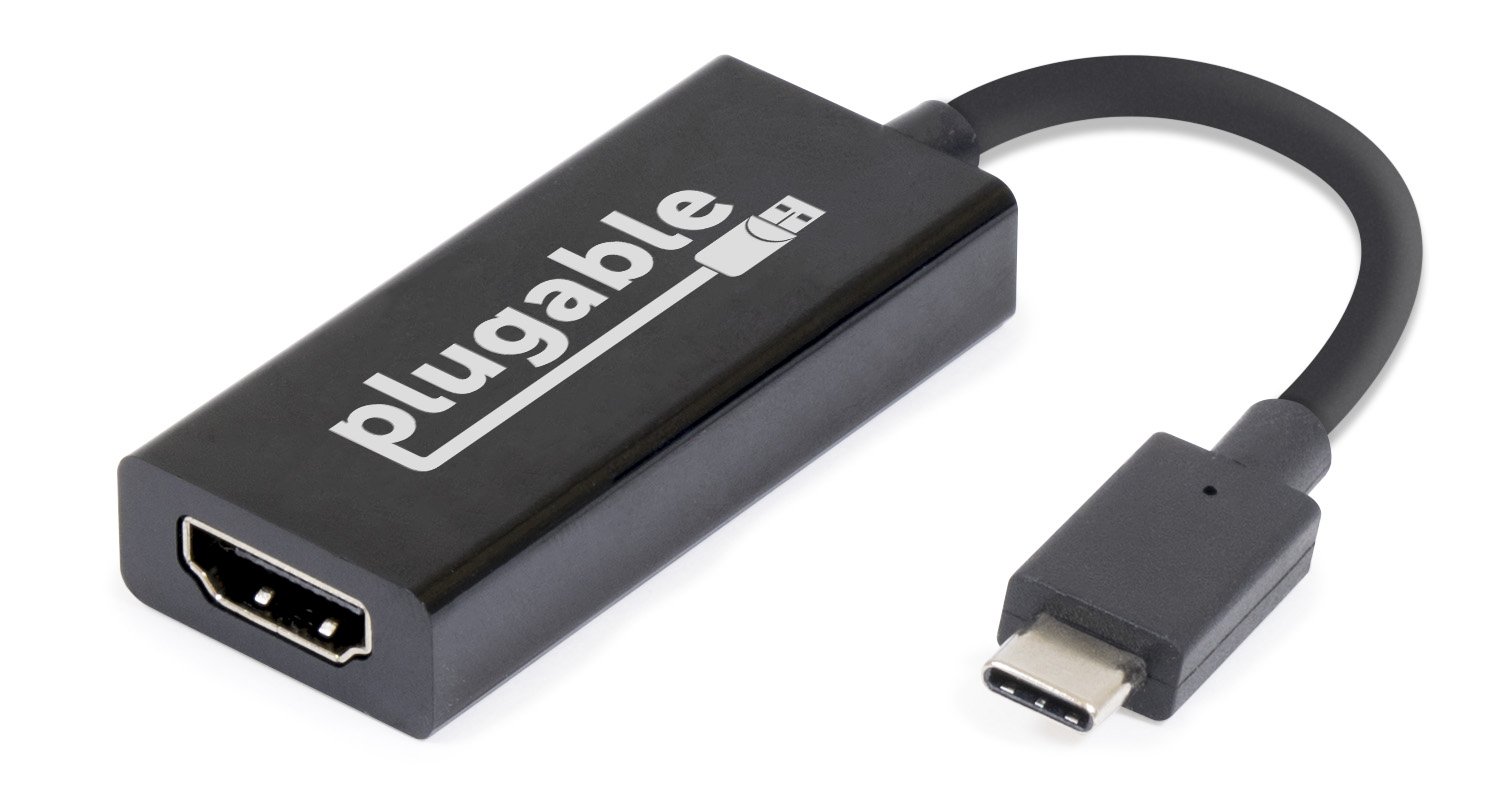
Plugable USB Type-C - HDMI 2.0 conversion adapter
please note:
In Surface Book 2 released in the fall of 2017, the operation is unstable and can not be used.
If you want to connect the HDMI monitor via DP substitute mode Type-C, please consider "Plugable USB Type-C (USB-C) - HDMI 2.0 conversion cable (USBC-HDMI-CABLE)".
Using this Plugable USB 3.1 Type-C to HDMI 2.0 conversion adapter, you can connect to a system with USB Type-C (USB-C) port and Thunderbolt 3 port compatible with "DisplayPort substitute mode" with 3840 × 2160 @ 60 Hz (4 K
/ UHD) HDMI monitor up to the resolution can be connected and connected.
If the system supports "USB Type-C alternative mode", additional external monitors can be connected cheaply and easily by using adapters and cables compatible with alternative modes like this product.
function
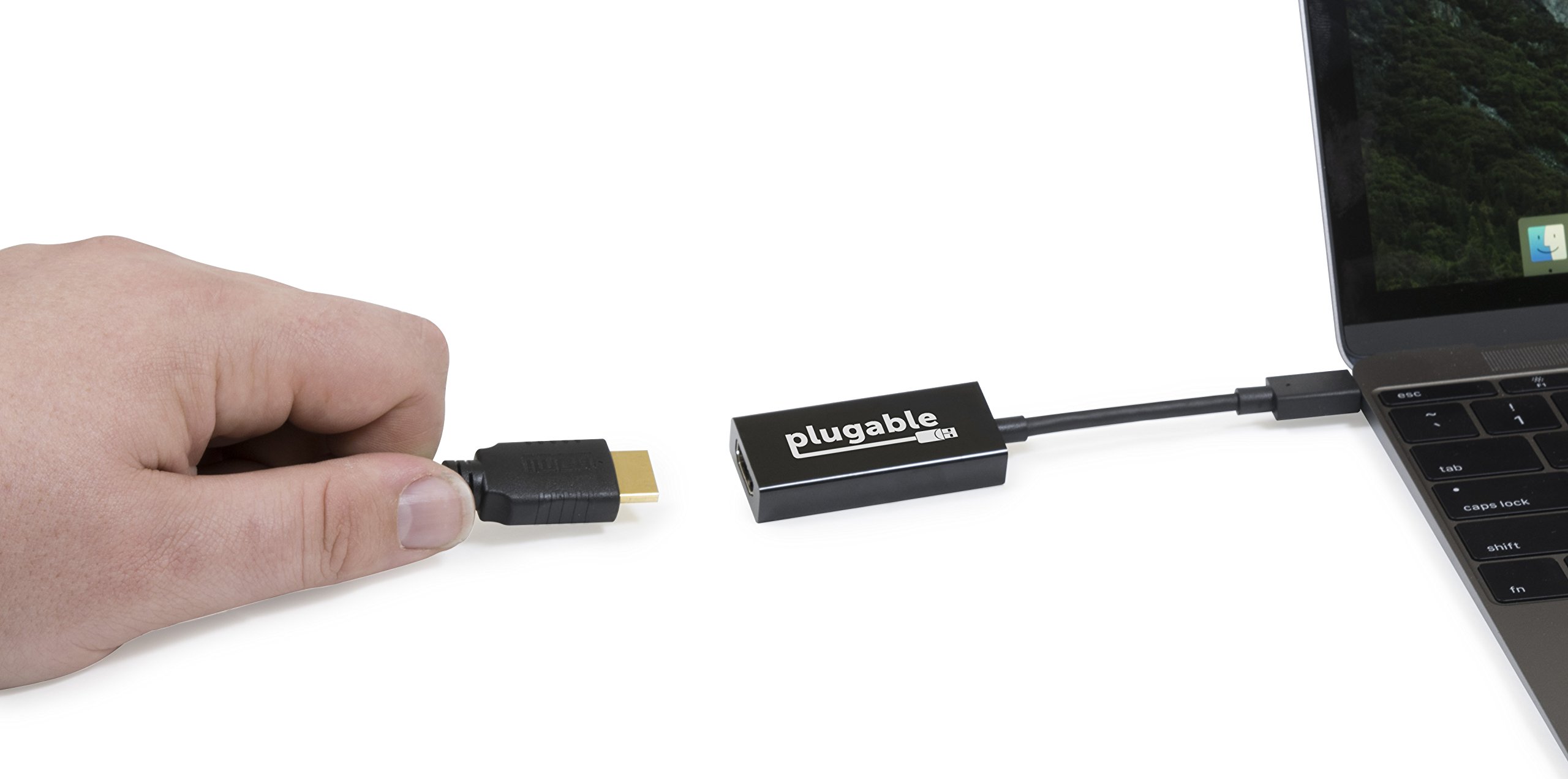
With this USB Type-C cable, you can connect to the HDMI compatible monitor from the USB type-C or Thunderbolt 3 port of the system.
It can be used on Windows, Mac, and Linux systems.
When using HDMI compatible system, monitor and cable conforming to HDMI 2.0 standard, it can display at resolution of 3840 x 2160 @ 60 Hz.
It also supports common resolutions such as 1920 × 1080 (1080 P), 2560 × 1440, 3440 × 1440, which the HDMI 1.4 / 1.3 standard supports.
It conforms to the VESA standard "DisplayPort Alternate Mode on USB Type-C Connector (DisplayPort Alternate Mode on USB Type-C Connector)" and the HDMI 2.0 standard.
This conversion cable is completely plug & play.
There is no need to install a dedicated driver, and power is supplied from the USB port, so no power supply is required.
(However, it is necessary that the graphics corresponding to the alternative mode and the driver for the USB host controller are correctly operating on the host system side.)
Note 1:
Although this adapter itself supports up to 60 Hz refresh rate at 4 K resolution, the maximum resolution that can be actually used depends on the specifications of the system and monitor being used.
Apple 12 "Retina MacBook 2015/2016, for example, does not support refresh rate 60 Hz output at 4 K resolution, and the refresh rate is limited to 30 Hz.
Note 2:
This conversion adapter needs to be inserted directly to the USB Type-C port of the computer system and used.
When using a USB Type-C hub or the like, the DisplayPort substitute mode can not be used.
(This is not the case in the case of a USB device that can pass through DisplayPort substitute mode.)
Note 3:
Even on motherboards with multiple USB Type-C or Thunderbolt 3 ports, video output in alternate mode may be limited to one at a time.
In such a case, it is not possible to connect multiple alternative mode adapters and cables.
Performance equivalent to a monitor directly connected to the motherboard
"DisplayPort substitute mode" directly accesses the GPU of the system by the special function enabled from USB 3.1.
Therefore there is no performance concern like using "USB external graphics adapter".
A monitor connected via this adapter can provide exactly the same performance as the monitor directly connected to the graphics port attached to the motherboard of the system and will also function.
Even for types of applications that require many video and image editing, games and other system resources, if the GPUs themselves have sufficient capabilities, they can be used without problems on external monitors via this adapter
can.
compatibility
Corresponding system
For systems compatible with "DisplayPort substitute mode" video output of Mac OS X, Linux, Windows, plug and play can be connected immediately.
This cable is tested on operation with the following system.
iMac / MacBook / Macbook Pro 2016/2017
MacBook 2015/2016 Retina
MacBook Pro 2016 (With Touch Bar, None)
Chromebook Pixel 2015 (using Chrome OS and Arch Linux)
Alpine Ridge based Thunderbolt 3 compatible motherboard
"GA-Z170X-Gaming 7", "GA-Z170X-Gaming GT", "GA-Z170X-UD5 TH" manufactured by Gigabyte
Dell XPS 9350/9550
Lenovo P50
Lumia 950/950 XL (Lumia limits resolution to 720p)
The latest information on compatible systems is updated from time to time on the product information page.
Please refer.
Non-compliant system
Most of Android smartphones and tablets with USB Type-C port currently on sale are not compatible with "DisplayPort substitute mode".
ASMedia's USB 3.1 controller does not support "DisplayPort substitute mode" at this time.
As of July 2017, this adapter can not be used on the Mac system released in 2017.
This is true for iMac / iMac Pro 2017 and MacBook / MacBook Pro 2017.
(This adapter can be used on MacBook / MacBook Pro 2016 system.)
Notes on HDMI 2.0, 4K TV, HDMI cable:
3840 x 2160 @ 60 Hz, the highest resolution defined by the HDMI 2.0 standard, is to transfer twice the maximum resolution of the HDMI 1.4 specification.
In order to transfer such a large capacity bandwidth, it is essential to use a cable conforming to HDMI 2.0.
Please be aware that if you use HDMI 1.4 / 1.3 compliant HDMI cable, the display will be dark, the noise will be displayed on the screen, the monitor will be disconnected often.
When using this adapter for HDMI 2.0 compatible 4K TV connection, we strongly recommend updating the TV side firmware and software to the latest state for compatibility, performance and stable operation.
Package Contents
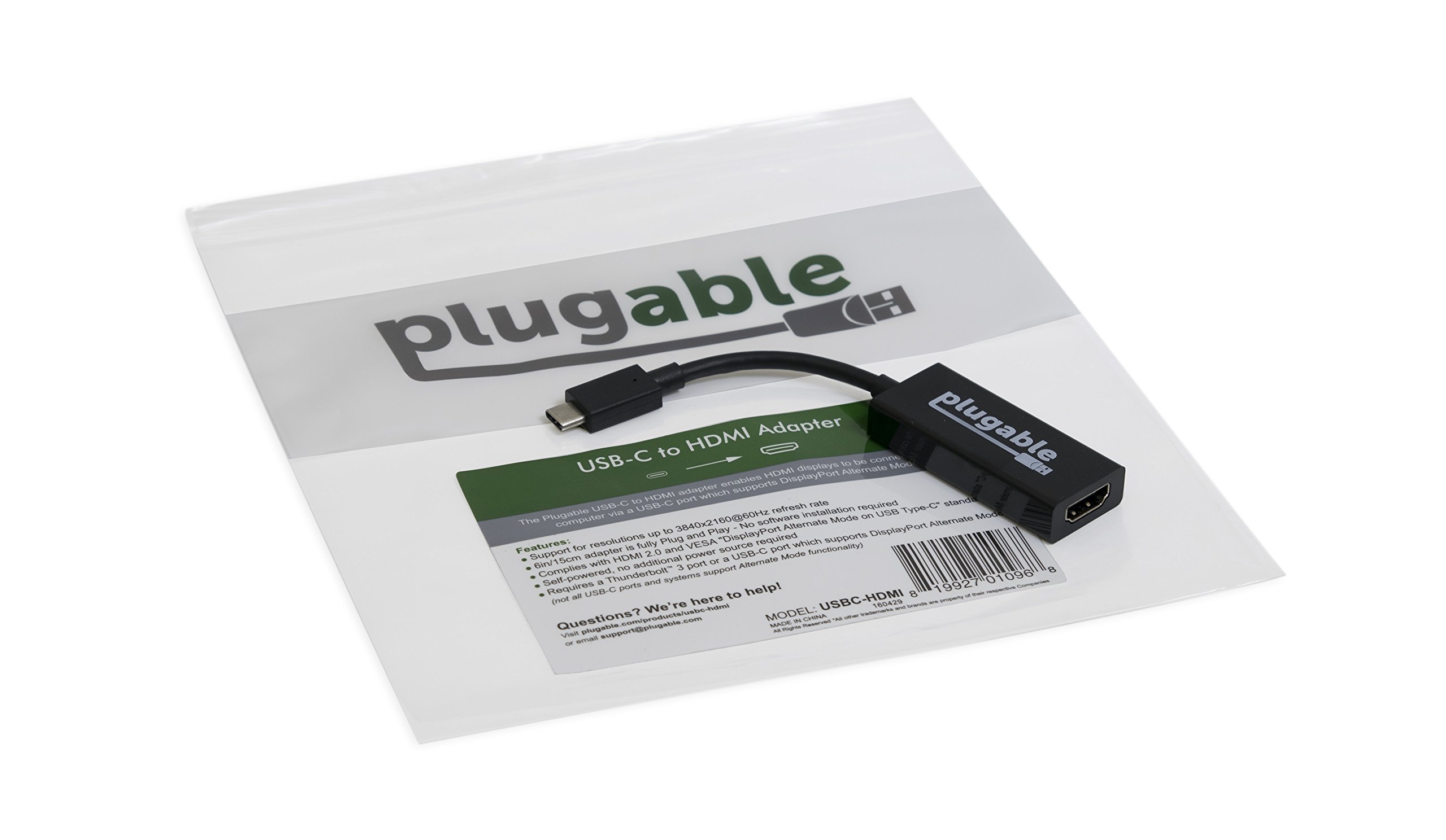
Plugable USB 3.1 Type-C - HDMI 2.0 conversion adapter (15 cm) x 1
Features:
- Please enter model number Confirm this is compatible:
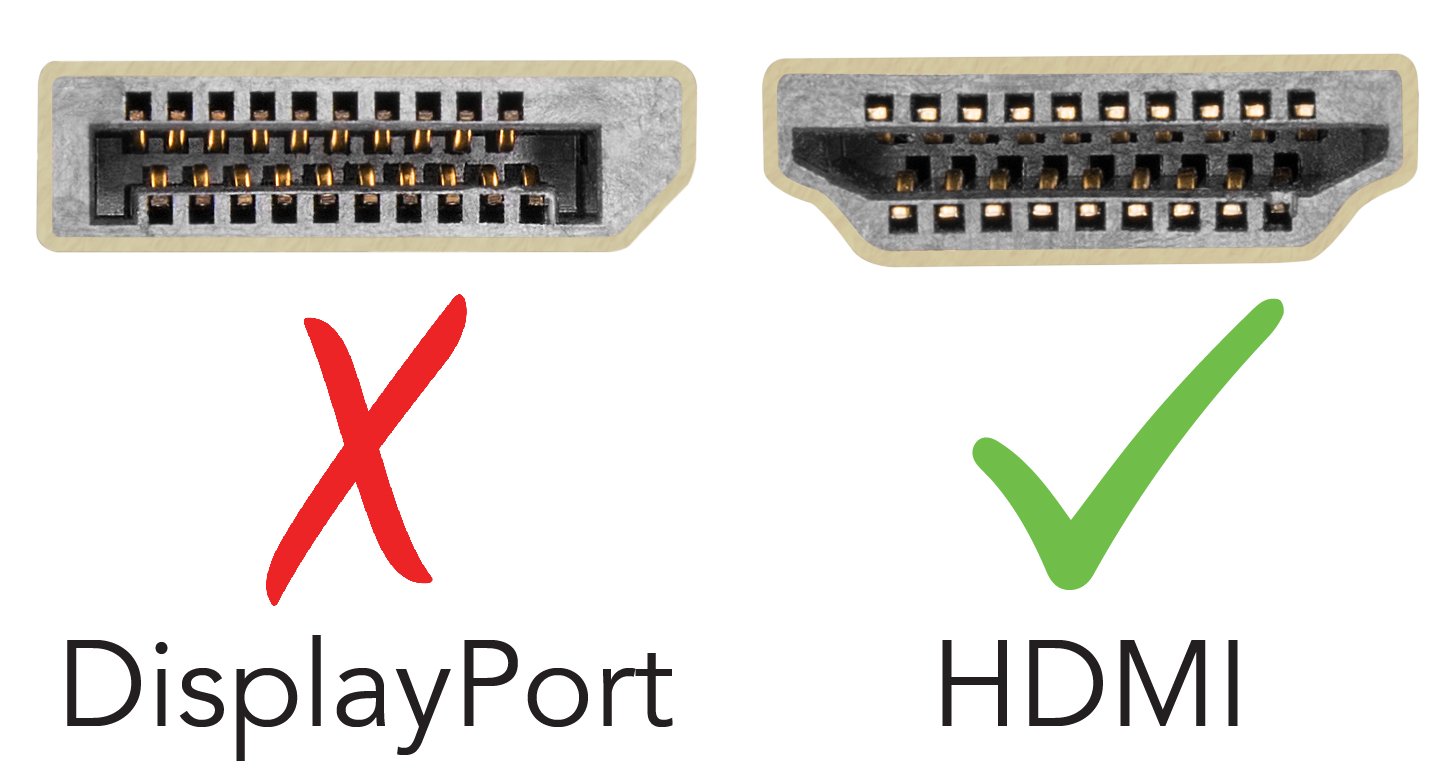
- It is an adapter that enables you to connect the HDMI 2.0 monitor to the USB - C port by using DisplayPort substitute (Alt) mode of USB Type C (USB - C) compatible system.
- It is also backwards compatible with HDMI 1.4 compatible monitors.
- iMac 2017, MacBook / MacBook Pro 2016/2017, Retina MacBook 12 "It can be used with 2015/2016, Chromebook Pixel 2015, Dell XPS 13/15 (6th generation, 2015 latter half and 2016 model or later) etc. Also the VESA standard
- It can be used with other tablets, laptops, etc. as long as it is compliant with "DisplayPort substitute mode by USB Type-C connector".
- Please note: In MS Surface Book 2 released in the fall of 2017, it can not be used due to compatibility problems at the moment.
- Maximum resolution 3840 x 2160 @ 60 Hz (4 Kp 60) is supported when using HDMI 2.0 compatible system, cable and monitor.
- It can be connected by plug & play, no special driver etc need to be installed.
- It is compatible with Mac OS X, Linux and Windows DisplayPort alternate mode compatible system.
- "DisplayPort substitute mode" is not supported by all USB Type-C (USB-C) ports and systems with them.
- Please note that Retina MacBook 12 "only supports systems up to 4K @ 30 Hz Please refer to the following compatibility column for details.
Product information:
Shipping Weight: 90 g
Package Dimensions: 1.60 x 19.81 x 22.61 cm
SHIPPING METHOD
Delivered directly from Japan by Japan Post. It will take 3 to 5 business days to prepare the order for shipping. We guarantee careful packing and safe shipping.Please note that in some cases additional import or VAT charges may incur and have to be borne by the client.
1. Japanpost registered mail
Shipment by Japanpost Registered Mail (Standard). Trackable any time with tracking number. Insurance is not available. Delivery time usually is between 1-3 weeks from the date of dispatch. Some items are not eligible for Standard Shipping.
2. Qxpress Standard
Shipment by Qxpress standard service. Trackable at any time with tracking number. Registered and insured up to a value of item price and shipping fees.Delivery time is usually between 5-10 business days from the date of dispatch.
3. EMS
Shipment by Expedited Mail Service. Trackable at any time with tracking number. Registered and insured up to a value of $200 and usually delivered in 2-6 business day from the date of dispatch.

| Japanpost registered mail | Qexpress | EMS | |
|---|---|---|---|
| Shipping Method | Japanpost Registered Mail (Standard) | Standard Qexpress | EMS (Expedited Mail Service) |
| Trackable | Yes | Yes | Yes |
| Insured | N/A | Yes (Up to item price and shipping fees) | Yes (Up to $200.00) |
| Asia | 1-3 weeks | 5-10 days | 2-5 days |
| Oceania; North America; Central America and the Middle East | 2-4 weeks | 6-14 days | 2-6 days |
| Europe | 2-4 weeks | 6-16 days | 3-8 days |
| South America and Africa | 2-4 weeks | 10-18 days | 4-8 days |
NOTICE:
- For overseas delivery, please be aware that damage to the outer box can be seen.
- If you would like to avoid as much damage as possible, please choose the EMS shipping method.
"According to Qoo10 guide line,overseas shipping fees will be charged to you extra if you choose Qxpress standard shipping.We recommend you to compare the total price of your purchase with EMS."
