Product Specifications:
Name:i-Flash Drive / i-Flashdrive
Capacity:16GB/32GB/64GB
Port:USB/Lightning
Material: Zinc Alloy + ABS
Size:52*26*10mm
Support:iPhone 5/5s/5c/6/6 Plus/ipad/ipod PC/MAC
Quality assurance:5 years
Packing list:
i-Flash Drive * 1pcs
USB to Micro USB plug (For Android phone) * 1pcs
User's manual * 1pcs
Packing boxes * 1pcs

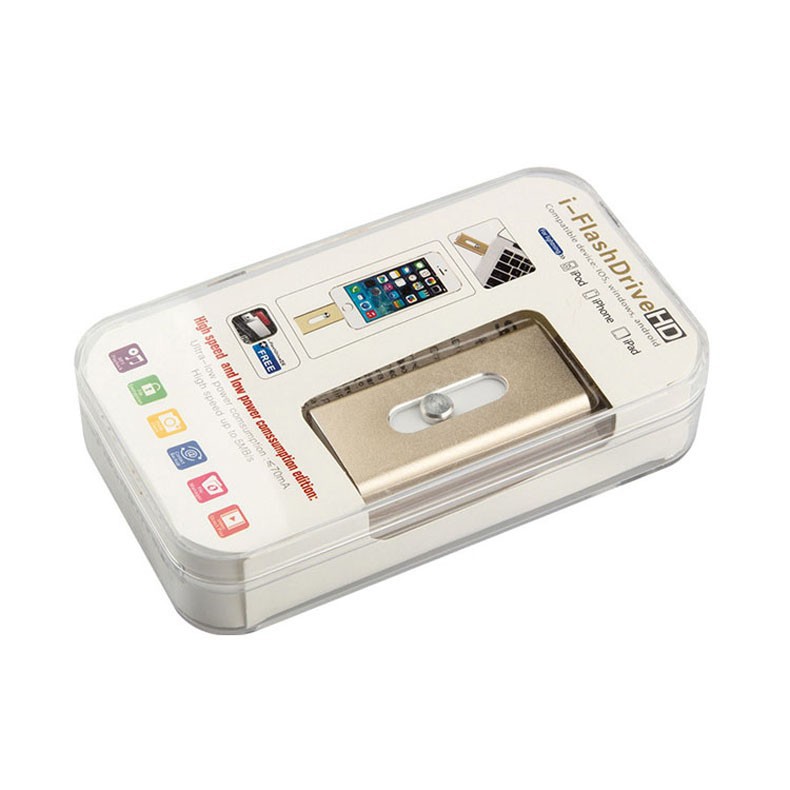

i-Flash drive for use
Thank you for using i-Flash drive. The device can be used as an external storage device for Apple products, of course, can also be used as a general personal storage device for safe independently save your valuable data, it is easy to carry and can communicate with other devices . Direct connection and send data to each other, without the need for cables and iTunes software.
* This product uses a patented two-way slide design, between Apple Lightning connector and USB interface converter directly.
* You can use the Apple device directly read the documentation on iStick, such as pictures, video, word, excel, pdf and so on.
* APP application store free application "iStick", before using to download and install.
* You can easily backup / restore your contact information.
First, i-Flash drive for use
1. Lightning Interface: Interface for Apple device using Lightning
2. Slide the button: Gently press slide to the left and right, can switch between USB head with Lightning head.
3.USB Interface: to connect a PC with a USB interface (such as PC, Mac)
4.Usb-OTG Conversion Connector: connect to Android phone via Usb-OTG Conversion Connector. Compatible with USB 1.1 and USB 3.0 interfaces.
Second, App "CAhighdisk" download and install(Please read the copy on your i-Flash Drive in the instruction manual)
Use your phone in the two-dimensional code scanning tools, Dimensional code scanning on the packaging box or use manual
Download APP: "CAhighdisk"
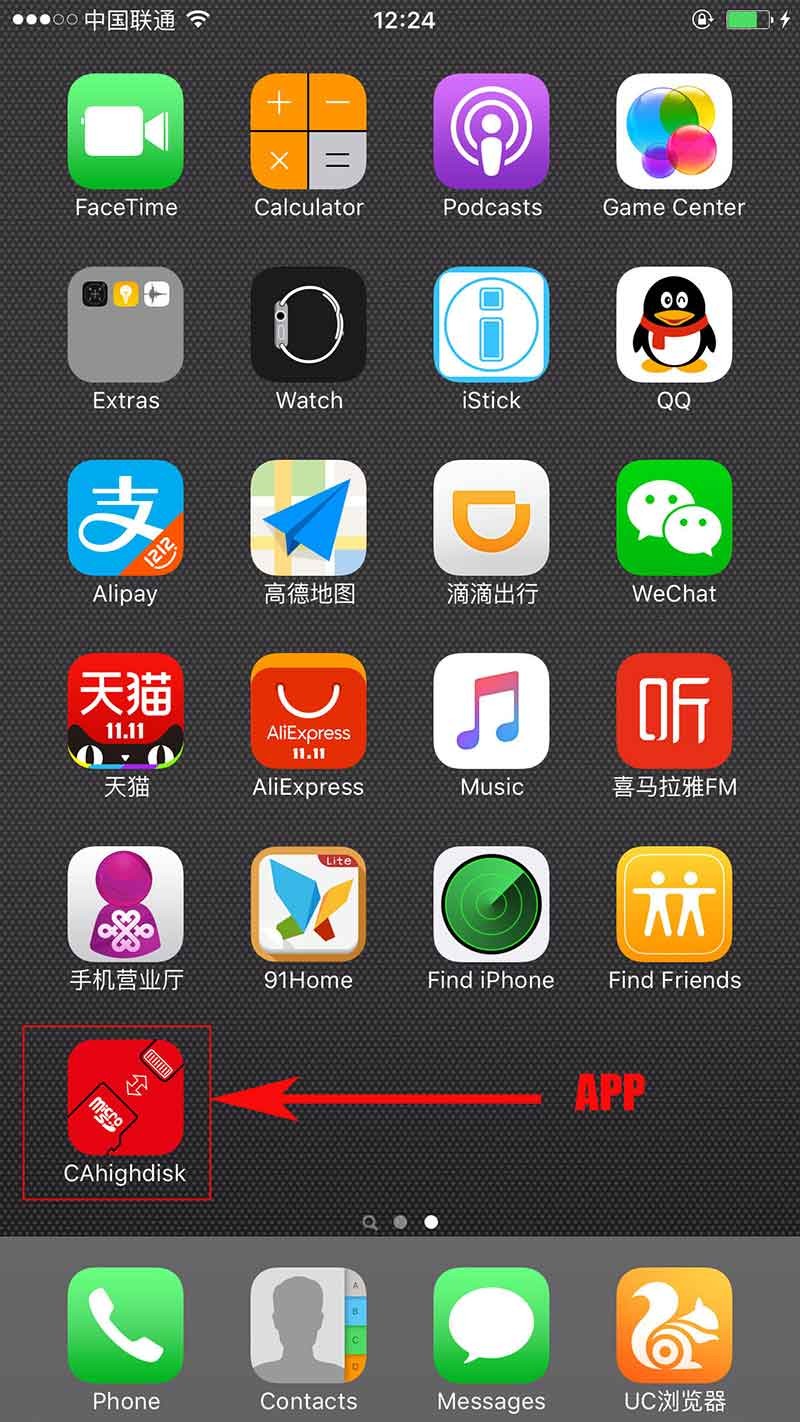
Third, the use iStick program
Open the application "iStick" after,You can see the options: i-Phone, iStick, address book, photo gallery.
1.For iPhone
The internal memory space corresponding to the Apple device, and automatically creates a new folder there, "music", "photo", "File", "film", "backup", "Other." If you want one of these folders or contents "delete", "copy", "move" operation, you can press the "edit" and then the appropriate action. i-Phone contents so you can copy or move to iStick go. If you want to create a new folder, press the lower left corner of the "+" button.
2.For iStick
The correspondence iStick internal storage space. If you want one of these folders or contents "delete", "copy", "move" operation, you can press the "edit" and then the appropriate action. So iStick contents can be copied or moved to the i-Phone go. If you want to create a new folder, press the lower left corner of the "+" button.
3. For Contacts
Through the "Backup", you can put the Apple device in the address book data backup to iStick. You can also "restore" contacts have been restored to the Apple device.
4. For Photo
The Apple device corresponding to Gallery content. You can select a photo gallery of pictures or videos, copy it to the i-Phone or iStick corresponding storage space.
Fourth, Notices
1. In the file transfer process, please do not set aside i-Flash drive, so as not to cause file error and equipment failure.
2. Do not access device i-Flash drive ends, so as not to cause the device to malfunction.
3. Do not try to faulty equipment on the product, so as not to damage the product.
4. Important Information Please do a backup, in order to avoid the loss of data due to product malfunction (loss of information by our irresponsible).
5. Do not use or keep this product in a humid environment (such as bathrooms, toilets), dusty environment and stop the corrosive material environment.
6. In the case of long-term use of the equipment, to install this product into the box to save plastic bags to prevent dust accumulation, leading to poor contact socket outlet oxide.
7. Do not attempt to repair the machine, or replace any parts. If you encounter problems, please contact our service department or your dealer or an authorized dealer service process.
Fifth, Your i-Flash Drive any irregularity in use, please contact me.
Please do not worry, we have quality assurance for three years.
Free replacement of faulty
Free upgrade Firmware
Free technical support
