




Fetaures:
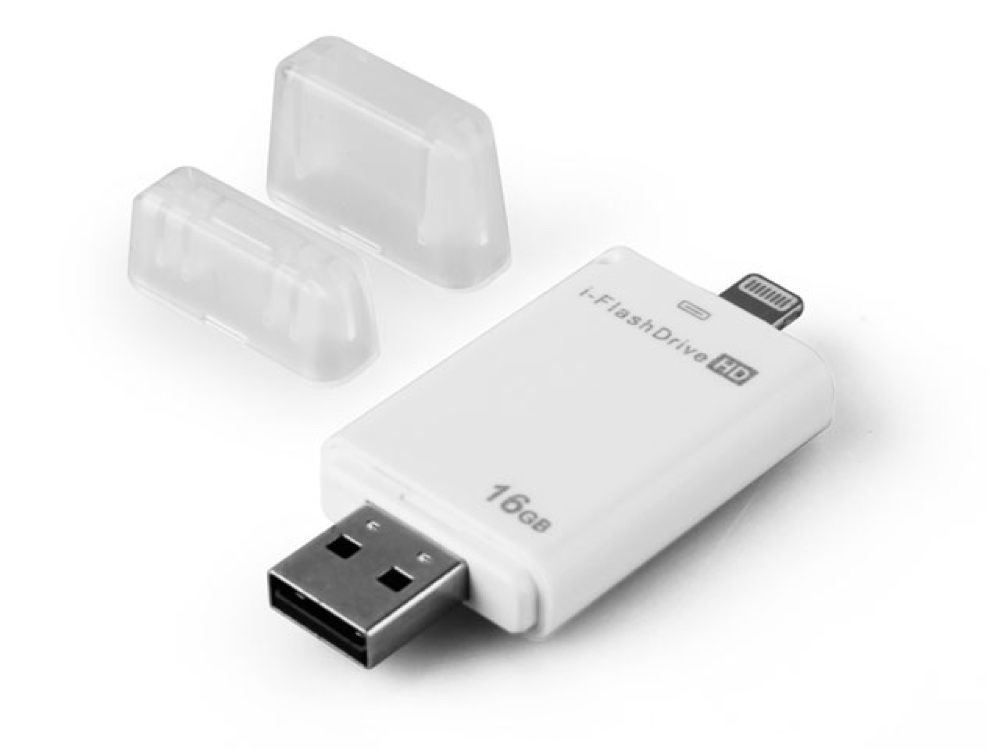
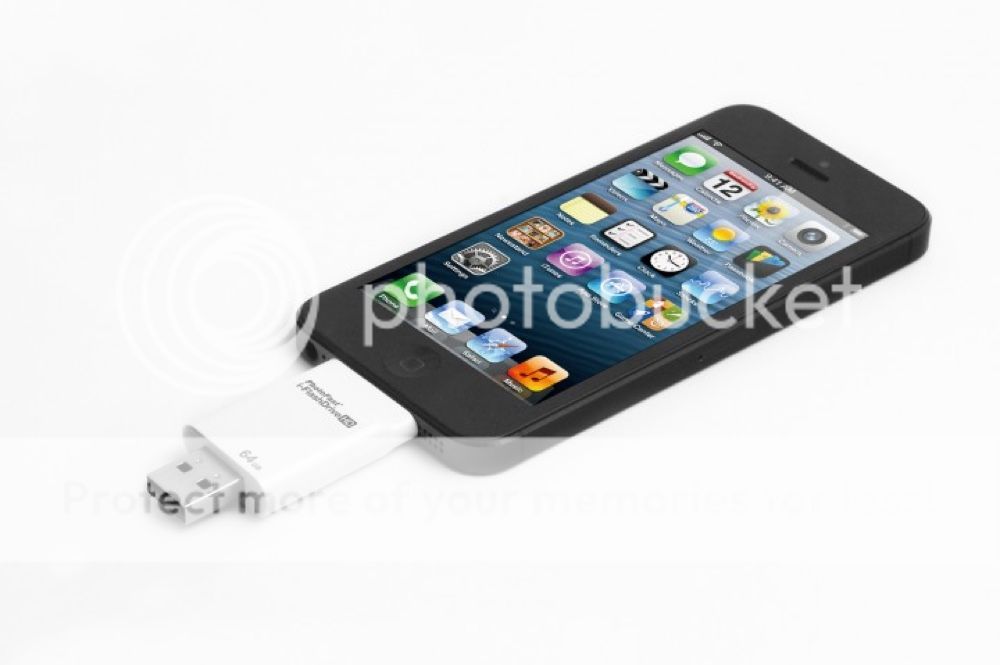
External memory expansion for iPhone / iPad
Secured file Encryption for private files
Manage all your Data directly on the iOS-Device (create, copy, move, delete, rename, open in and many more)
Playback video/music directly from external memory
Backup and restore your Contact list
Document viewer for all major file formats
Voice Recorder/Text Editor
Dropbox support
Supports FAT16, FAT32
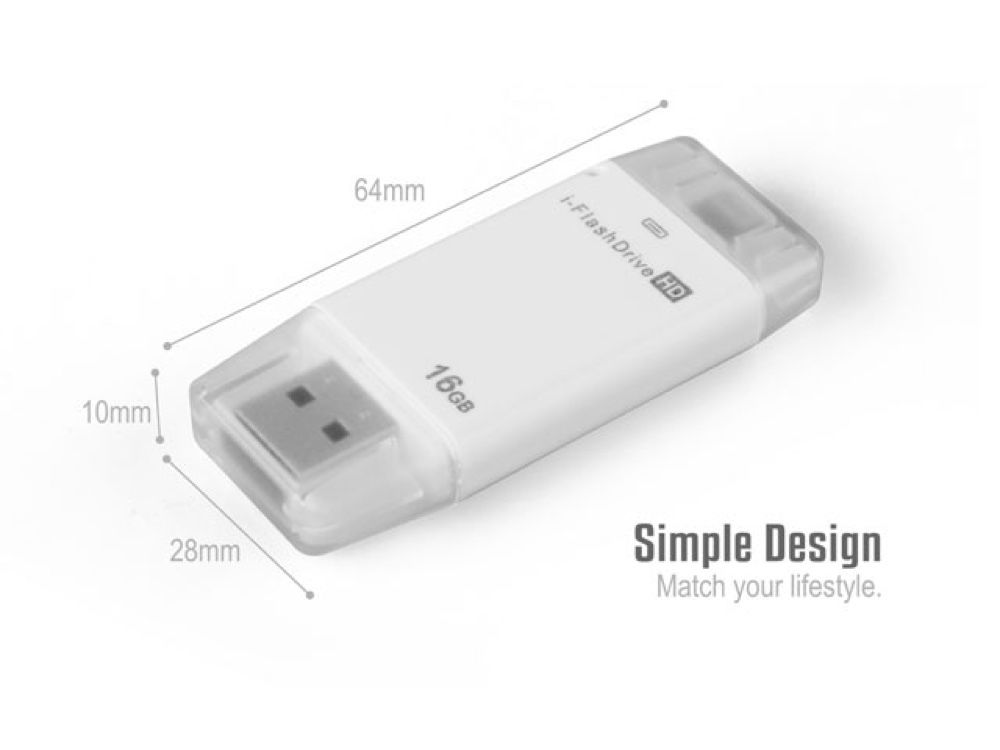
Dimension: 54 x 26 x 9mm (approx.)
Weight: 10g
Memory:8GB/16GB/32GB/64GB
Compatible Models:
iPad Air
iPad Air 2
iPad 4
iPad Mini
iPad Mini 2
iPad Mini with Retina display
iPad Mini 3
iPhone 5
iPhone 5c
iPhone 5s
iPhone 6
iPhone 6 Plus
iPod Touch 5G