Studio : ANTOP Publisher : ANTOP Binding : Electronics Product Description
TIPS
- Scan channels monthly to find all available channels including newly added or changed.
- Do not place or hide the antenna in/behind any metallic objects.
- Keep the antenna away from any high power consumption devices to avoid interference.
SETTING AND SCANNING
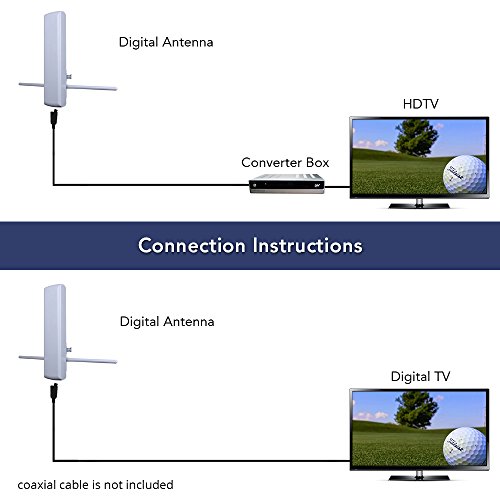
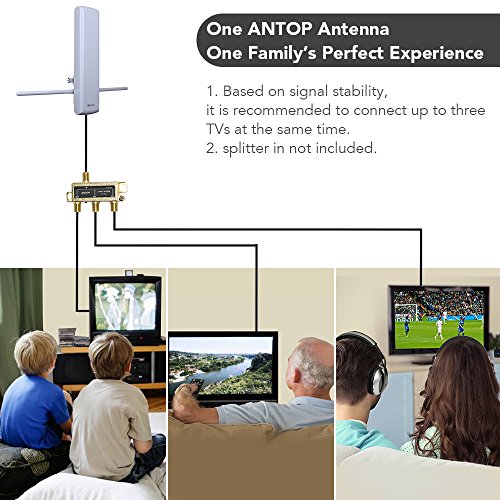
1,Connect the coax cable into the back of your digital-ready TV named "ANTENNA IN" or "AN IN"
2, Open your TV and find "Menu"
3, Go "Setting" then select "Channels setup" Scan for channels
4, If the signal is not good,try move the antenna and find the optimal palcement
ANTOP's New Generation Digital Technology
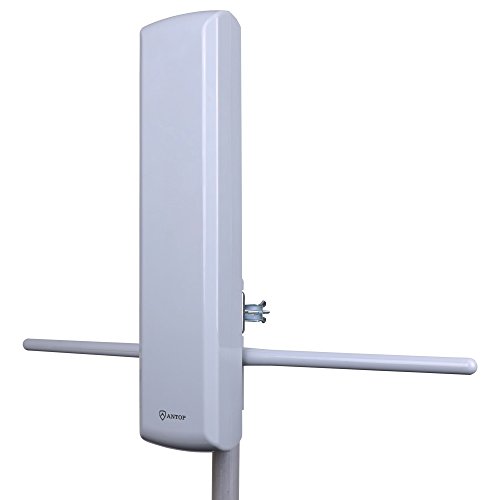
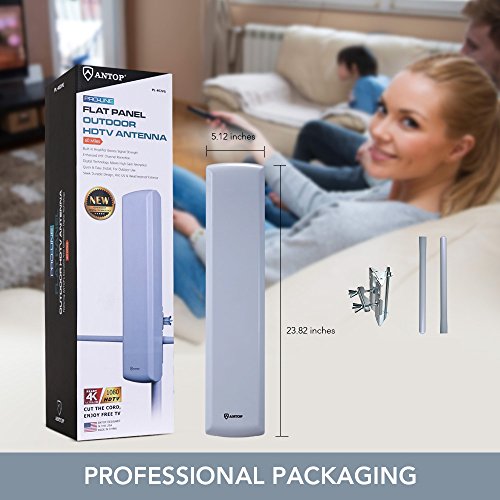
1)Supports?VHF UHF digital signals.Size: 23.82x5.12x4.53in
2)High Gain reception technology, shielded for minimum interference.Supports VHF UHF digital signals.
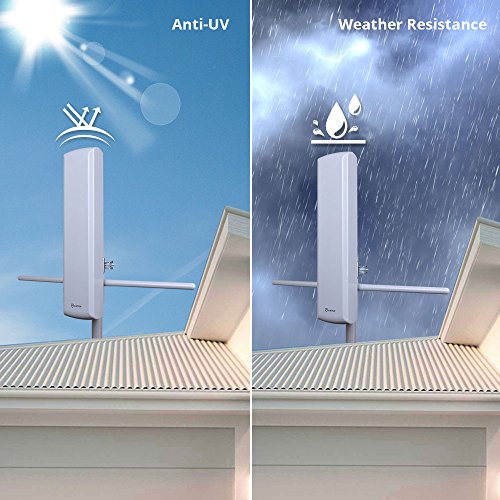
3)Durable exterior, waterproof design with UV coating.
NOTE
-Antenna effectiveness is influenced by the distance from signal origination point, station signal strength level, building construction, antenna positioning, reflections from nearby structures and any power consumption sources.
-THE AMOUNT OF FREE OVER-THE-AIR CHANNELS YOU CAN RECEIVE WILL VARY BY AREA AND ANTENNA SELECTION, CHECK SIGNAL VAILABILITY AT http://dtv.gov/maps(HTTPS://WWW.FCC.GOV/MEDIA/ENGINEERING/DTVMAPS).
BOX INCLUDED:
1* Flat panel TV antenna,Please note:coaxial cable is not include
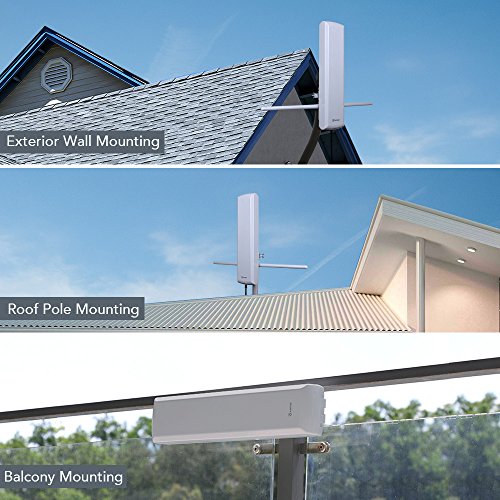
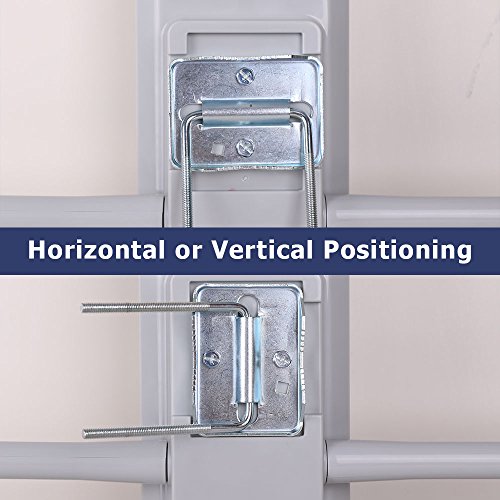
1* Mast Clamp Kit
1* VHF Enhanced Rods
1* Instruction/User Manual
0
|