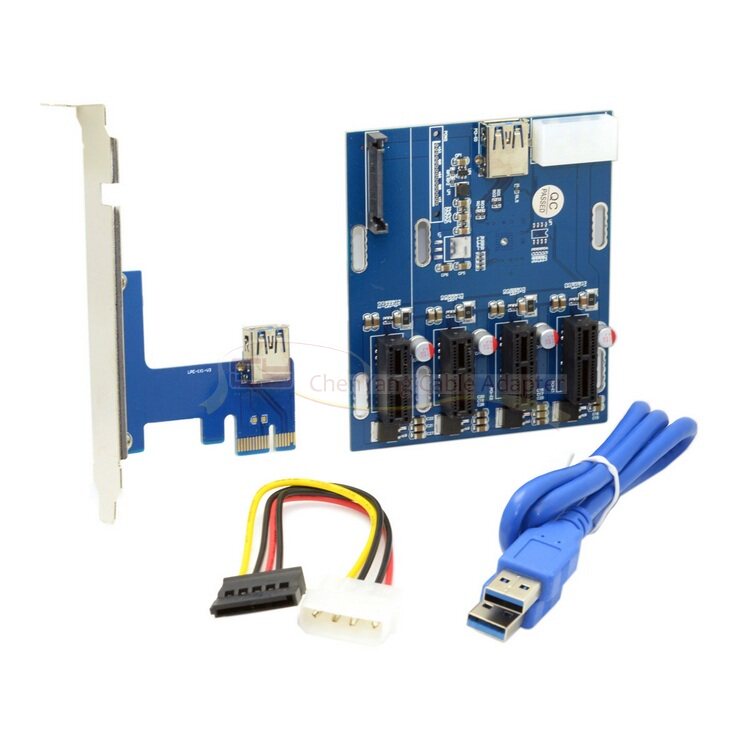
PCI-E 1X多接口卡 解决台式机电脑PCI-E 1X不够用的局面
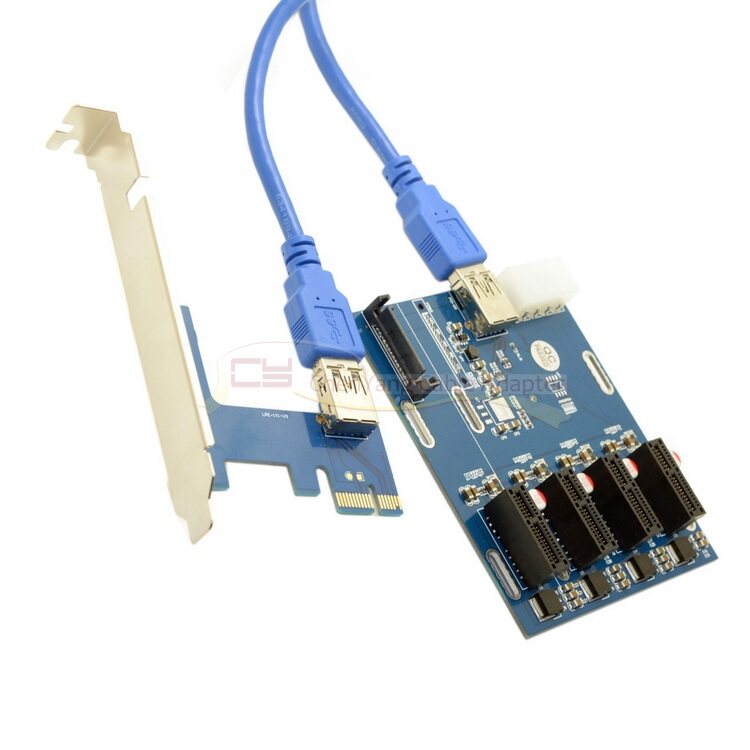
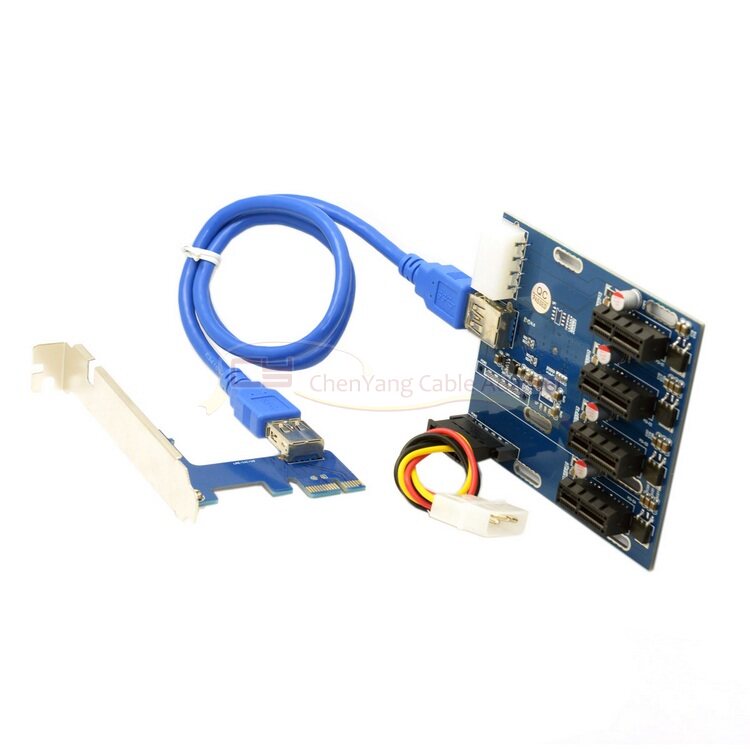
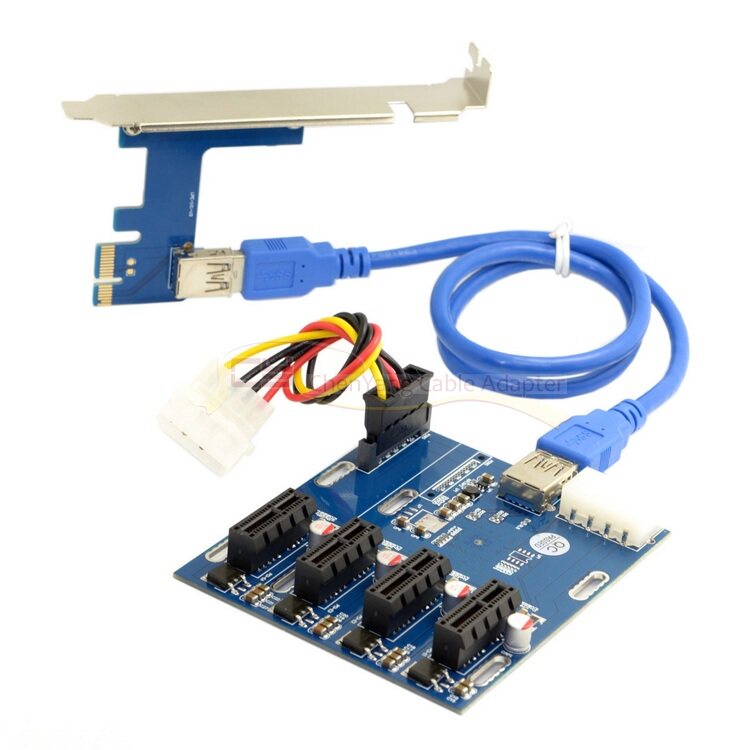
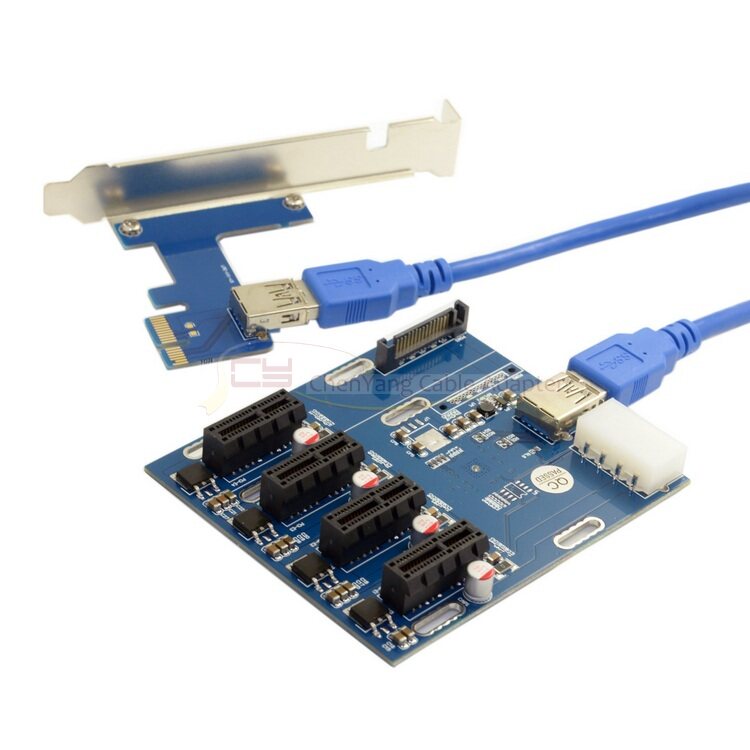
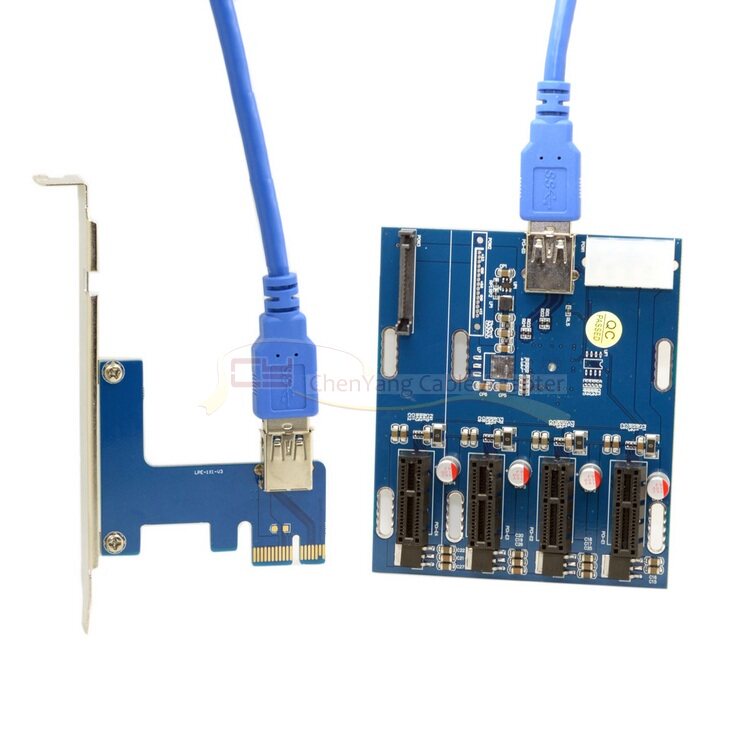
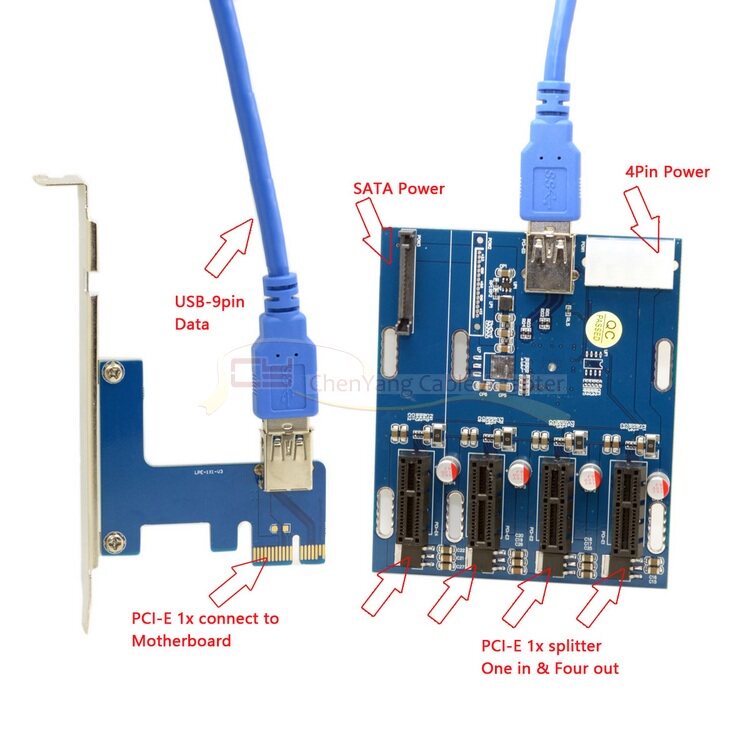
如果你需要多個PCI-E x1插槽,主板上又沒那麼多,倒是可以考慮考慮。它包括兩部分,一是主卡,通過PCI-E x1介面安裝在主板上,二是設備卡,上有三或四條PCI-E x1,二者通過USB 3.0线連接在一起。
設備卡用於PCI-E、PCI-E之間的轉接。
但是即便USB 3.0,理論頻寬也不過5Gbps(625MB/s),一分為四再去掉損耗那就只有150MB/s,而即便是PCI-E 1.x的單信道頻寬也有250MB/s,因此這玩意兒能給你最夠多的插槽,卻不會有足夠多的頻寬,只適合對性能沒要求的地方。所以,被转接的PCI-E槽最好是2.0版本以上,3.0版本更好。我们出货前都会测试好,但是电脑兼容问题很常见,有客户反馈用转接卡再加1X转16X后接显卡识别不到的情况,不属于质量问题的退货,来回邮费自理需自理,谢谢合作。
顺带说明一点:分出来的几个PCI-E 1X槽全部是gen2模式的,就算之前是gen1的也没关系。这个是一个很不错的功能哦,老主板的福音。
PCI-E 1X multi-interface card to solve the desktop computer PCI-E 1X not enough situation
If you need more than one PCI-E x1 slot, not so much on the motherboard, it might be considered. It consists of two parts, one is the main card, installed on the motherboard through the PCI-E x1 interface, the second is the device card, there are three or four PCI-E x1, the two connected together through the USB 3.0 cable.
Device card for PCI-E, PCI-E between the transfer.
But even with USB 3.0, the theoretical bandwidth is just 5Gbps (625MB / s), with only 150MB / s in one split of four and a loss of even 250MB / s for a single channel of PCI-E 1.x, So this stuff can give you the most slots, but not enough bandwidth, only for performance where no requirements. Therefore, the PCI-E slot is transferred is better than 2.0 version, 3.0 version is better. We will test the good before shipment, but the computer compatibility is very common, customer feedback with adapter card plus 1X to 16X then the card does not recognize the situation, does not belong to the quality of the return, return postage take care of themselves, thank you Cooperation.
Incidentally, a little bit: out of several PCI-E 1X slot all gen2 mode, even if gen1 before it does not matter. This is a very good feature Oh, the gospel of the old motherboard.