Item Descriptions:
Multifunction model
Recording, recording, motion detection, playback, time setting function
powered by!
You can also use the recording function as well as the recording function.
You can shoot at high resolution of 720 * 480 (movie).
Easy operation
Only one operation button!
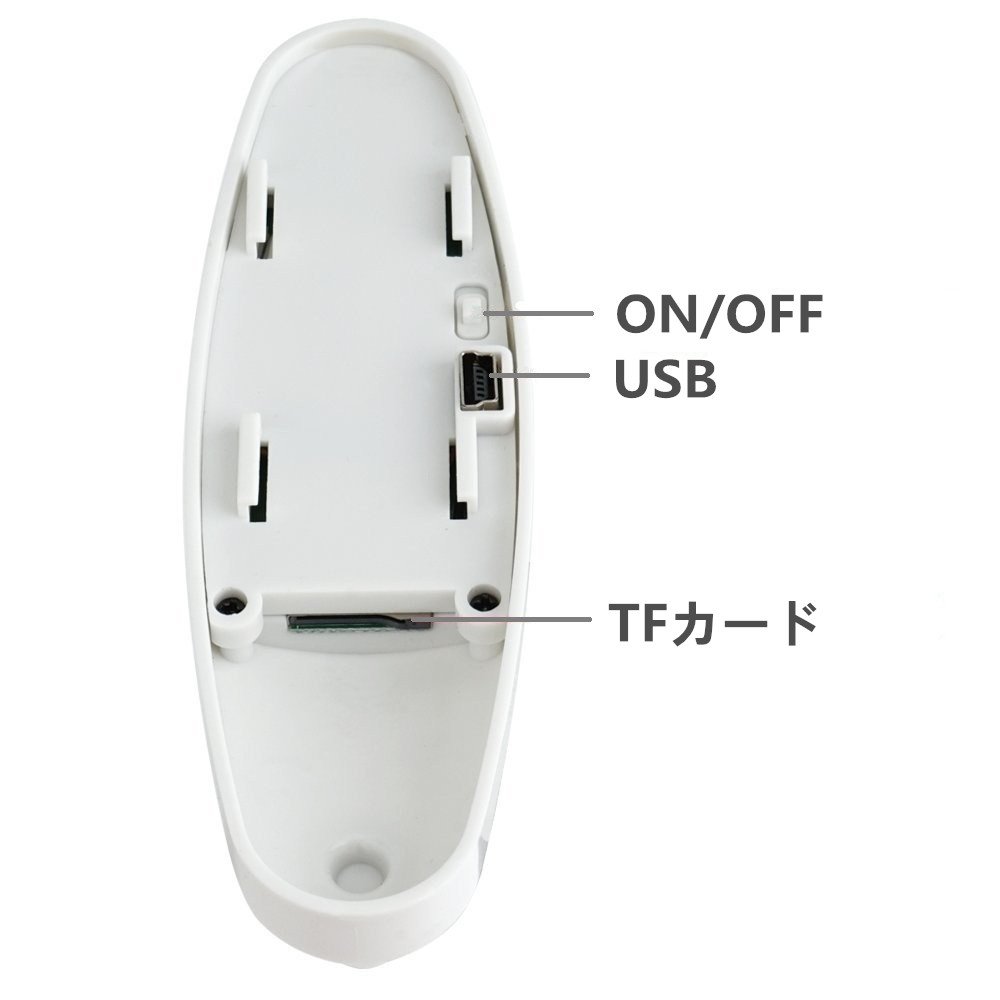
Easy to save data and charge, simply connect with the USB cable attached to the USB terminal of the PC!
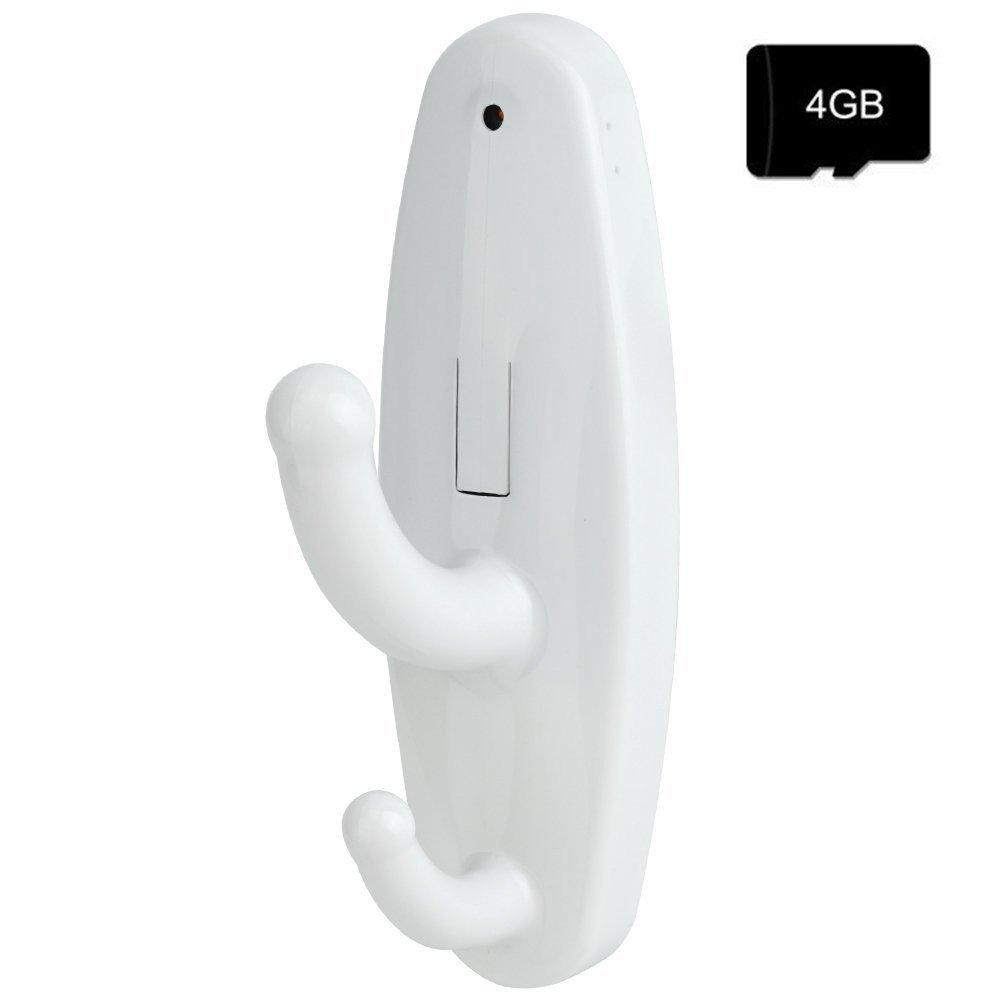
Built-in memory
4 GB
It corresponds to a maximum of 16GB.
Removable disk function
By using the supplied USB cable, you can recognize automatically by connecting to a PC, so you can play movies, pictures and so on.
Frame 30 fps
Because it is 30 fps, it reproduces beautiful high quality image.
Product Specifications:
Color:
white
Video format:
AVI
Resolution:
720 * 480
Frame value:
30 fps
Interface:
USB 1.1
memory:
TF card (maximum 16 G),
With 4GB TF card
Supported OS:
Windows 2000 XP 2003 / Vista
Continuous recording time:
1.5 hours
Package Contents
4GB TF card
usb cable
User's manual
Double-sided tape
Mounting bracket
screw
◆ Imported goods are not accompanied by Japanese instructions.
In case of request, please contact us by inquiry mail.
◆ With one year quality guarantee, please be relieved.
About power on
Turn on the power by turning on the ON / OFF switch on the back side.
Note: Please insert the SD card before use.
About standby mode
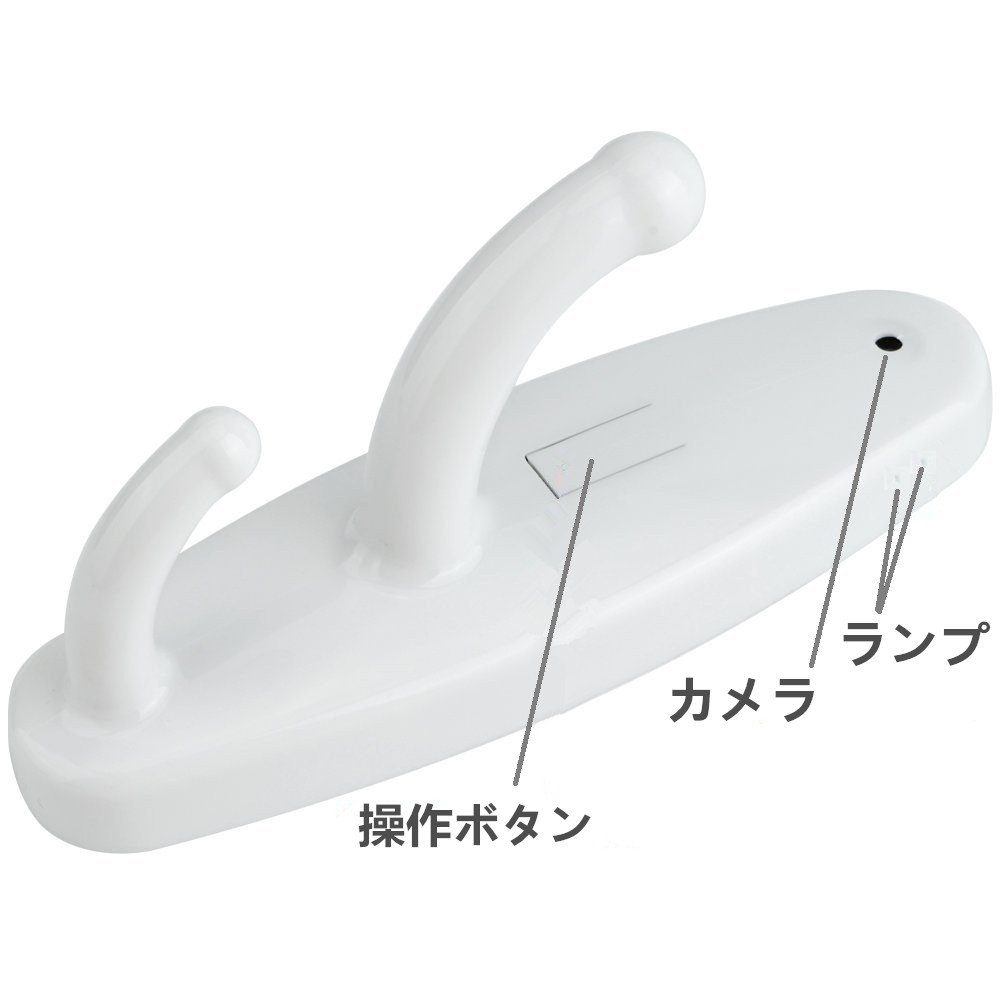
If you press and hold "Operation Button" for about 5 seconds, the green lamp lights up and it enters standby mode.
About recording
1,
In "Standby mode" press the "operation button"
Press briefly once
, The green lamp flashes and disappears.
The main body starts recording.
2, again
"Manual operation button"
Press once to save the data.
The main unit returns to standby mode.
About motion detection
1,
In "Standby mode" press the "operation button"
Press twice briefly
, The green lamp flashes and disappears.
The main body starts recording.
2, again
"Manual operation button"
Press once to save the data.
The main unit returns to standby mode.
About recording
1,
In the standby mode, press the operation button
Press briefly 3 times
, The green lamp flashes and disappears.
The main body starts recording.
2, again
"Manual operation button"
Press once to save the data.
The main unit returns to standby mode.
Power off
about
In standby mode, turn off the ON / OFF switch and turn off the power.
Note: The main unit automatically turns off the power in the following situations.
If there is no remaining battery power during recording, save the image file and turn off the power.
If there is insufficient free space in the memory, the instruction lamp will flash and the power will be turned off.
About reproduction
1, ON / OFF switch
OFF
I will.
(First turn ON / OFF switch
on
Please note that the body may not be recognized if set to.
2, Connect to the computer using the supplied USB cable.
3, ON / OFF switch
on
I will.
Time settings
1, power supply
on
In the state to be set, connect the main unit to the personal computer using the USB cable.
2, removable disk (temporary) is detected, time.txt in the root directory
Create a new text file named "2016-07-01 01:01:01 Y", save the current time in the format of time.txt, save it in the product directory, then mount the PC mount
Cancel.
charging
Connect to the computer or adapter using the supplied USB cable and charge it.
Charging: Green lamp flashes
Full charge: Green light on
Features:
- Please enter model number Confirm this is compatible:
- [Movie resolution] 1280 X 960 [Charging] USB for home
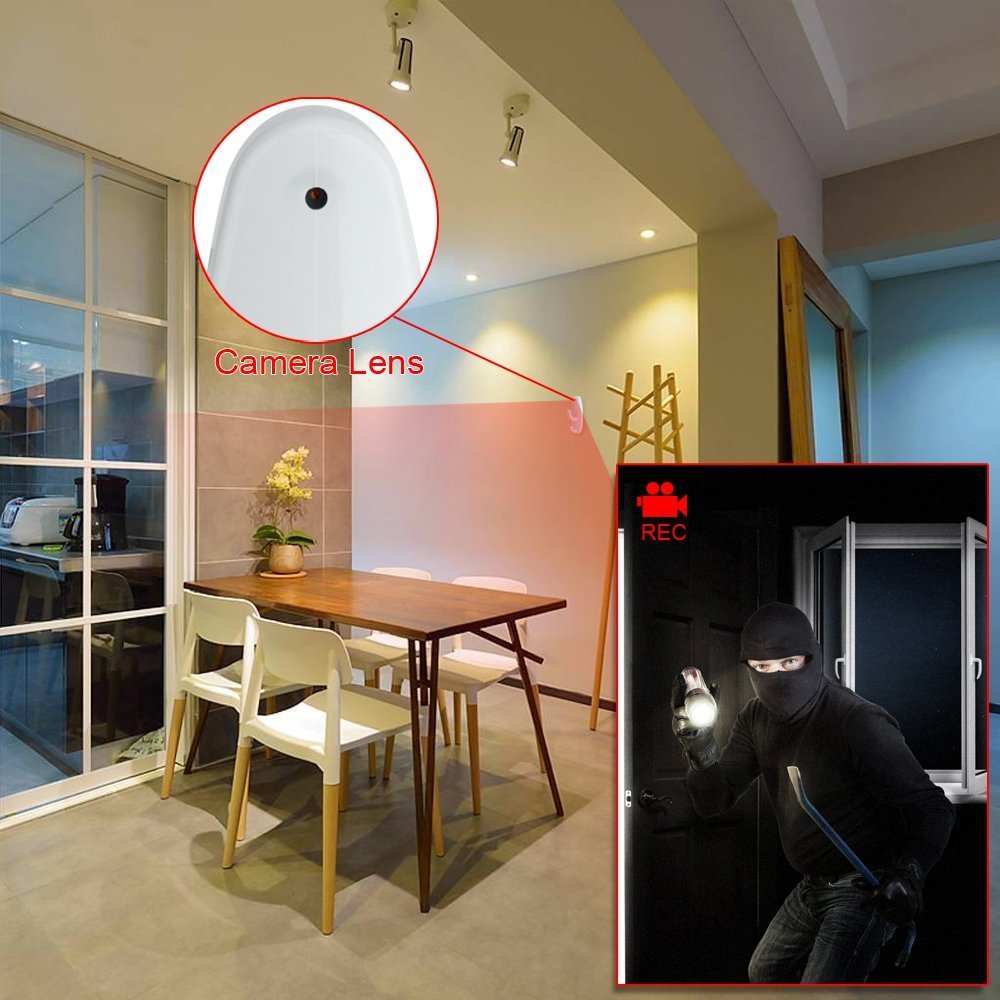
- Motion detection function installed!
- Catch motion and start recording automatically
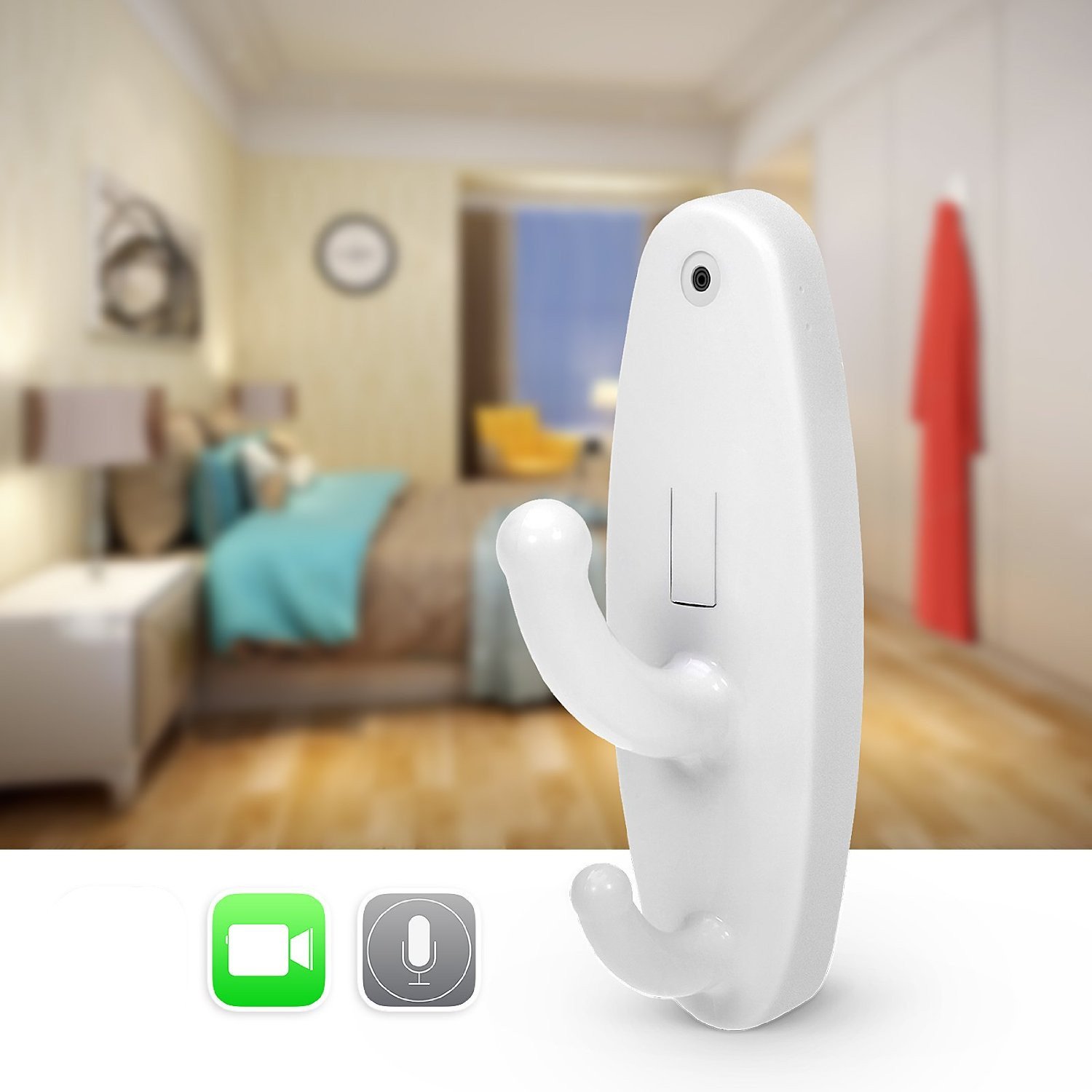
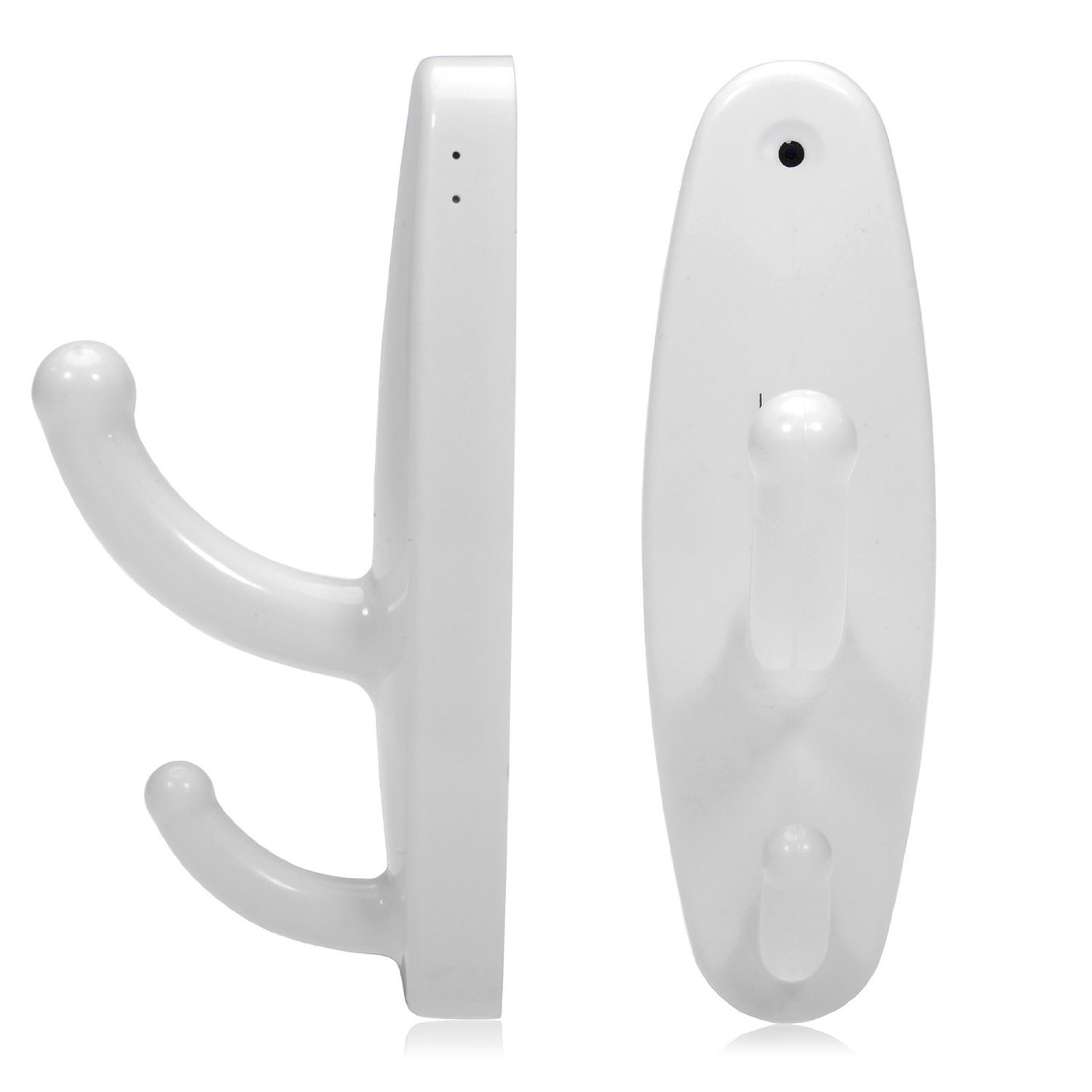
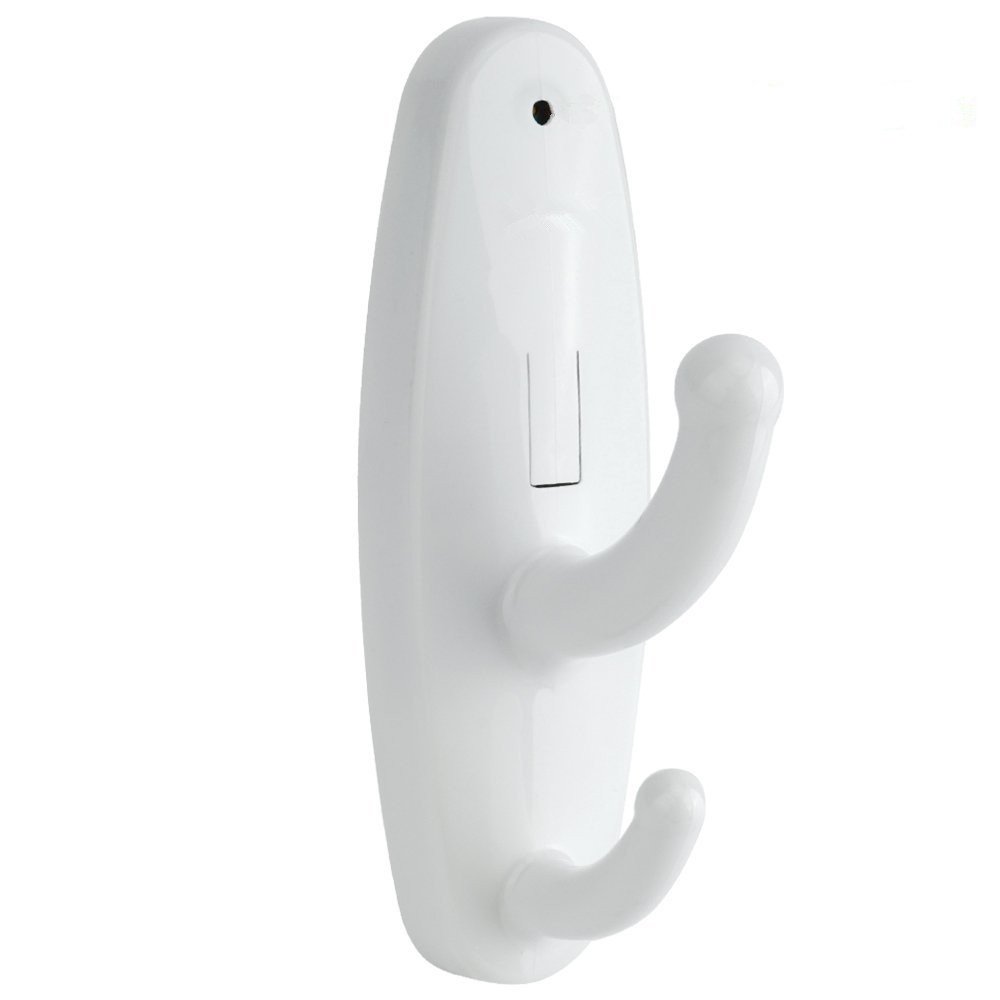
- The appearance is completely hanger hook so it is possible to take videos without being noticed by anyone
Product information:
Shipping Weight: 222 g
Package Dimensions: 6.81 x 8.99 x 14.81 cm
SHIPPING METHOD
Delivered directly from Japan by Japan Post. It will take 3 to 5 business days to prepare the order for shipping. We guarantee careful packing and safe shipping.Please note that in some cases additional import or VAT charges may incur and have to be borne by the client.
1. Japanpost registered mail
Shipment by Japanpost Registered Mail (Standard). Trackable any time with tracking number. Insurance is not available. Delivery time usually is between 1-3 weeks from the date of dispatch. Some items are not eligible for Standard Shipping.
2. Qxpress Standard
Shipment by Qxpress standard service. Trackable at any time with tracking number. Registered and insured up to a value of item price and shipping fees.Delivery time is usually between 5-10 business days from the date of dispatch.
3. EMS
Shipment by Expedited Mail Service. Trackable at any time with tracking number. Registered and insured up to a value of $200 and usually delivered in 2-6 business day from the date of dispatch.

| Japanpost registered mail | Qexpress | EMS | |
|---|---|---|---|
| Shipping Method | Japanpost Registered Mail (Standard) | Standard Qexpress | EMS (Expedited Mail Service) |
| Trackable | Yes | Yes | Yes |
| Insured | N/A | Yes (Up to item price and shipping fees) | Yes (Up to $200.00) |
| Asia | 1-3 weeks | 5-10 days | 2-5 days |
| Oceania; North America; Central America and the Middle East | 2-4 weeks | 6-14 days | 2-6 days |
| Europe | 2-4 weeks | 6-16 days | 3-8 days |
| South America and Africa | 2-4 weeks | 10-18 days | 4-8 days |
NOTICE:
- For overseas delivery, please be aware that damage to the outer box can be seen.
- If you would like to avoid as much damage as possible, please choose the EMS shipping method.
"According to Qoo10 guide line,overseas shipping fees will be charged to you extra if you choose Qxpress standard shipping.We recommend you to compare the total price of your purchase with EMS."
