PERFORMANCE PARAMETERS
Sensor Resolution:960*640
Decoding Ability:
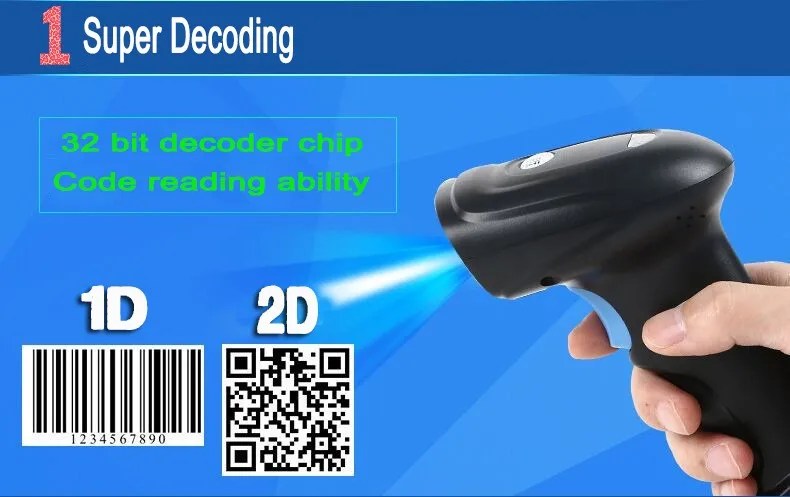
1D:EAN- 8,EAN-13,UPC-A,UPC-E,Code 39,Code 93,Code 128,EAN128,Codebar,industrial 2 of 5,Interleave 2 of 5,Matrix 2 of 5,MSI,postal code ect.
2D:PDF417,DM,QR,Chinese-Sensible Code ect.
Light Source:High Brightness, Infrared LED
Speed:130 times /Sec
Host System Interface:USB2.0
Optical Coating Technique:Gold-Plated
Optical Technique Level:V-V1 (Aerial Cameras)
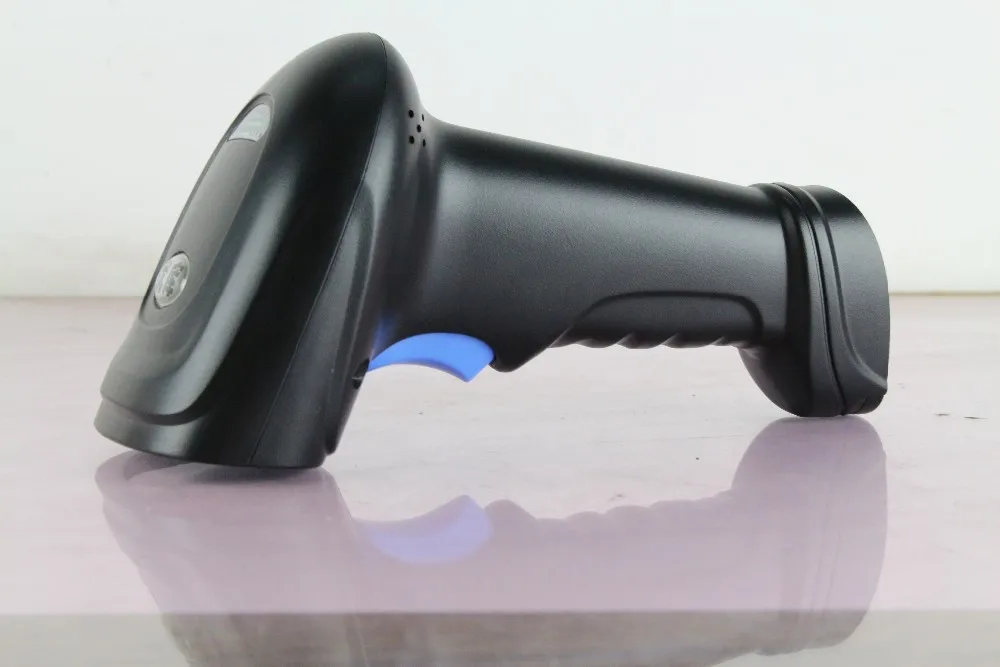
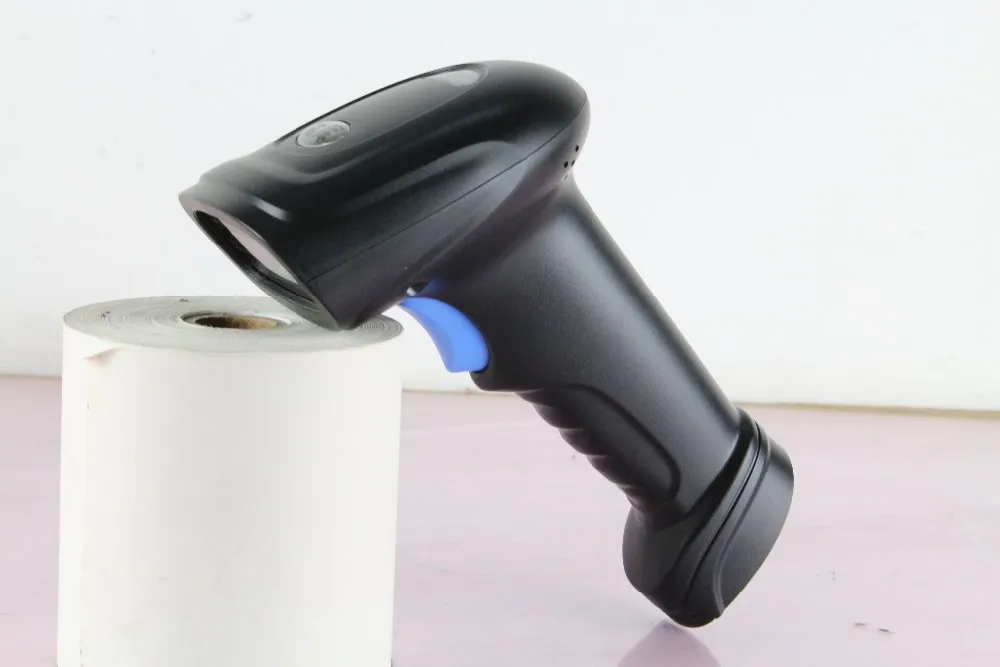
LED Indicator:Buzzer and bi-color light: Red-power, Blue-decoding Successfully
ENVIRONMENTAL PATAMETER
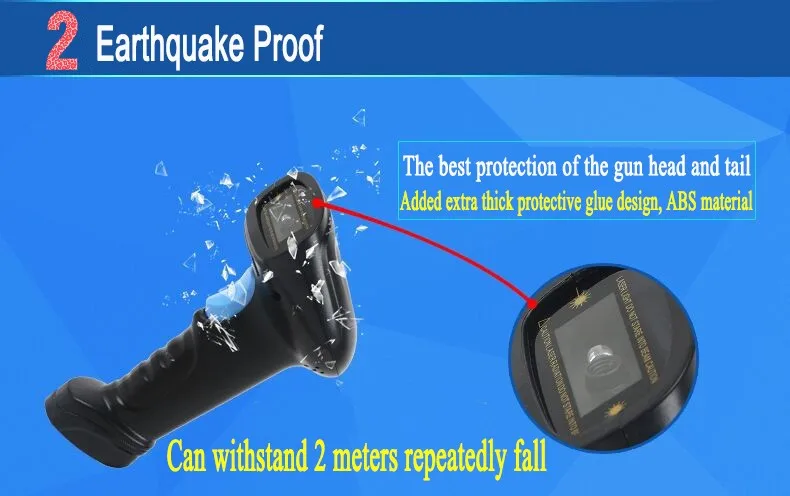
Drop :Affordable 2M free fall drop 300 times
Environmental Sealing:IP54
Operating Temperature:-20 degrees to 55 degrees
Storage Temperature:-40 degrees to 65 degrees
Temperature Humidity:5% to 95% Relative humidity, Non-condensing
Storage Humidity:5% to 95% Relative humidity, Non-condensing
Light Levels:0-120000LUX
PHYSICAL PARAMATERS
Weight (pcs):N.W: 157g/pcs G.W:349g/pcs
Size (pcs):Host: 167mm*72mm*95mm Package:190mm×115mm×80mm
ELECTRICAL PARAMETERS
Operating Voltage :5V
Operating Current :280mA
Power:1.4W
Safety Standard:EN60950-1
EMC:EN55022 EN55024
Support scan - M3 SCANNER:
Image 2D Bar code Scanner Driver Instructiong
USB Mode
If the code you scanning with no Chinese characters,Connect computer with scanner directly,Used without any other settings.
If you used it on the desktop computer or Pos software,Avoid to power shortage cause data don't upload,Please connect USB interface(Scanner)to USB interface(motherboard)directly.
USB Virtual Serial Mode
First,Scanning below bar code,When you heard 3 beep,Scanner Mode has changed from USB to USB Virtual Serial Mode Successfully.
Second,Driver Installation
1,Pull out the cable,Reconnect the computer
2,PC will reminder"Installation Driver".
3,Manual Installation,The path specified"Driver",click OK,Driver installation is complete.
4,Click"My computer","Right-click""properties",Open the "Device manager",Record the "serial number"
Third,Secure CRT Installation(Details as following documents)
Confirmed the serial number on "computer"same as serial number on "Secure CRT",That's OK
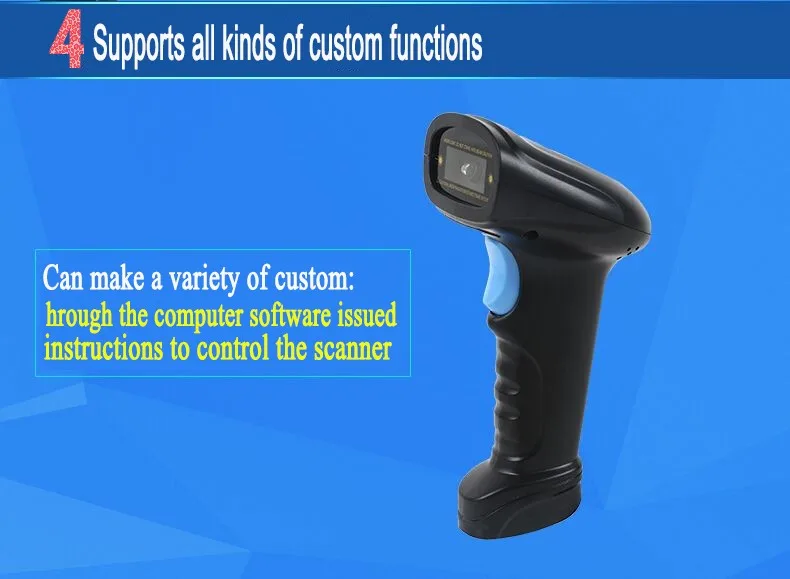
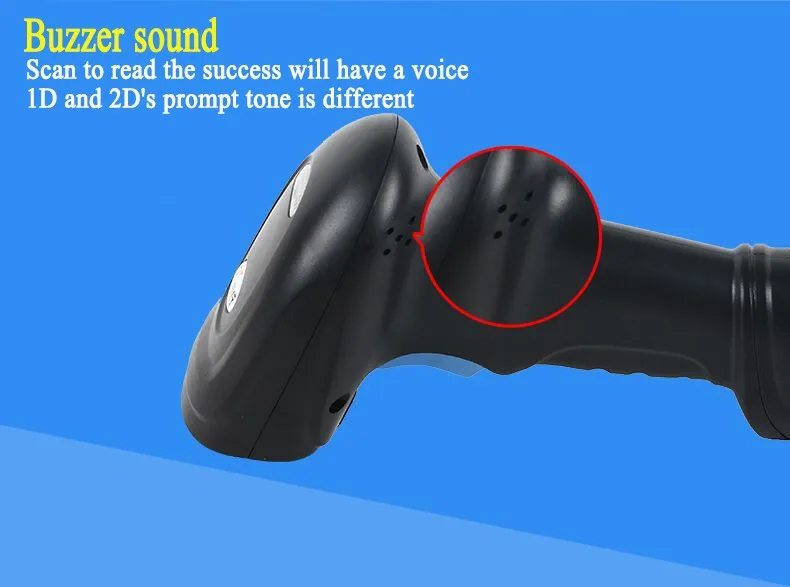
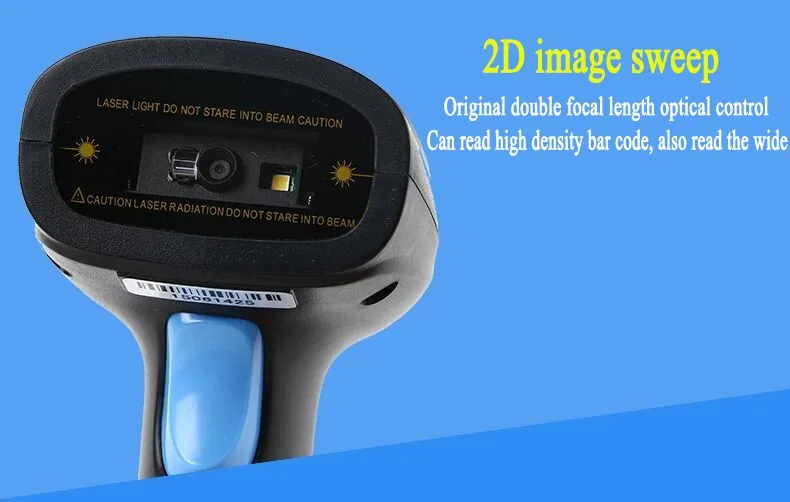
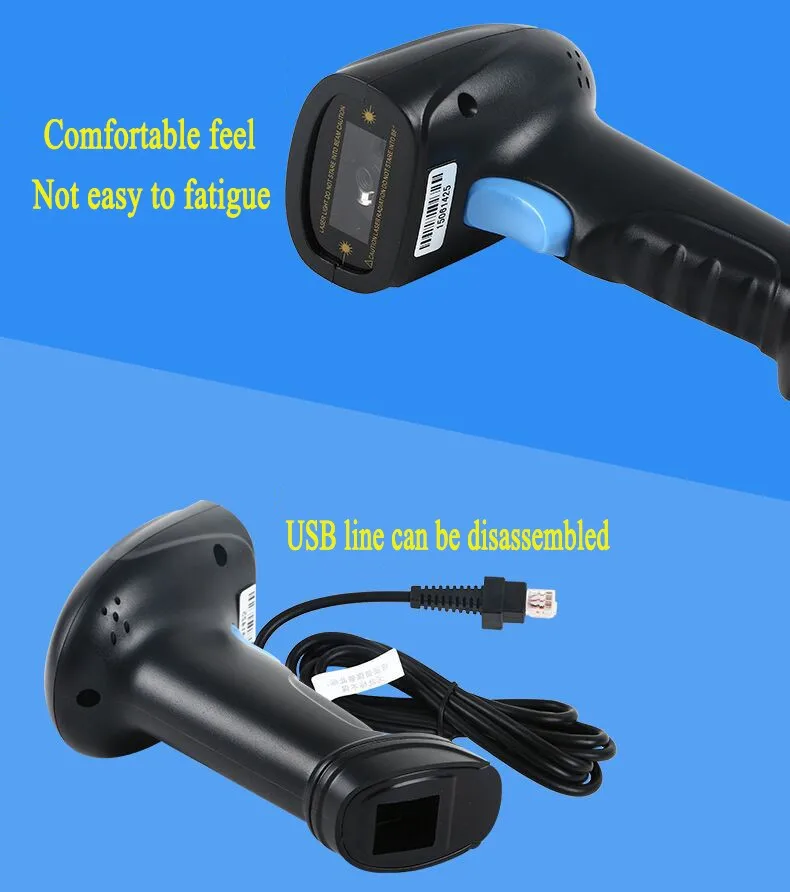
2D/QR Hand-Held Laser Barcode Scanner YK-980C(YK-M3)
Four-chip Dealing Technology Exclusively, The most fast speed 2D/QR barcode scanner;
Bifocal optical Controlled technology Exclusively,High density and wide barcodes can be decoding easily
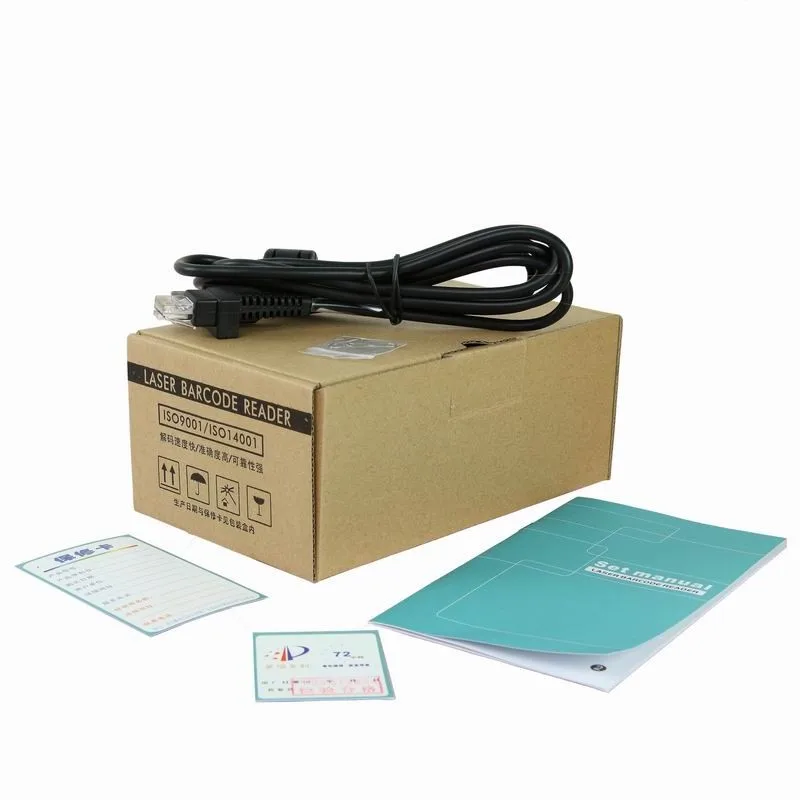
Package:
M3 scanner*1 pcs
CD(Include manual)*1 pcs
Charger cable*1 pcs
Paperclip*1pcs
Box*1 pcs