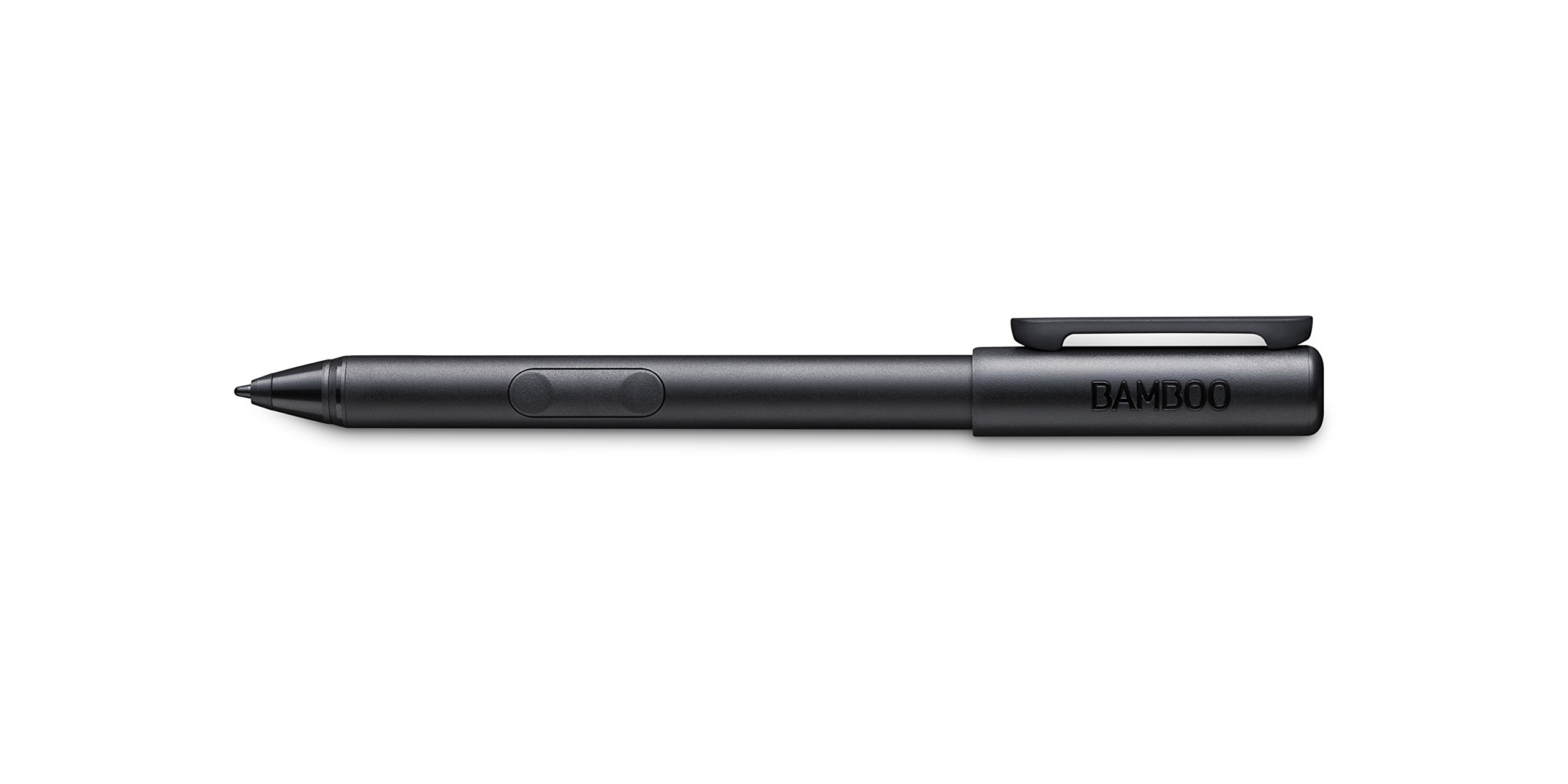
Item Descriptions:
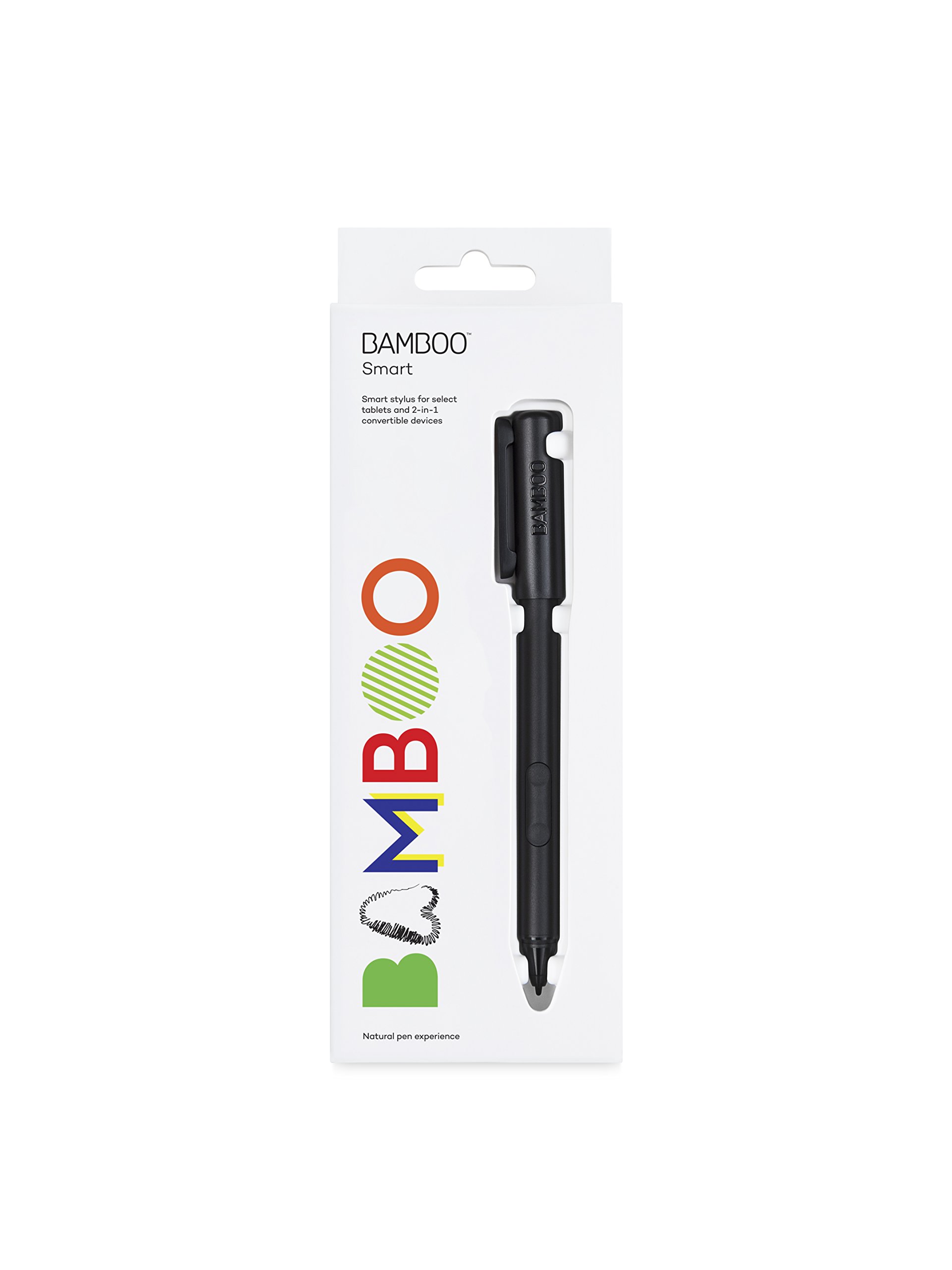
Wacom Bamboo Smart for select tablets and 2-in-1 convertible devices CS320AK
Product information:
Shipping Weight: 77 g
Package Dimensions: 2.69 x 7.19 x 20.09 cm
Customer reviews from Japan:
 It worked with Huawei Matebook m3.
Purchased here because MatePen was expensive. While reviewing Matebook is small, I tried purchasing slightly pedestrian but could use it without problems. It also detects the pen pressure that I was most concerned about. I often draw on the Sketchbook application preinstalled on Matebook, but it is a response that does not feel stressed at all. (Tablet m3 4GB SSD 128MB model) It was my first time to buy products of this type, so it felt quite surprising that I bought it and could use it as soon as I bought it. You do not have to bother to set Bluetooth connection etc! On the other hand, something a little unsatisfactory is not compatible with the magnet for fixing the MatePen about the cover of the Matebook, and once the stick sticking to the cover sticks together, since it falls immediately after shaking it is not suitable for everyday use . In addition, pen pressure detection did not respond in Adobe Photoshop CS 6. Apparently it seems necessary for the application side to be compatible with the latest pen tab specifications.
 I am using it quite nice feeling
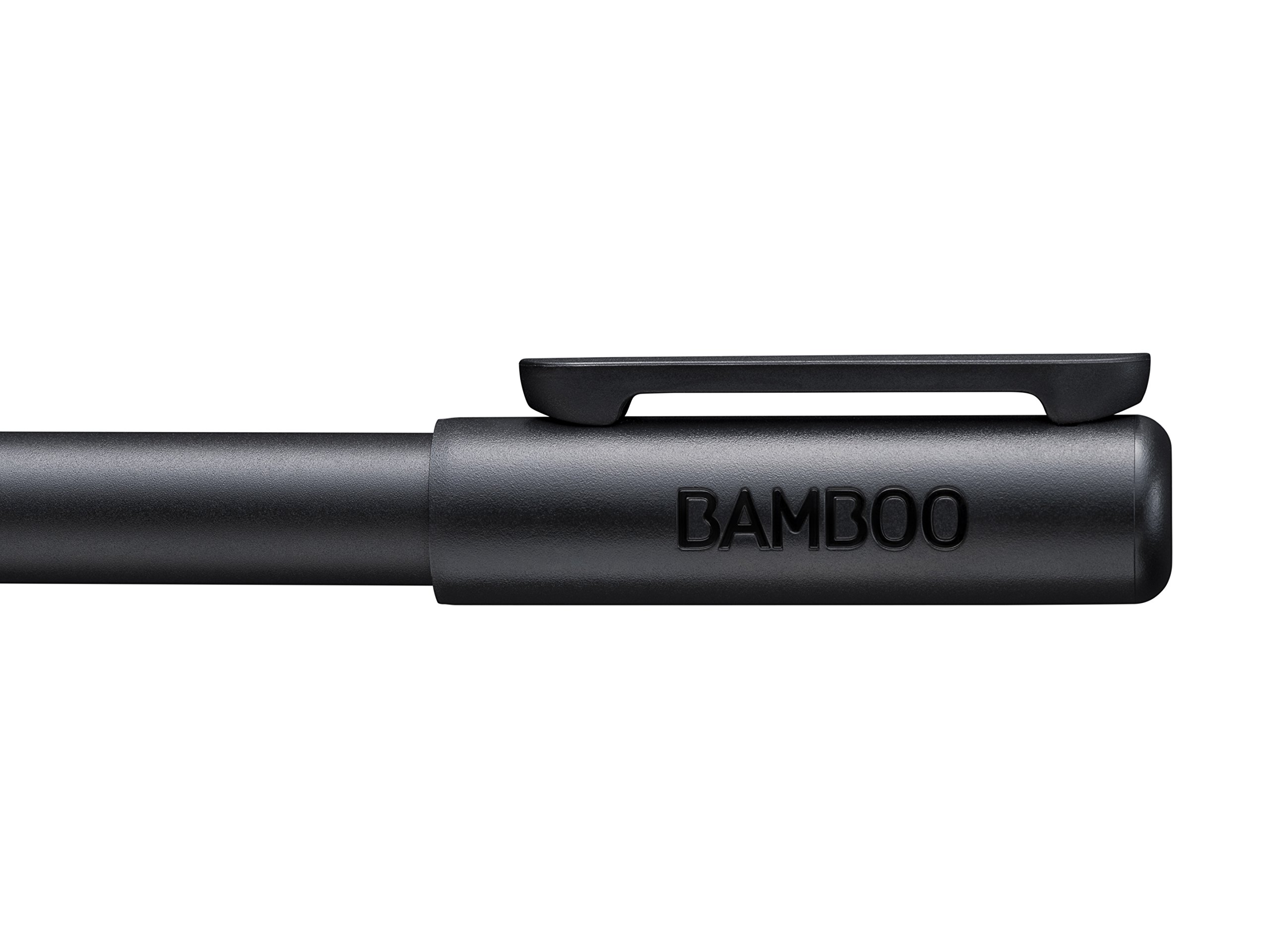
Lenovo's miix 700 users. The feeling of use is wonderful for writing and drawing. It is regrettable that although it is a thing which can not be tried by AES standard, it is the first time to use specifications and batteries that require a battery, but the cap tightness has become worse.
Easy to draw ♪
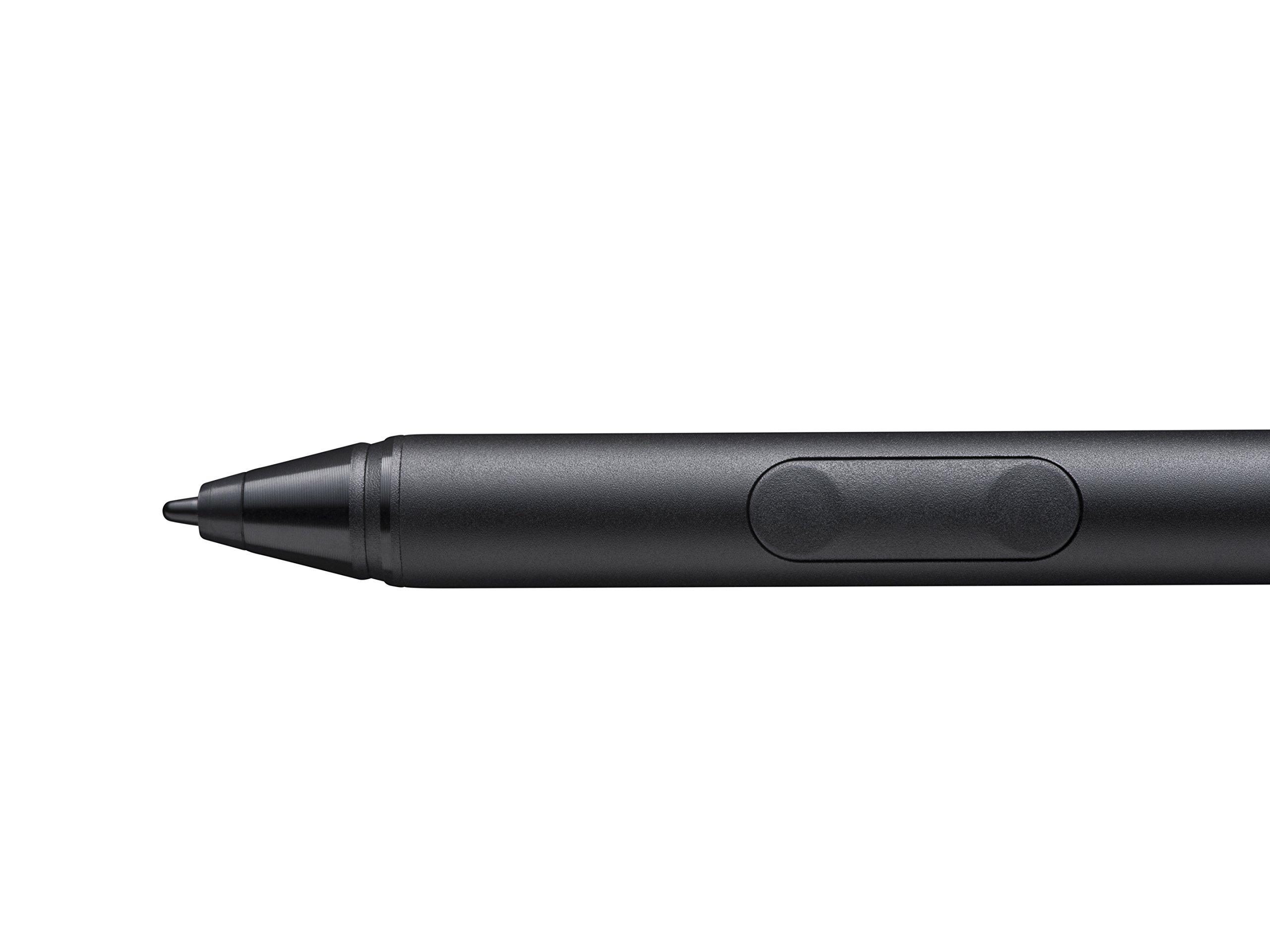
I think that it is great that the pen's good or bad depends on the person's feeling, so it is true that I do not know without actually using it, but as my opinion, I draw it I felt it was easy pen. I also thought that it would be easier to push a button a little more, but I felt that it was not convenient to push too much too much. I am using it with Thinkpad P40, but it is much easier to draw than the attached pen. I felt that the size difference of the pen simply leads to easy drawing.
Very good
Used on the tablet of Win10. I thought that there was nothing good there, but it was a pretty good feeling when used in tablet mode. Since I work on a wide screen, the tablet is also for play, and the pen is used only for mouse instead.
It was possible to use it even on a tablet PC which is not shown.
It was also possible to use LAVIE Tab W TW 710! The pen pressure also reacts with chitin.
ThinkPad Yoga 260 more comfortable
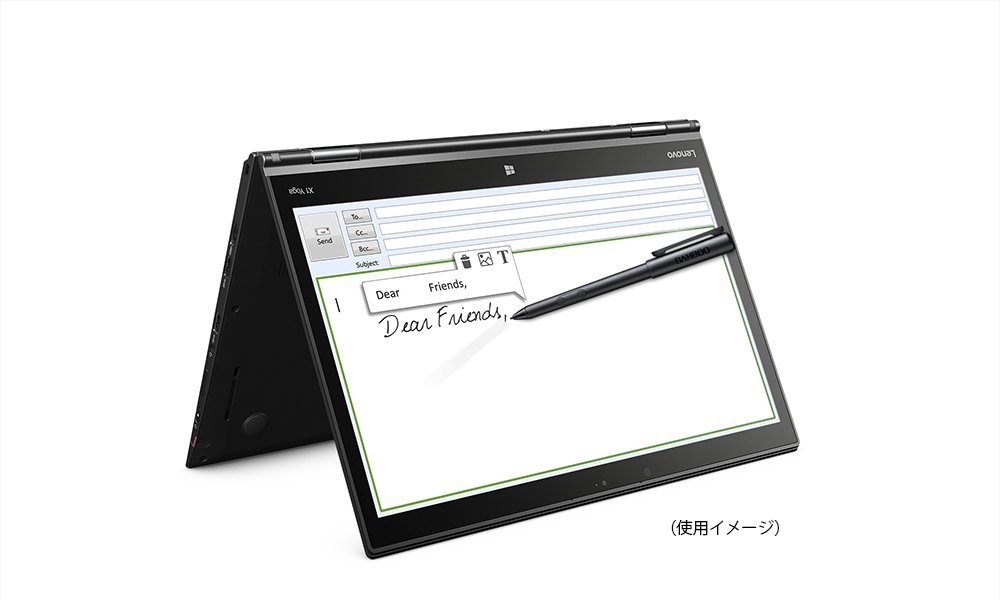
ThinkPad Yoga 260 pen ThinkPad Pen Pro - 2 is comfortable to write, but because it is thin and light, it is hard to use for a long time, so I decided to try this product. Although I could not find information on Yoga 260, I was worried, but I can use it without problems, especially without using a driver installation. The handwriting environment dramatically improves. It is recommended for those who use Yoga 260 by all means.
Used by Dell XPS 13 2-in-1 (9365)
Dell XPS 13 2 - in - 1 (9365) can be used without problems. I purchased it because I wanted to use Windows Ink on Windows 10. Digitizer pen is convenient. Even if you do not touch the display, the pointer is displayed just below. I draw handwriting, use it as a communication tool instead of a white board, use it as a pointer when solving Web problem collection like Ping - t, and I find it useful anyhow. Next to the mouse, the digitizer pen will become an indispensable input device for the PC. I would like to take advantage of it.
SHIPPING METHOD
Delivered directly from Japan by Japan Post. It will take 3 to 5 business days to prepare the order for shipping. We guarantee careful packing and safe shipping.Please note that in some cases additional import or VAT charges may incur and have to be borne by the client.
1. Japanpost registered mail
Shipment by Japanpost Registered Mail (Standard). Trackable any time with tracking number. Insurance is not available. Delivery time usually is between 1-3 weeks from the date of dispatch. Some items are not eligible for Standard Shipping.
2. Qxpress Standard
Shipment by Qxpress standard service. Trackable at any time with tracking number. Registered and insured up to a value of item price and shipping fees.Delivery time is usually between 5-10 business days from the date of dispatch.
3. EMS
Shipment by Expedited Mail Service. Trackable at any time with tracking number. Registered and insured up to a value of $200 and usually delivered in 2-6 business day from the date of dispatch.

| Japanpost registered mail | Qexpress | EMS | |
|---|---|---|---|
| Shipping Method | Japanpost Registered Mail (Standard) | Standard Qexpress | EMS (Expedited Mail Service) |
| Trackable | Yes | Yes | Yes |
| Insured | N/A | Yes (Up to item price and shipping fees) | Yes (Up to $200.00) |
| Asia | 1-3 weeks | 5-10 days | 2-5 days |
| Oceania; North America; Central America and the Middle East | 2-4 weeks | 6-14 days | 2-6 days |
| Europe | 2-4 weeks | 6-16 days | 3-8 days |
| South America and Africa | 2-4 weeks | 10-18 days | 4-8 days |
NOTICE:
- For overseas delivery, please be aware that damage to the outer box can be seen.
- If you would like to avoid as much damage as possible, please choose the EMS shipping method.
"According to Qoo10 guide line,overseas shipping fees will be charged to you extra if you choose Qxpress standard shipping.We recommend you to compare the total price of your purchase with EMS."
