Package include:
X4M380L Fiberglass Frame *1
Clockwise Brushless Motor *2
Counter-clockwise Brushless Motor *2
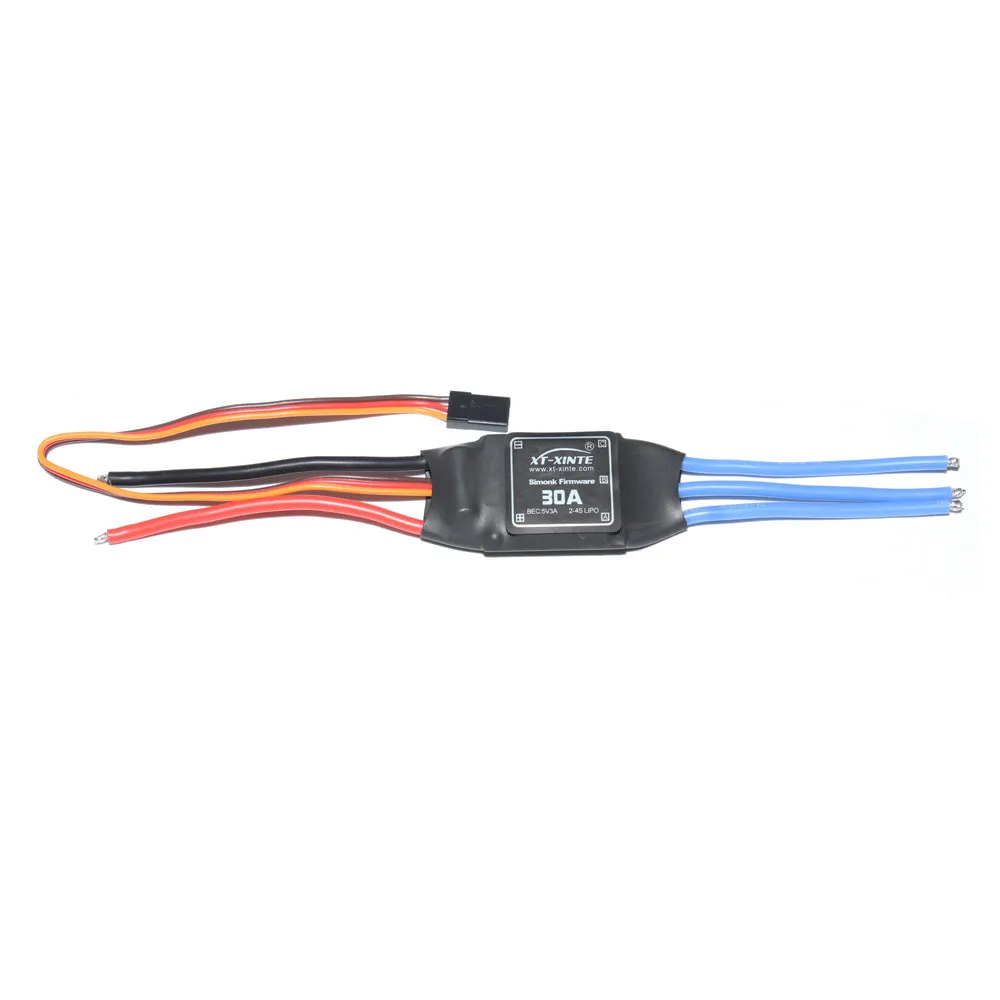
30A Brushless ESC Speed Controller *4
9443 Propeller *2
KK Connection Board *1
APM2.8 Flight Control *1
6M GPS with Compass *1
3.5mm Bullet Connector *12
20cm Hook and & Loop Fastening Tape *1
T Plug Male Connector Silicone Wire *1
5pcs 10cm Servo Receiver Extension Lead Wire Cable*1
GPS Folding Antenna Mount Holder*1
Notice:
Before you can configure your APM you will need to first connect everything together. This guide will show you all the cables and parts that you will need to connect to your APM.
Typical Quadcopter Layout
Please note the illustration Below highlights a (TYPICAL) installation. It contains optional equipment including a Camera Gimbal and a Battery Monitor and it utilizes an ESC wired "Y" power connection rather than the power distribution board common to many MultiCopters.
1. Connecting your motors and RC gear
Overview of connections on the Ardupilot Mega v2 board
Note: the instructions below are for regular RC receivers with PWM output (one cable per channel). If you're using a "PPM" receiver (one cable carries all channels) follow the instructions .
Before you can configure your Arducopter you will need to first connect everything together. This is quite easy. You need to connect your RC receiver to the Input side of the board. You can use the cables included with your Arducopter Kit or if you are using another frame you can use jumper cables or female to female servo cables
Connections between RC receiver and Ardupilot Mega v2 board
If you are using female to female servo cables the ground (black) side of each connector must be on the outside for the board the signal (white/orange) needs to be on the inside as shown below.
Connecting with straight connectors
Connecting with right angle connectors
If you are using a multi-pin connector that was included with your Arducopter Kit connect them as shown below
Input Side for RC reciever
Output side to PDB
Please note that your ESC connectors should be plugged in the the output side it is suggested that you only use power from one of your ESC's. This can be dune by cutting the red wire on all but one of the ESC's or by using a special adaptor. 2. Connecting ArduCopter motors
Once again if you are using an Arducopter Kit with the PDB then you dont need to worry about this if you soldered everything correctly as the motors are assigned to the correct pins with the cables you plugged connected in the previous step. However you will neet to make sure your motors are spinning in the correct direction. The images below show the possible arducopter configurations with correct motor orientation
Quick Tip: If your motor is not spinning in the correct direction simply switch the position of any two of the ESC-motor wires.
Arducopter Quad
Arducopter Tri
Arducopter Hexa Octa and Y6
Arducopter OCTA QUAD (X8)
Connecting a Roll-Tilt Camera mount
3. Connecting Optional Sensors
Sonar - Ultrasonic Rangefinder
AC2 supports the MaxSonar line of sonars for low level altitude hold and in the future collision avoidance. Below 10 meters sonar is primarily used for altitude hold. Above 10 meters the barometric sensor is used. GPS is not required for altitude hold.
Connect your Ultrasonic Sensor to the A0 port of your Ardupilot Mega v2 board
The sonar sensors are quite sensitive to noise adding something like a ferrite choke to your cable could help. The most important is to mount your sonar away from other electronics like ESC or wireless telemetry modules.
Possible Causes of sonar Interferance
Electrical noise caused by ESCs Servos or switching BEC's on the same circuit as the Sonar
EMF radiation from motors motor wires ESC's or Xbee.
Acoustic noise from propellers
Vibration from motors props etc.
Optical Flow Sensor
The optical flow sensor is used to improve the position hold accuracy of your arducopter. This sensor is supported from Arducopter 2.6 and above.
Connecting the optical flow sensor to APMv2
Power GND NCS pins should be attached to A3
MISO MOSI and SCLK pins should be directly soldered to the pins shown above
Default mounting is lens pointing down pins forward
Its a good idea to secure the wires with some cable ties so they dont break off over time
How to connect the optical flow sensor to your ardupilot mega board. Make sure the pins are facing forward
Now that everything has been connected everything the next thing to do is configure arducopter firmware for your frame.