Studio : Inter Tech Publisher : Inter Tech Binding : Kitchen Product Description
[Product Features]
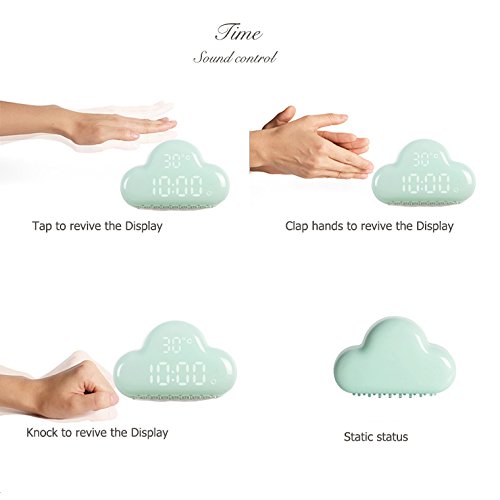
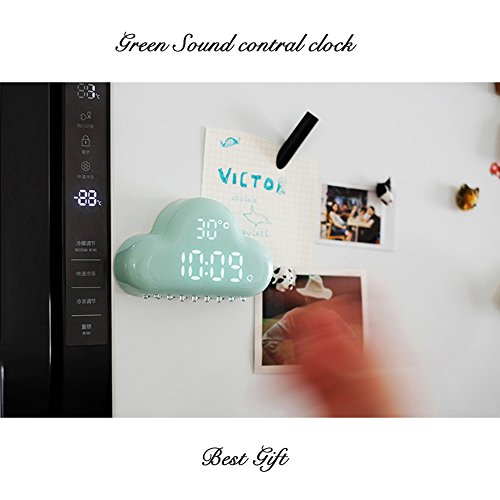
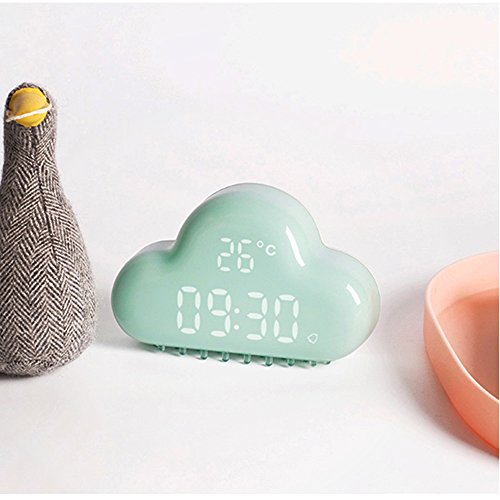
Now we have updated this item in smaller size, smaller, cute and convenient
Setting time/year/month/day
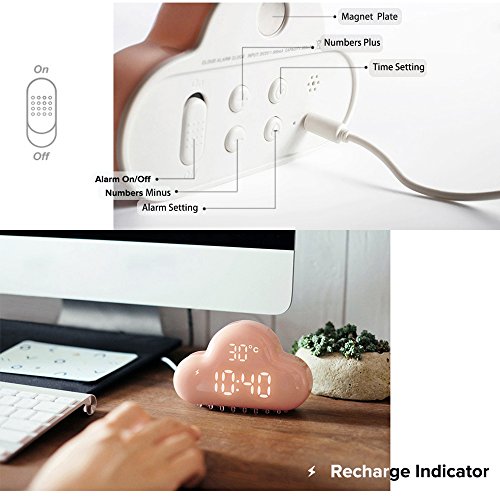
Long press Time setting key to start set time/year/month/day.And the screen's hours will start to flash,press the Number " " / "-" to adjust it.Then press the Time setting key again,its minute will start to flash,press the Number " " / "-" to adjust it. Press the Time setting key third,its year will start to flash,press the Number " " / "-" to adjust it. As same as the month and day's setting.After you have adjust all the time ,Press the Time setting key to confirm it.
Alarm setting
Long press the Alarm setting key to set alarm clock.And the screen's hours will start to flash,press the Number " " / "-" to adjust it.Then press the Time setting key again,its minute will start to flash,press the Number " " / "-" to adjust it.After you have adjust all the time ,Press the Alarm setting key to confirm it.
Charging ways
This item contains built-in 900 mAh lithium battery, it can be recharged via USB Charging cable with PC to charge it.When you charge it,the Charge prompt will light up,and Charge prompt will light off when fully charged.
Product Specifications
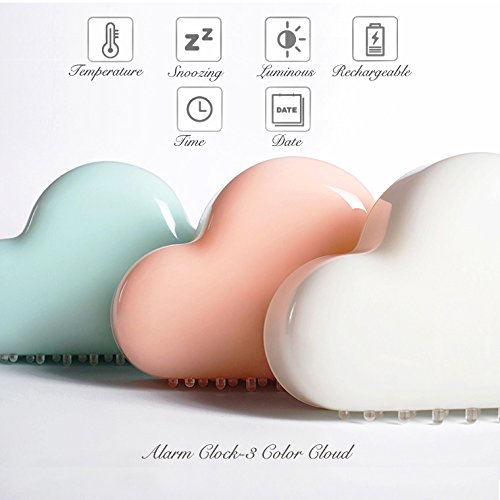
Name:Cloud alarm clock
Material: ABS
Input: DC5V 500mA
Battery capacity: 900 mAh
Time format: 24 Hour time format
Size: 4.8 x 3.1 x 1.4 inch / 122 * 79 * 35mm
Power supply: USB
Weight: 120g
Package includes
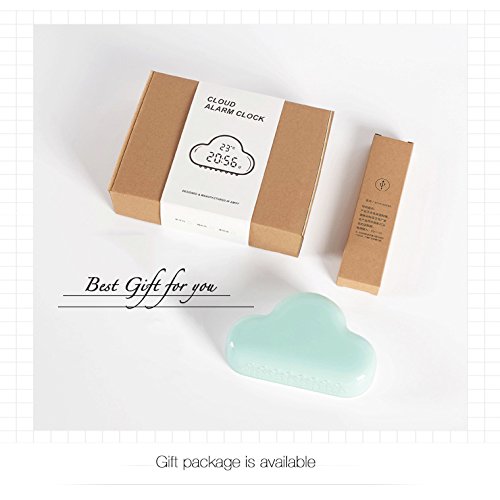
1x Cloud Alarm Clock
1x USB Cable
1x English User Manual
Gift packing
0
|