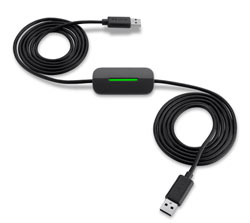
Transfer files from older Windows computers to a Windows 8 machine with this cable. View larger.
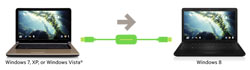
Windows Easy Transfer software simplifies the migration of user accounts, settings, emails, and contacts.
View larger.
Transfer Settings and Files to Your Windows 8 PC with Ease
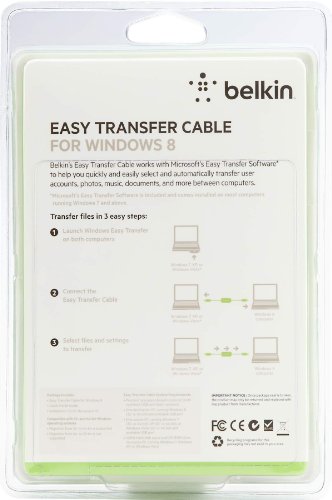
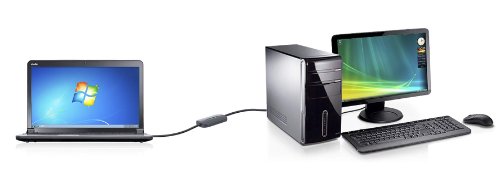
The Belkin Easy Transfer Cable for Windows 8 and Microsoft Windows Easy Transfer software work together to simplify the transfer process to three easy steps. Simply insert the software CD into your old computer running Windows XP or Windows Vista (Installation not required on computers running Windows 7). Connect the transfer cable to an available USB port on both computers. The Windows Easy Transfer installer automatically appears with a file explorer that lets you easily select which files to copy to your new computer.
With three easy steps, your documents, photos, music, and settings, automatically transfer without requiring you to set up a network or burn dozens of CDs to copy data.
Easily Transfer User Accounts, Computer Settings, Files, and More
You will be able to transfer your user accounts, Windows settings, program settings and data, email messages, and contacts. Thanks to the Map User Accounts feature, you can easily complete your transfer even if the destination computer doesn't have matching user accounts.
Full Report Informs You of Transfer Confirmation
Once the transfer is completed, a post-migration report is generated, providing a comprehensive view of everything that was transferred to your new computer. You can rest assured knowing you did everything correctly and quickly identify any issues. Because of possible incompatibility and licensing issues, some programs and applications may not be transferred to the new computer. The utility provides a list of all programs and applications installed on the old computer along with links to latest versions of the programs (if provided by the software developer).
In addition, if there is a corrupt file or setting, your transfer won't hang up--it will simply finish and provide a full report of anything that didn't transfer.
USB 2.0 Cable with LED Indicators
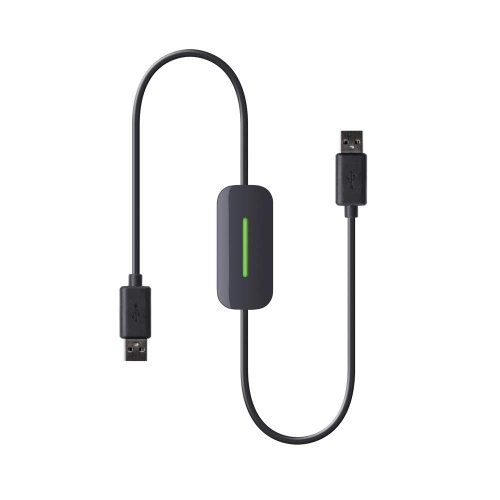
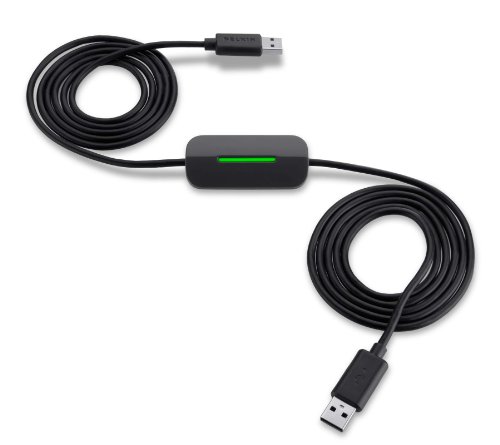
The included USB 2.0 high-speed cable provides transfer speeds of up to 480 Mbps and is backward compatible with USB 1.1. It is eight feet long (2.4 meters) so you'll have ample length to connect two computers. LED lights on the cable let you know that the transfer is in progress.
Compatibility Information
The Belkin Easy Transfer Cable for Windows 8 requires one source computer running Windows XP (32-bit), Windows Vista (32-bit), or Windows 7 (32-bit), and one destination computer running Windows 8 (32- or 64-bit). The source computer must have 40 MB of hard-disk space and a CD-ROM drive. Both computers must have an available USB port. Migration from 32- to 64-bit and 32-bit to 32-bit is supported. Migration from 64- to 32-bit and 64-bit to 64-bit is not supported.
What's in the Box
Easy Transfer Cable for Windows 8, installation CD, and quick install guide.

Belkin Easy Transfer Cable for Windows 8
At a Glance:
- Transfer files from older Windows computer to Windows 8 machine
- Transfer user accounts, personalized settings, emails, and contacts
- Included Windows Easy Transfer software walks you through the process
- Automated report shows what's been transferred and links to software updates
- LEDs lights on cable show when a transfer is in progress
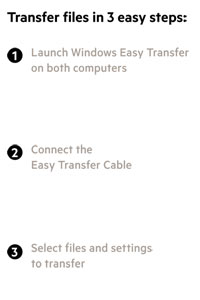

The cable and software simplify the transfer process to three easy steps.