Product description
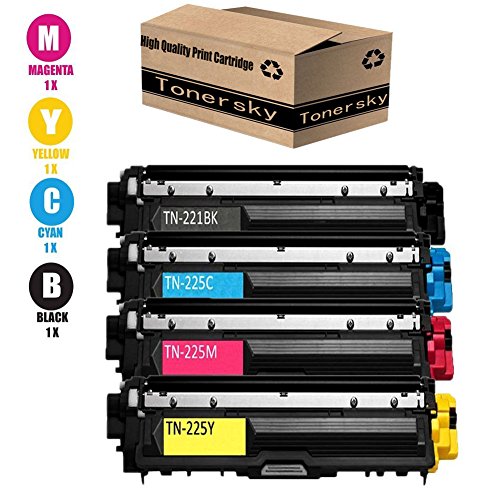
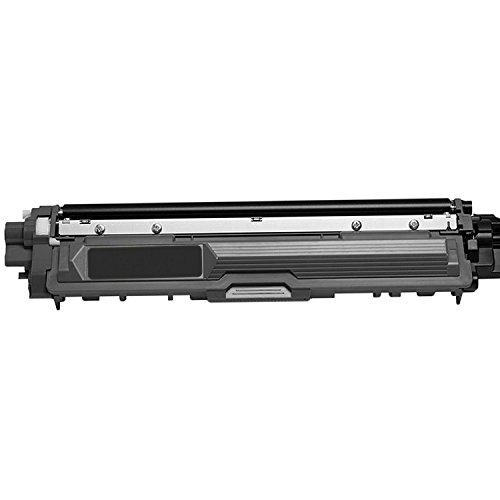
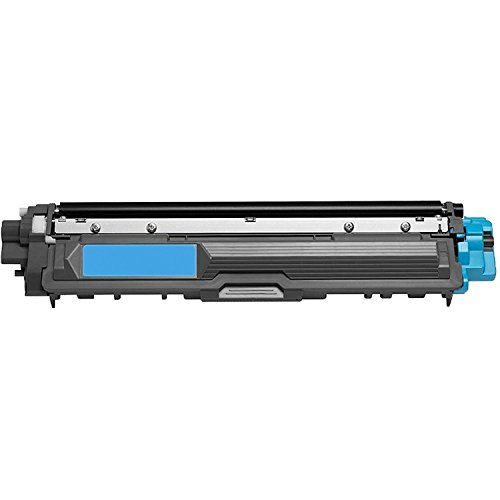
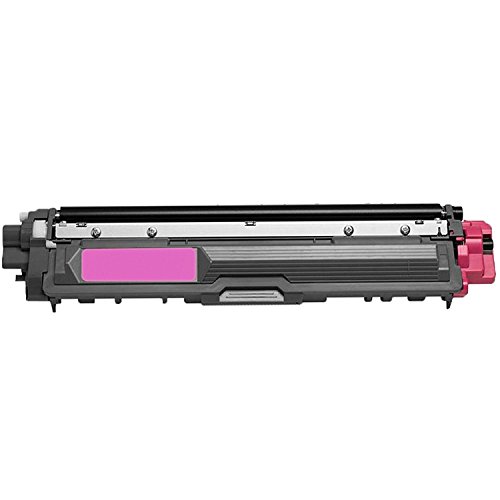
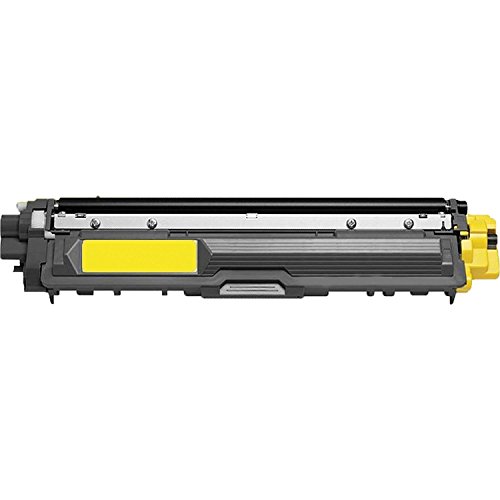
★Model number: Brother TN221 TN225
★Compatibility list: Brother HL-3140CDW/3150CDW/3170SDW,MFC-9140CDN/9330CDW/9340CDW/9130CW,DCP-9020CDW Laser Printer
★Package Contents: 1BK1C1Y1M
NOTES:THIS IS A COMPATIBLE REPLACEMENT PRODUCT ONLY. THIS IS NON-OEM.
★The reason you choose us belows:
→ 100% Quality Guarantee and under 0.5% defective rate
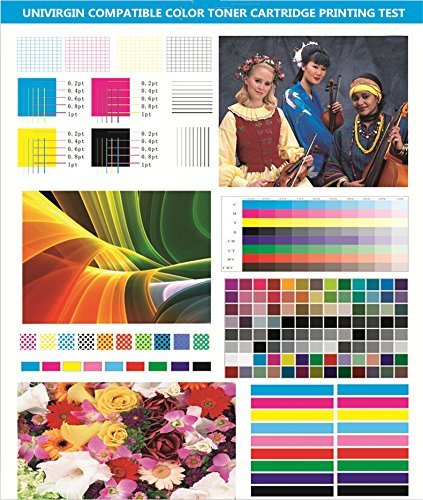
→ Printout same as Original OEM cartridge
→ Every toner packaged in single box with pearl wool anti-static plastic without any leaking trouble
→ Fast effective service
→ High page yield
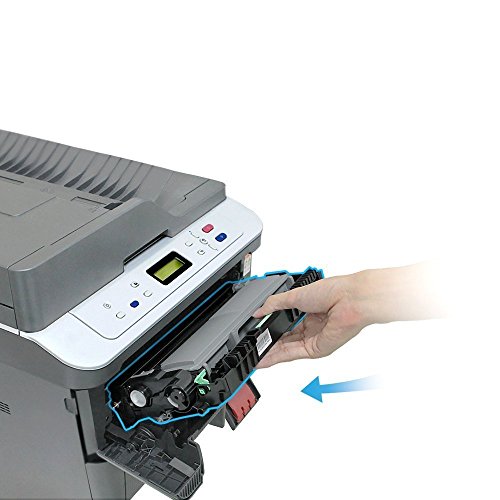
→ Easy install
Q&A
★ When toner is installed,printer shows a message that the toner is Non-Brother.
That is correct.This is not OEM Brother toner cartridge. It is re-manufactured toner cartridge made by OEM Brother empty cartridge.That message can be skipped and it won't influence the normal installation.This is an environmental protection plan recommended by our government.Thanks for your kind support to our green project.
★ How to deal with my unrecognize problem?
Step 1. Open the front cover of the Brother printer. This cover is here the toner and drum is inserted, not the paper. The cover should remain open for the entire process, unless otherwise instructed. The screen will read, "Front cover is open."
Step 2. Press Secure and Cancel button at the same time.
Step 3. A reset menu will appear on the LCD display on the machine
Step 4. Use the arrow keys to select the color that needs to be reset. If you need to reset more than one color you will need to do this process from beginning to end for every single color.
Step 5. The LCD screen will read “Accepted.” Close the front cover and continue printing.