Product Description
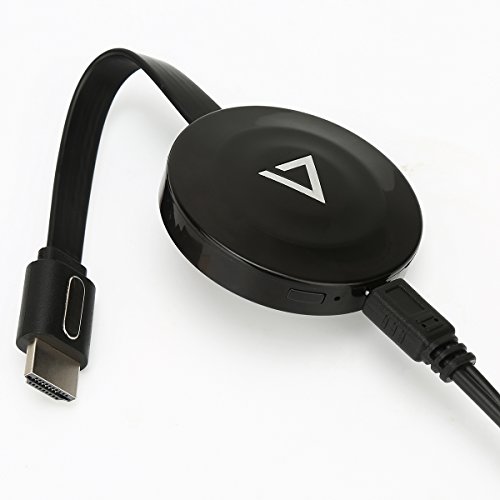
How to UseUse the USB cable to connect the dongle to the TV's USB port or power adapter for power, use the HDMI cable connect the dongle HDMI port to the TV's HDMI port. Choose the signal source as HDMI on the TV.
For iOS devices1.Press the Mode button and switch to DLNA mode for iPhone/iPad.
2.Connect iOS device to the dongle WiFi with the password on WiFi setting.
3.Control Center > Airplay Mirroring > Choose dongle, TV will share your screen immediately.
4.When the first use please set the dongle connected to Wi-Fi router. Connect your iOS device to the hotspot of dongle. Open web browser > Visit 192.168.49.1 > Choose Wi-Fi setup > Select your Wi-Fi router > Input password > Connect.
For Android devices1.Short press the MODE button and switch to MiraCast mode.
2.Open Miracast switch on your Android device and choose MONTOVIEW-XXXXX, the device will automatically connect.
3.After the connection is successful, TV will automatically share your screen.
4.There are different names of Miracast on different Android devices, such as WIFI Display,SmartView,Muti-screen display,WLAN Display,Wireless Display etc.
Tips & Notices1. Online upgrade: If dongle is on network mode, it will upgrade automatically when there is a new version on the dongle. It is compatible with iOS 11.
In the case of WiFi stability, the MAX transmission distance can be up to 4 meters.
2. Due to the copyright protection (HDCP), public sharing of the contents on the screen may be prohibited by some video service providers (such as Netflix, Amazon video, HULU and other websites).
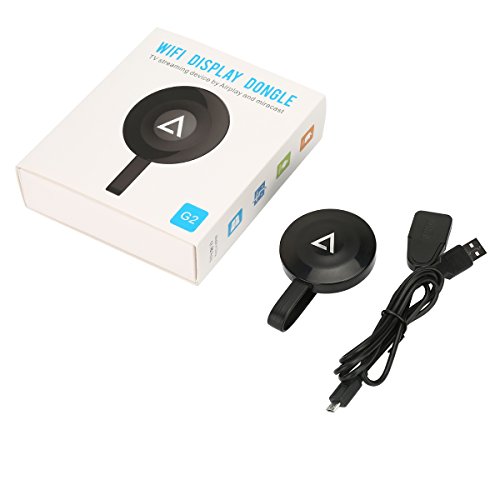
Package Include1* WiFi Display Dongle
1* Micro USB Power Cable
1* User Manual
Feature
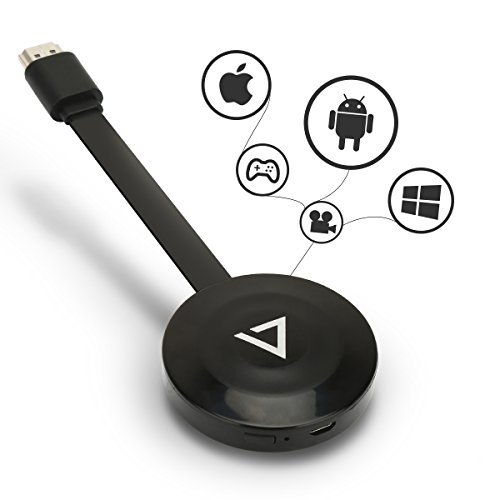
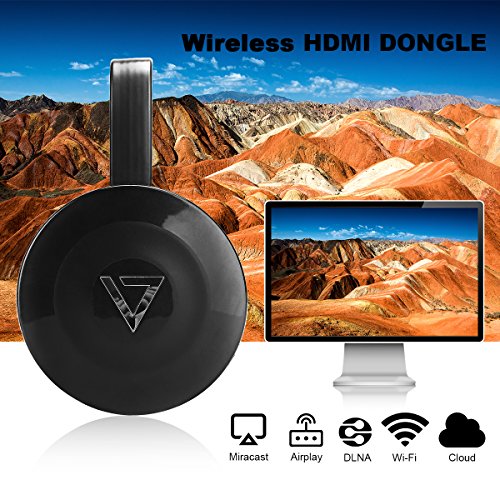
Multiple Function Selection -- AirMirror / Miracast / DLNA / Airplay to sync cast photo/video/music/office file/web browser/live camera from iPhone/Android smartphone/tablet PC to large screen TV/ projector.
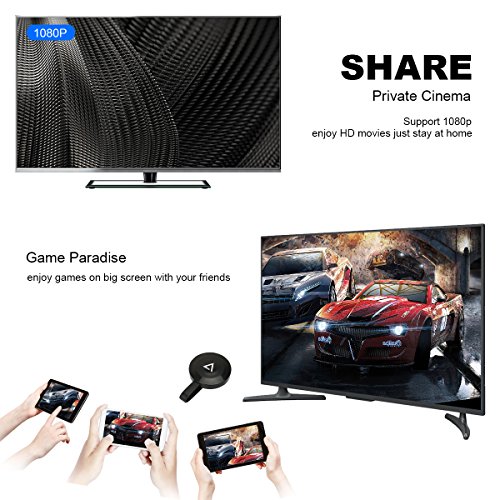
Synchronous Display -- Support sync cast photos/videos/music/office files/web browser/live camera online movies/videos/games, online TV channels, online Webcast/web browsing from iPhone/Android smart phone/tablet PC to large screen TV/Projector.Share your happiness with your family, friends;The stick is perfect for office and school presentations (Power Point , Excel, Word, PDF and images from the Smart phone, tablet to HDTV or Projector).
Wide compatibility -- Smartphones and tablets (iPhone,iPad,Samsung,Google,LG, etc) with Android 4.2+ and iOS 8 - iOS 11;With this product, you can easily share high-resolution media files with your family and friends.
Easy Operate & Play -- Not request of APP download,only 3 steps to enjoy the media on large screen. Please following the product manual correctly, If you don't understand or it will not work. Please contact us first and we are always here for you.
Support Online Upgrade. If dongle is on network mode, it will upgrade automatically when there is a new version on the dongle.
Brand : Bestpool
EAN : 1456485677159
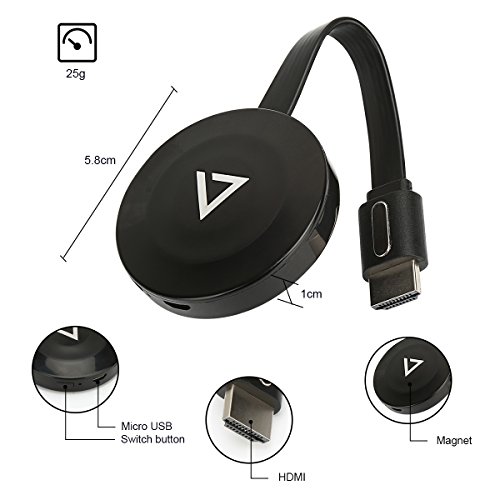
Product Dimensions(LxWxH) : 6x6x1cm ; 118 g
Package Dimensions(LxWxH) : 13x12x5cm ; 118 g