Studio : DIZA100 Publisher : DIZA100 Binding : Electronics Product Description
NOTE:
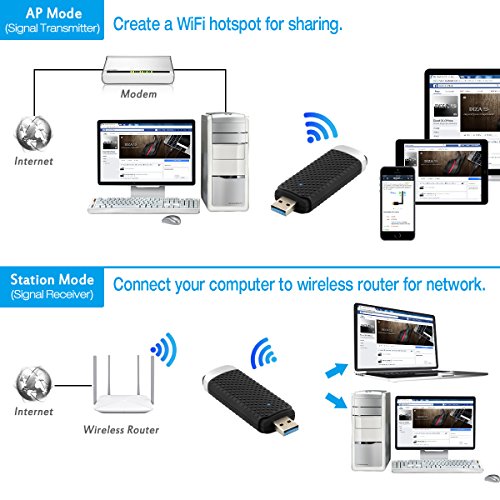
1.This product offers AP Mode and Station Mode for your option, but not mean you can run both modes synchronously, besides, the MAC system does not support AP Mode. Also, you can only connect to 2.4G WiFi or 5.8G WiFi separately, not both at the same time.
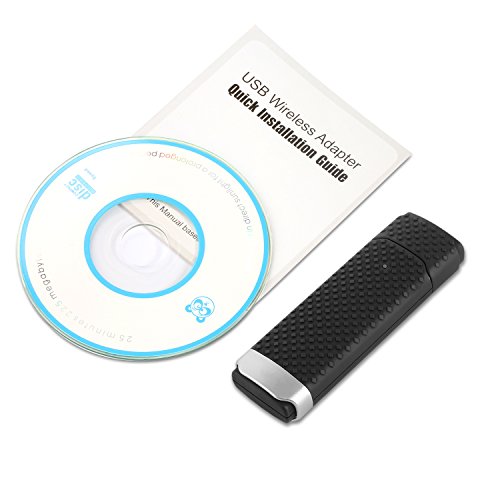
2. Install the driver from CD first before you insert the WiFi adapter
3. Restart your computer after driver installation
4. If your computer is desktop, we suggest that you'd better insert the WiFi adapter into the back USB port of you PC, that may guarantee the power supply
5. If you can't read the CD software, you can download the driver software here: https://goo.gl/X1jF6V
About dual band usage:
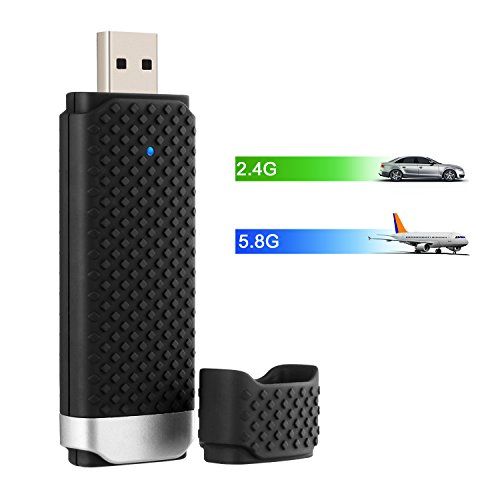
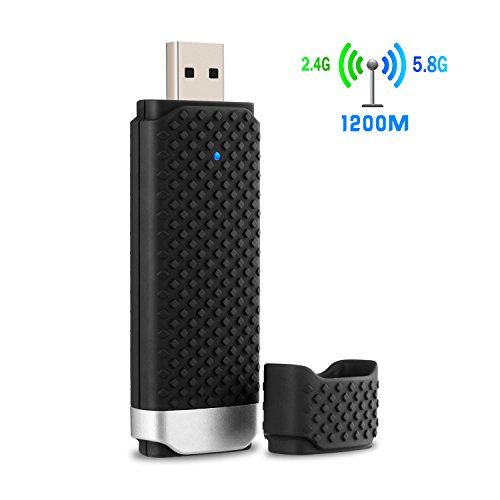
This is a dual band WiFi dongle, adopts the newest WiFi standard 802.11ac, perfect match with any dual band WiFi routers to offer you two WiFi mode options of 2.4GHz or 5.8GHz. But there are something you should know before you make a complaint about speed.
1. You must have a dual band WiFi router with 5G band if you want to have a 5.8G signal.
2. The max. speed up to 867Mbps just works when you connect to 5G band, otherwise, it will just run at the max. speed of 300Mbps with 2.4G.
3. This WiFi adapter will not boost the speed of original router, it just transmit the wifi signal.
4. If your WiFi adapter is closed to the router, and you want to have fast speed for watching video and playing online games, we suggest that you should connect to the 5G band. If your WiFi adapter is far away from the router, and you just want to surf the website, you'd better connect to 2.4G band for better and stable signal.
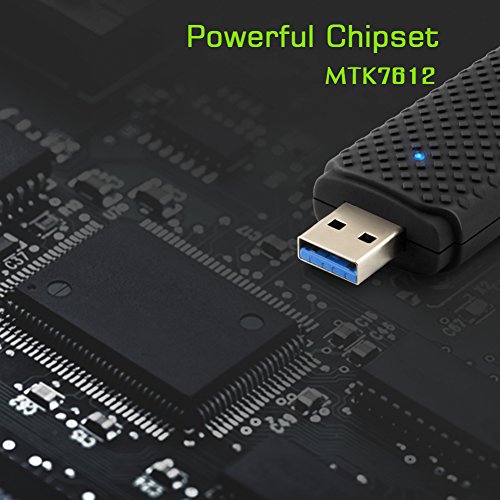
Chipset: MTK7612
Packing List:
1 x USB Wireless Wi-Fi adapter
1 x CD
1 x User manual
0
|