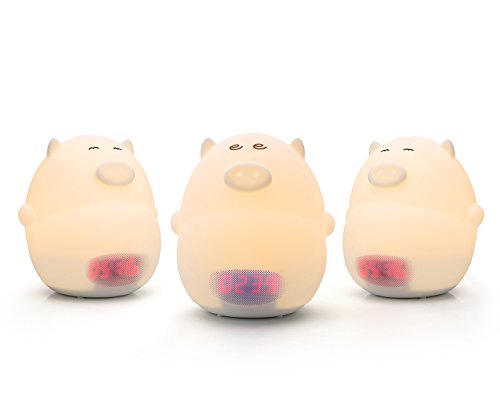
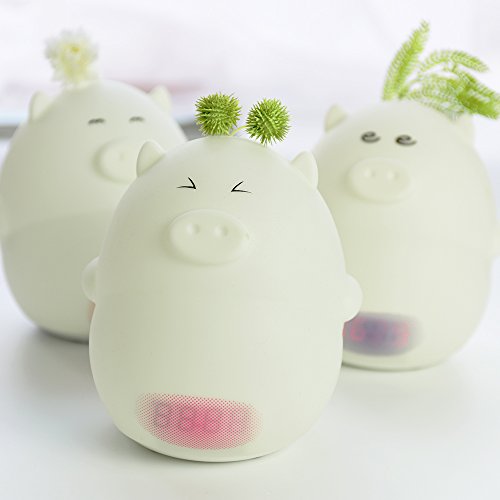
Studio : GoLine Publisher : GoLine Binding : Baby Product Product Description
[Features]
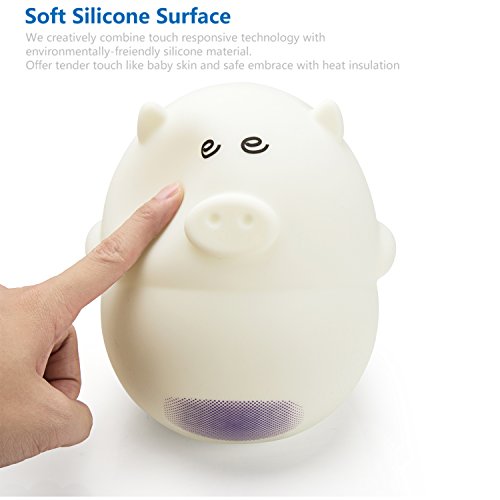
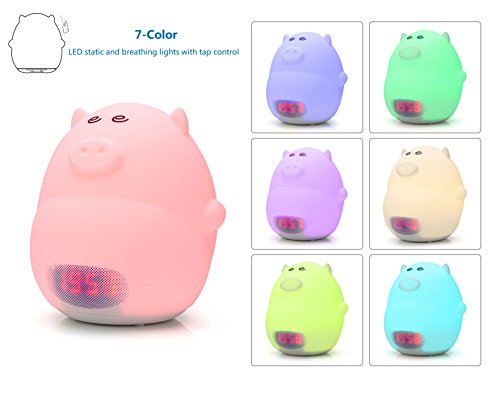
1. 7-color LED static and breathing lights with tap control
2. Set year, date, 12/24 time format, current time, clock and temperature in turn.
3. Support 12H/24H time display
4. Support display of Fahrenheit and Celsius
5. Auto time memory function
6. Sound control mode to save power:
☆Time display auto off after 30s of no action
☆60dB sound or tap to wake up time display again
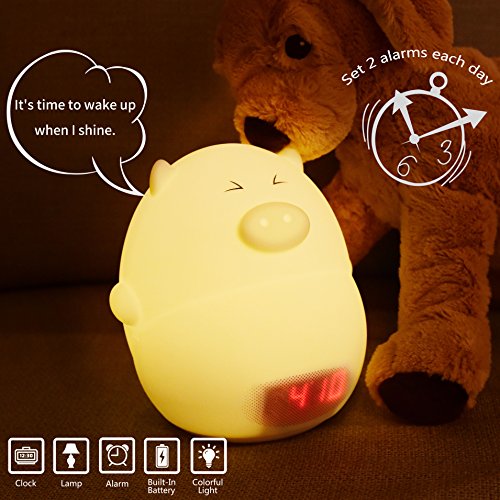
7. Set 2 alarms each day
☆3 sounds to choose (hog, piggy or ring-ring-ring)
☆Alarm and light run up to 5 min, or you could tap to stop
[How to Use]
★Light Setting★
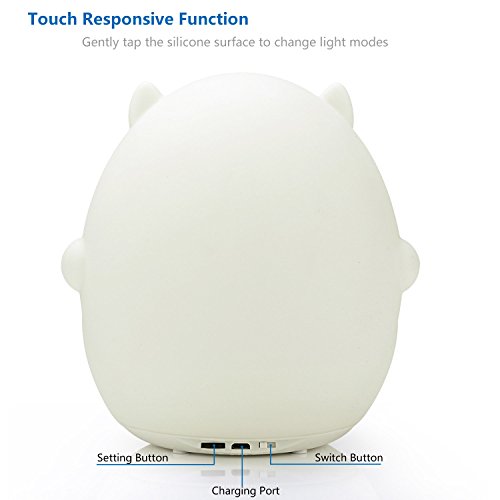
①Use the rear white switch to select sound mode or silent mode.
②Under silent mode, tap to turn on warm yellow light and tap again to 7-color breathing mode. Under 7-color breathing mode, tap to stay on selected color.
③Under sound mode, each tap will not only change light modes but also switch between sounds of hog and piggy.
★Time Setting★
①Press "SET" button for 3s and time display will flash for you to set time including year, date, 12H/24H, current time.
②Slide "SET" button to left or right to adjust. Setting of each part is the same case.
★Alarm Setting★
①After setting of "minute" of current time, press "SET" button to set clock1.
②Set alarm "hour" and "minute" by button "SET".
③Press and then slide "SET" button until it shows "on" to activate the alarm. If it shows "- -", alarm is off. Remember to set the switch button at sound mode if you want clock wake you up by sound.
④Press "SET" to choose among 3 sounds.
⑤Setting of alarm2 is the same case
★Temperature Setting★
After setting of Alarm 2, press "SET" button to set temperature. Slide to select display of Fahrenheit or Celsius.
[What's in the Box]
Piggy Night Lamp x 1
2.7ft USB Cable x 1(POWER ADAPTER NOT INCLUDED)
User Guide x 1
0
|