Studio : AOKEN Publisher : AOKEN Binding : Electronics Product Description
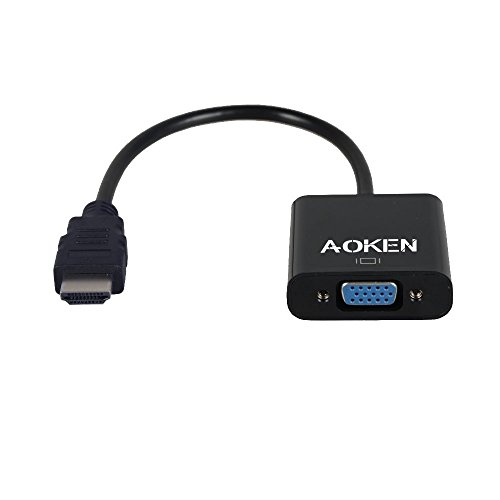
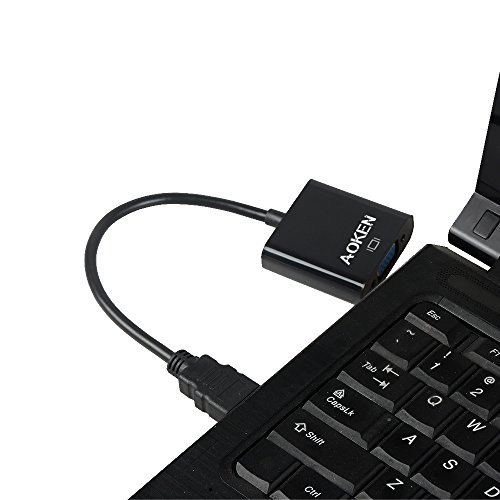
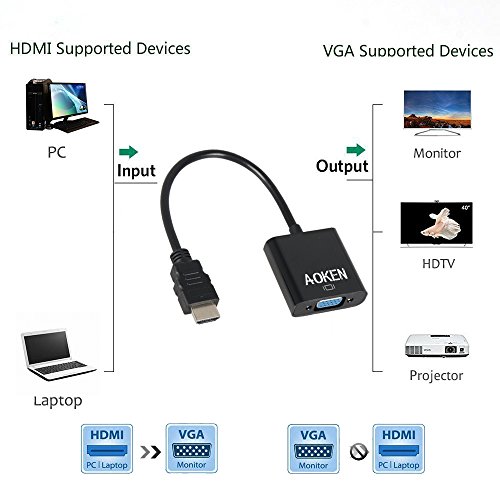
Connect an HDMI-equipped Laptop, Ultrabook, or Desktop Computer to your VGA Display, or Projector The Aoken HDMI-to-VGA Adapter Cable enables you to connect an HDMI output device, such as a laptop video output or digital media extender to a VGA display device (monitor, projector)
by converting the HDMI video signal from the output device into a VGA output and separate 2-channel analog audio.
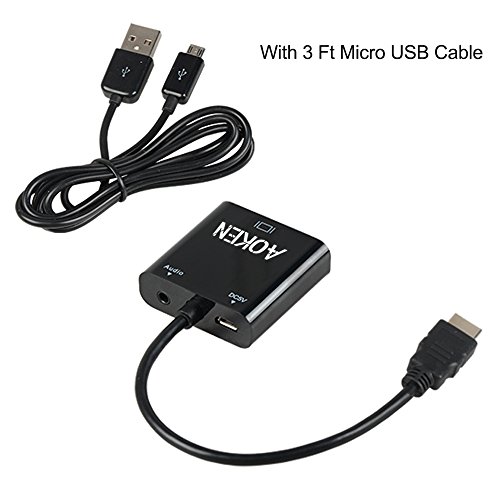
Ideal for low powered video cards 1.Optional External USB power(When use with Samsung ChromeBook Macbook Pro with Retina Display, please plug in the included Micro USB charging cable)
2.Works with low powered HDMI video cards that do not output enough power for a stand-alone adapter
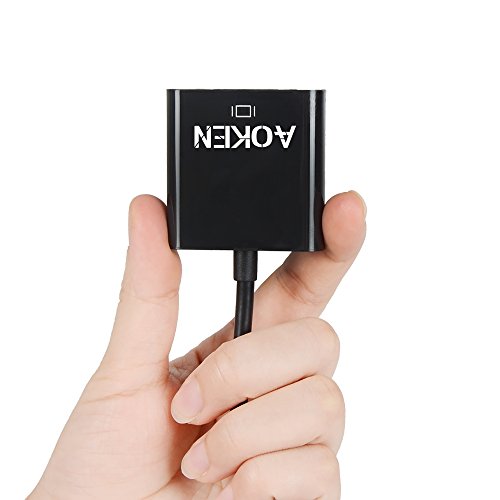
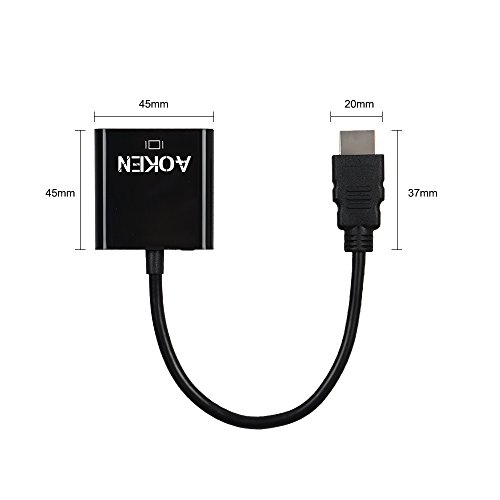
Designed for travel - Lightweight and portable Small foot print makes this adapter ideal for connecting your tablet or smartphone to VGA displays while on the road or in boardrooms using VGA projectors
Plug-and-Play Installation 1.no installation of any Software or drivers
2.Connect to the HDMI output on your device
3.Connect your Display to Aoken HDMI TO VGA using a VGA cable
4.If external power is required, connect the included USB power cable from the device to a USB power source
Supported Resolutions 480i/480p/576i/576p/800x600/720i/720p/1280x1024/1600x1200/1080i/1080p
0
|